🚨 PREREQUISITES

  • You must have an active Dinero subscription on the Pro plan or above (the Total plan also works).

⚡️ CONNECTION

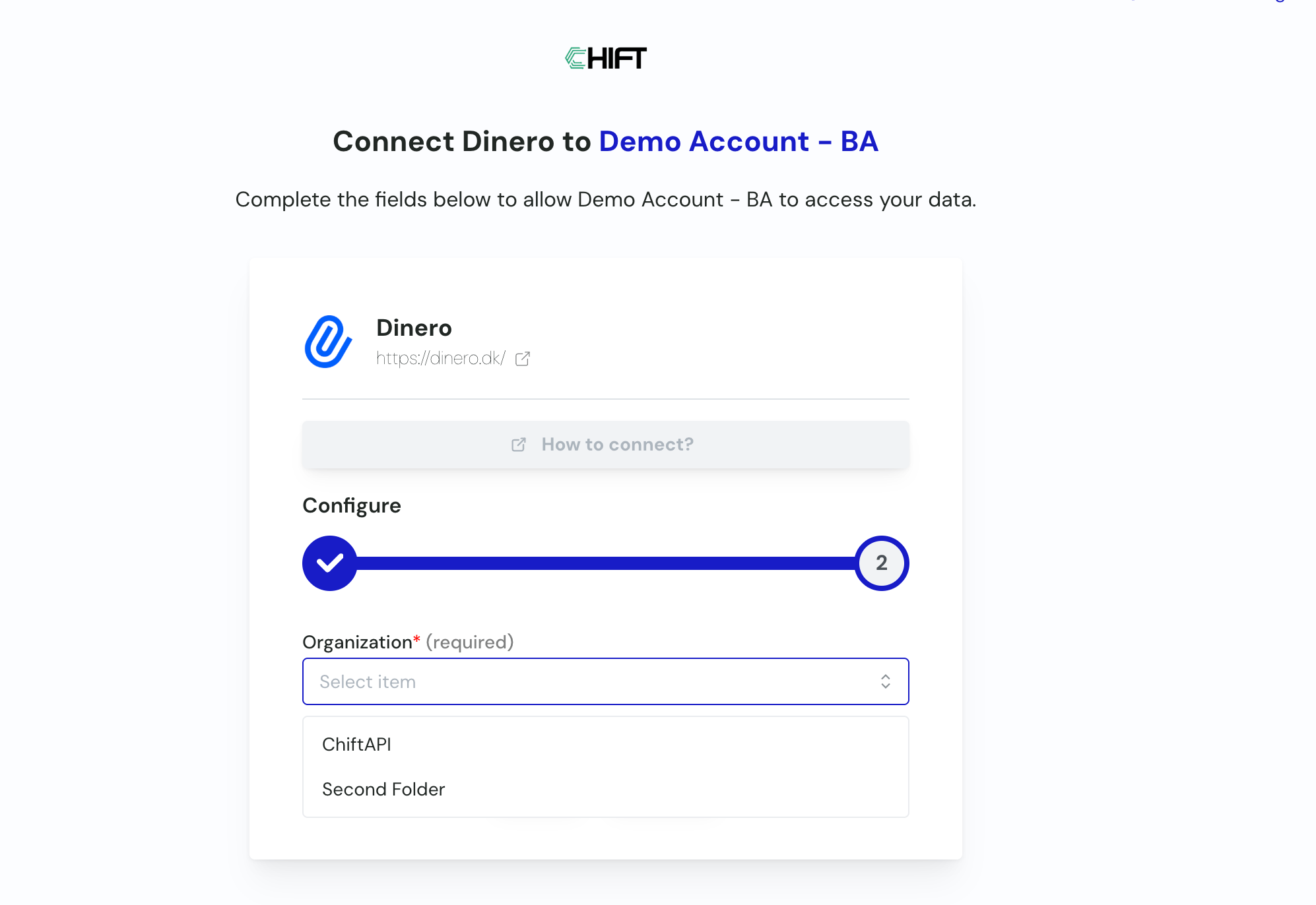
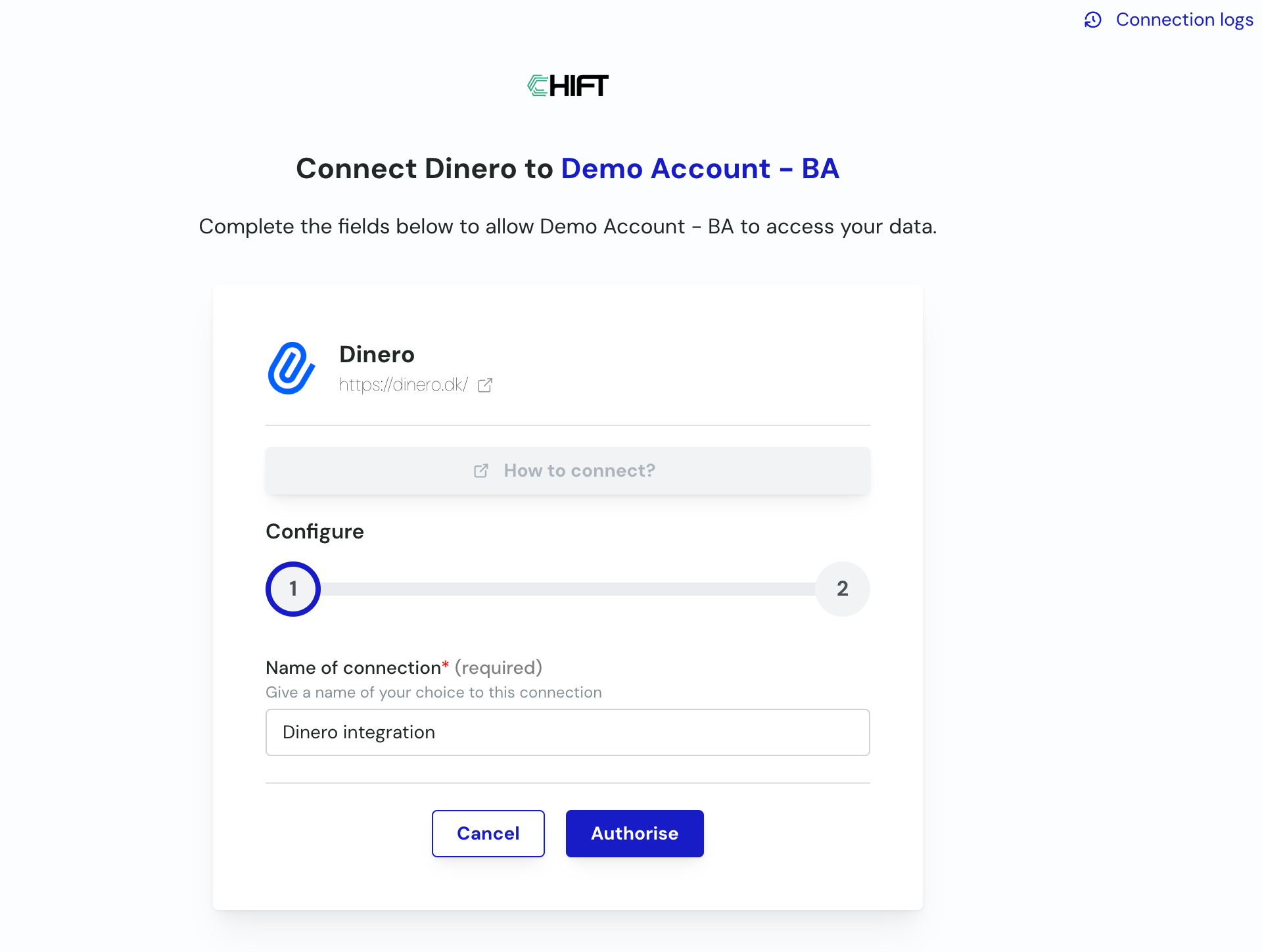
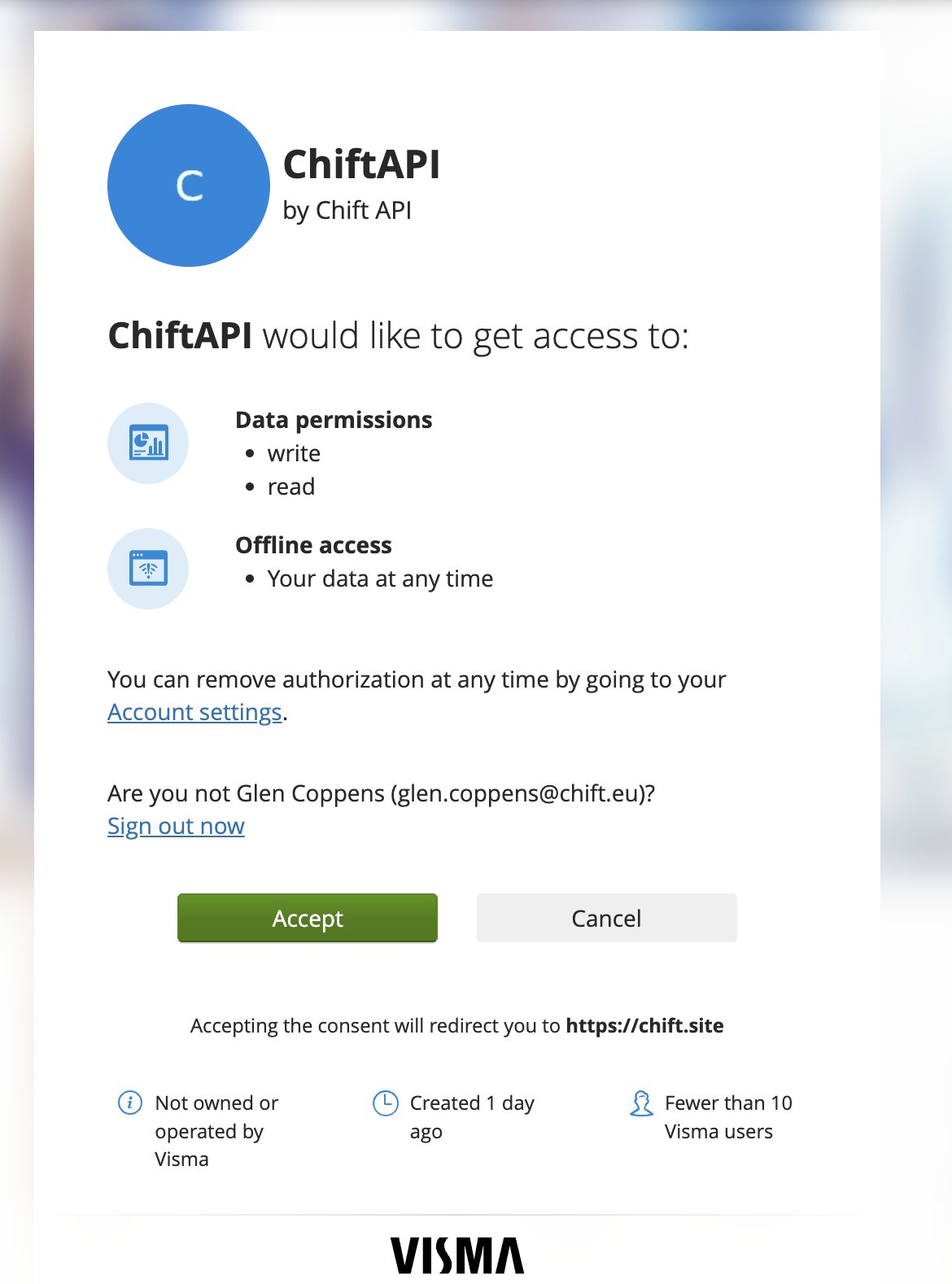
Step 1: Choose a name for your connection, then click Authorise. (If the connection name field isn’t visible, simply skip this step and continue.) image.png Step 2: You’re redirected to Dinero to authorize the Chift app. Click Accept. image.png Step 3: You’re redirected back to the Chift platform. If you manage several Dinero organizations, select the one you want to connect, then confirm. image.png Your connection is now active.
⚠️ Important: VAT codes on new accounts

Dinero requires every account that generates VAT (sales or expense accounts) to have a VAT code assigned. Accounts created through this integration are not created with a VAT code. If these accounts aren’t updated in Dinero, invoices booked to them are created without VAT. After setting up the connection, check the chart of accounts in Dinero and assign the correct VAT code to any account created by the integration.

❓ Troubleshooting