

PREREQUISITES
-
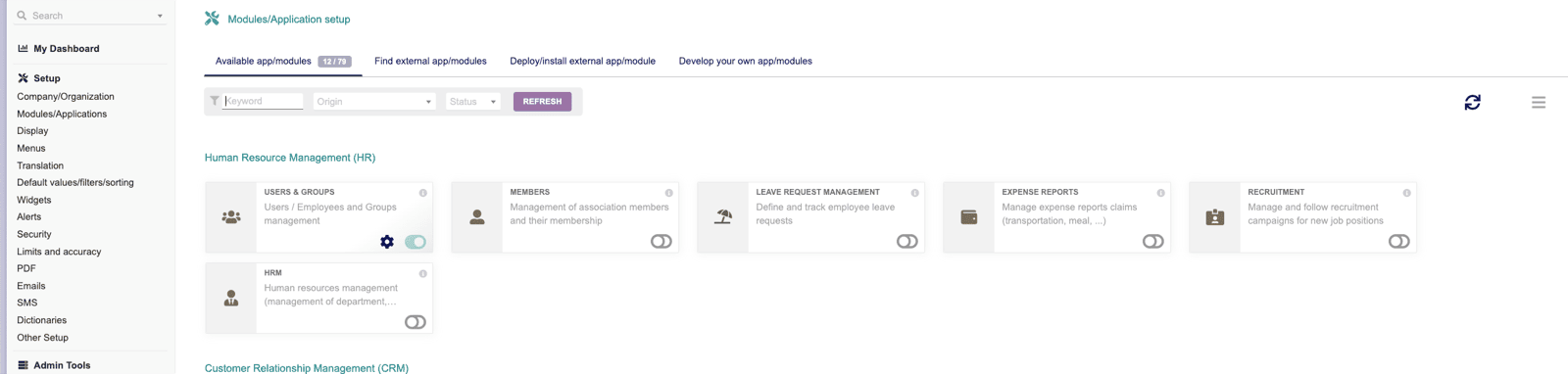
Make sure to enable at least the following modules:
- Third parties
- Invoices
- Products
- Vendors
- API / Web Services (REST SERVER) (to be able to enable the API)
-
To create the API key:
- you need to go to Home > Users & Group > edit your user > click on Modify
- On Key for API click to generate a key (copy it for later usage)

- If you are not using Dolibarr cloud, make sure that your API is reachable from external sources.
CONNEXION
Step 1: Choose a name for your connection.


