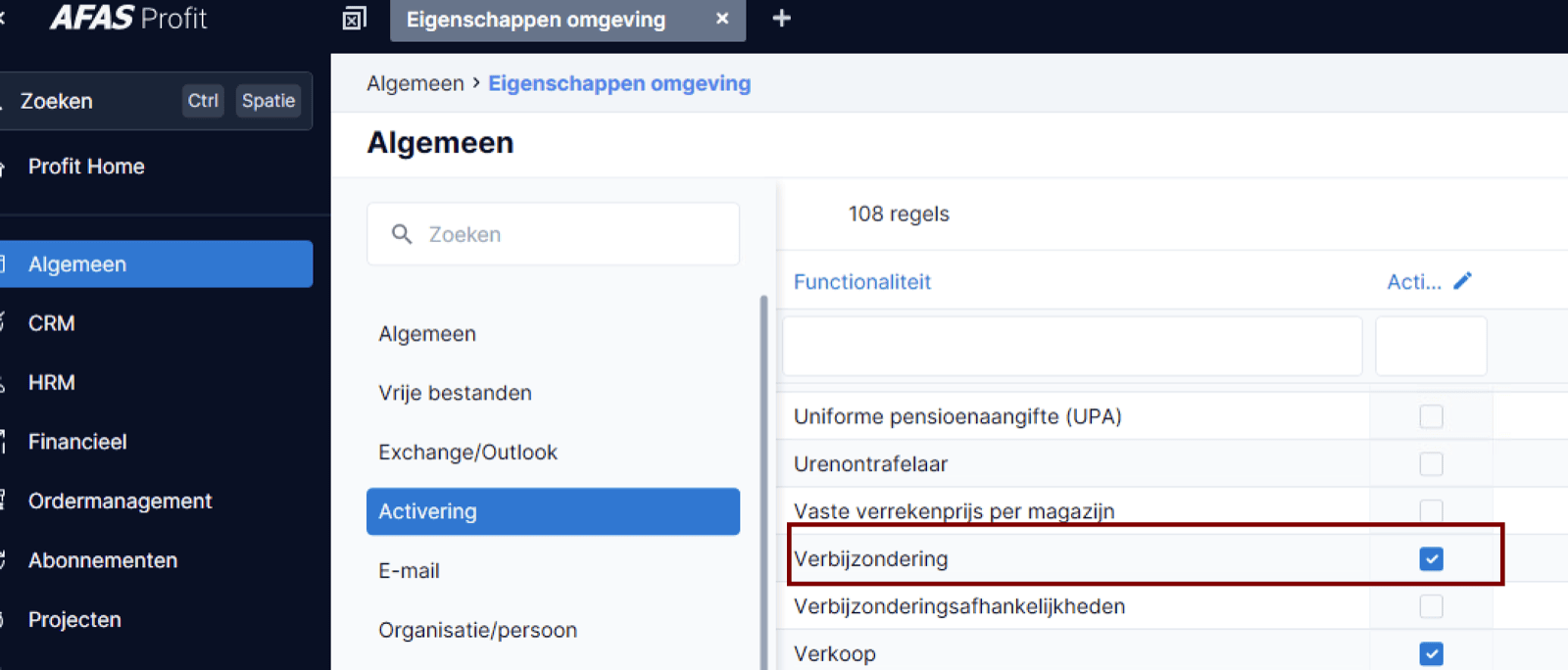
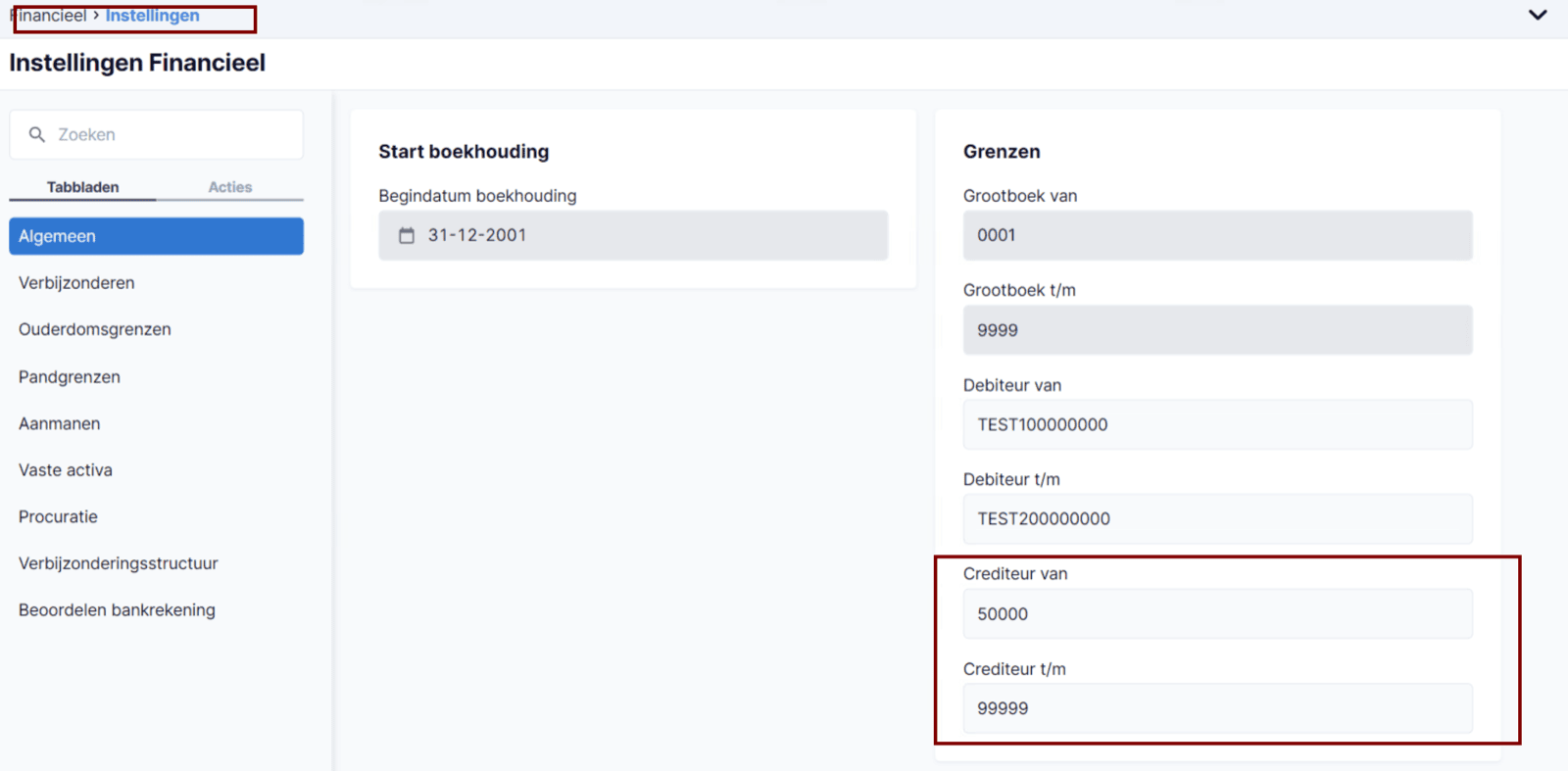
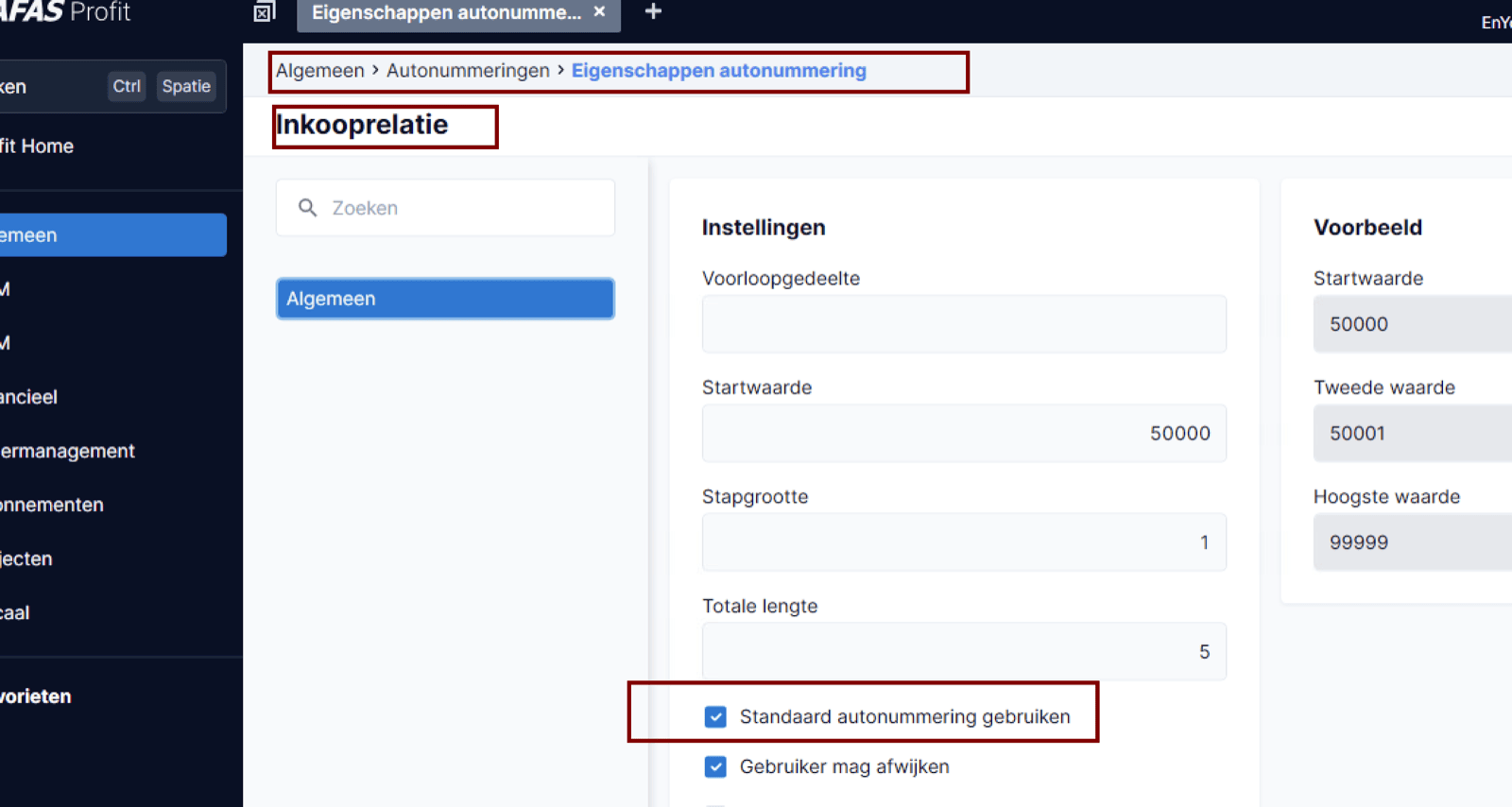
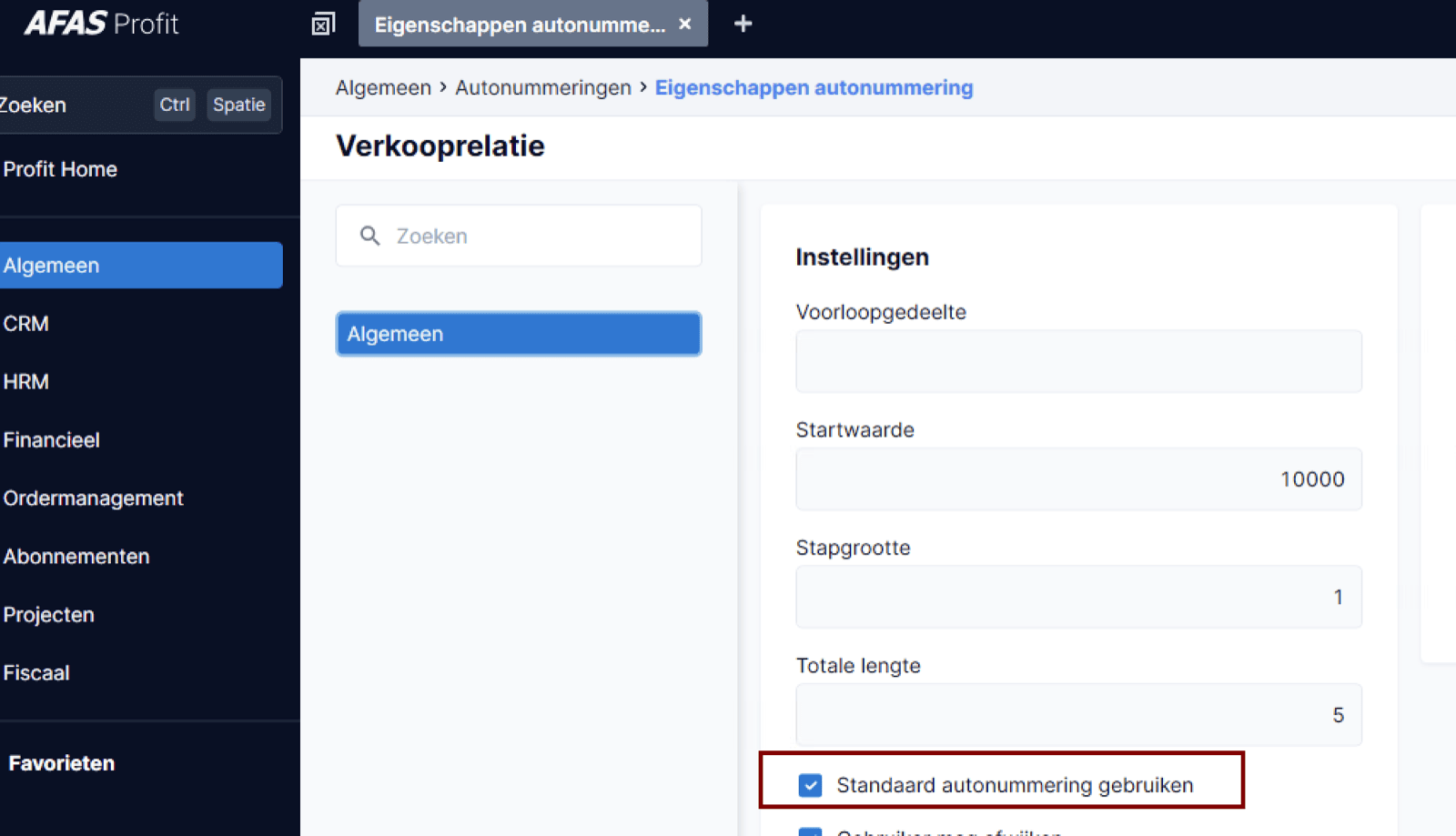
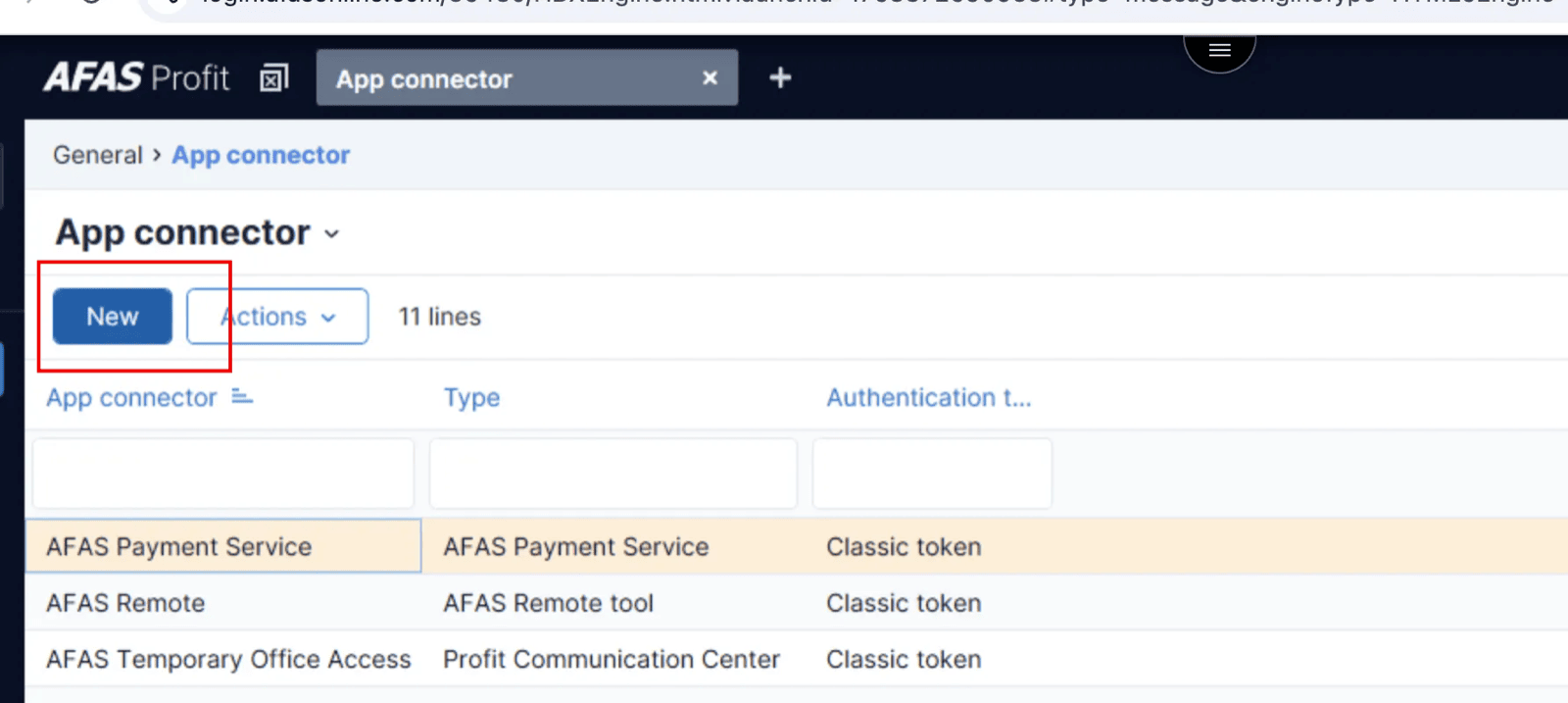
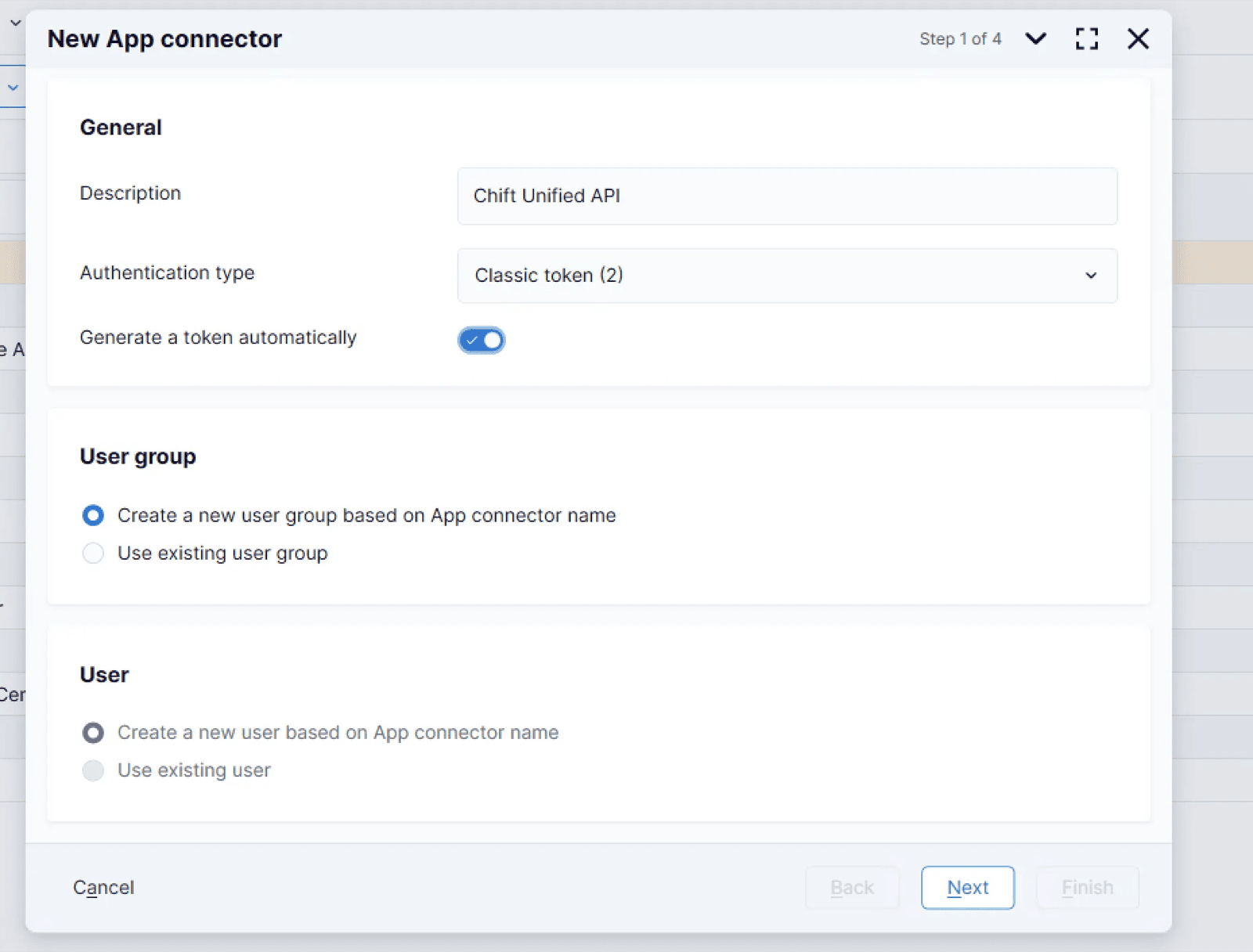
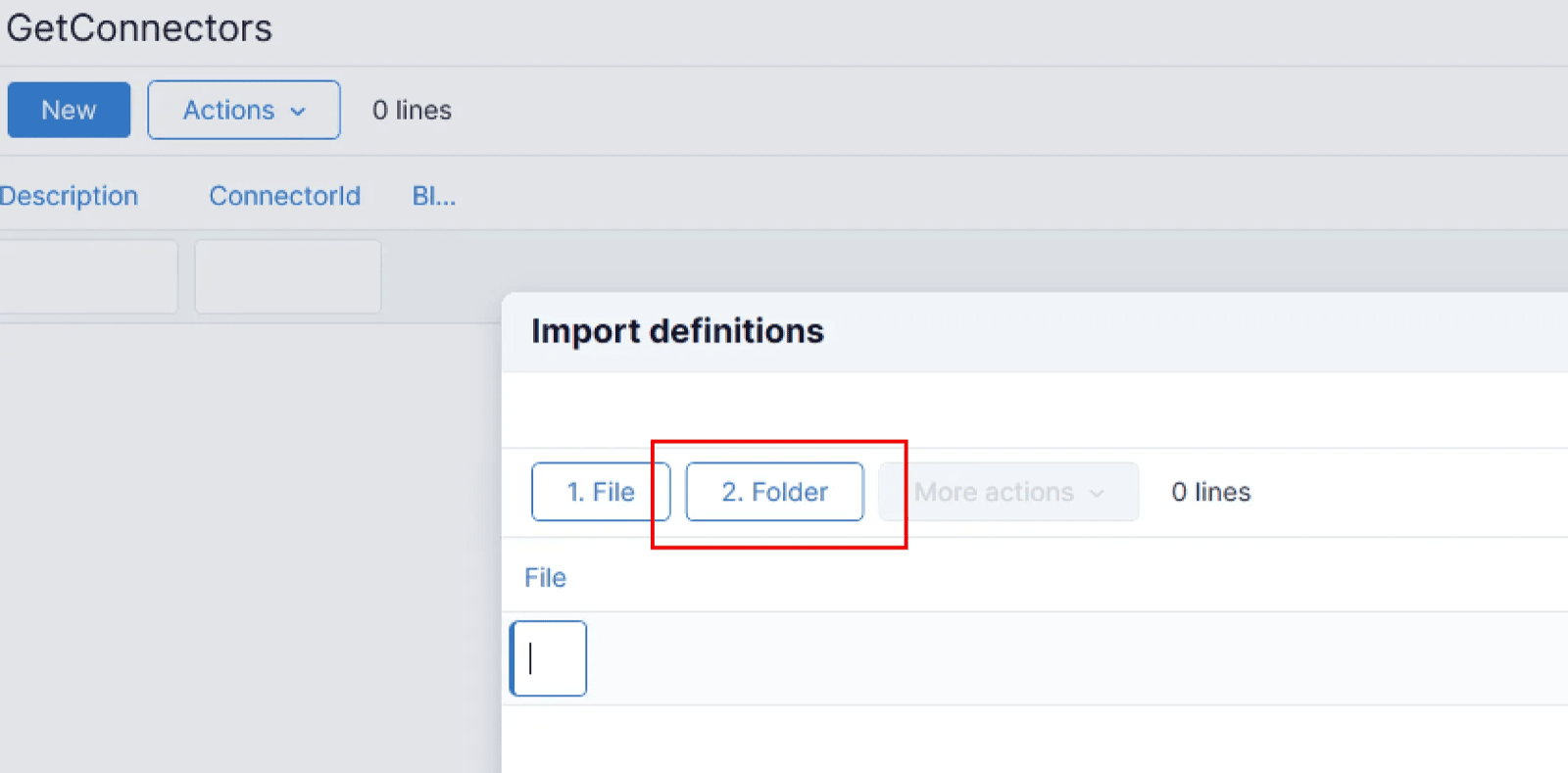
Make sure the “Verbijzonderingen” is activated :To make use of the AFAS autoNumber logic :Make sure the following boxes are filled in :Specify that autonumbering is activated for the debtors and creditors :&
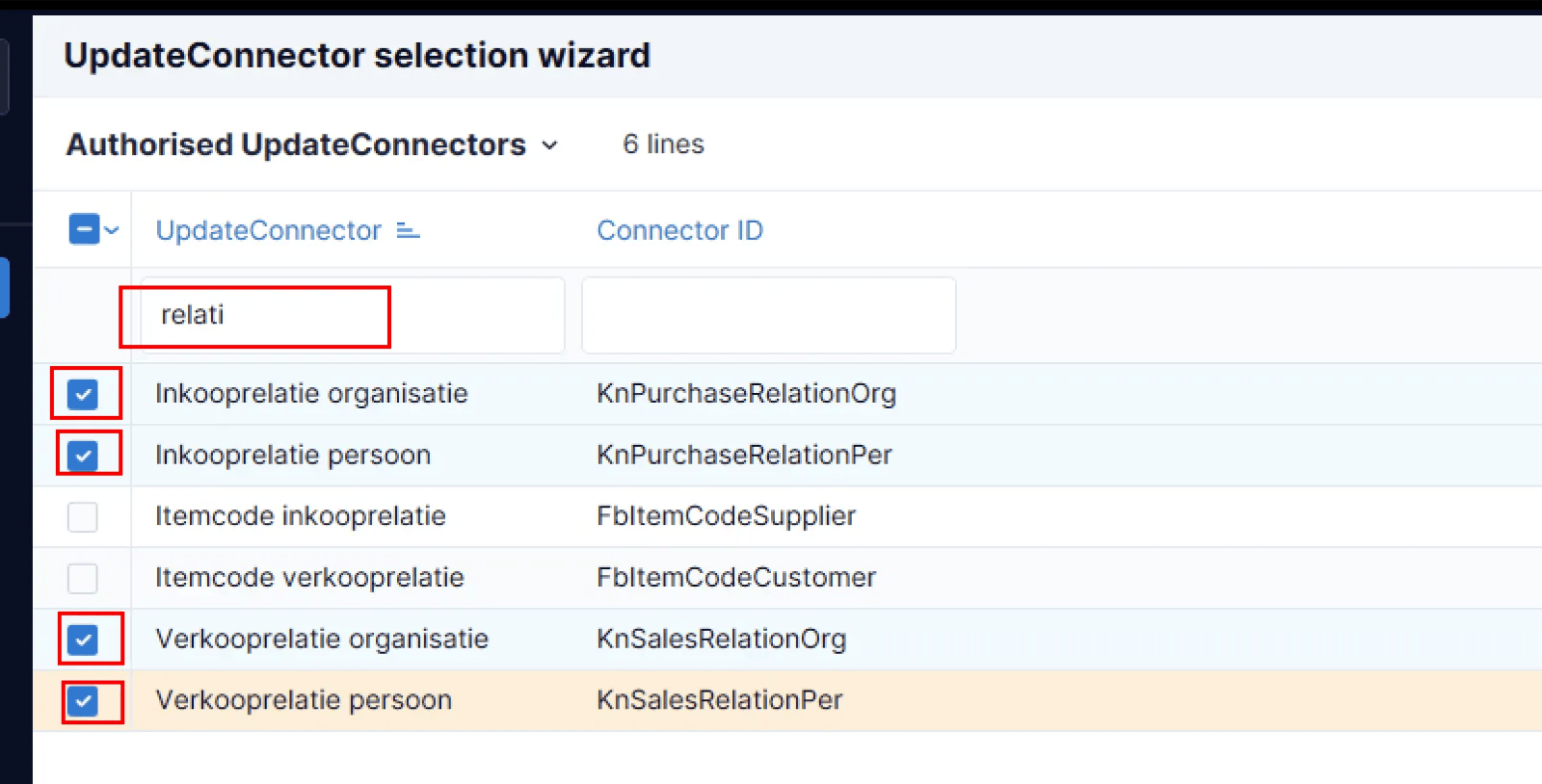
Use the search bar to find and add the following UpdateConnectors:
Inkooprelatie organisatie - KnPurchaseRelationOrg
Inkooprelatie persoon - KnPurchaseRealationPer
Verkoopsrelatie organisatie - KnSalesRelationOrg
Verkoopsrelatie persoon - KnSalesRelationPer
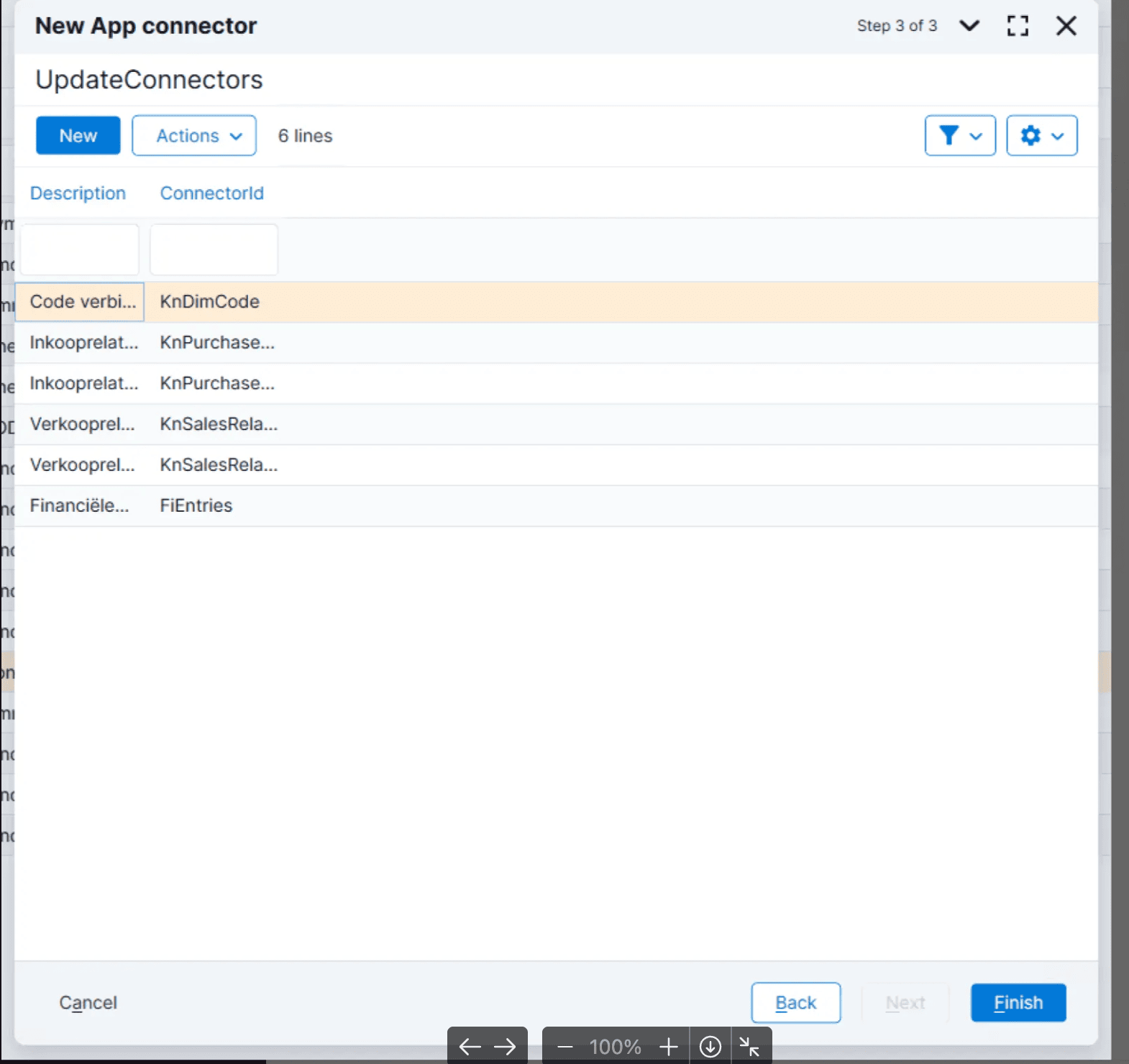
Financiële mutaties - FiEntries
Code verbijzondering - KnDimCode
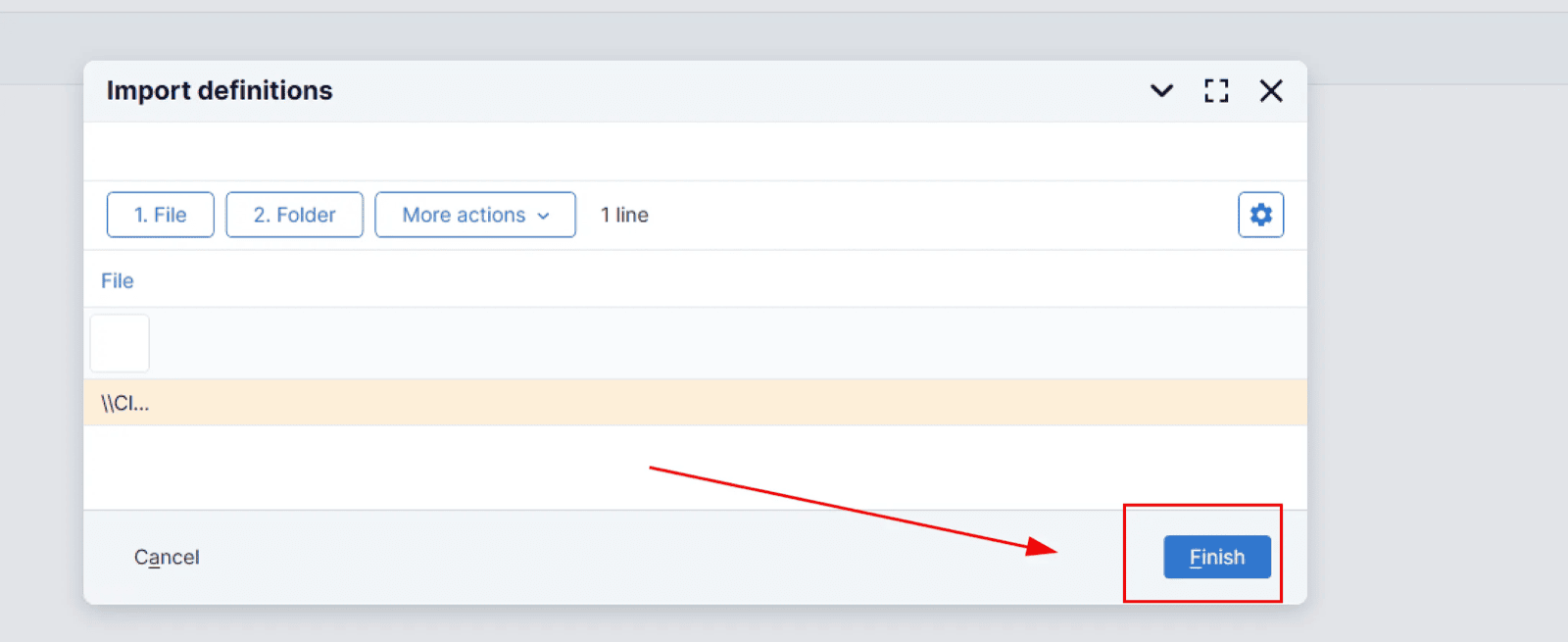
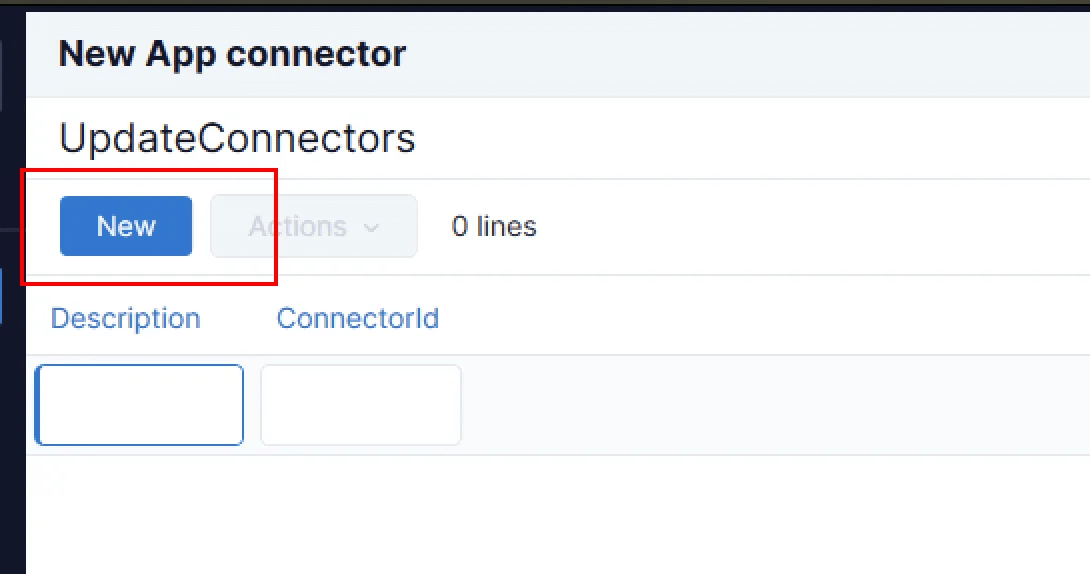
Check the boxes for each connector, click Finish, then click New to continue adding all connectors.Once all UpdateConnectors are added, click Next.Click Finish
Make sure to select all the GetConnectors and UpdateConnectors specified in the documentation. Even if a connector seems irrelevant to your use case, the integration will not work unless all connectors are activated.
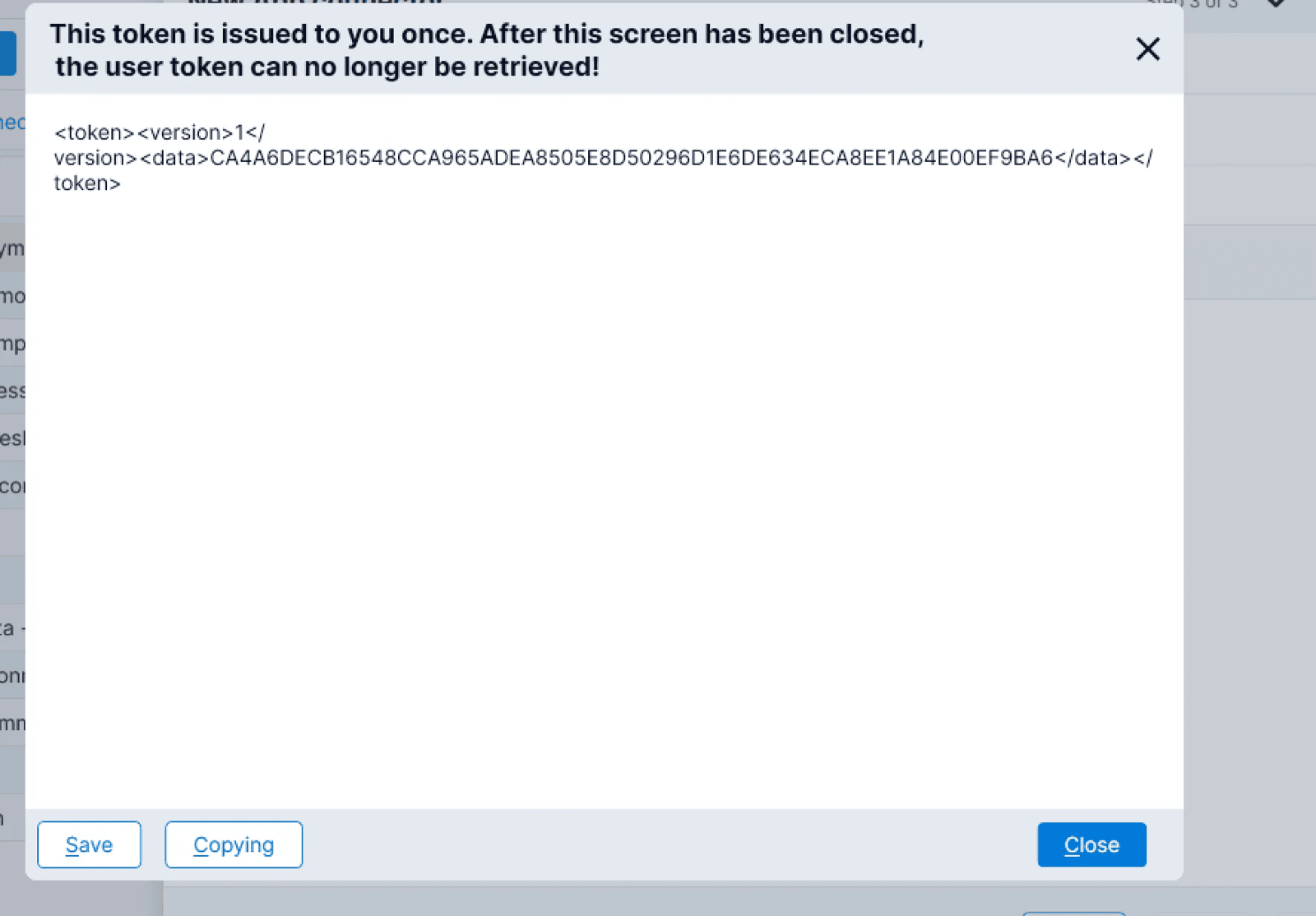
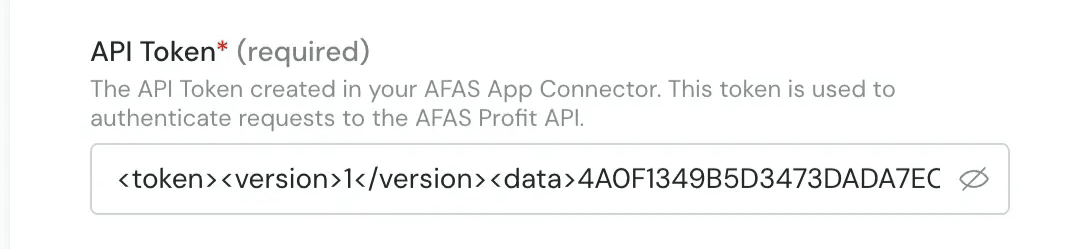
AFAS will display the API token after completing the connector setup.
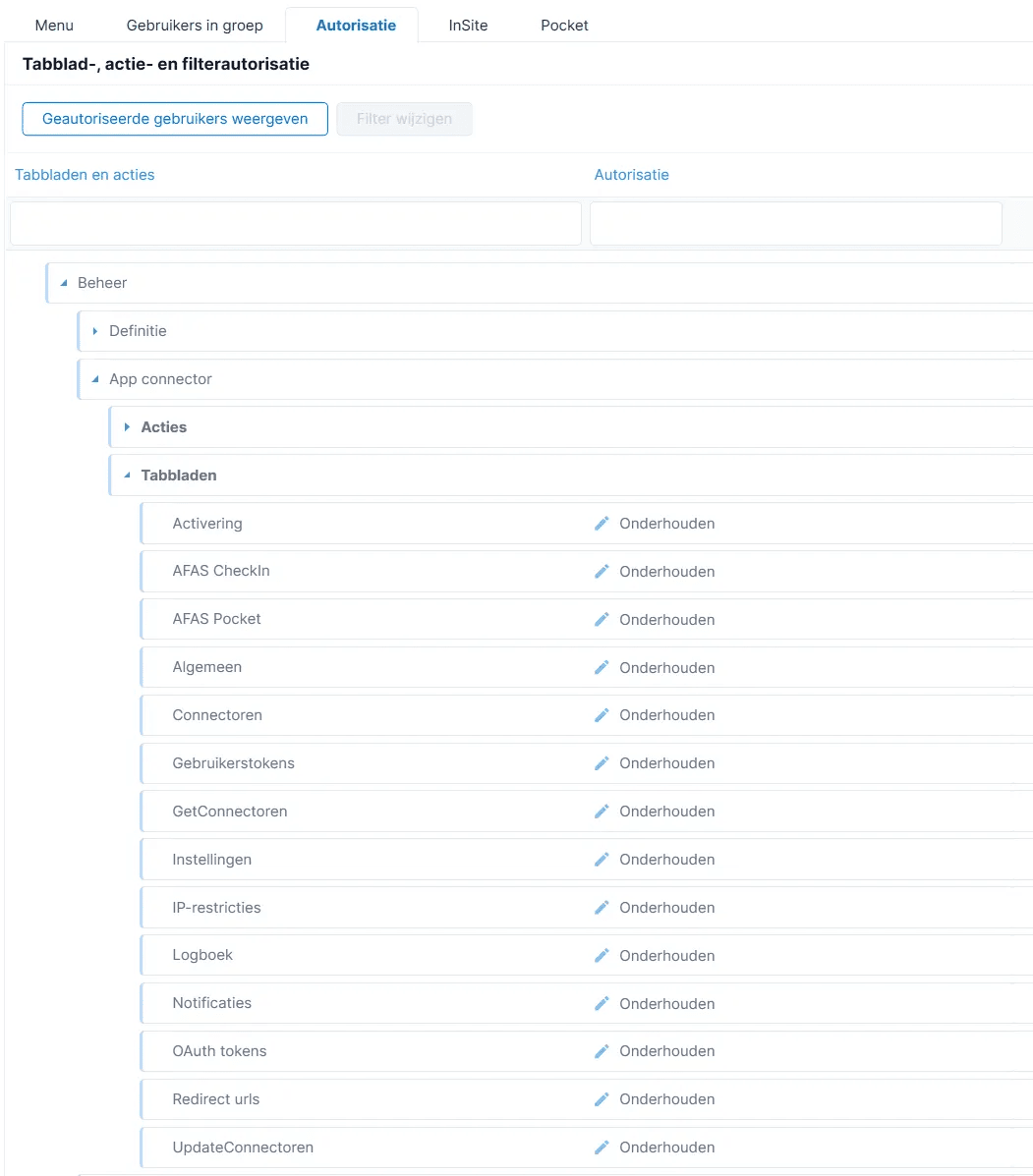
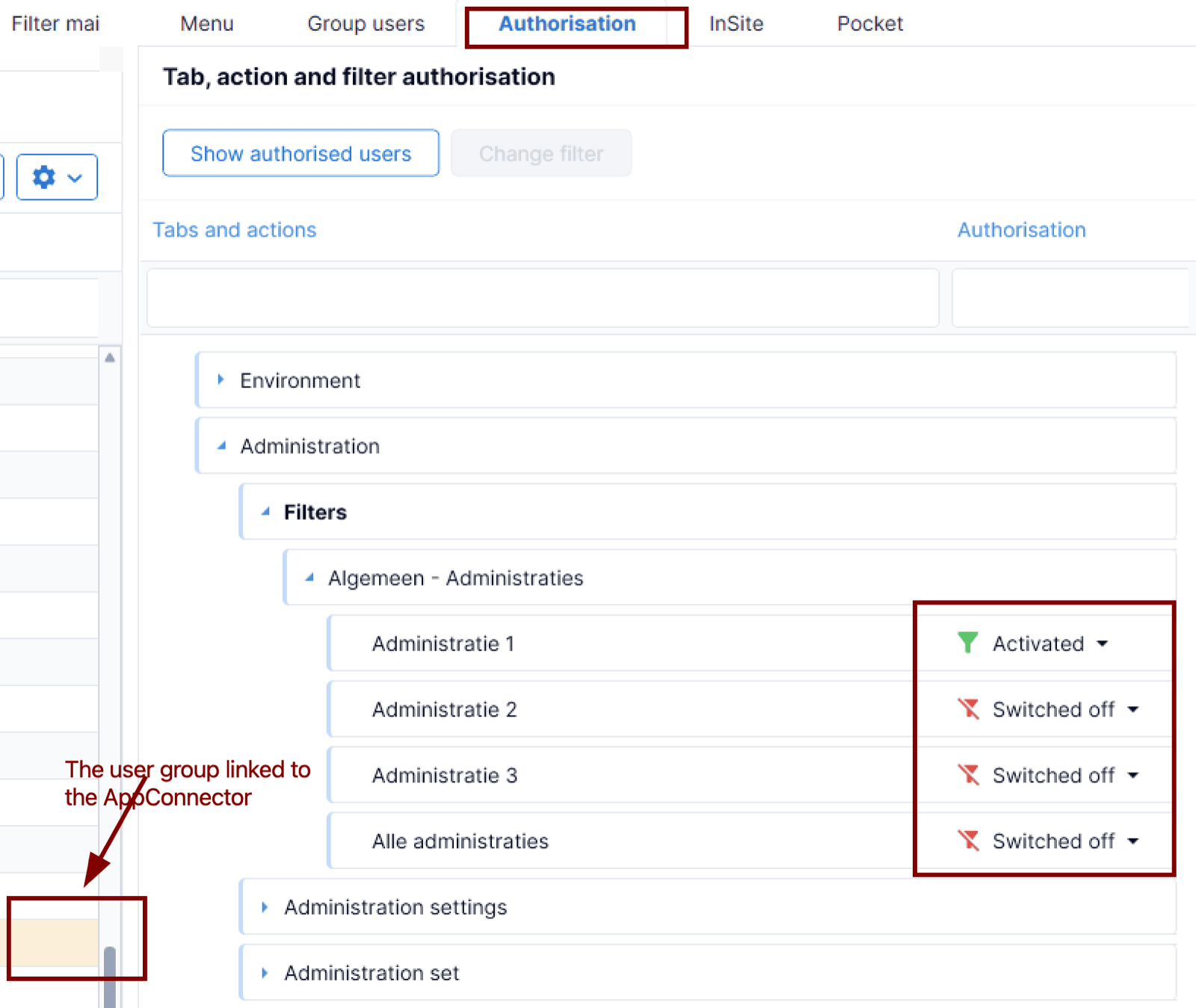
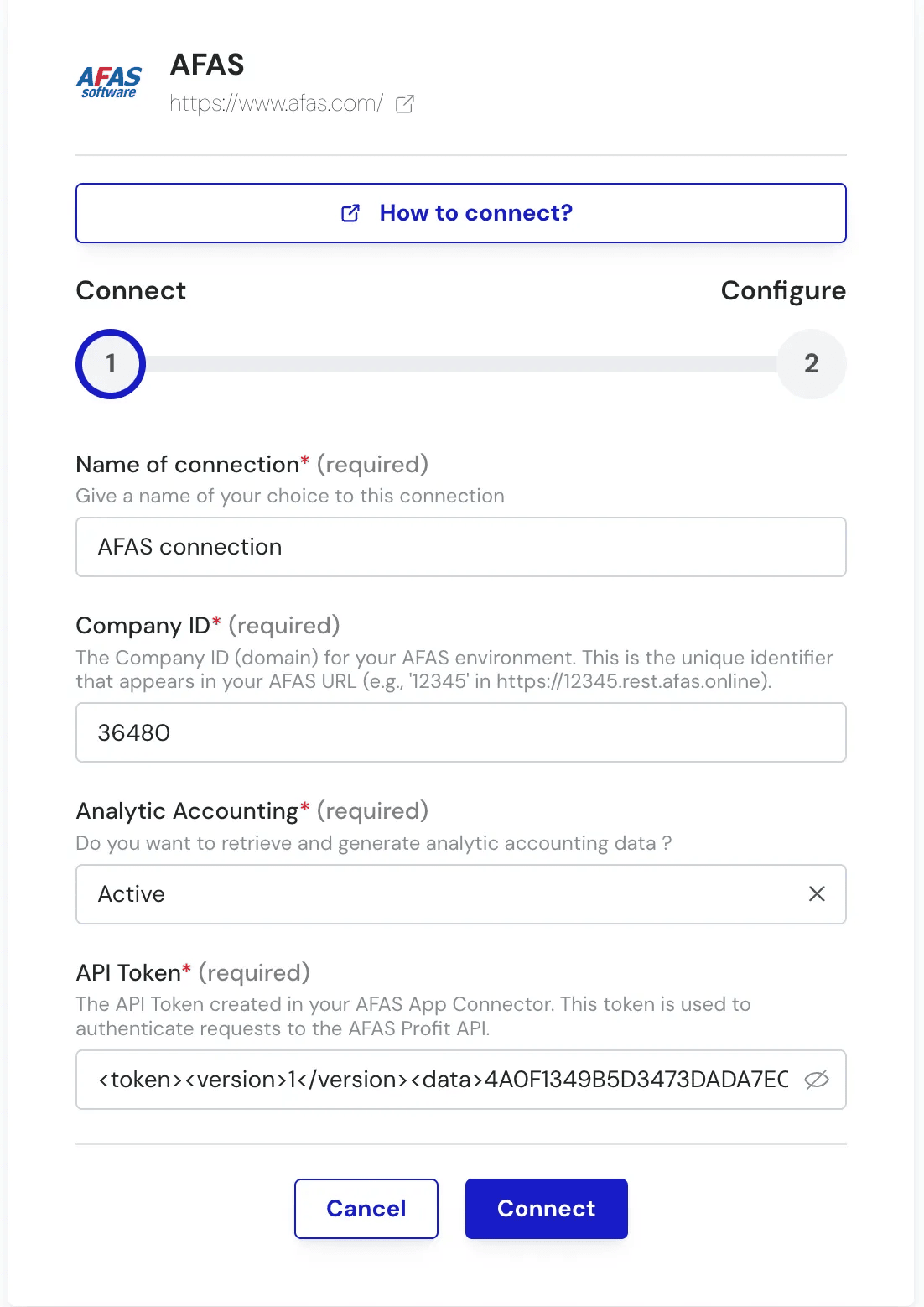
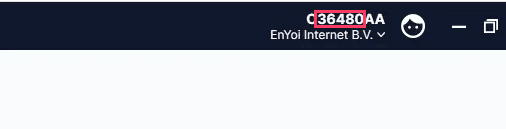
Save it securely, as you will need to fill it in during the activation of the connection described in the next section.This Chift App requires the “Algemeen - Adminstraties” authorisation filter. You can check this by going to the Authorisation tool, and finding the authorisation group that was automatically created as part of the App Connector process on the left hand side of the screen. When selected, find the authorisation filters in the “Authorisiation” tab and activate the relevant Administraties(folders), you want to use as part of the integration. In the example picture, only the Administratie 1 will be part of the scope.
Default Payment TermsSelect the default payment terms for the creation of customers and vendors.Administrative IDℹ If this field is not displayed on the other side, you can ignore it.Select the administrative ID you want to connect to.
This option is used when you need to connect to a specific administrative ID (for example, a particular accounting folder).Default Analytic Planℹ If this field is not displayed on the other side, you can ignore it.Select the Allocation Axis used by default.Submit! Congratulations! 🎉
Assistant
Responses are generated using AI and may contain mistakes.