

🚨 Prerequisites
Before you start, make sure you have:- an eBay seller account that receives payouts through eBay’s payments
- the sign-in of the eBay account that receives the payouts: eBay does not share financial data with team members
⚡️ Connection
1
Name your connection
If the form asks for one, choose a name you will recognise later.
2
Select your eBay marketplace
Pick the eBay site you sell on, for example France or Germany.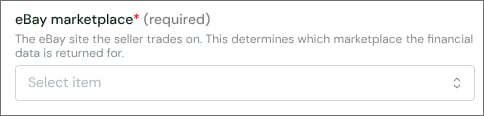
3
Click Connect
You are redirected to eBay.
✅ Authentication
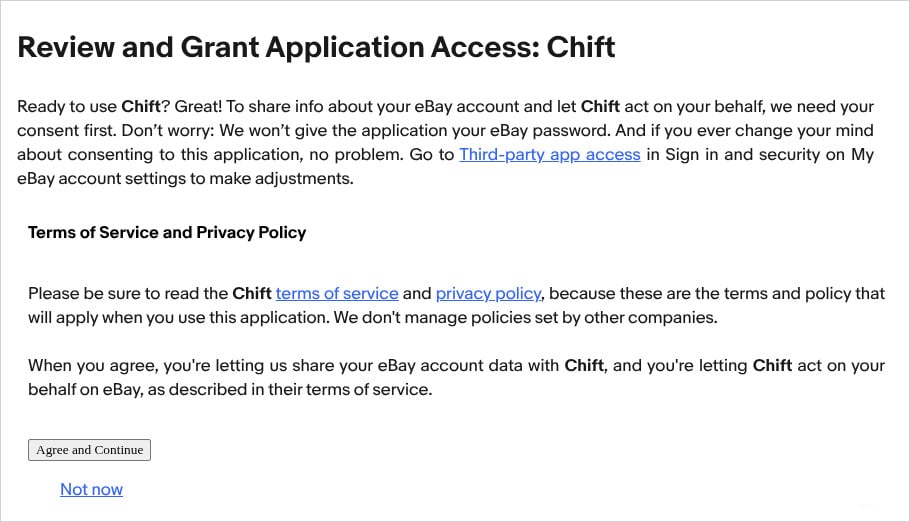
Sign in to eBay with the account that receives your payouts.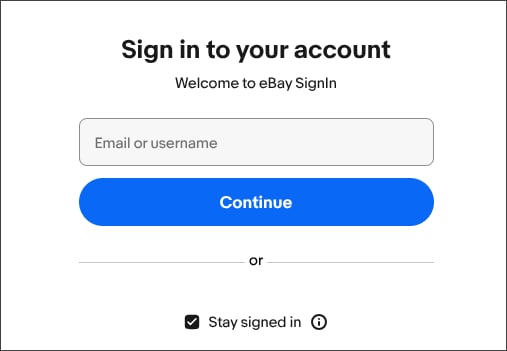
❓ Troubleshooting
This eBay account cannot access financial data
This eBay account cannot access financial data
You signed in with an eBay user that is not the account receiving the payouts, for example a team member. eBay never shares financial data with team members.Connect again and sign in with the eBay account that receives the payouts.
Provided credentials are invalid
Provided credentials are invalid
eBay no longer accepts the connection’s access, for example after a password change or a revoked authorization.Connect again and sign in to eBay to renew the access.