PREREQUISITES
The application you are trying to connect to Fulll must be activated on the cabinet/firm of your accountant. Please verify this is done before activating the connection. If it is not the case, contact Fulll’s support (assistance@fulll.help) to do this.CONNECTION
Step 1: Choose a name for your connection.


AUTHENTICATION
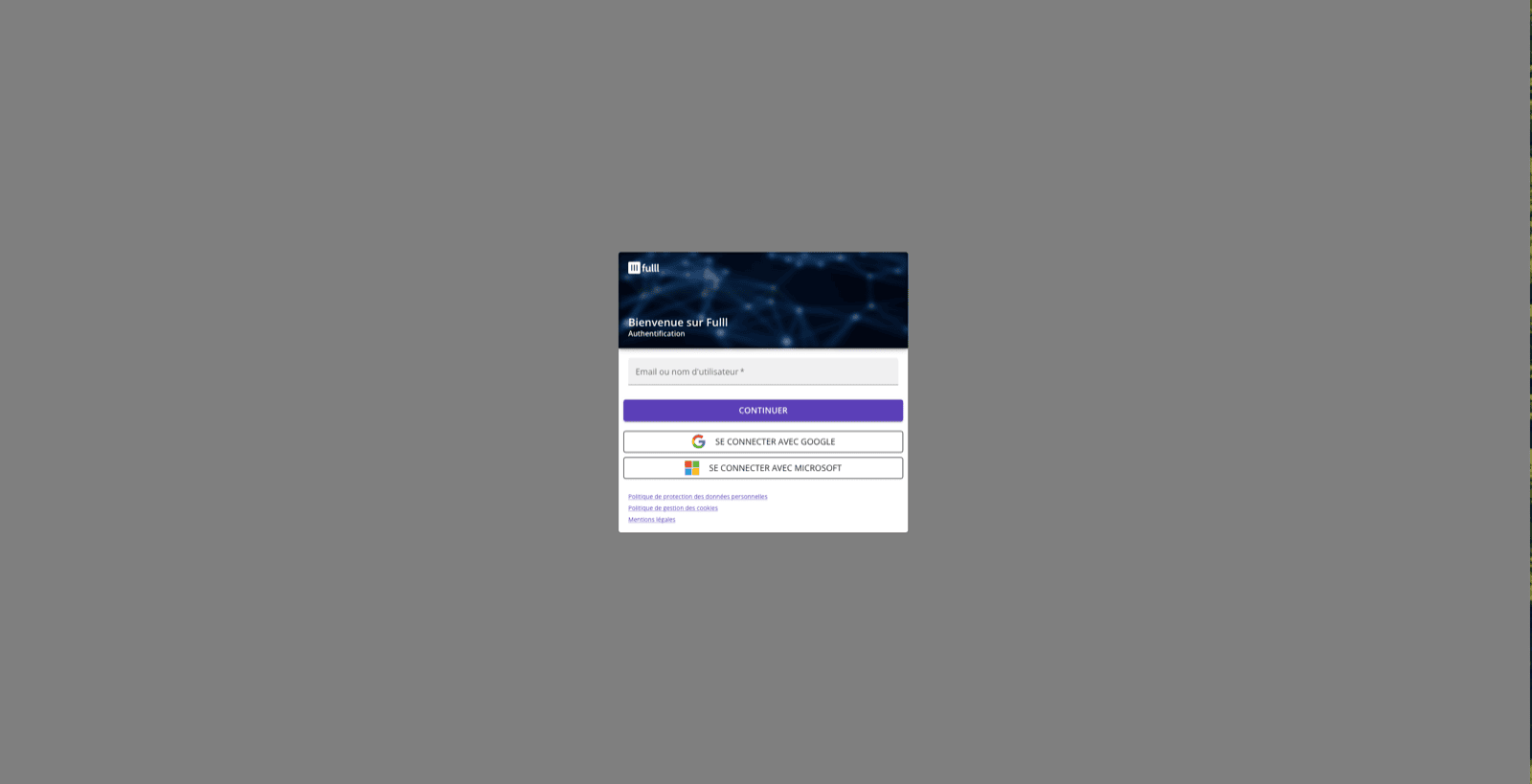
Please authenticate yourself to your Fulll account in order to activate the integration.