

PREPARATION
To activate the integration with Tiller, you need to generate an API key from your Tiller account. Here are the steps to follow:- Log in to your Tiller account → Menu → App Market → Click on App Market.
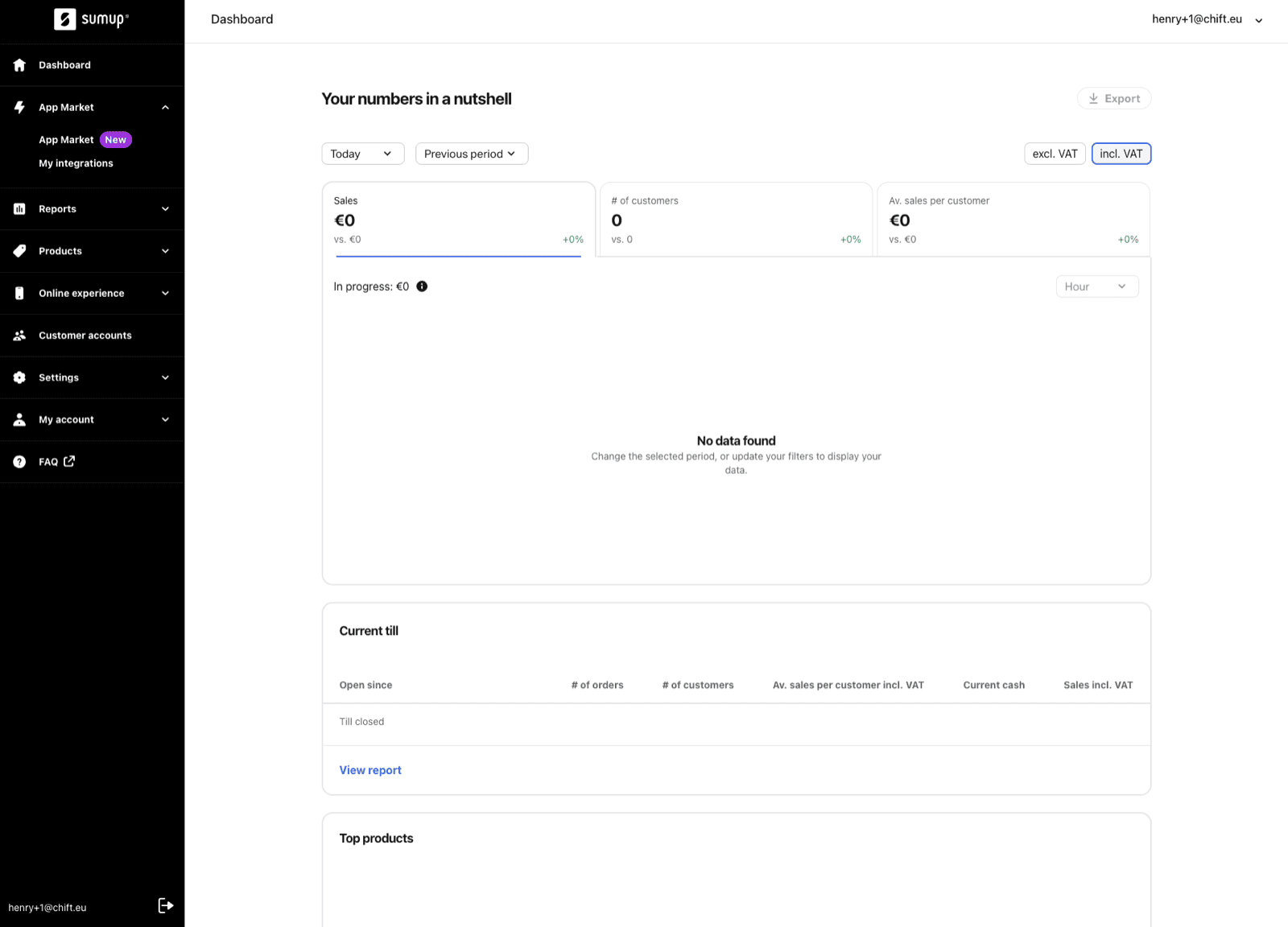
- Select the correct store on your Tiller account for which you want to set up the integration.
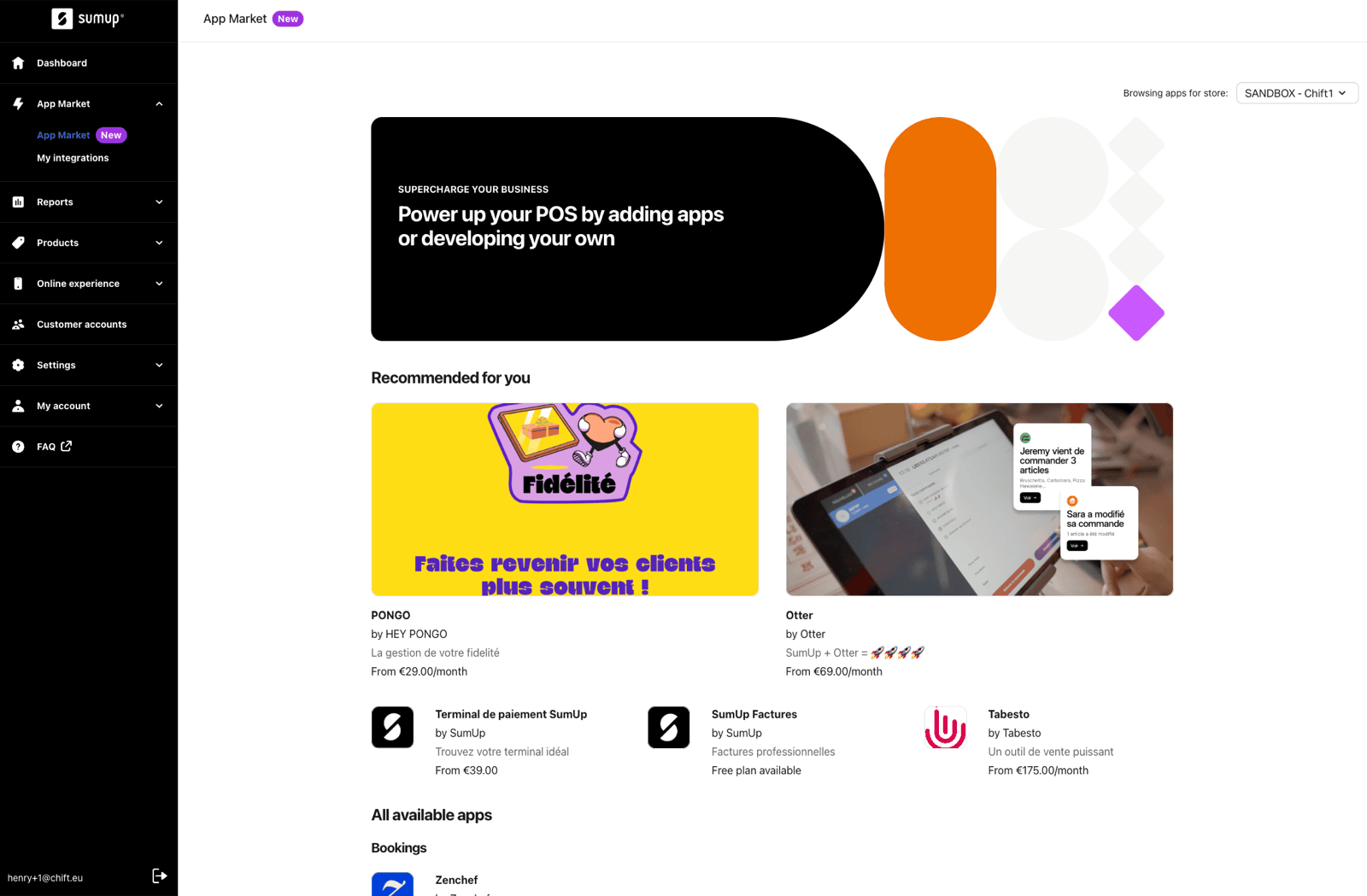
- Click on the application of the software you want to integrate with Tiller.

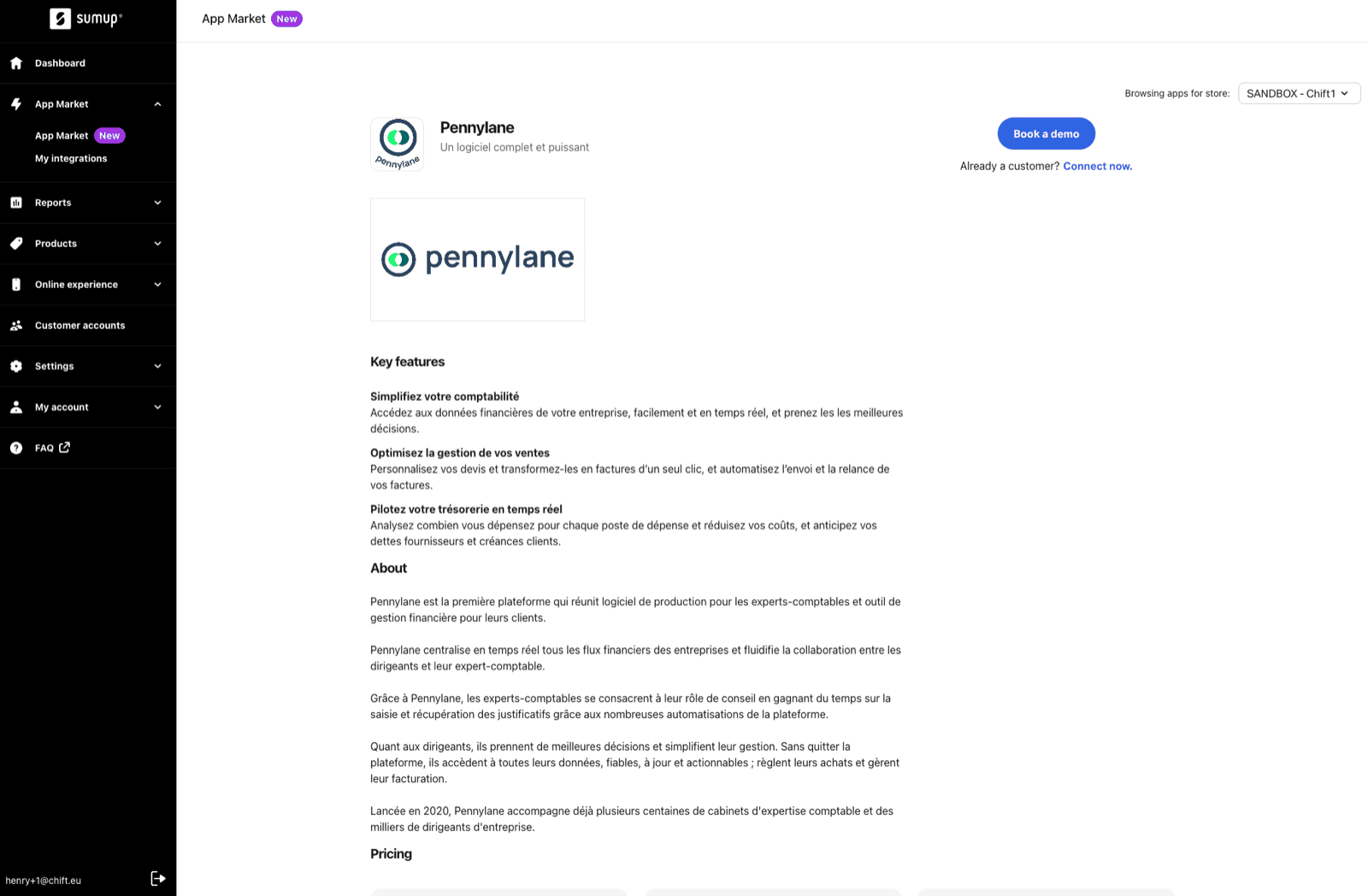
- On the application’s page (here, Pennylane, as an example), click on “Connect Now” below “Book a Demo”, then click “Confirm” to generate an API key.
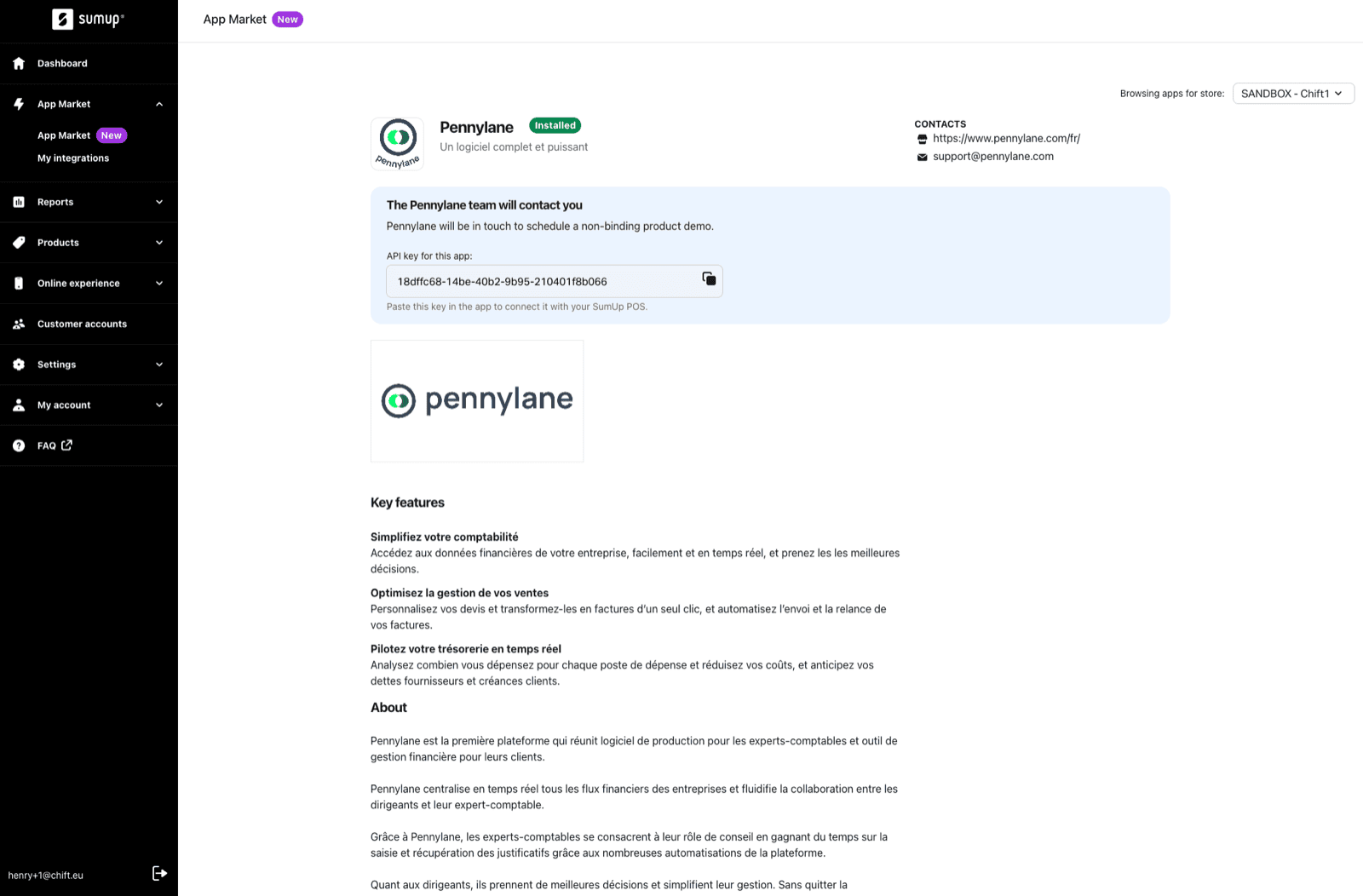
- Copy the API key generated on the application’s page.
CONNEXION
Step 1: Choose a name for your connection.

