🚨 PREREQUISITES
API Token in Lexoffice – To connect, you first need to generate an API token in your Lexoffice account. The steps to do this are outlined below in the Preparation section.🛠 PREPARATION
- Log in to your Lexoffice account.
- Navigate to the following page to create an API key https://app.lexware.de/addons/public-api
- Click on “Create a new API key”

- Select the first option
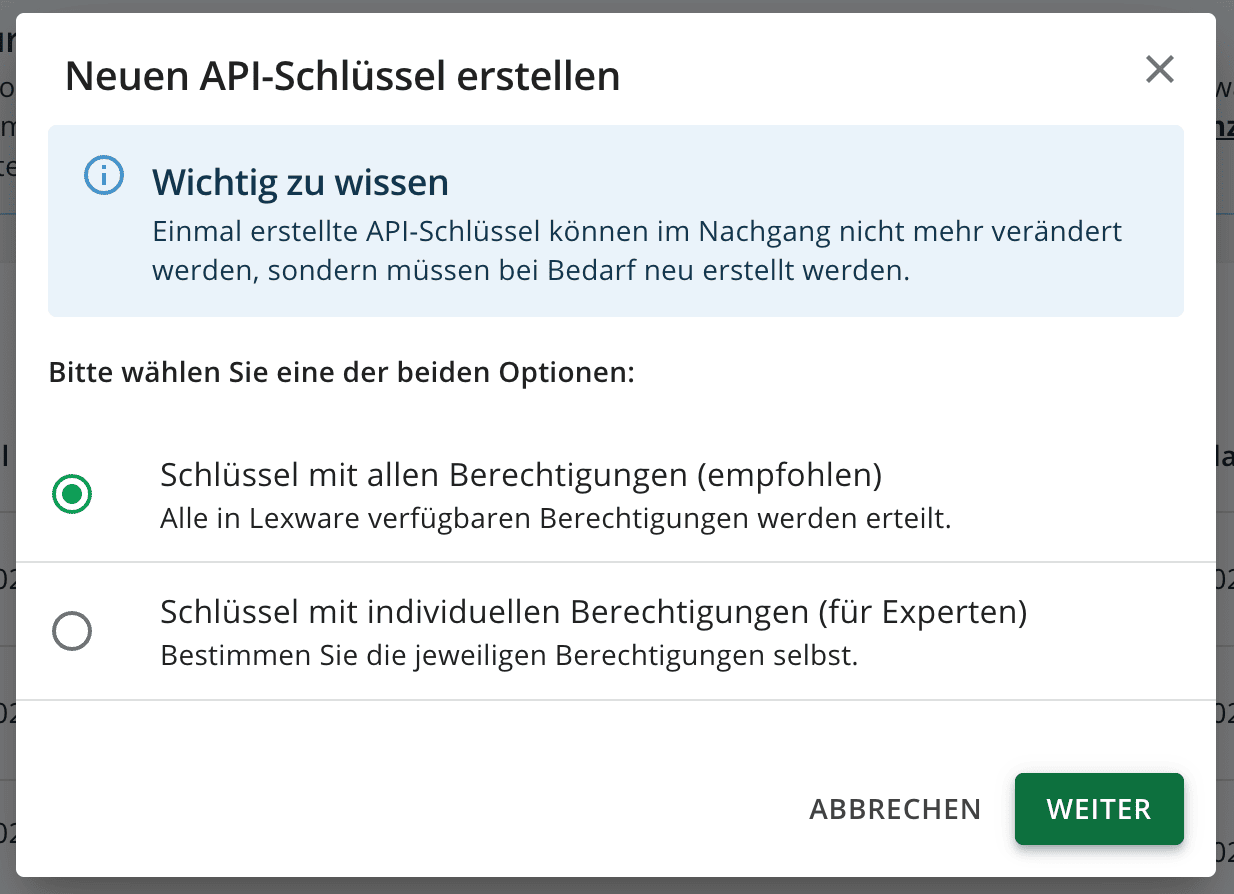
-
Or if you prefer to set individual permissions, at minimum you need to enable:
-
- Get general profile information
- Retrieve contacts
- Save contacts
- Retrieve invoices
- Save invoices
- Retrieve receipts
- Save receipts
- Filter and retrieve receipt list
- Retrieve payment information from receipts
- Retrieve credit notes
- Save credit notes
- Retrieve vouchers
-
- Give the name of your choice to your key and check the checkbox to be able to generate the key. Once the key is generated, copy the token for later usage.
⚡️ CONNECTION
Step 1: Choose a name for your connection. (If the connection name field isn’t visible, simply skip this step and continue.)