CONNECTION
Step 1: Choose a name for your connection.
SUPPLIERS
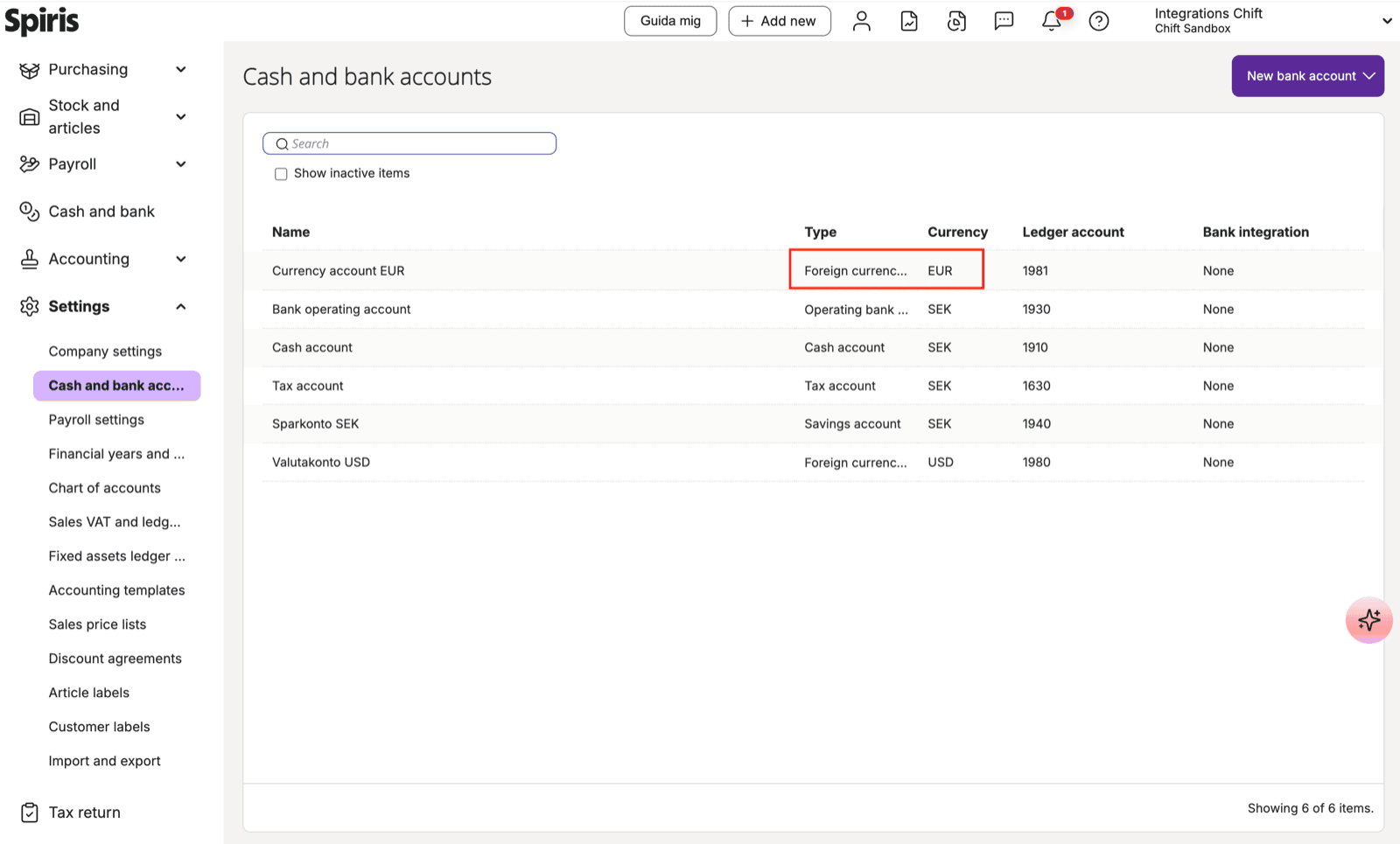
When creating a supplier in Visma Spiris, if the supplier is linked to a foreign currency (e.g. EUR), a bank account configured for that same currency in Visma Spiris must be specified on the supplier. If no matching foreign currency bank account exists in Visma Spiris, the supplier creation will fail.Resolution
Create a foreign currency bank account for each currency you intend to use with suppliers:- Go to Settings → Cash and bank accounts
- Click New bank account
- Set the type to Foreign currency account
- Select the target currency (e.g. EUR or USD)
- Assign a ledger account