



-
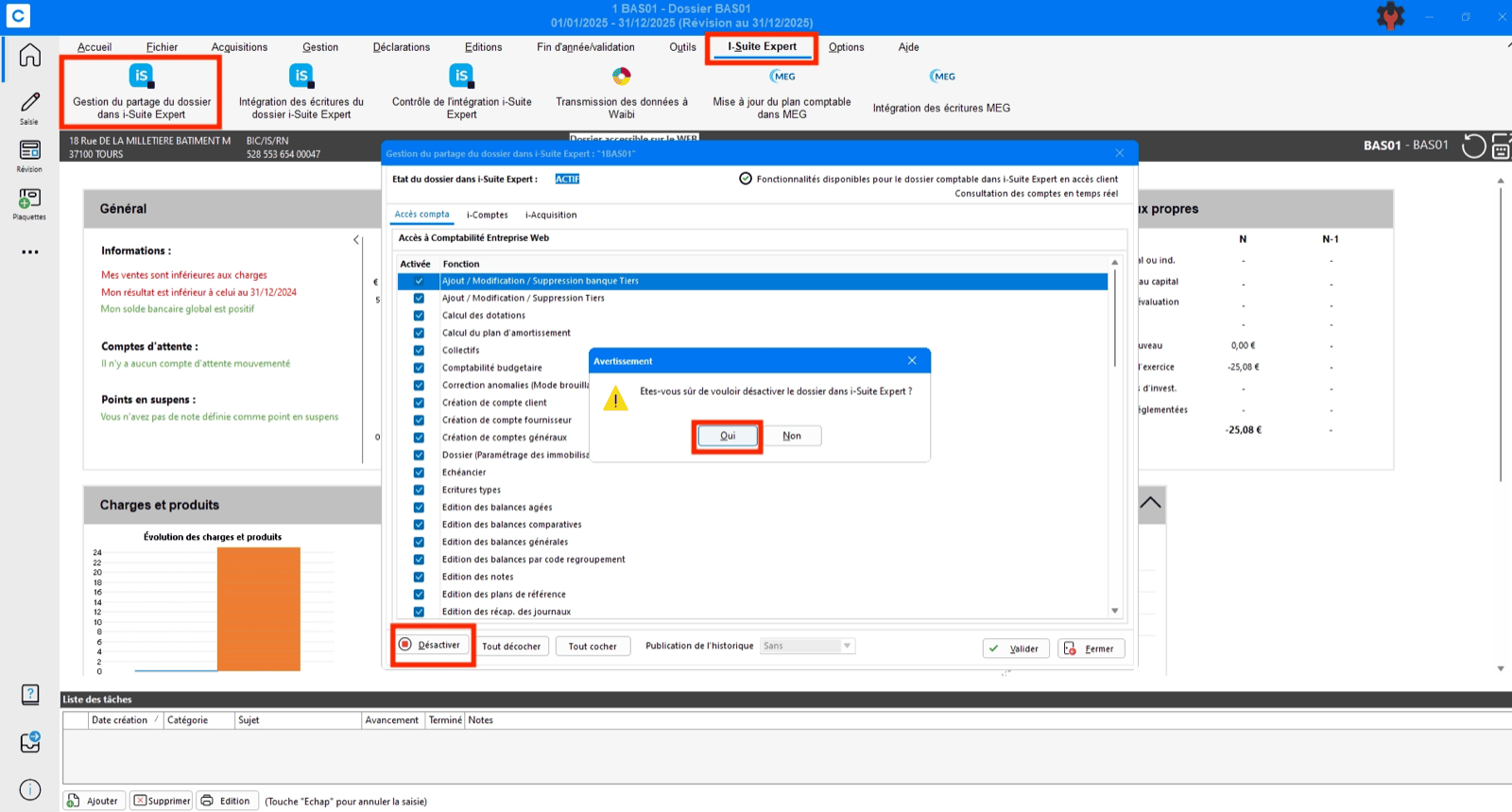
Verify and reset folder sharing:
- Open the folder in ACD and confirm it is shared with the user account used for the connection
- If already shared, unshare the folder
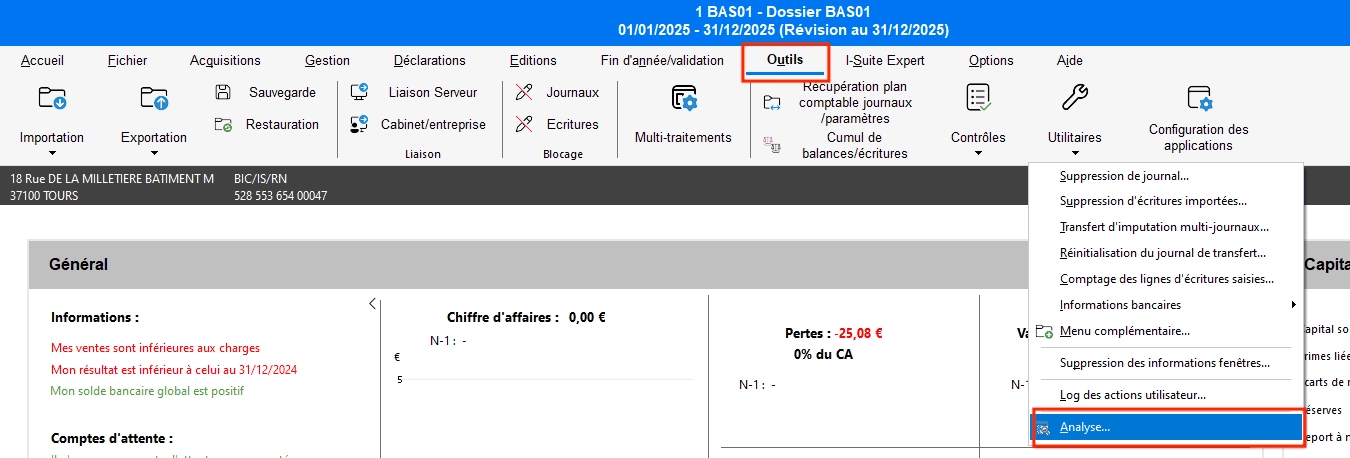
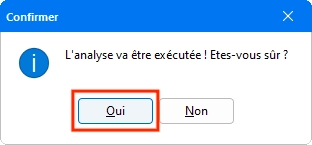
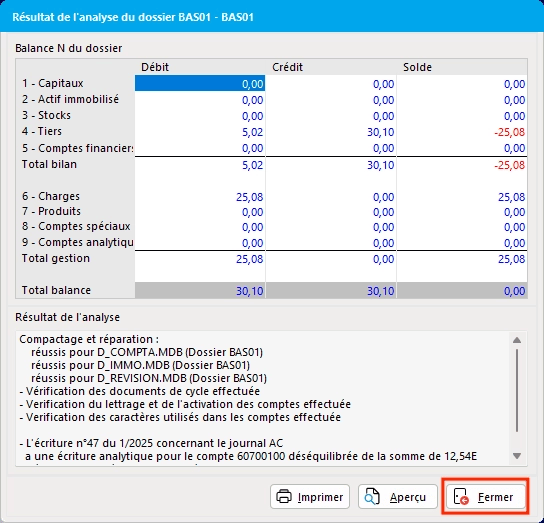
- Run an Analysis via the Tools menu
- Re‑share the folder
-
Verify GED access:
- Confirm that the user has access to the GED (document management)
- Specifically verify access to the folders selected for Sales and Purchases
”Impossible de se connecter aux communs de la comptabilité”
If the previous steps do not resolve the issue, the usual solution is to request the client’s integrator to:- open port 443 or the dedicated port to enable the connection (this is done by the IT provider)
- If the connection is established: restart the Enterprise Web Accounting service (also done by the IT provider)