PREREQUISITES
  • The integration is enabled for Odoo versions 13 and above for Odoo.sh and Odoo SaaS.
  • A “custom” pricing plan is necessary for the activation of the integration with Odoo. (Odoo’s Plans & Pricing)
  • Must have admin permissions to enable the connection
Constraints added in customisations in Odoo may impact the performances of the connector.

PREPARATION

Watch this video: https://chift-connector-videos.s3.eu-west-3.amazonaws.com/1000/1000-config.mp4
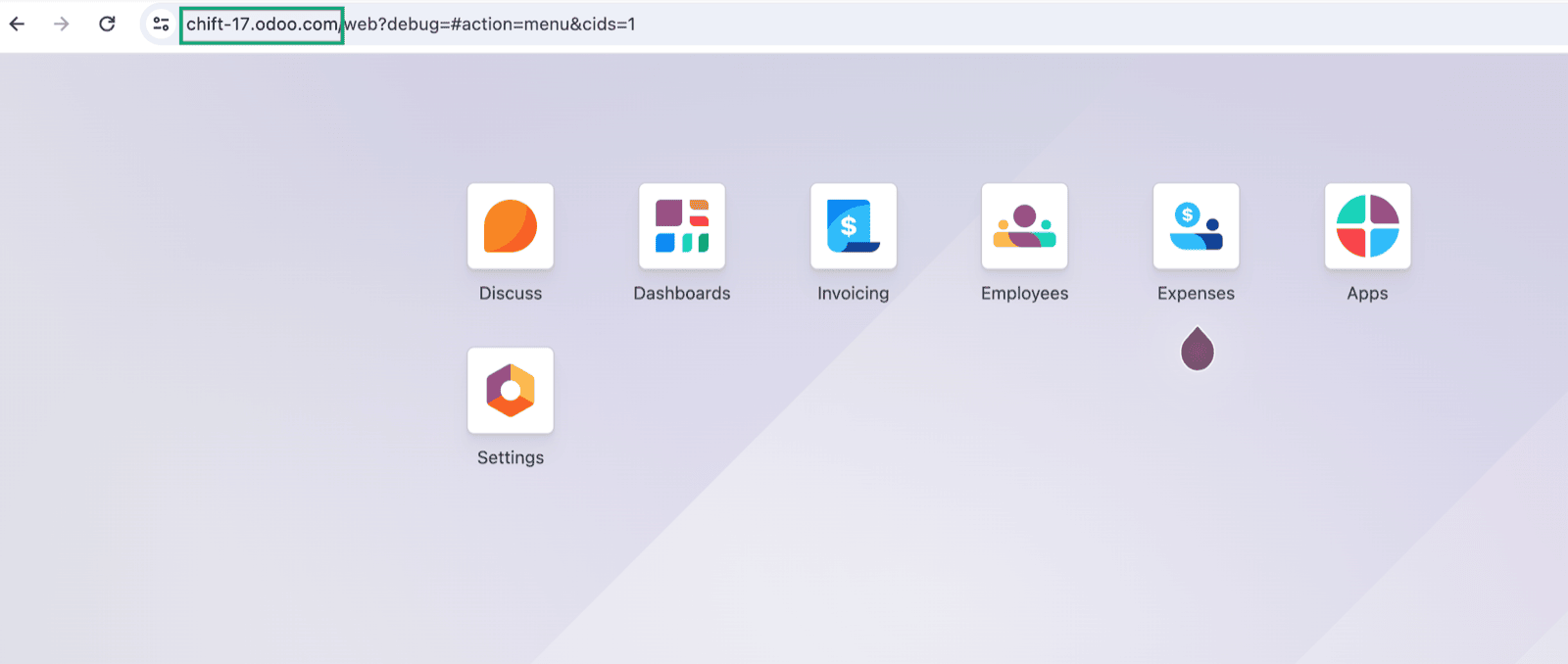
  1. Find your Odoo URL.
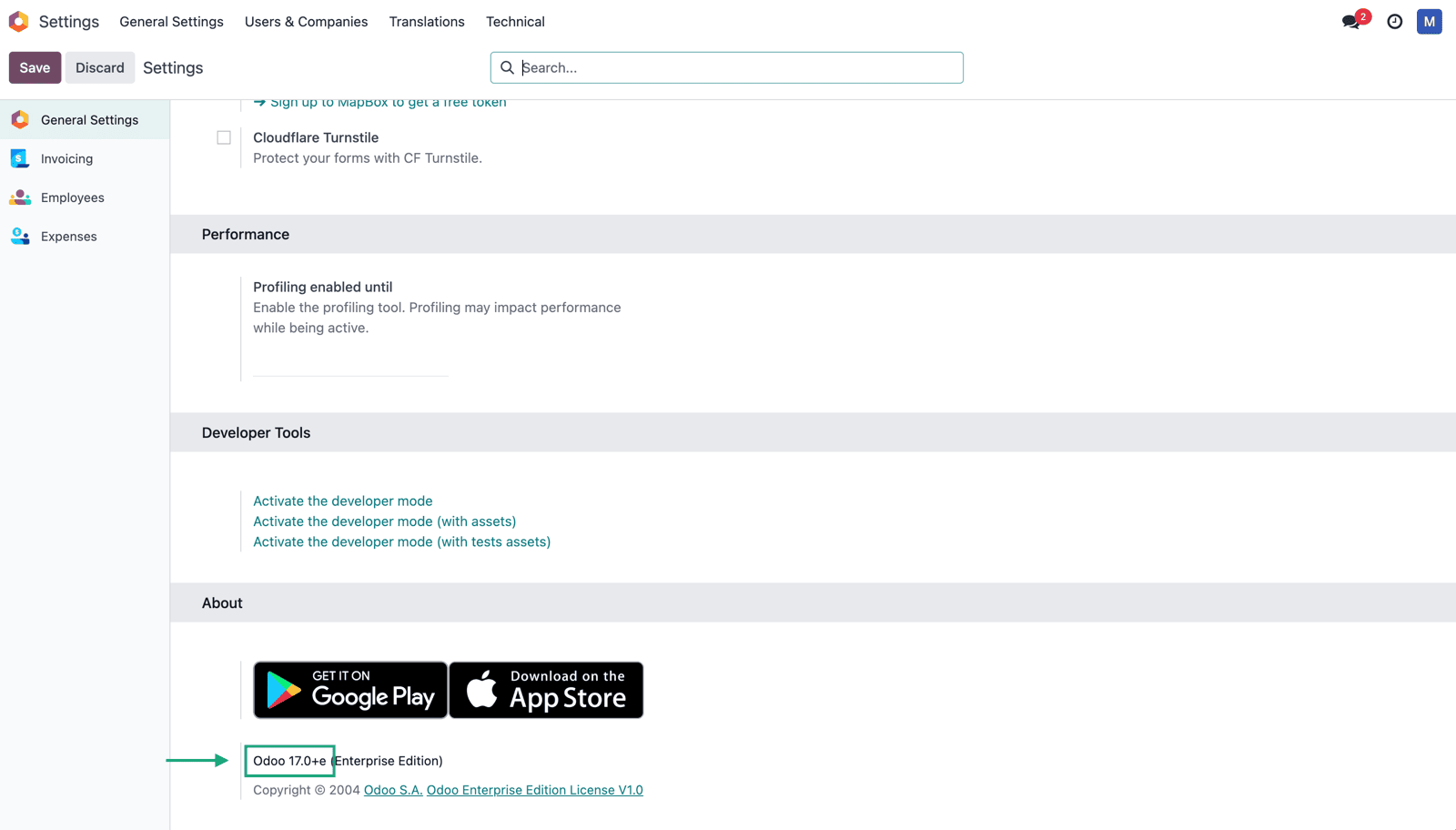
  1. Find the version of your Odoo account
  • Go to Odoo → Parameters
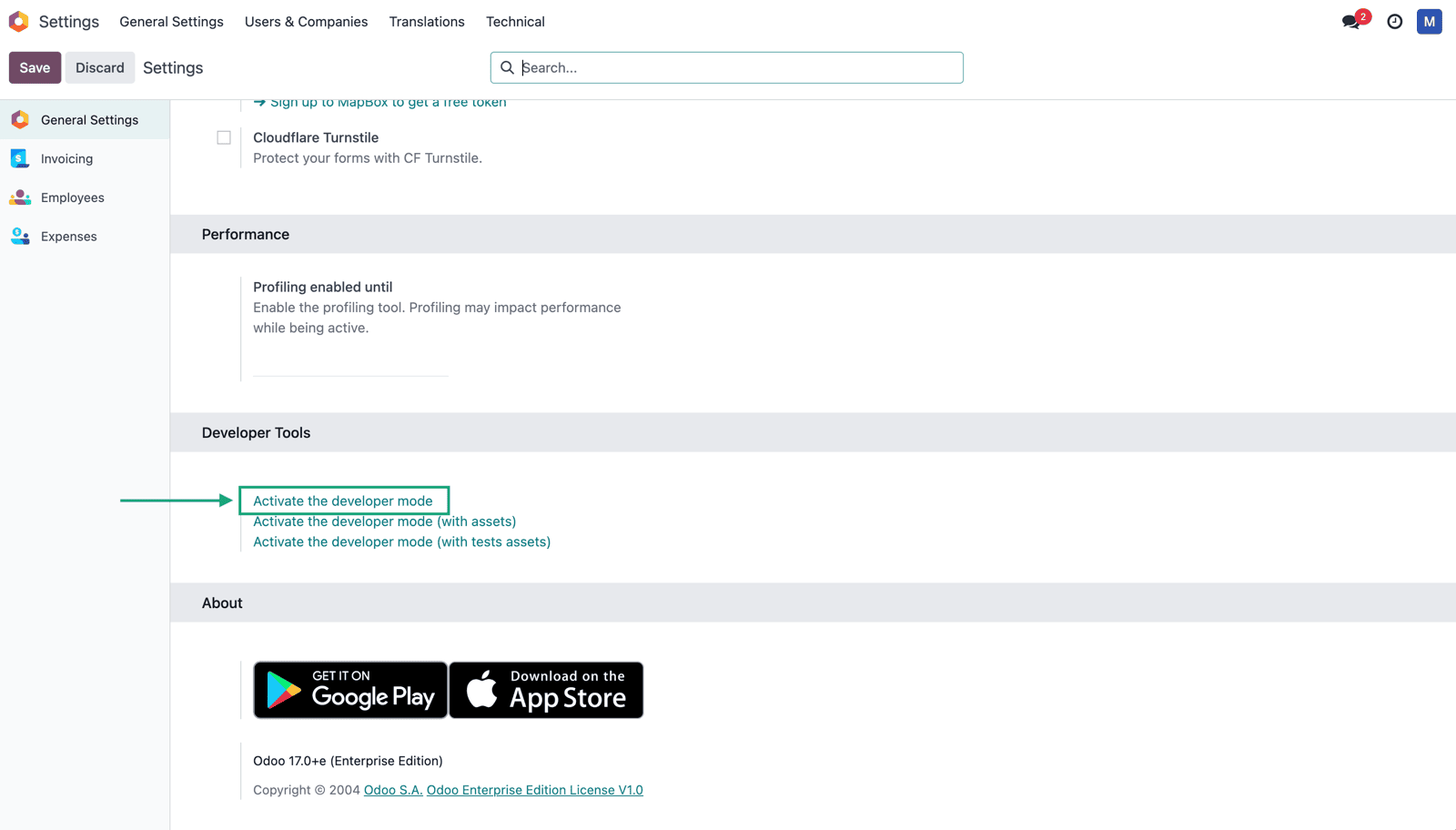
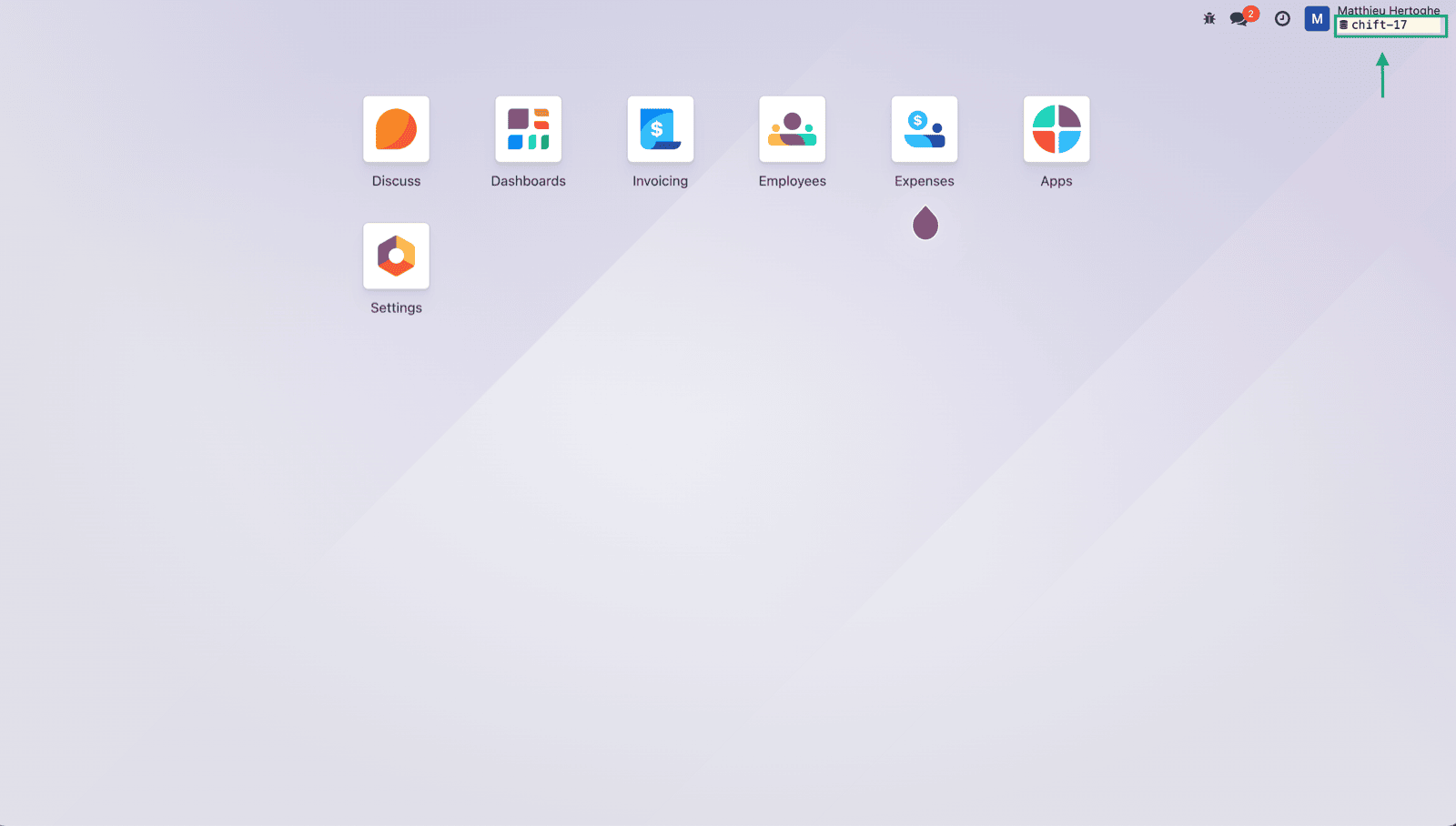
  1. Find your account’s database name by activating the developer mode and looking up the data on your home page.
CONNEXION

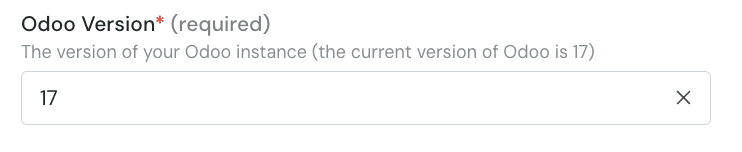
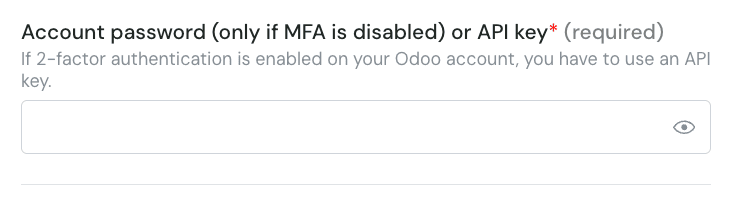
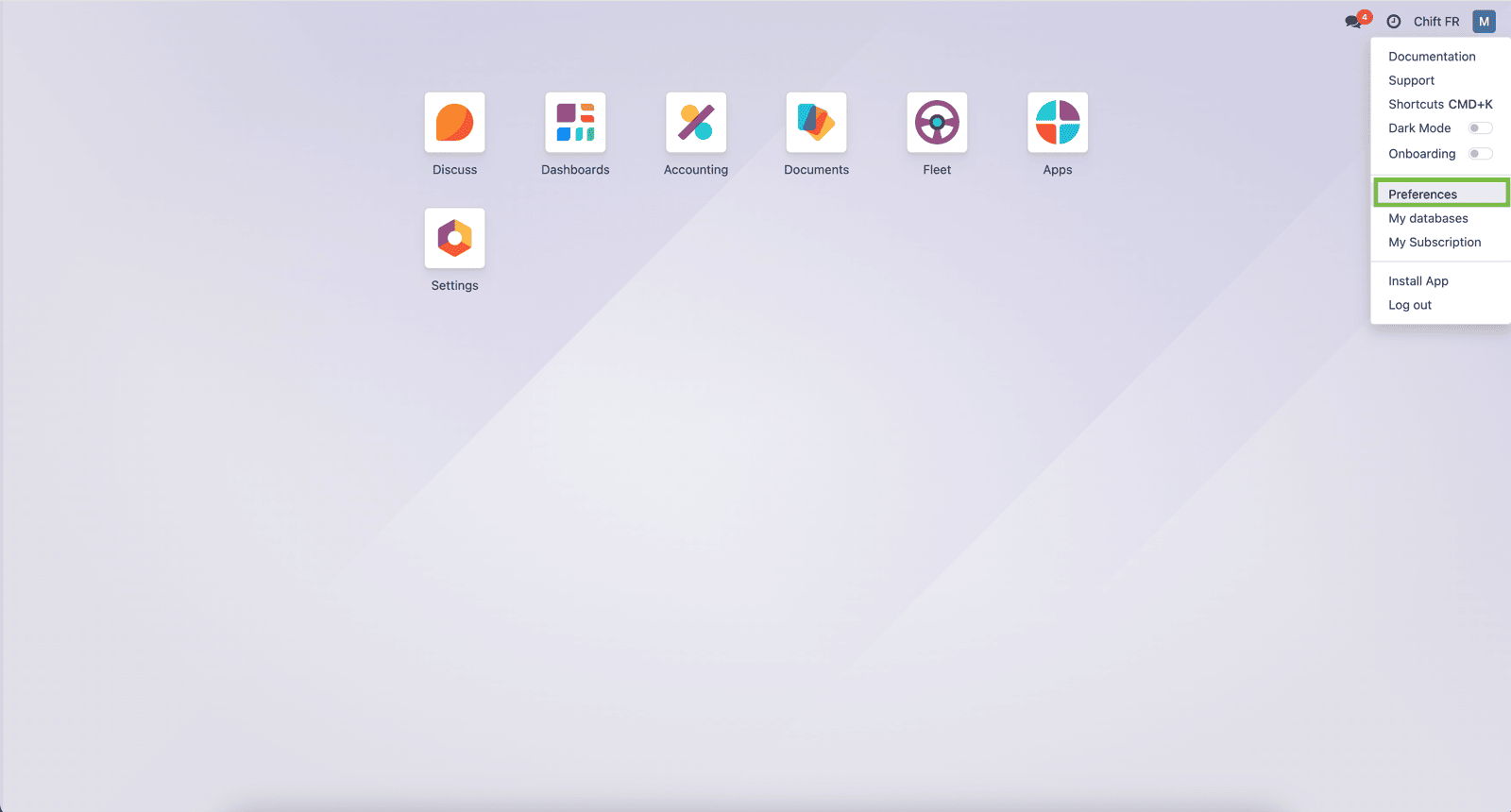
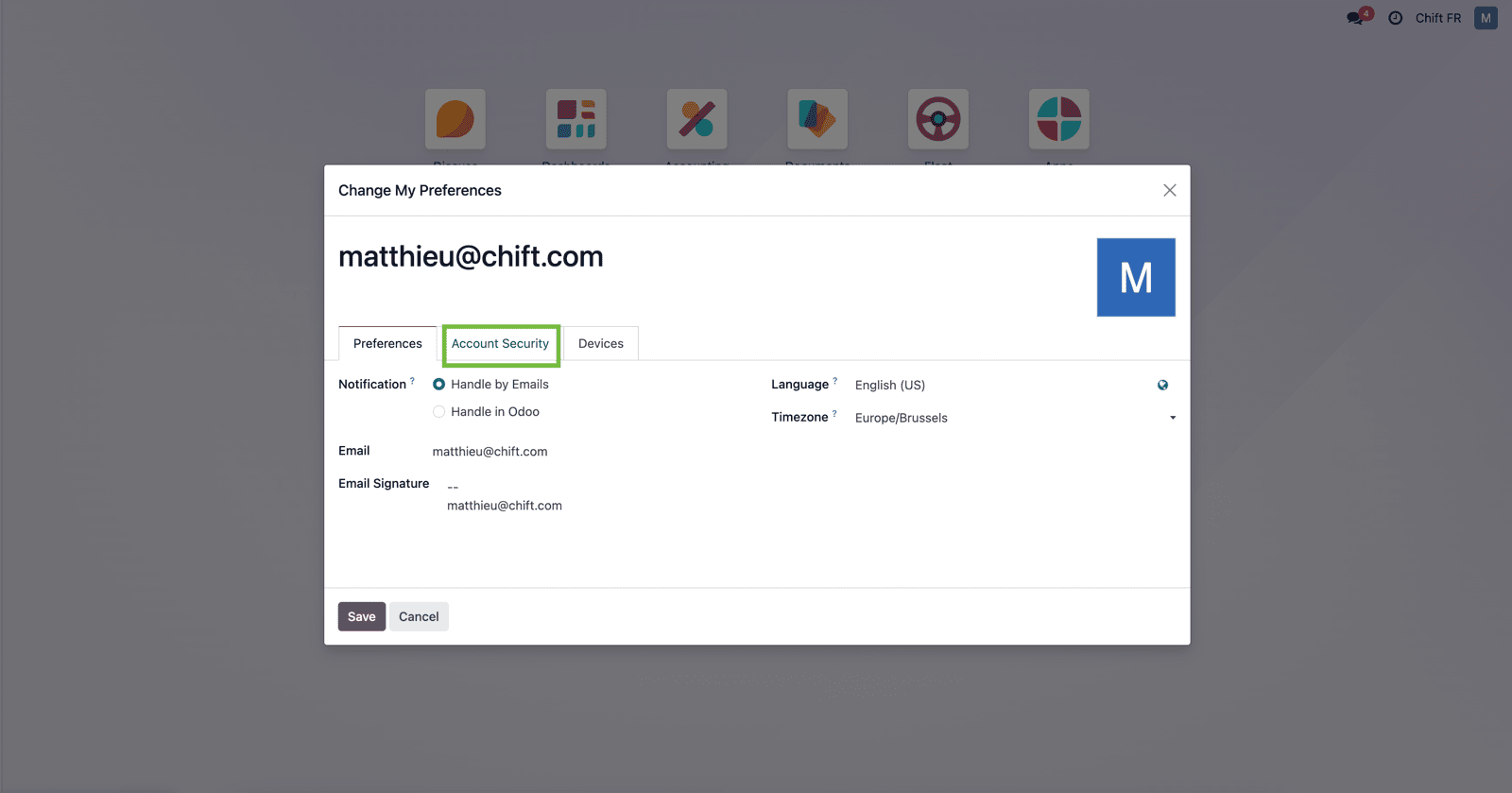
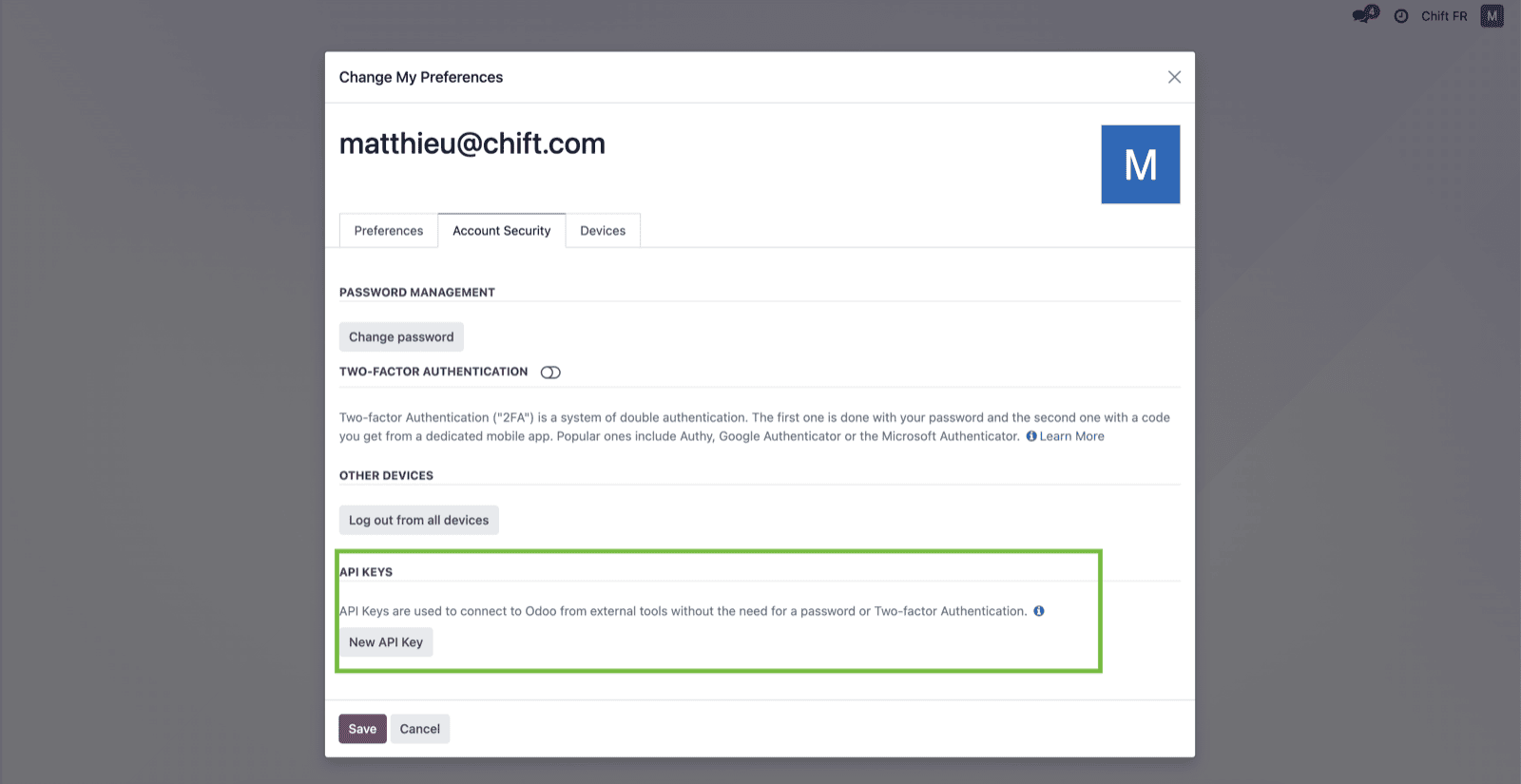
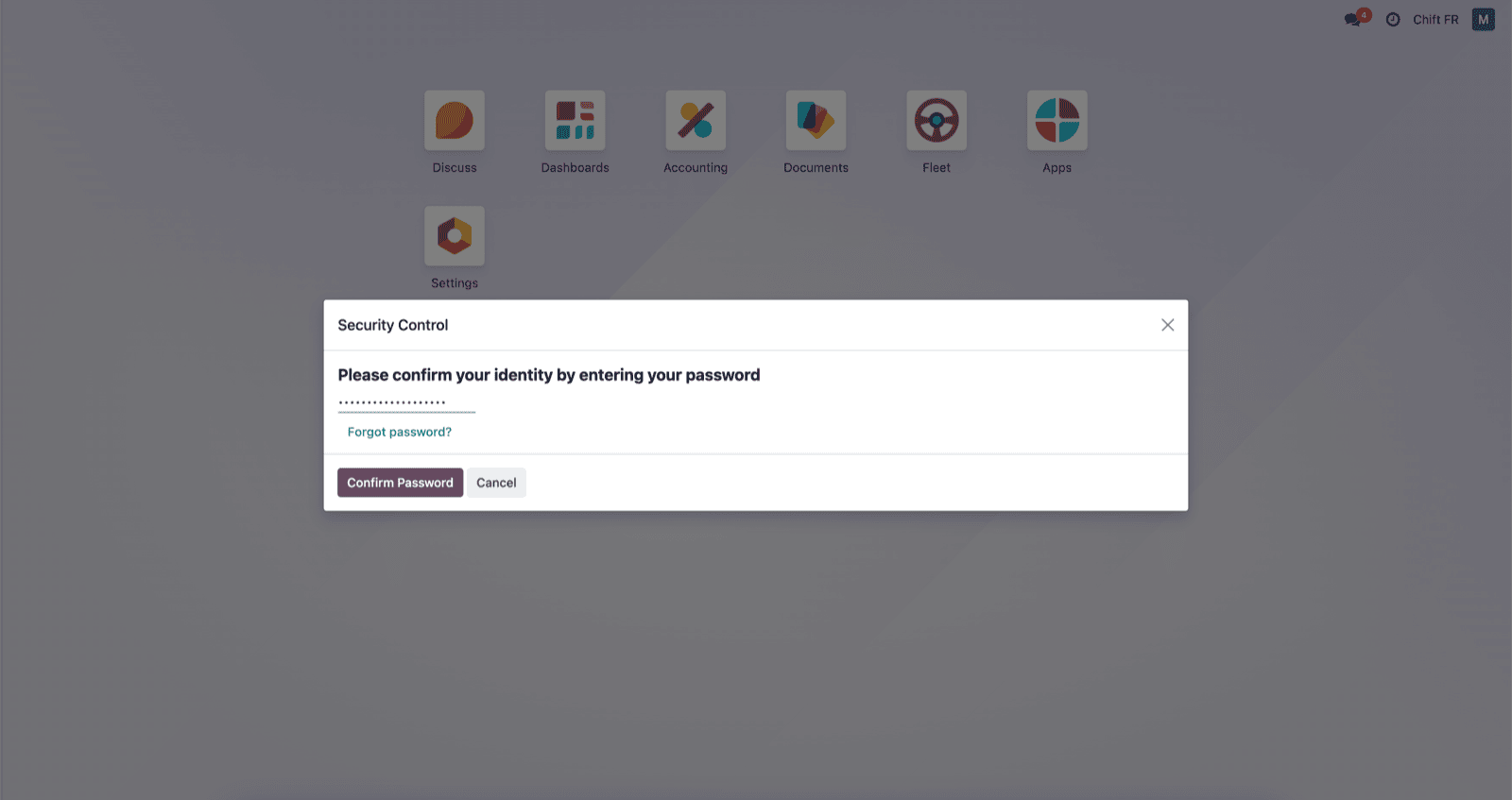
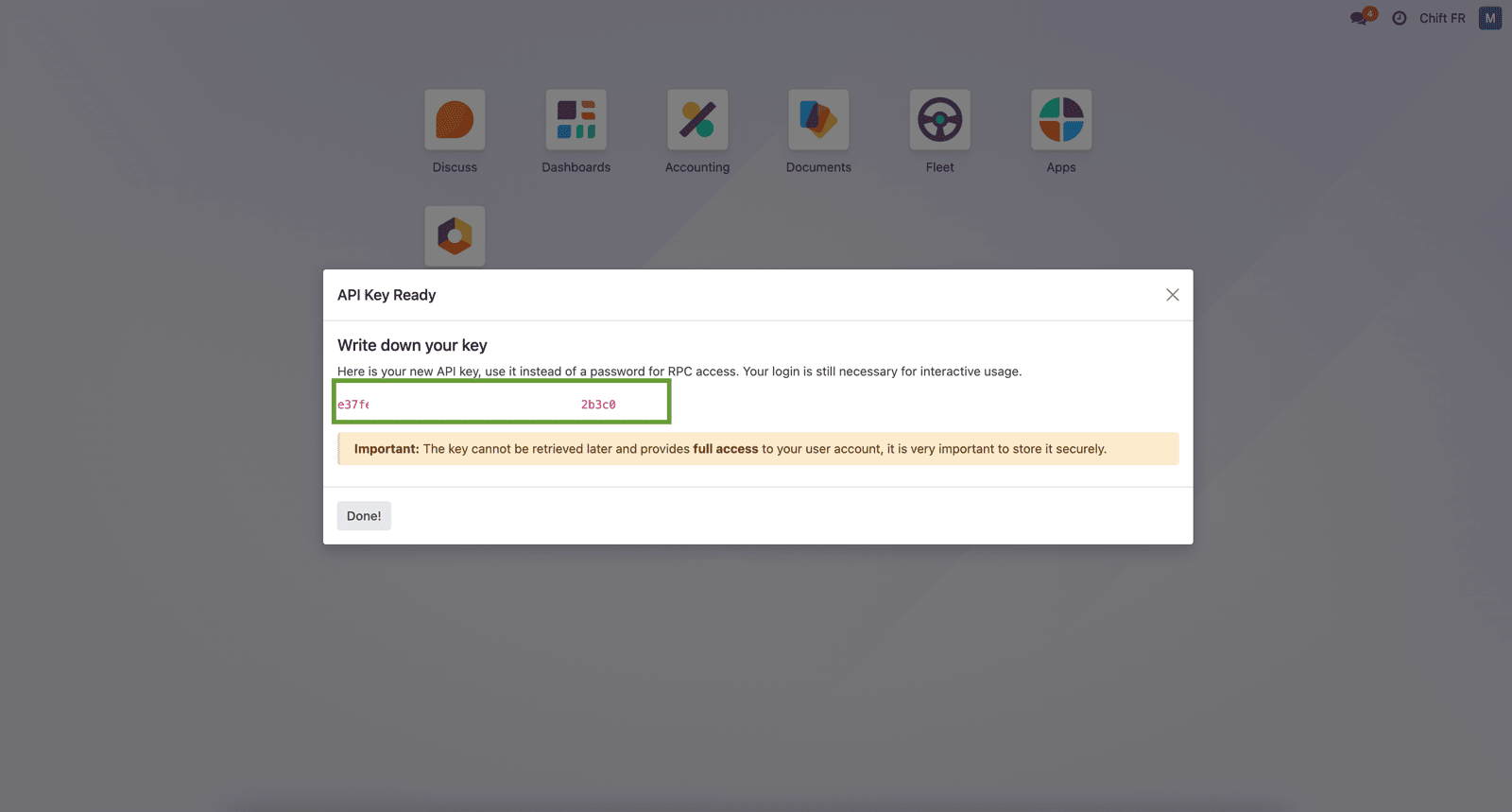
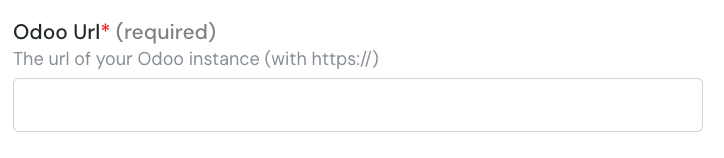
Step 1: Choose a name for your connection. Step 2: Enter the url of your Odoo instance. Step 3: Enter the version of your odoo account. Step 4: Enter the database name Step 5: Enter your Odoo account username. Step 6: Enter your Odoo account password. ⚠ Please note that if you activated the MFA on your Odoo account, you will need to setup an API Key and use it instead of your password. Step 6-1: If you need to generate an API Key, log into Odoo and click on the right top corner button and on “preferences”. Step 6-2: Select “Account security” Step 6-3: Select “New API key” Step 6-4: Fill your password Step 6-5: Give a name to your api key and give “persistant key” as duration. Step 6-6: Here is your API key that you can use in Chift funnel to connect Odoo. Step 7: Click “Connect” to finalise the connection.

CONFIGURATION

Step 1: Select the company to connect to on Odoo. Step 2: Click “Submit” to finalise the configuration