🚨 PREREQUISITES

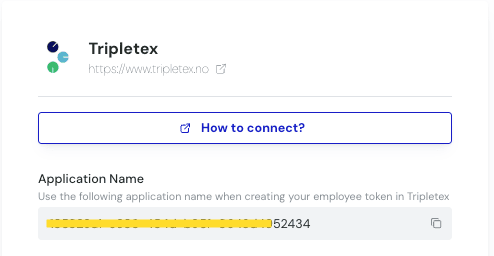
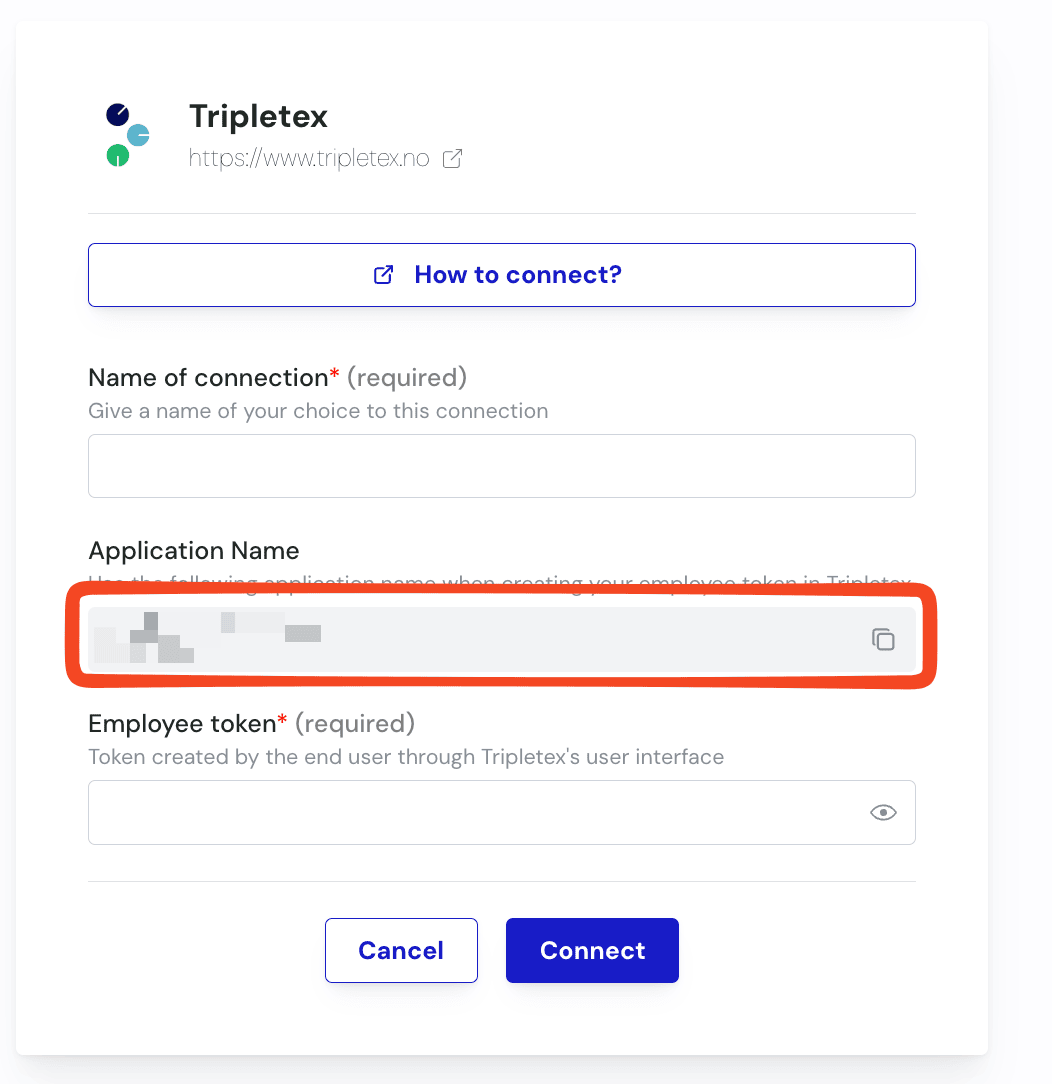
  • You must obtain the Application Name from the software you want to connect to Tripletex. This Application Name is displayed on the connection page you are currently filling out. See below: image.png
🛠 PREPARATION

Create the EmployeeToken for your API user in TripleTex 👇

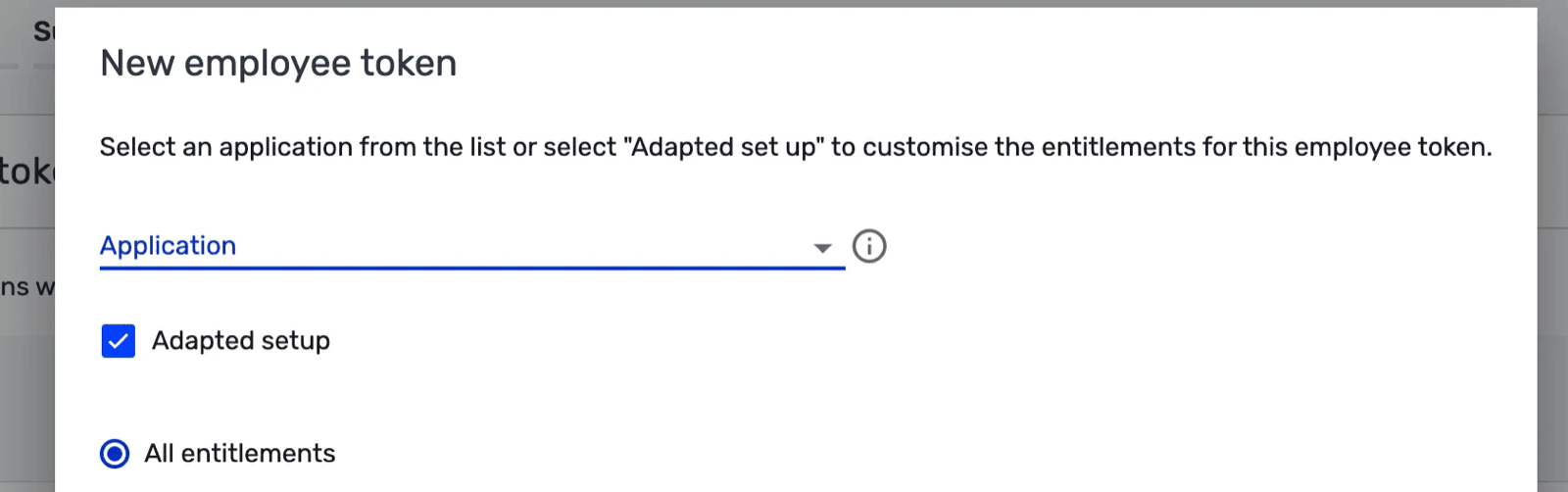
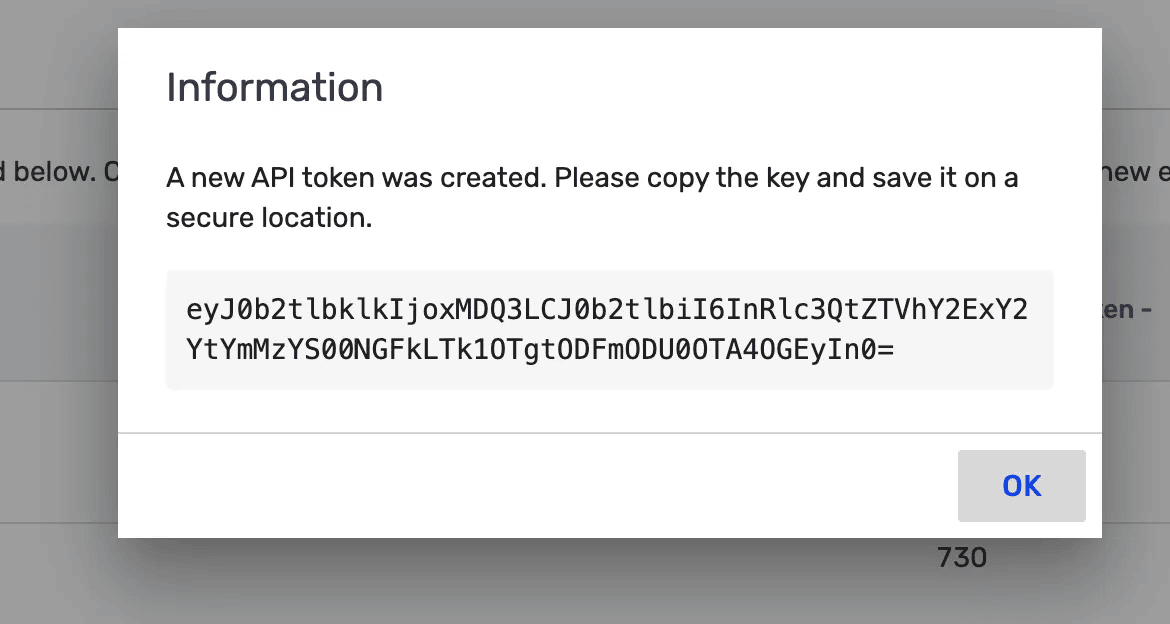
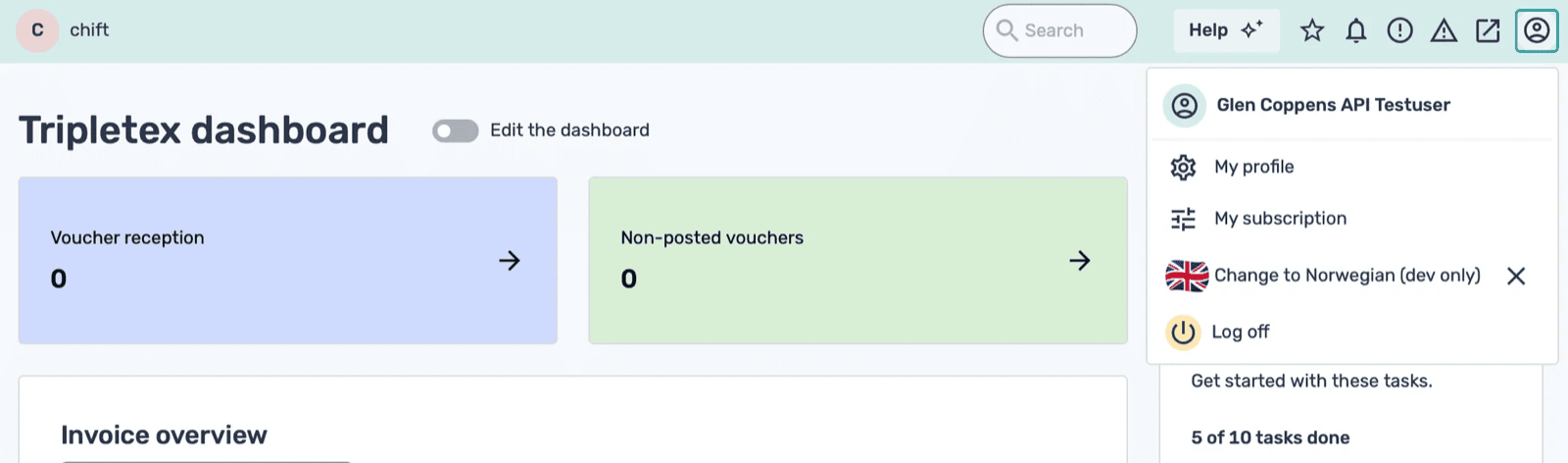
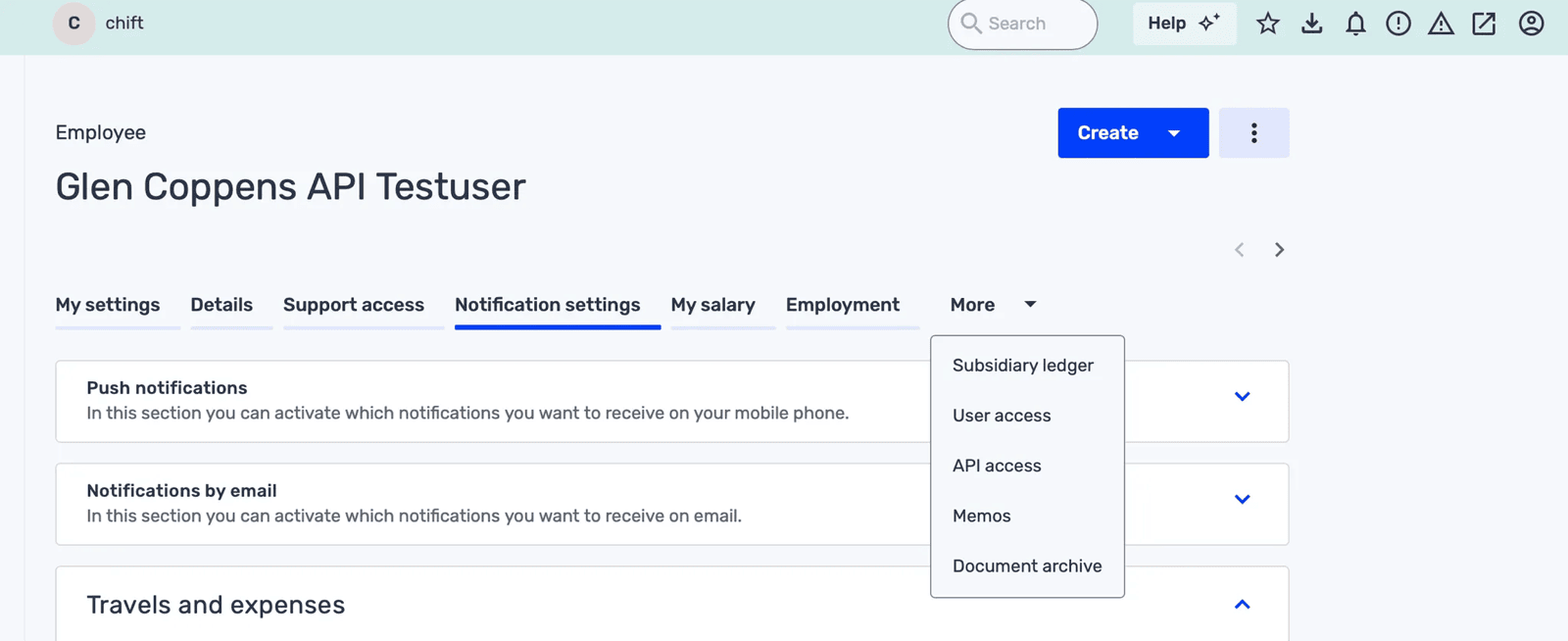
Step 1: Log into your TripleTex environment Step 2: Click on your user in the top right corner of the screen Step 3: Select “My profile” Step 4: Click on “More”, and select “API access” Step 5: Click on “New token” Step 6: Use “Adapted setup” & “all entitlements” Step 7: In the “Application name” field, enter the Application Name exactly as it appears in the activation window — the same page where you click “Connect” to finalize the connection. You can simply copy it directly from there. image.png Step 8: Give the token a name e.g. “Software Provider API” Step 9: Save the employeeToken that is returned. You will need it when activating it in the activation page.
⚡️ CONNECTION

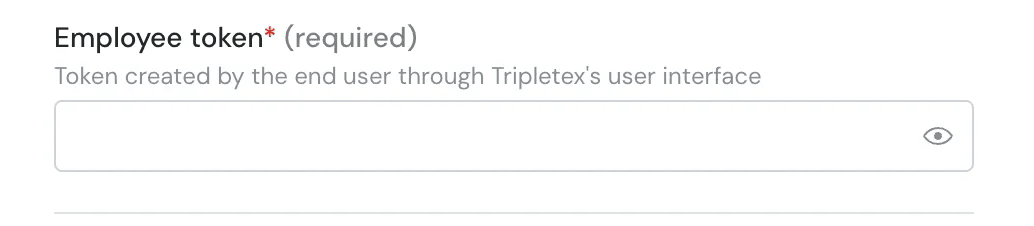
Step 1: Choose a name for your connection. Step 2: Add the employeeToken generated in your TripleTex environment Step 3: Click “Connect” to finalise the connection.