PREPARATION
The information you need to configure the connection can be found directly from your Digiforma’s account:- Go to your integrations page and select GraphQL (https://app.digiforma.com/academy/interconnection/graphql)
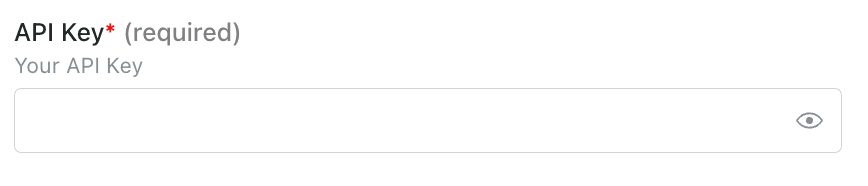
- Copy your active token
CONNECTION
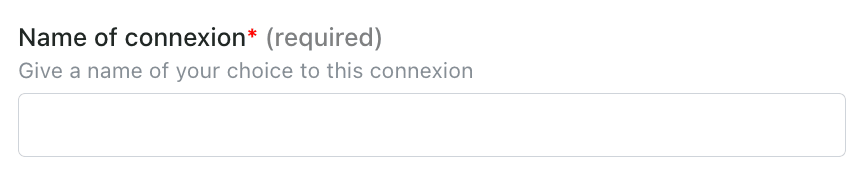
Step 1: Choose a name for your connection.