PREPARATION
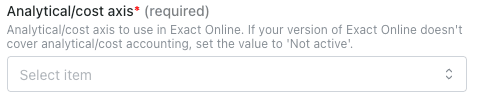
Check if your account has analytical/cost axis enabled. For that, log into your Exact Online account, select the “Financial” tab and “analysis & Results” (In the case of the account in the image below, there are two axes. Both cost centres and cost units are enabled).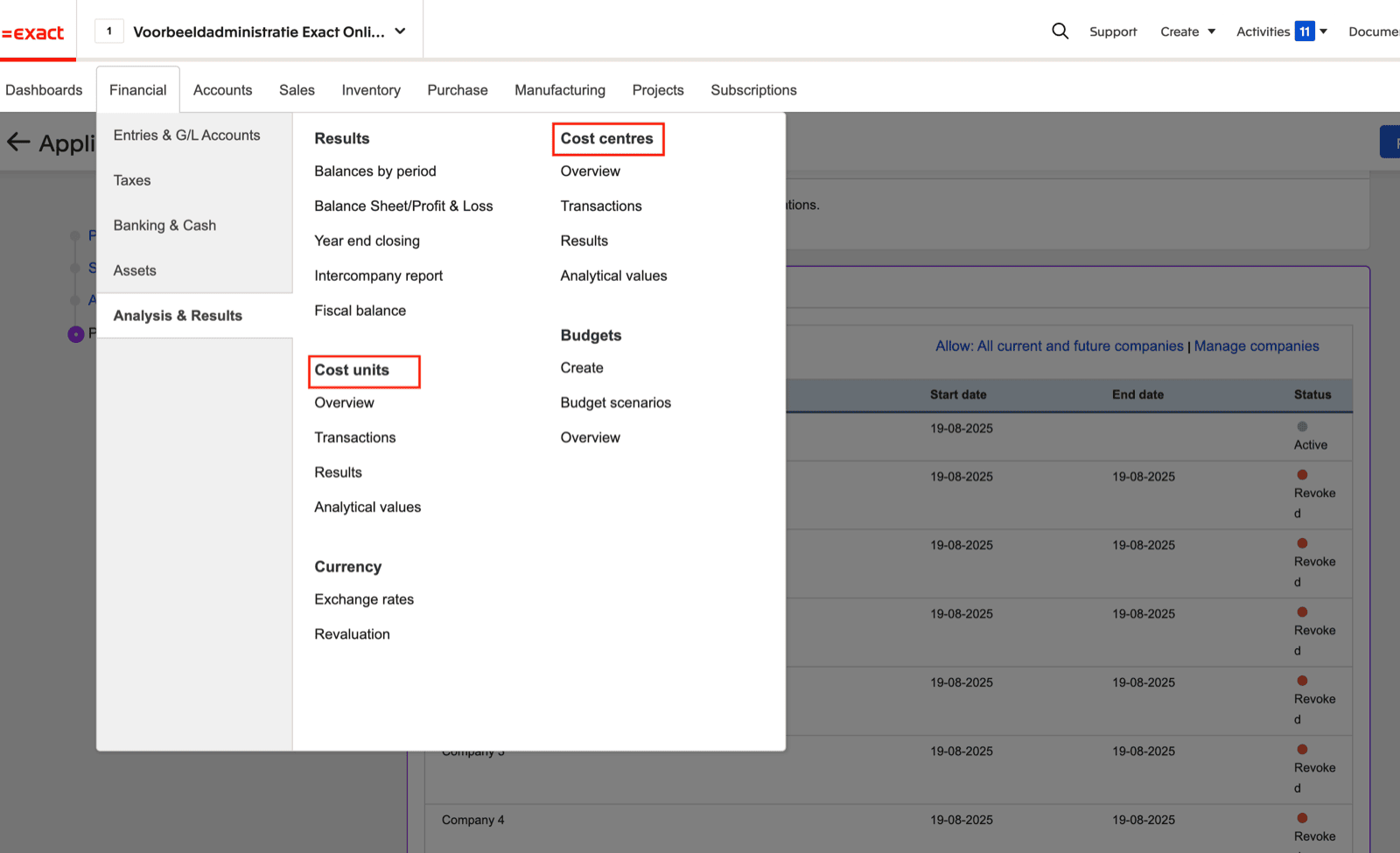
CONNECTION
Step 1: Choose a name for your connection.

AUTHENTICATION
You will be redirected to an Exact Online page to authenticate your account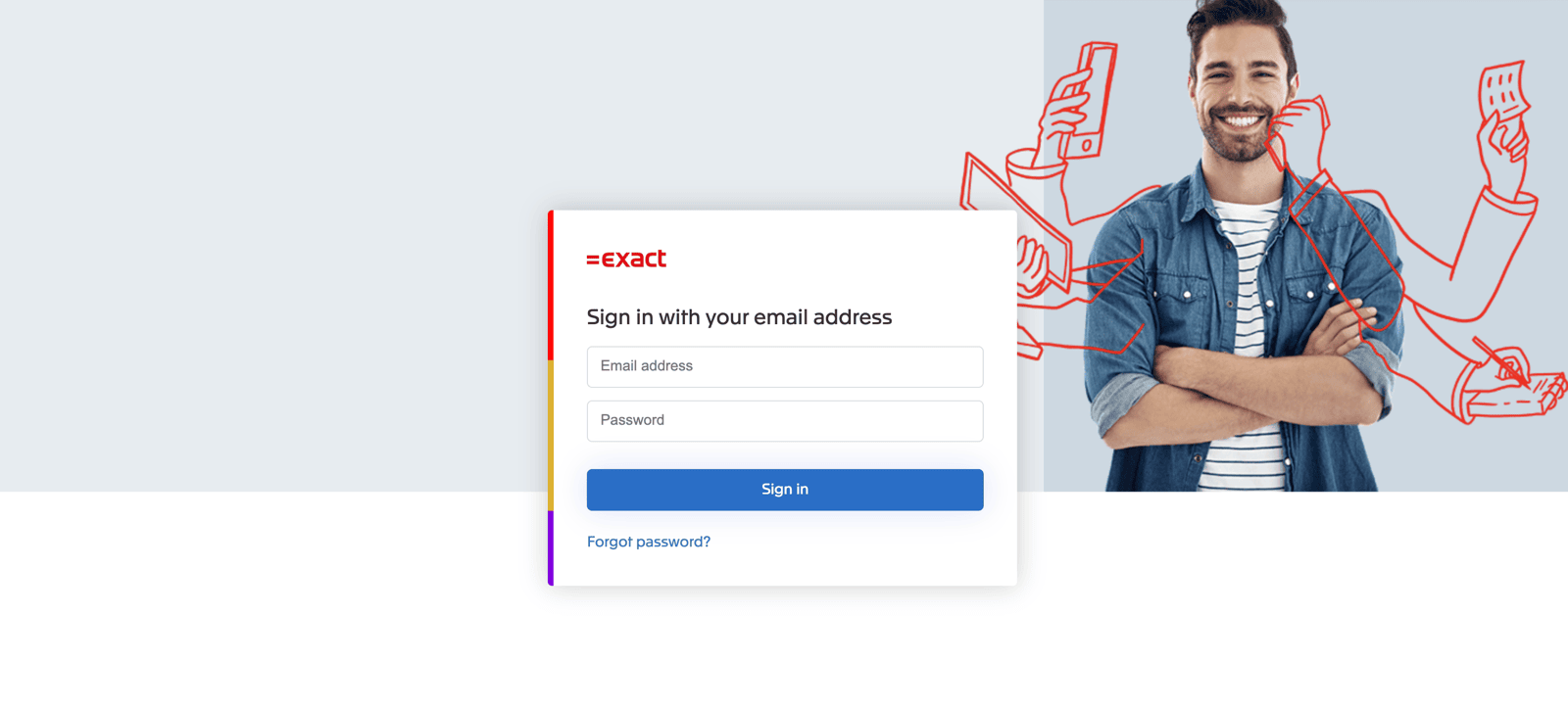
CONFIGURATION
Step 1: Select the company, folder, division you’d like to configure.
- Open Exact Online “Import/Export” Settings

- Select “App permissions”

- Select the app you are trying to connect to Exact Online
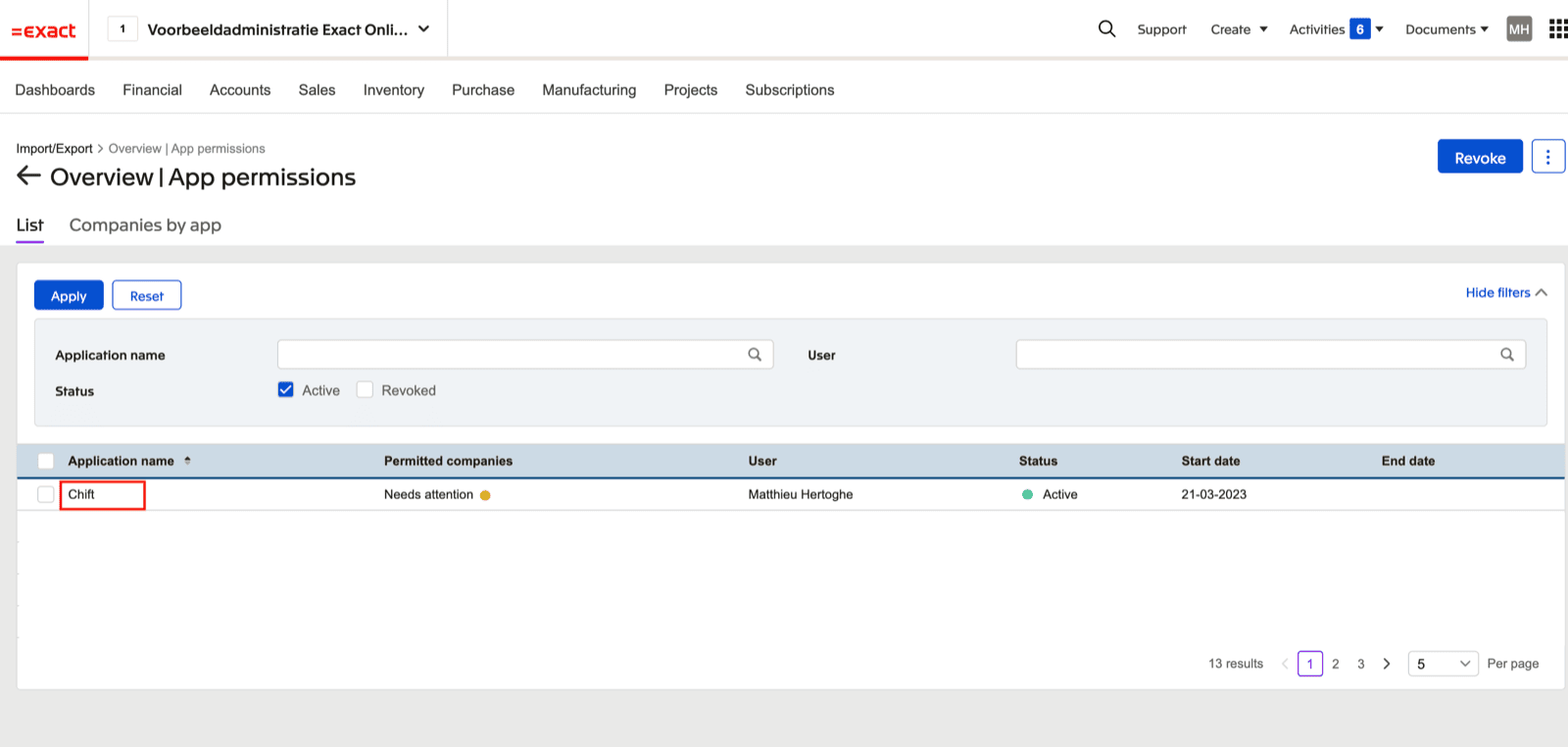
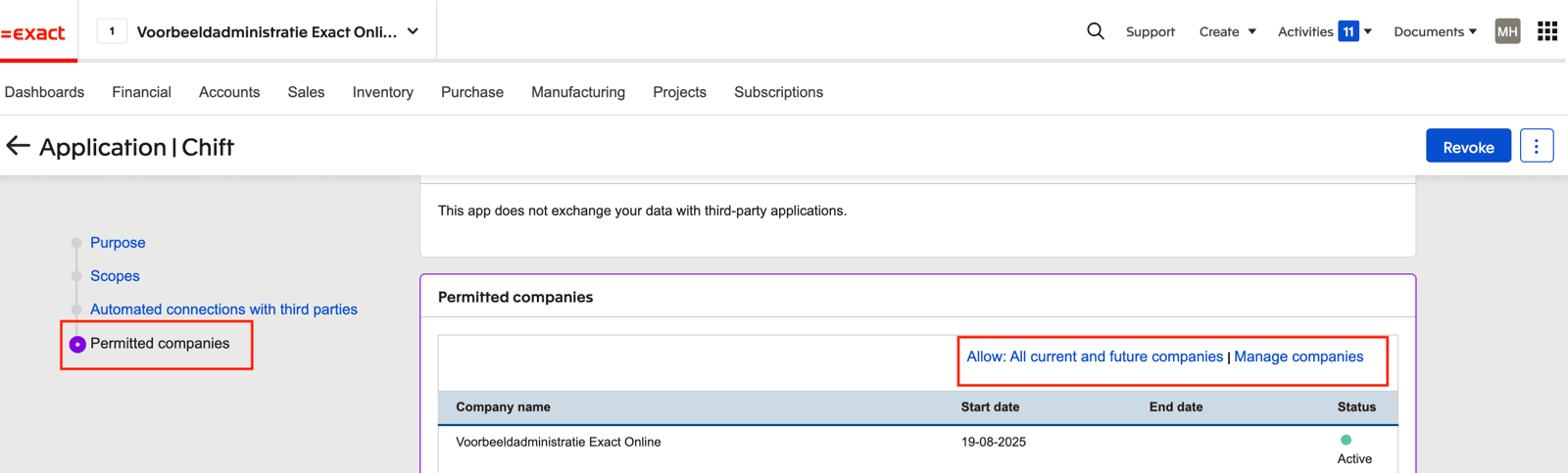
- Go to the “Permitted companies” section. Here you can allow all current and future companies OR select “Manage companies” to only allow specific companies