PREPARATION
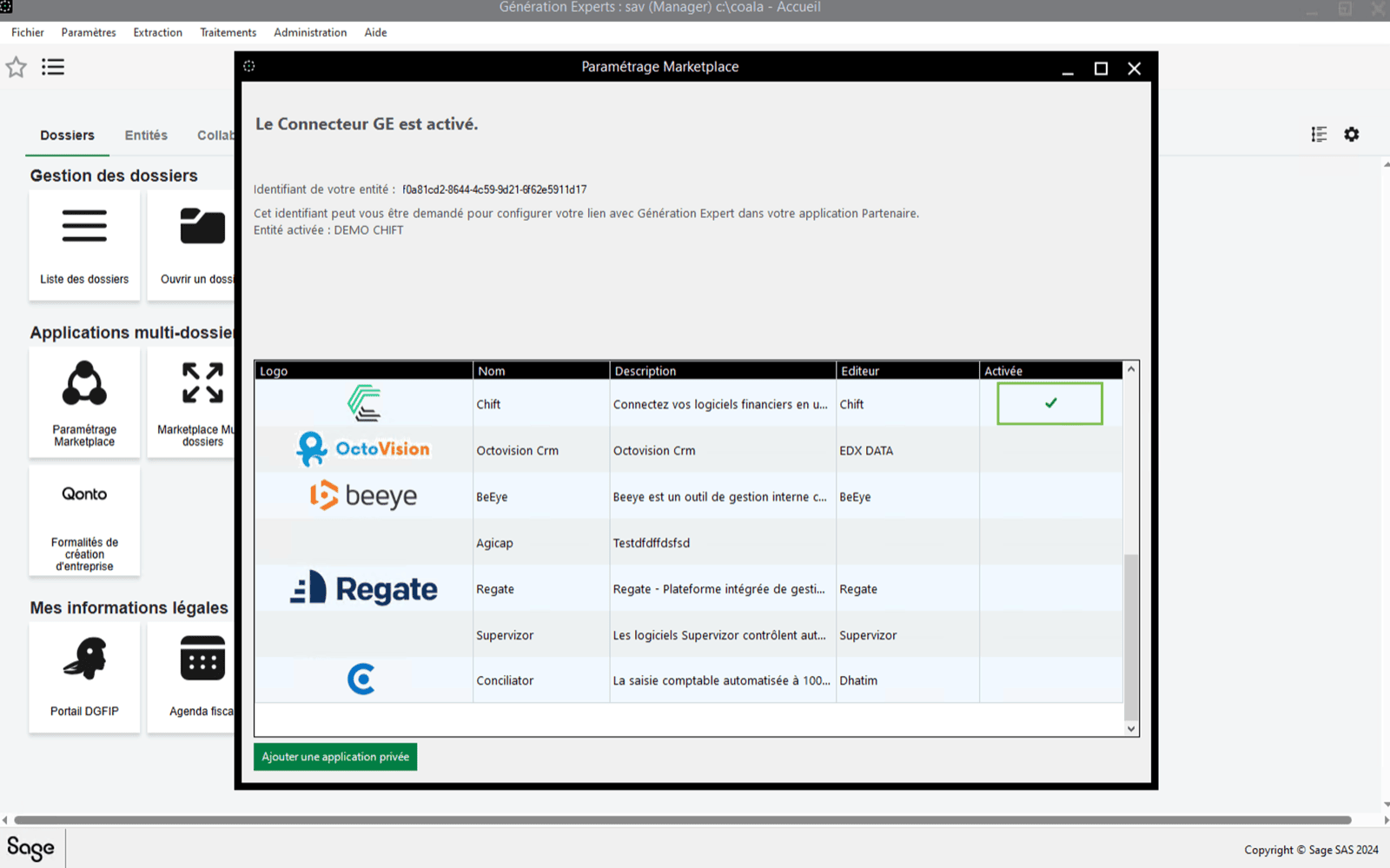
In Sage Génération Experts, you need to activate the public application Chift in order for the data exchange with Sage Génération Experts to work. This consists of 2 steps:Step 1 : Activating Chift application
- First of all open the marketplace settings
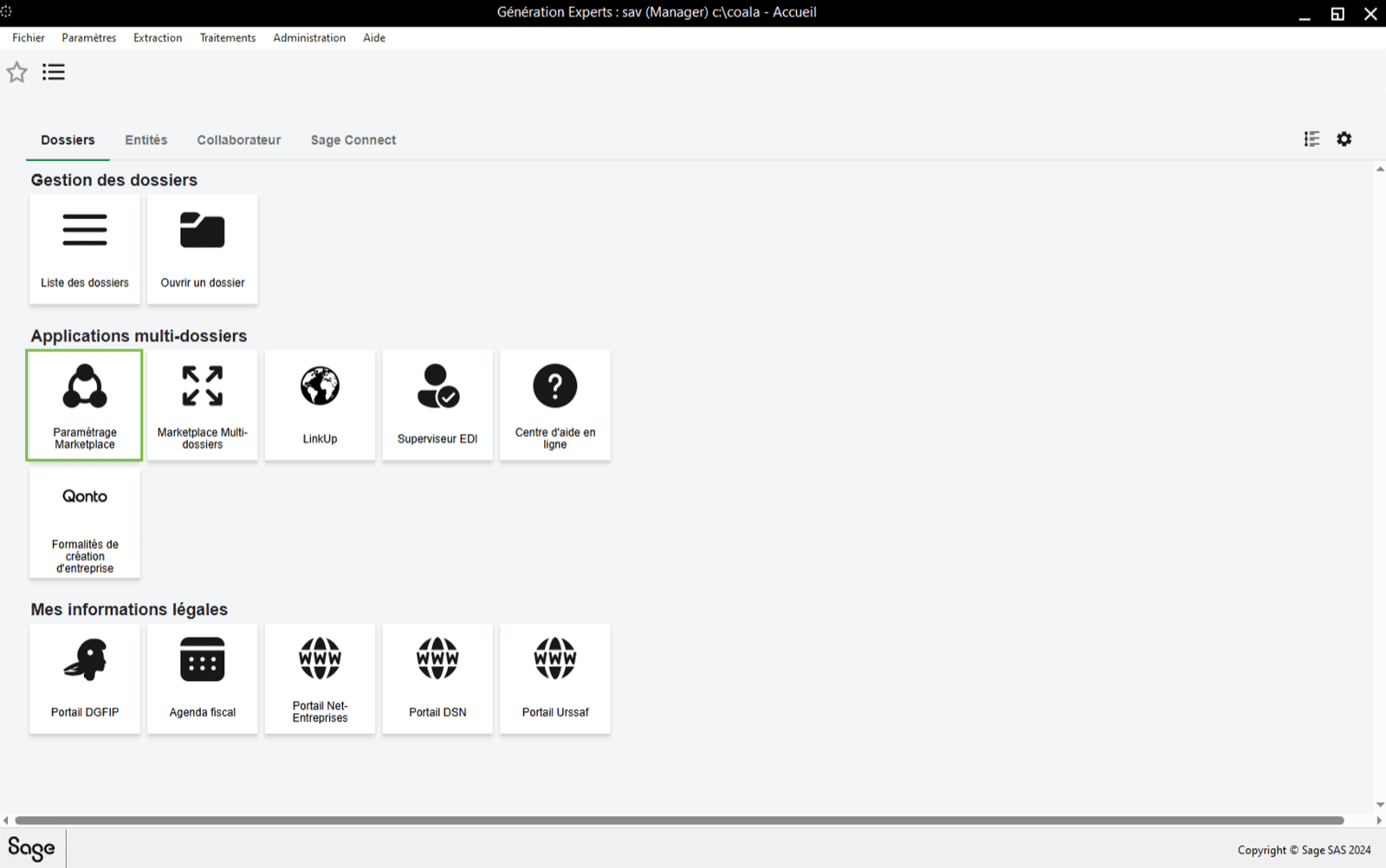
- In the list you will find the application “Chift”. If the “Chift” application is not yet activated, double click on it to do so. ⚠ Careful there are 4 CHIFT Apps in Sage. Choose the one to connect your financial software.
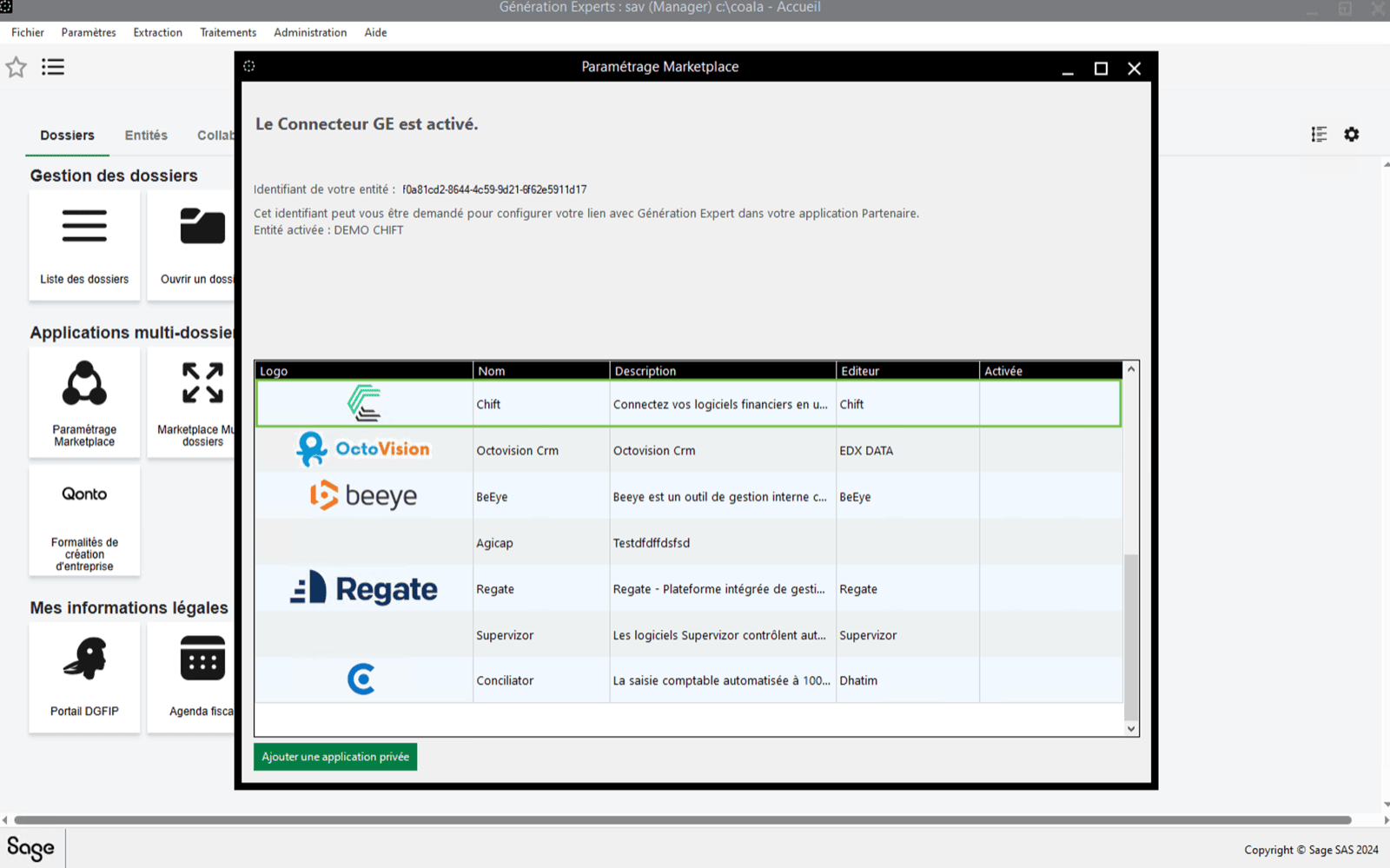
- Accept the conditions and activate the application. ⚠ Sage is rectifying the 10€ charge announced in the conditions. Note that Sage GE will not charge for this 10€ fee if you proceed in activating the connector. Sage is doing the technical change (COMING SOON).

- You can see that the “Chift” application has been activated
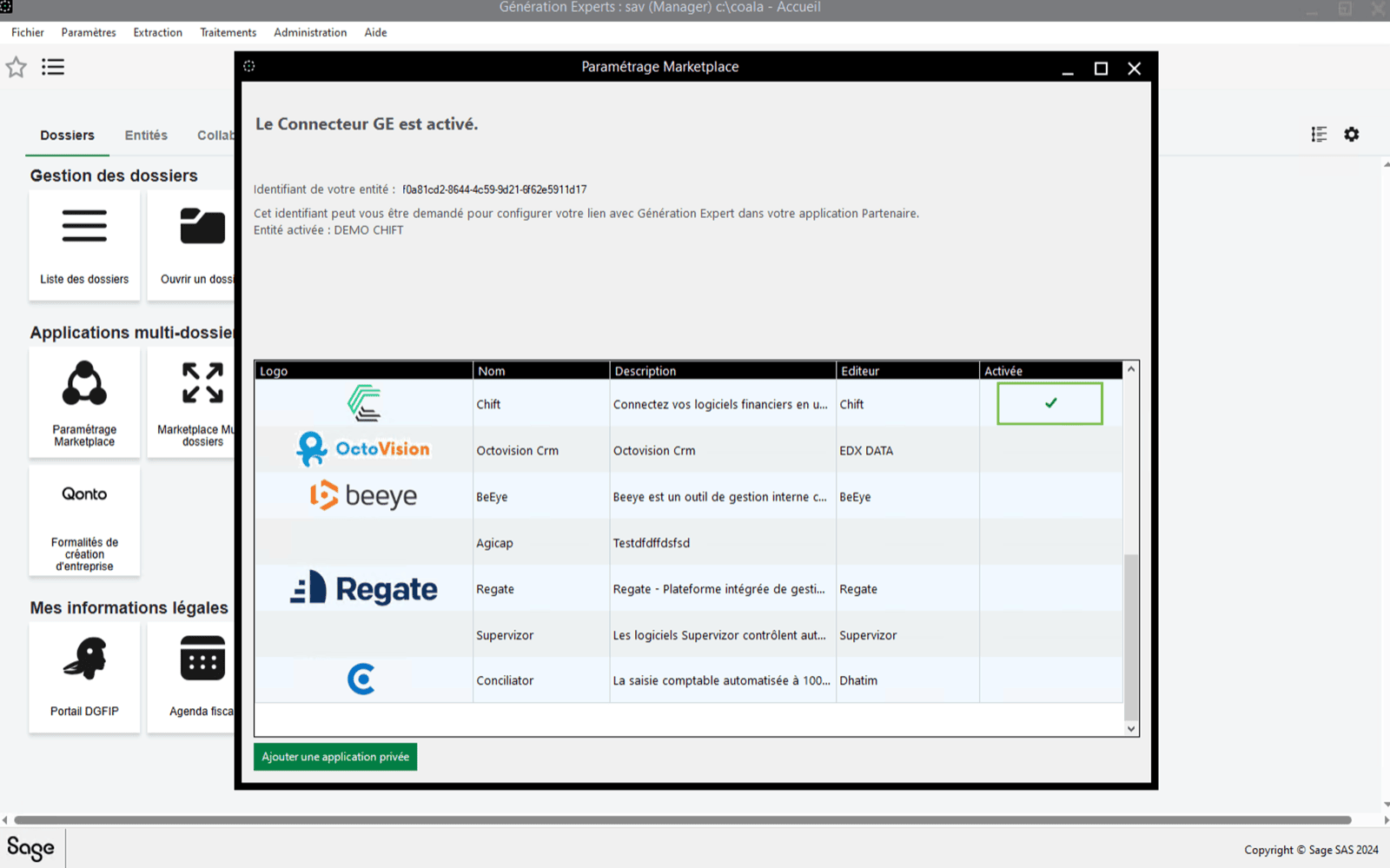
Step 2 : Activating Chift application on each customer company
⚠ Please note that you will be required to perform the next steps for each customer company you want to synchronize with Chift.- First of all open a folder/company on Sage.


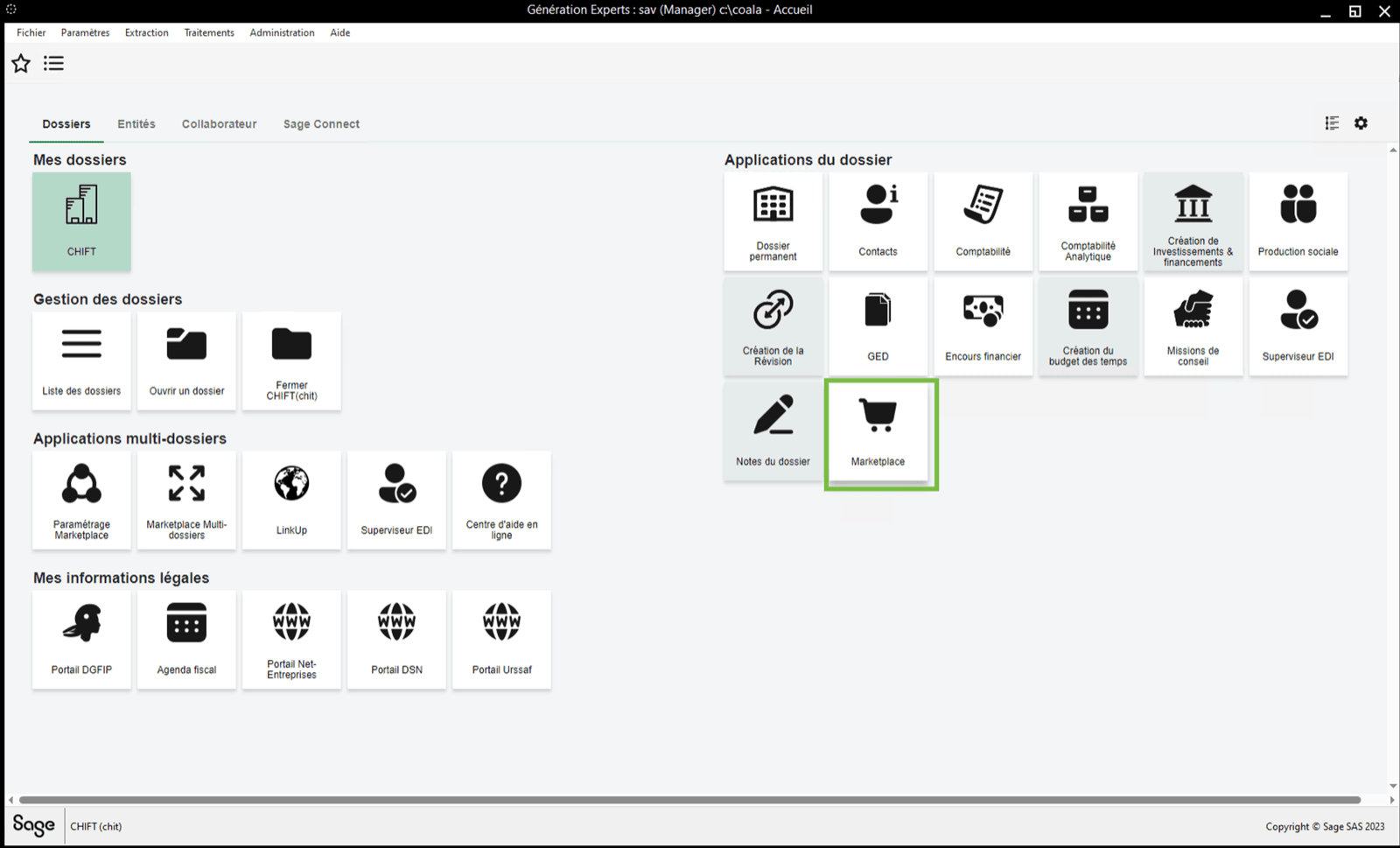
- Then, go to “marketplace” on the right panel.
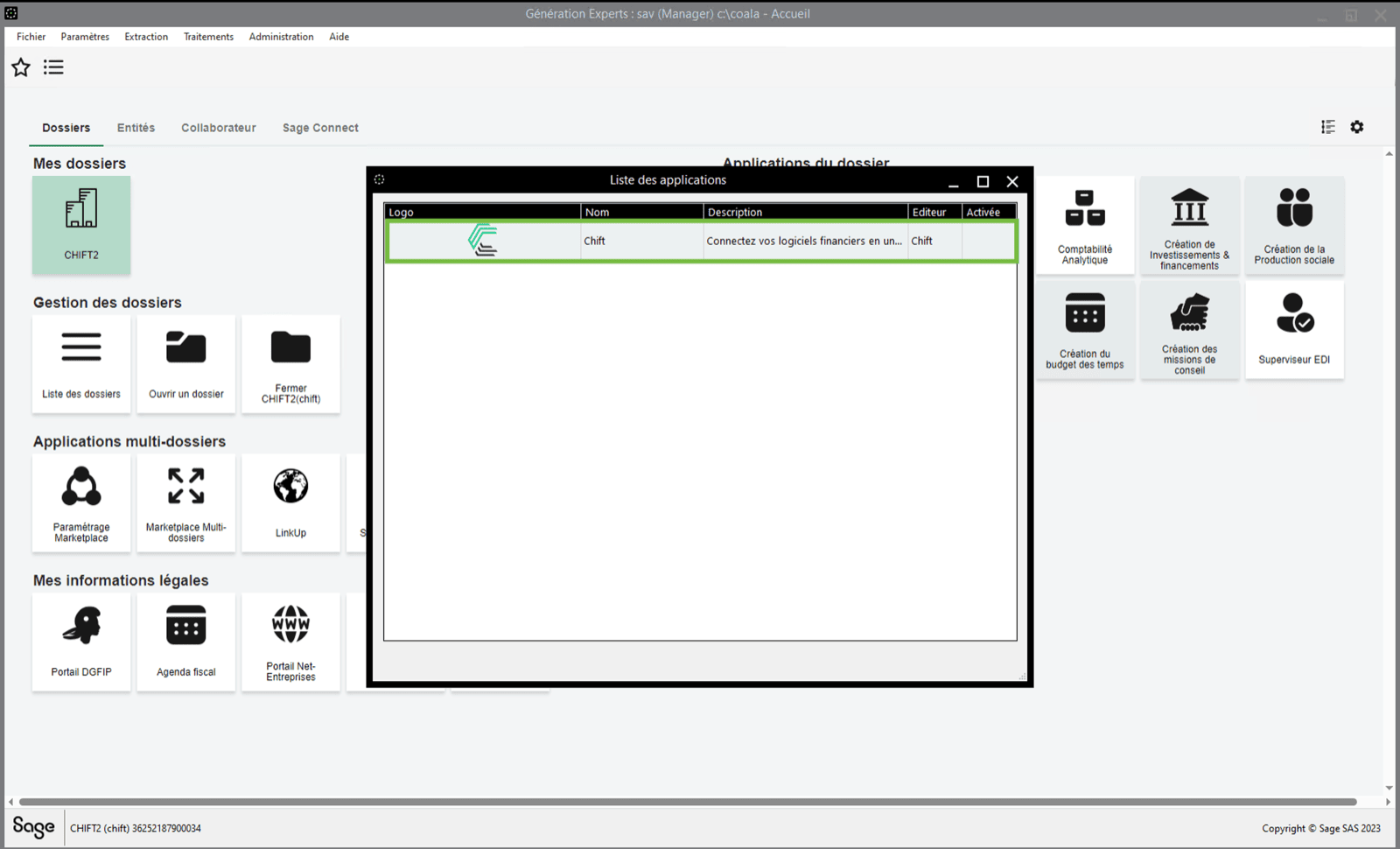
- If the “Chift” application is not yet activated, double click on it to do so.
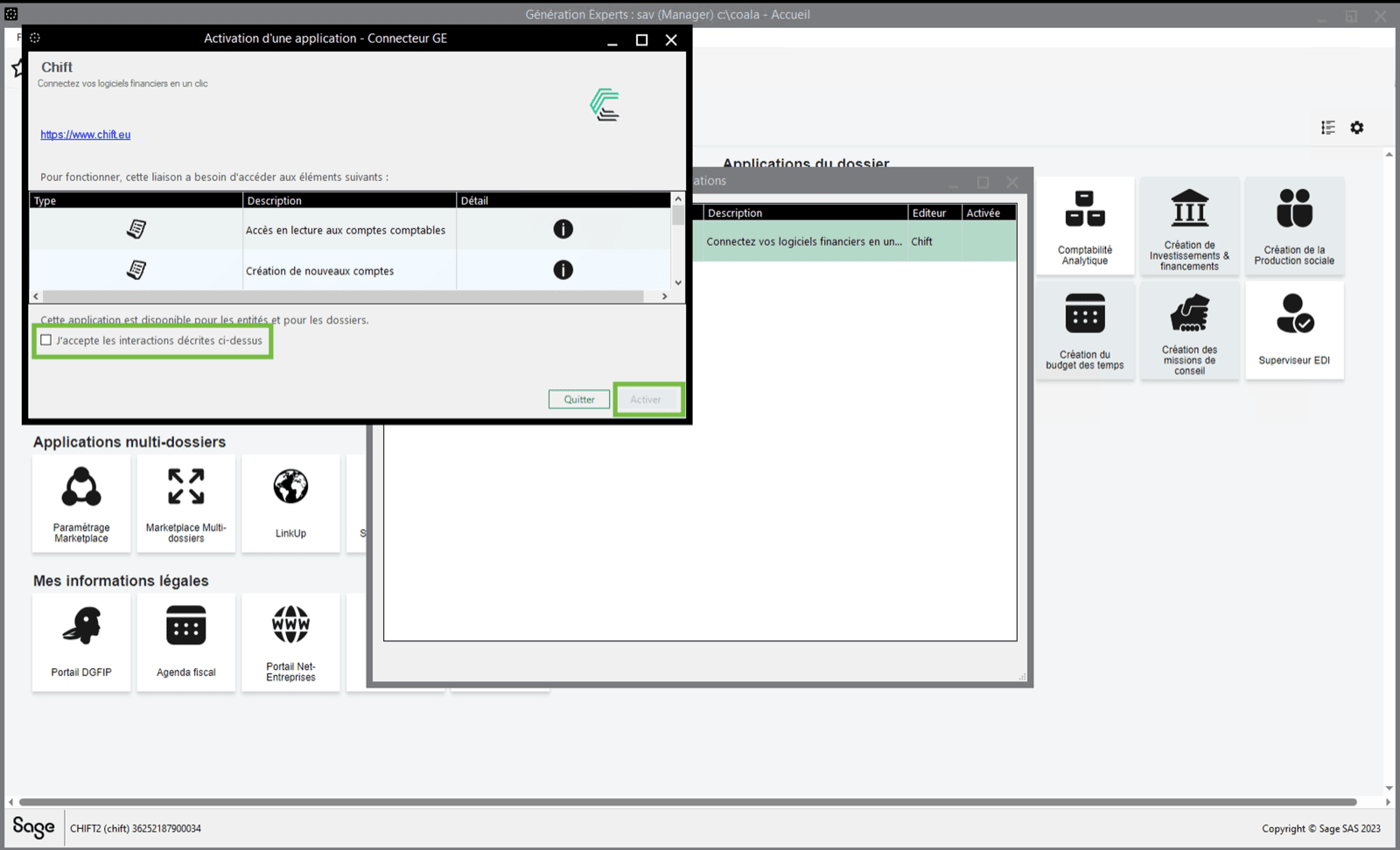
- Accept the conditions and activate the application
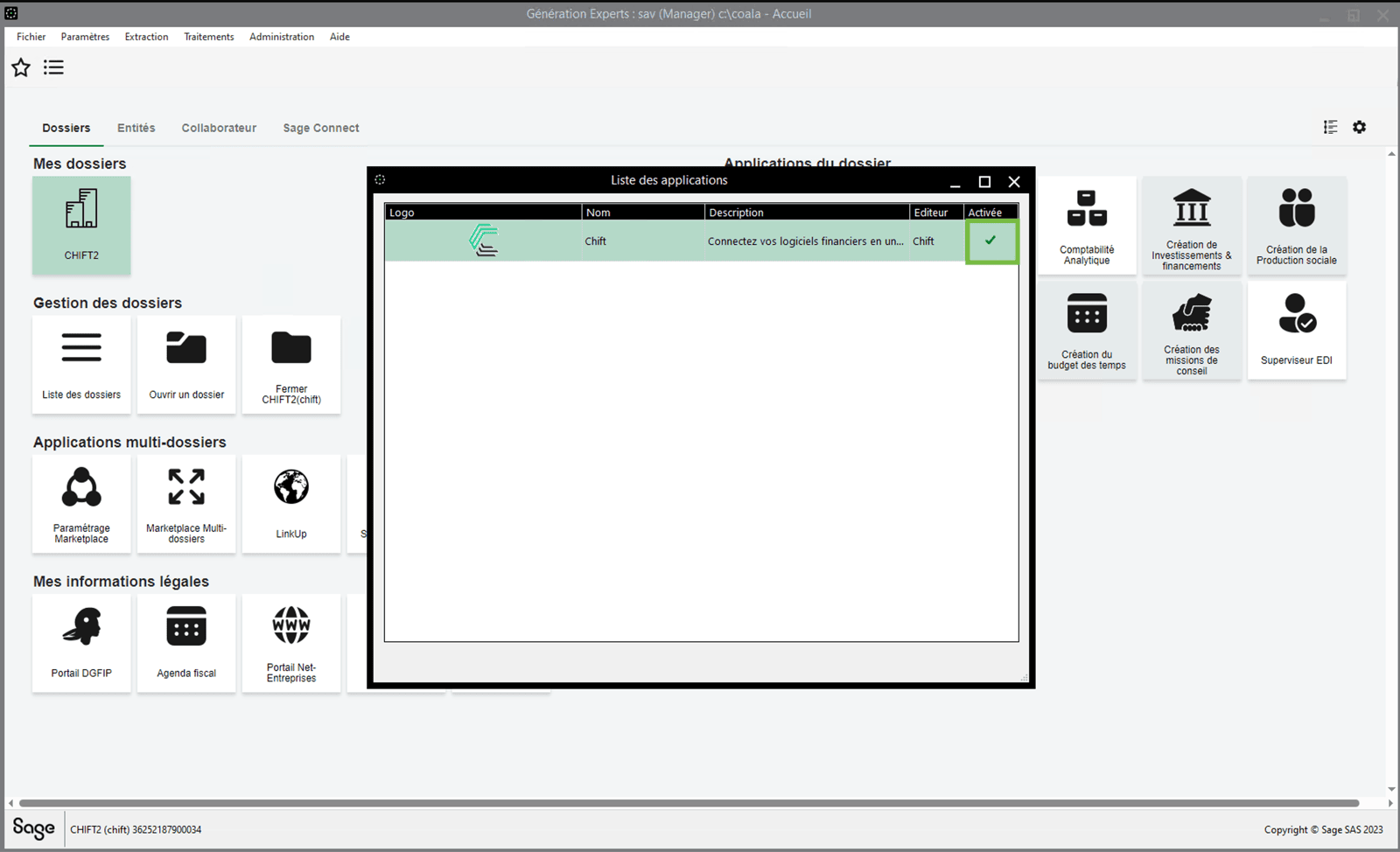
- You can see that the “Chift” application has been activated
CONNECTION
Step 1: Choose a name for your connection.