PREREQUISITES
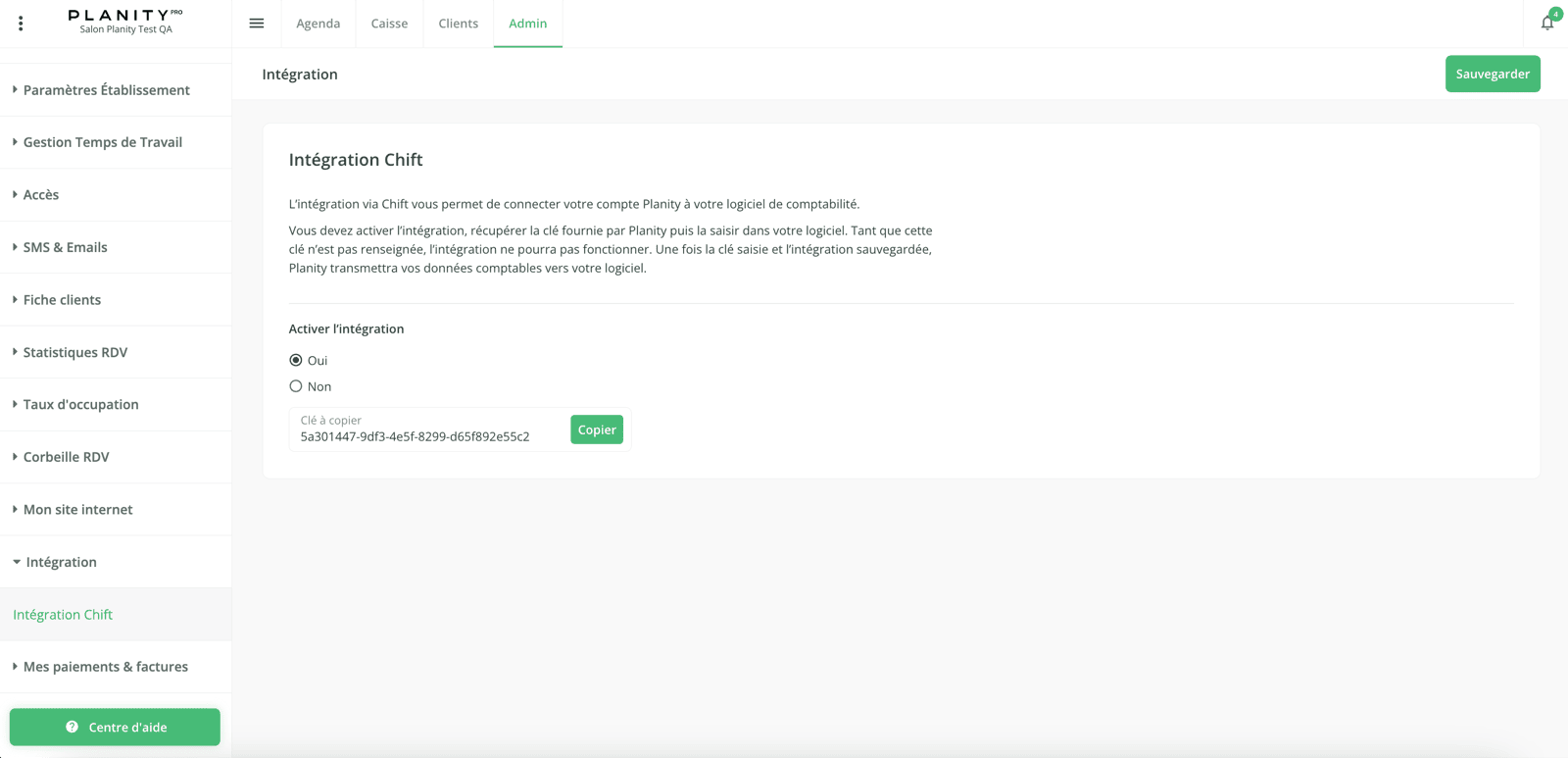
The Point of Sales module should be enabled. You should get an access key for step 2:- Go to your Planity’s account
- Go to “Admin” > “Integration” > “Integration Chift” >
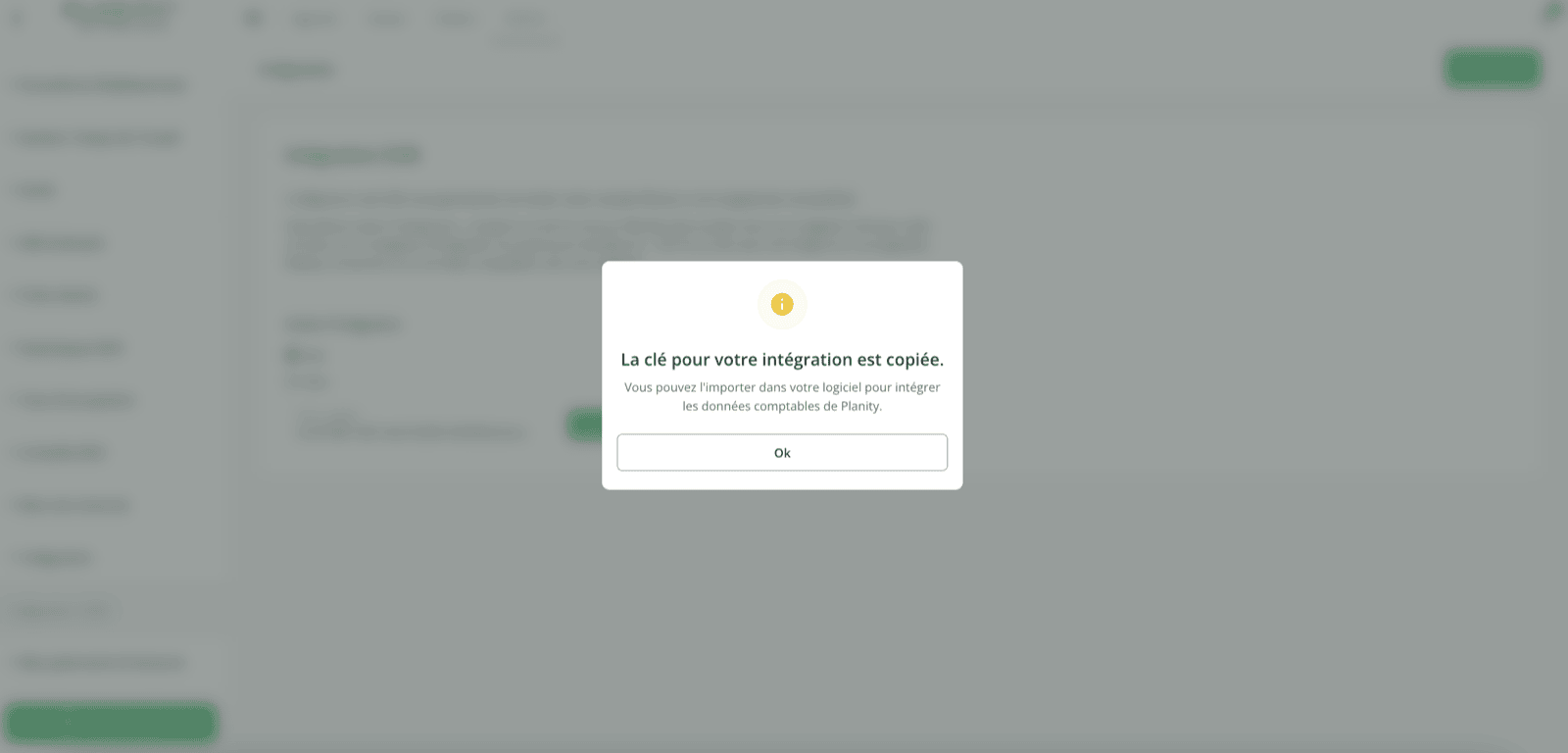
- Select “Yes” on “Activate the integration”, copy the access key and click on “Save”.
CONNEXION
Step 1: Choose a name for your connection.

If the connection fails on the first attempt with the error message “Provided access key is invalid or connection is not configured yet” , simply wait a few minutes and try again. Step 3: Click “Connect” to finalise the connection.