

PREREQUISITES
1. Retrieve the shop URL
- Log into PrestaShop
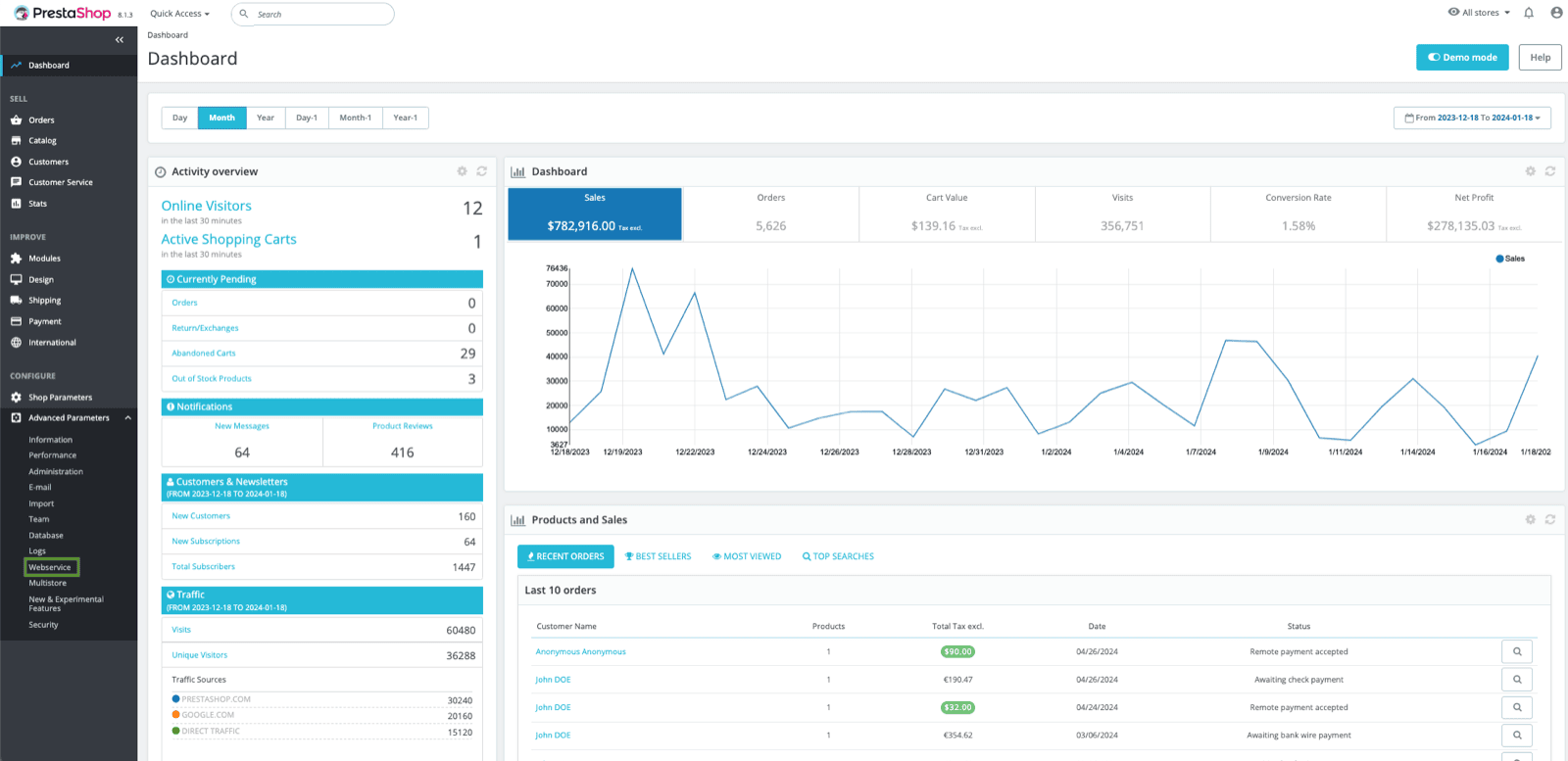
- Then click on “Advanced settings” → “Webservice”
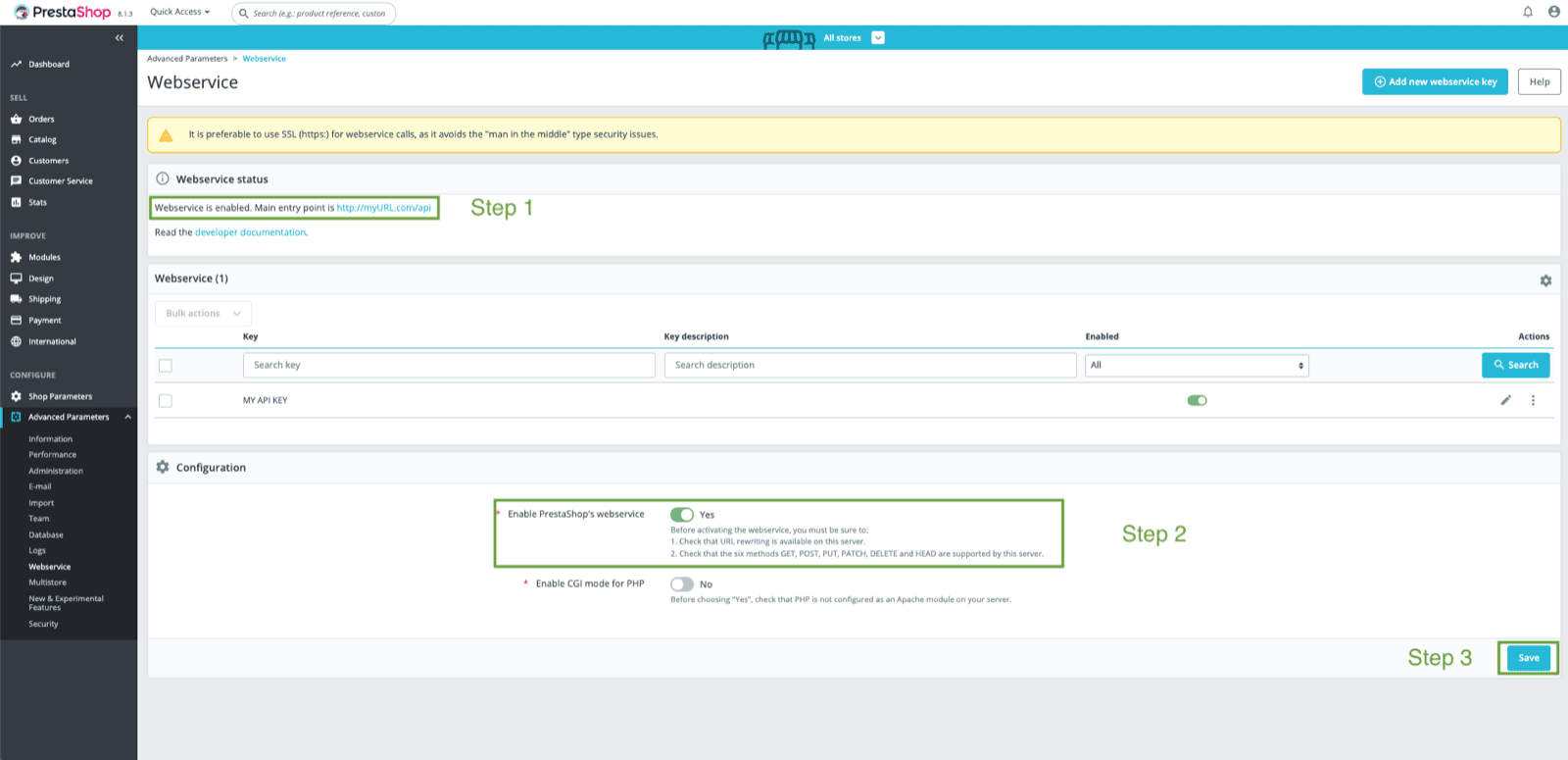
- Copy URL after “Webservice is enabled. Main entry point is”. If you do not see this, please take a look at this link to find the URL of your instance.
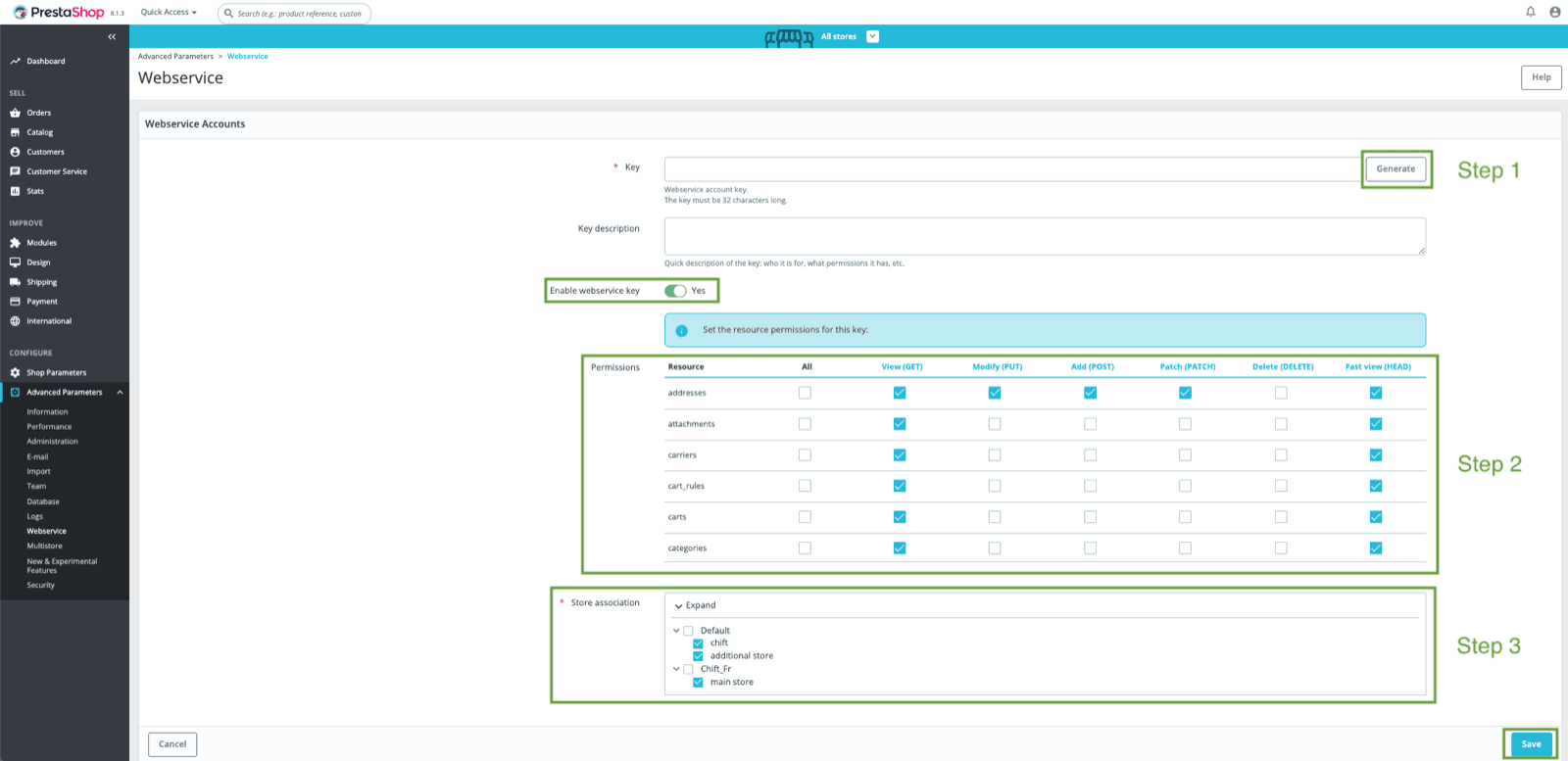
2. Generate an API key
-
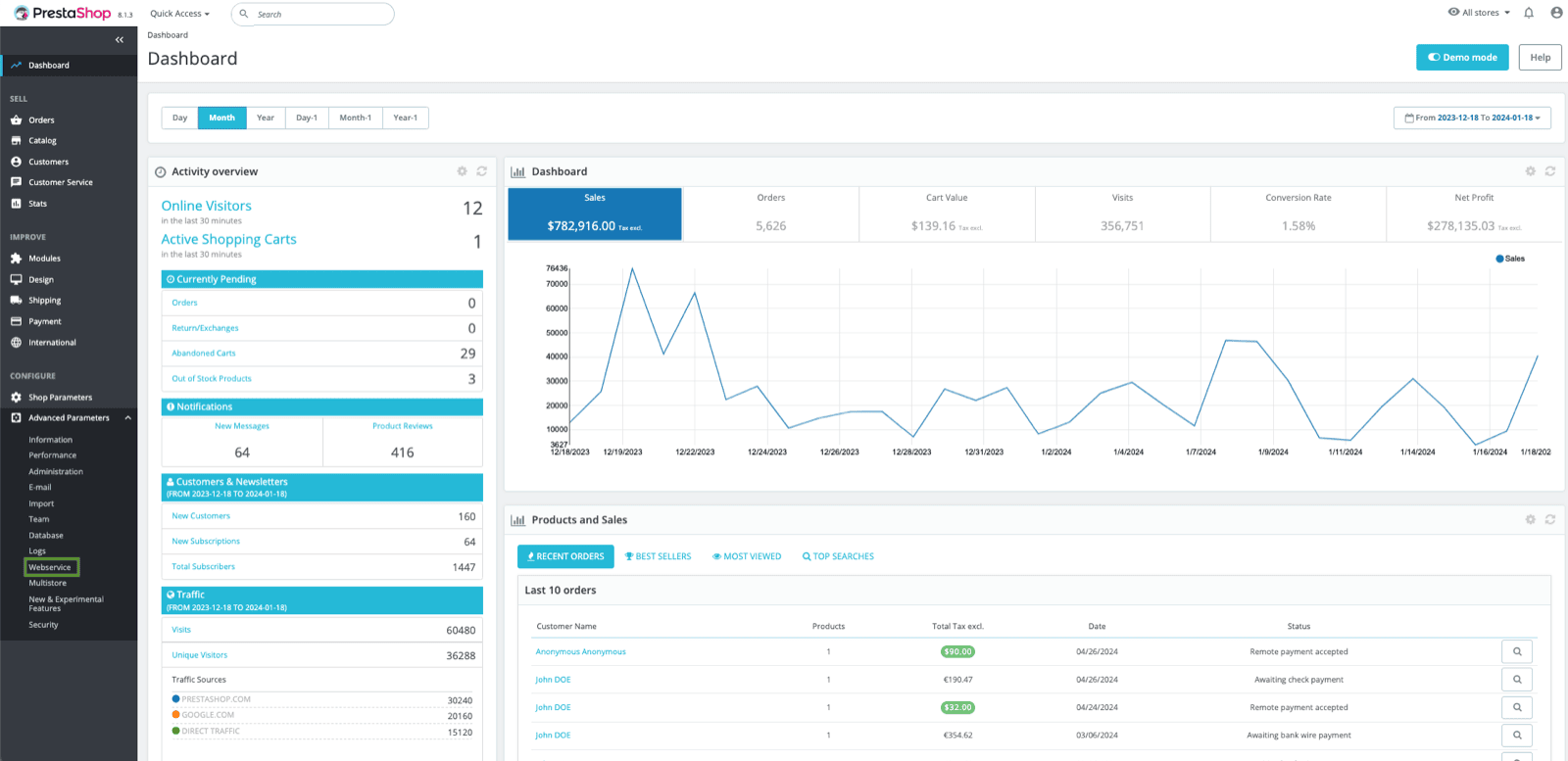
On Prestashop, click on “Advanced settings” → “Webservice”
- Then on “Add a new webservice key”
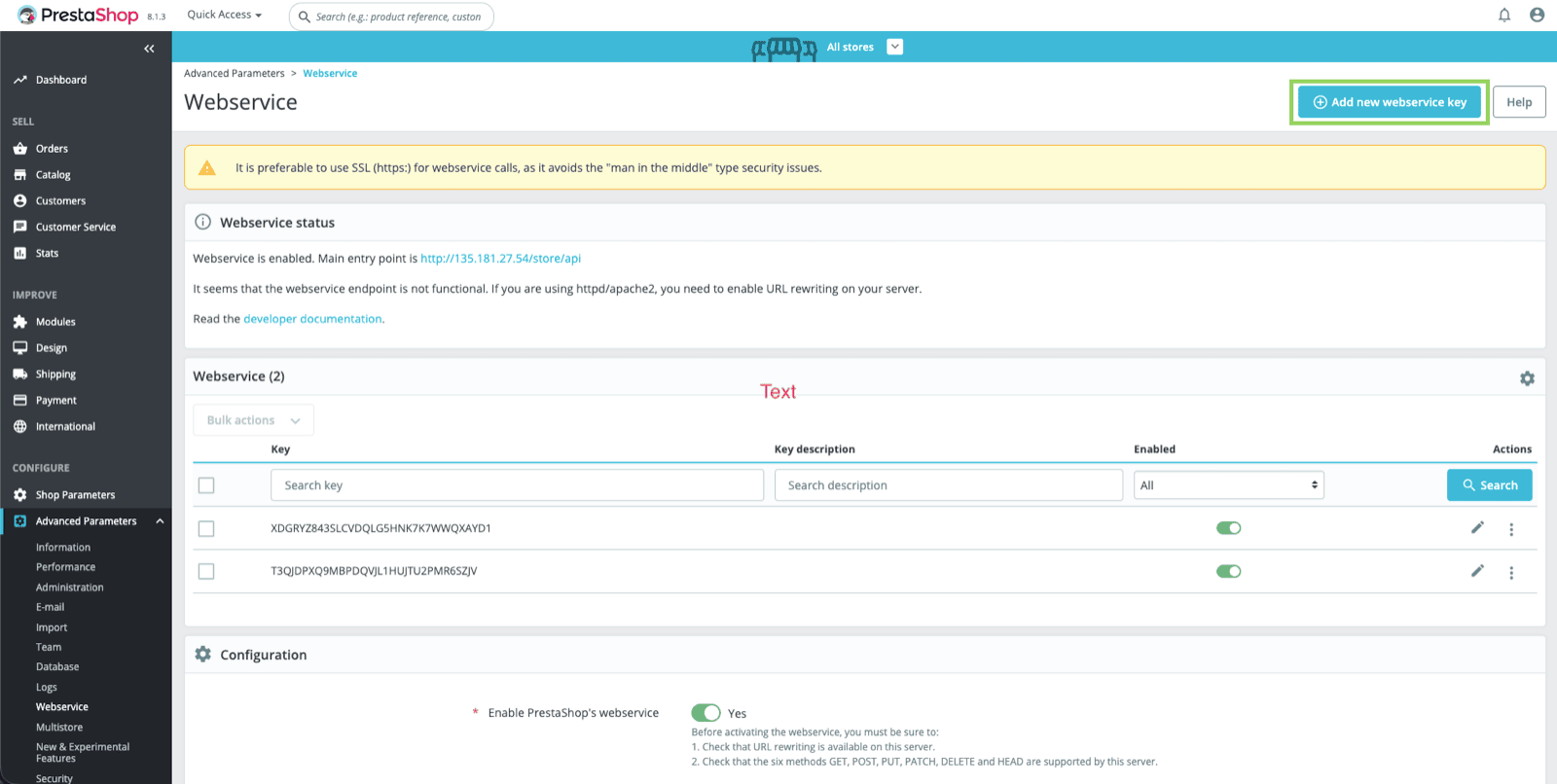
- Click on “Generate”

- Enable the “Enable webservice key” toggle
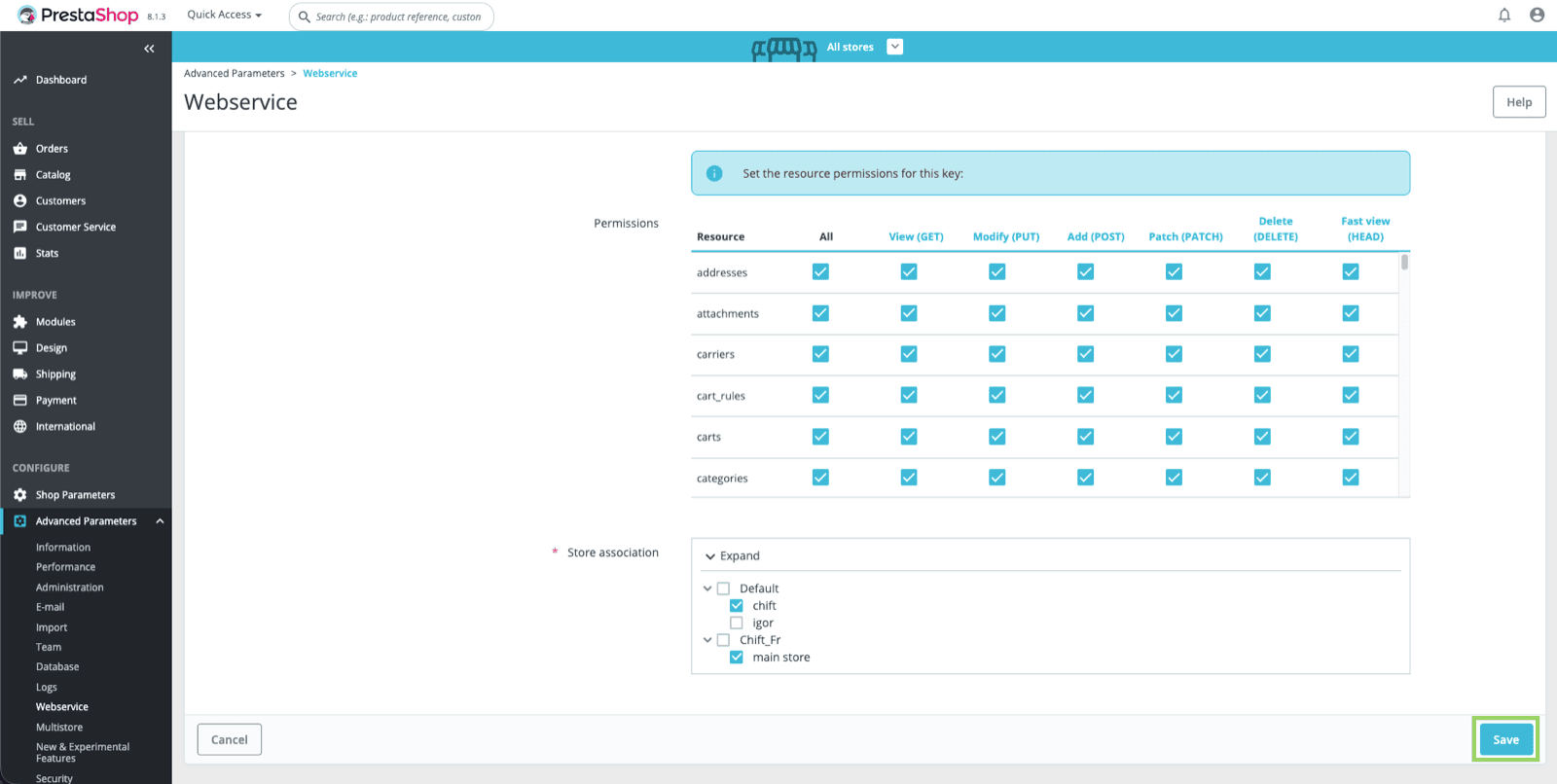
- Allow “GET” rights for your API key to the following resources:
- Select the shop(s) you want to associate to this API key
CONNEXION
Step 1: Choose a name for your connection


