CONNECTION
Step 1: Choose a name for your connection.

AUTHENTICATION
You will be redirected to a Tiime sign in page to authenticate your account.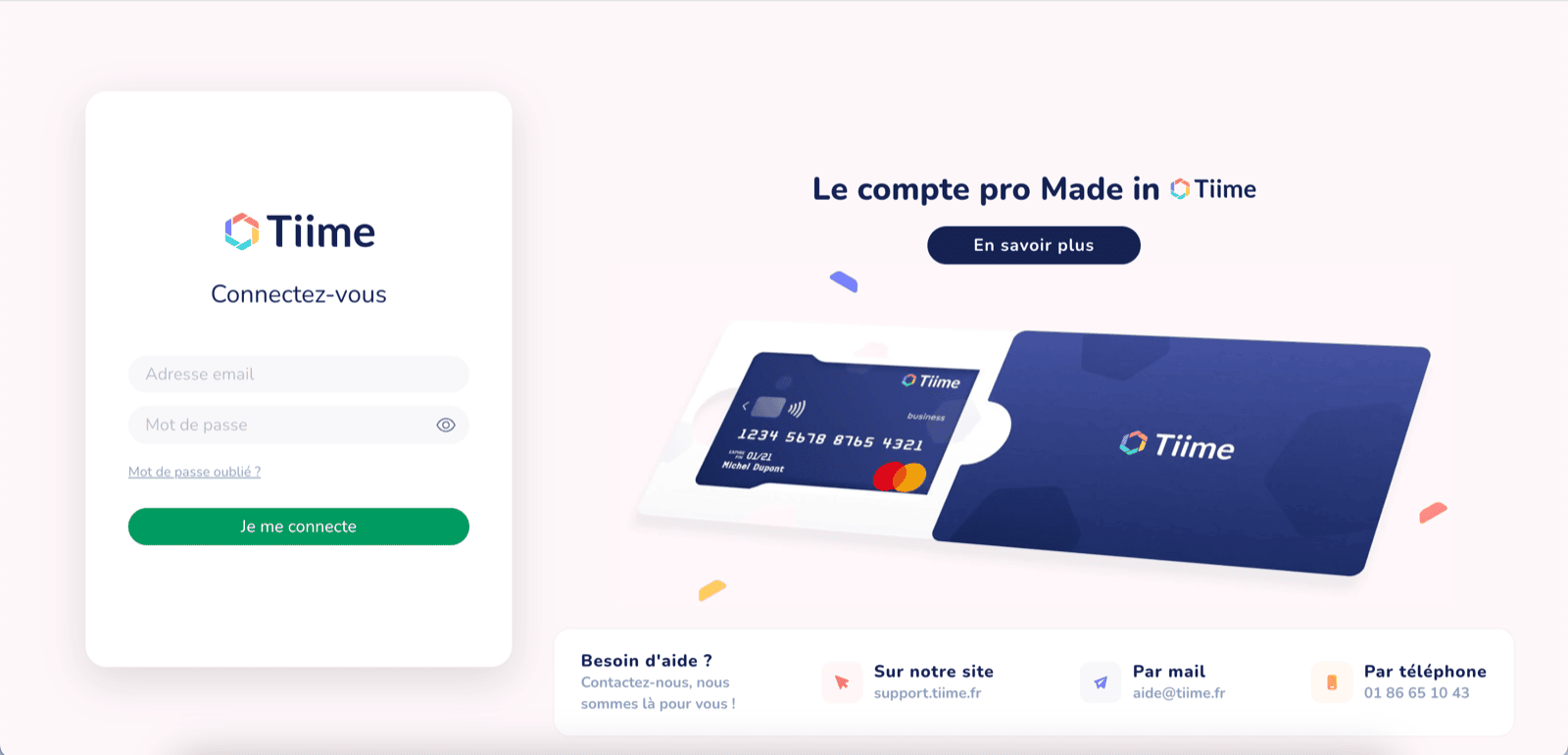
CONFIGURATION
On this last step, you must choose the accounting record.

TROUBLESHOOTING
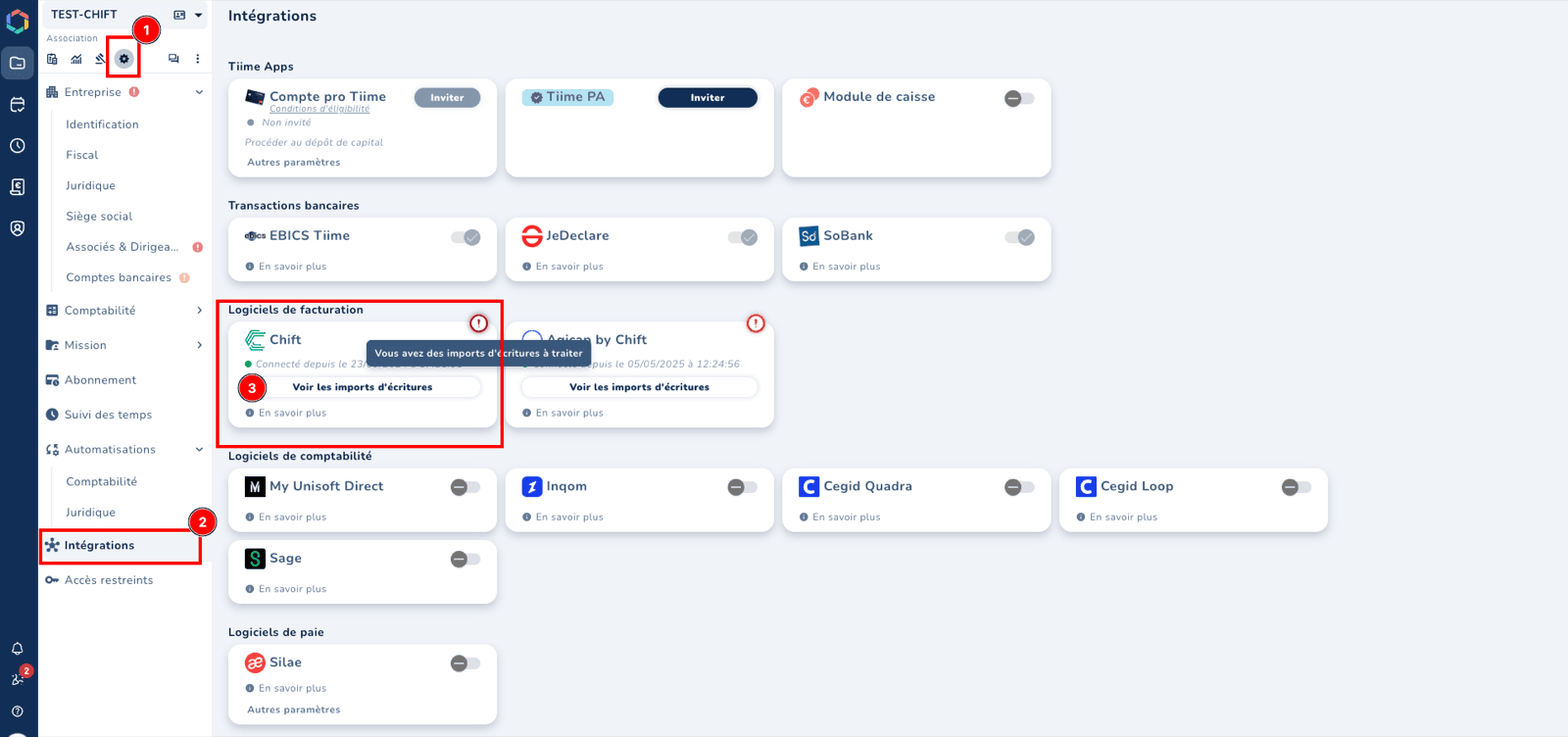
I can’t see the imported invoices and journal entries in Tiime You can find your imports in the “Settings —> Integration” section, on the Chift tile. An exclamation mark on the tile means that data is awaiting your approval.