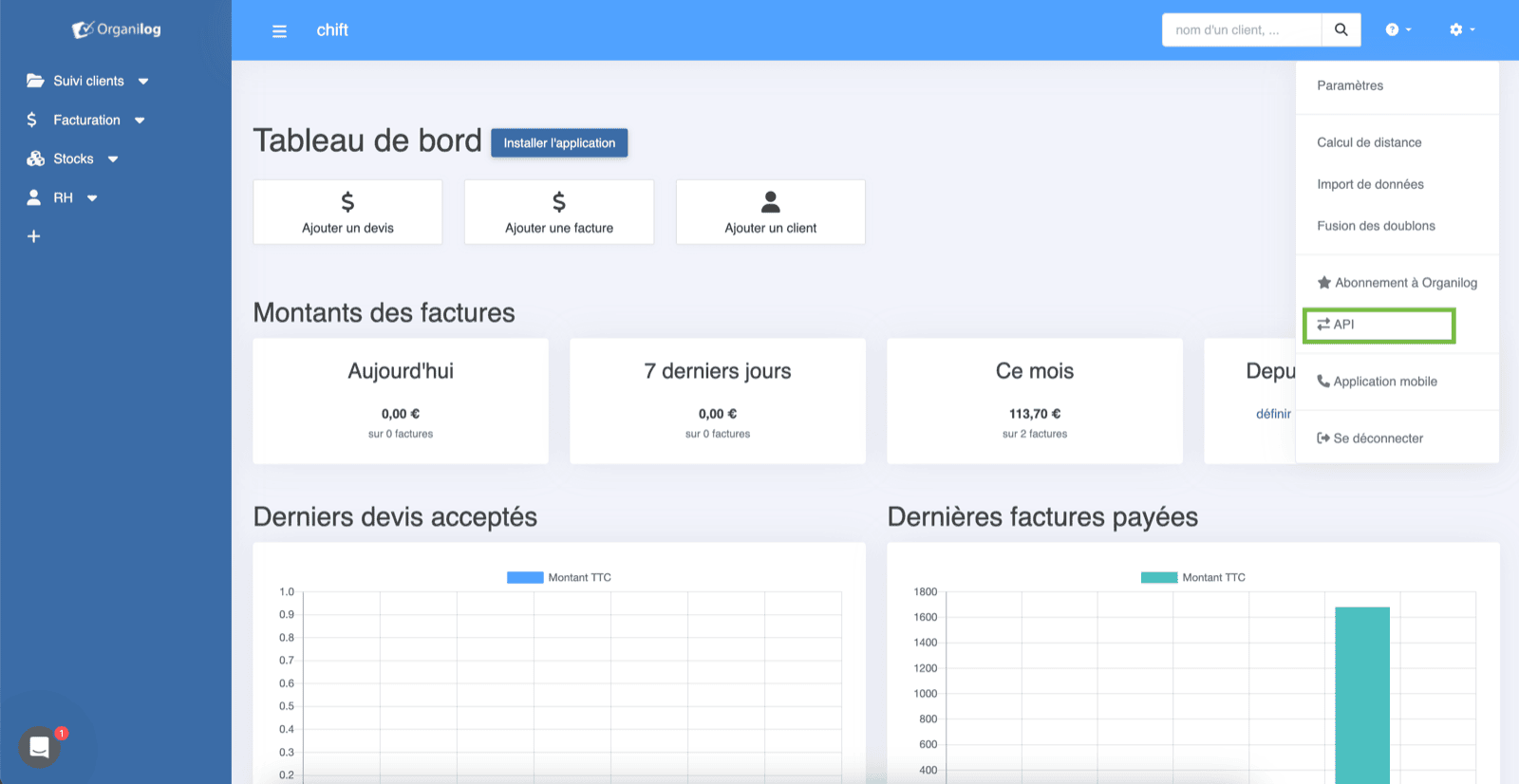
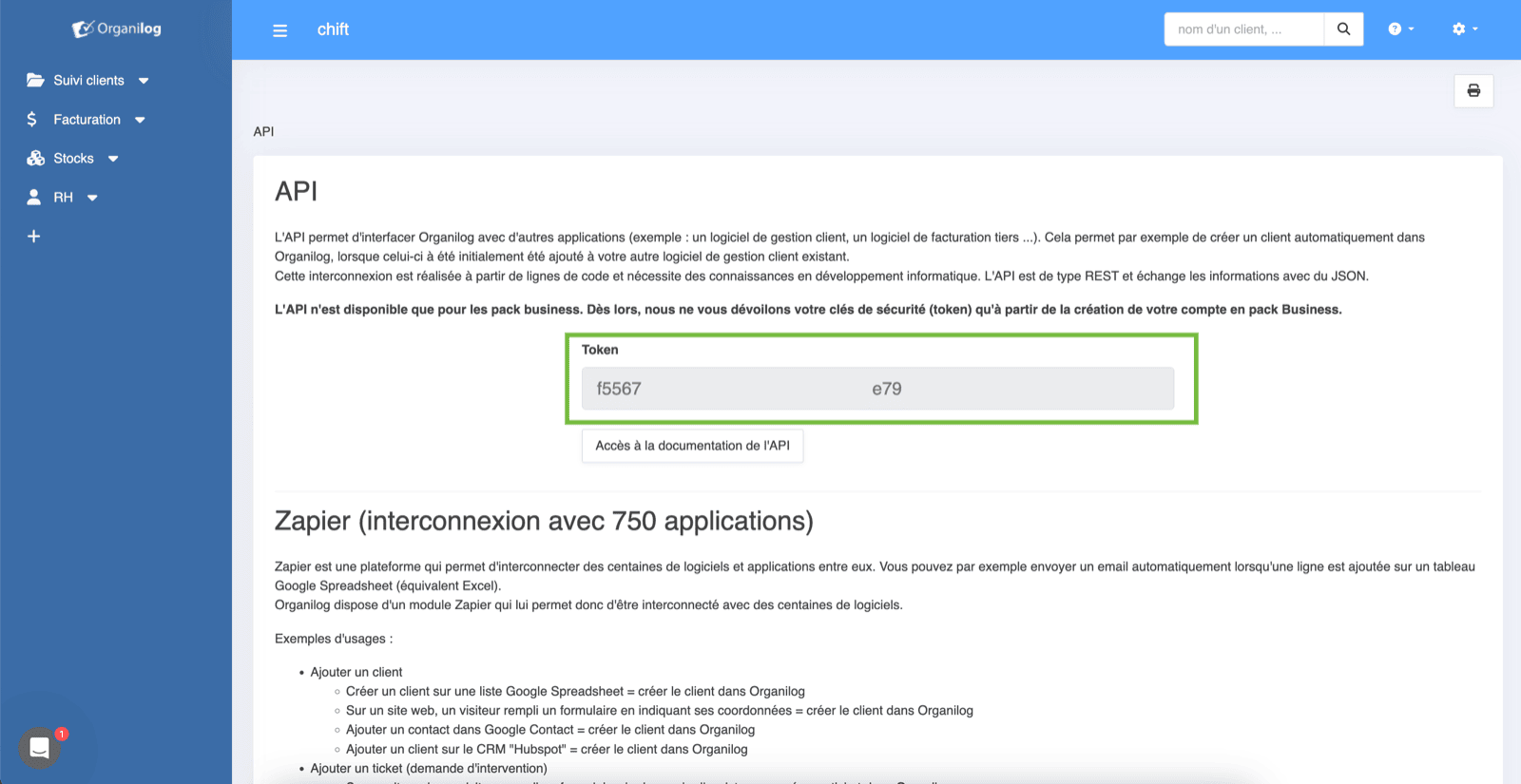
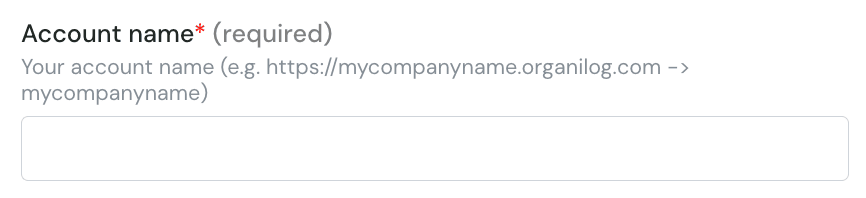
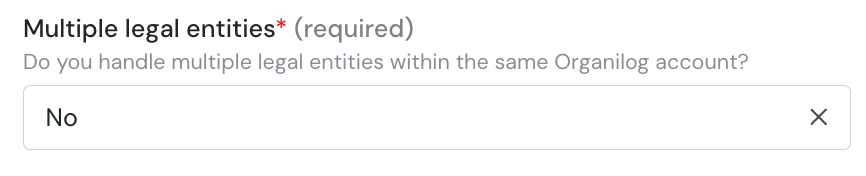
Step 1: Choose a name for your connectionStep 2 : fill in the company subdomain in organilog (without the domain and HTTPS)Step 3 : Choose if you want to import multiple legal entitiesStep 4: fill in the API key you fetched from organilog.Step 5: Click “Connect” to finalise the connection.
Assistant
Responses are generated using AI and may contain mistakes.