PREPARATION
Contact your Oracle Account Manager to setup the BI API. This requires an additional license and is linked to the Reporting & Analytics portal & the BI API. The following versions are needed:- Min. 20.1 for the Reporting & Analytics portal
- Access to the BI API
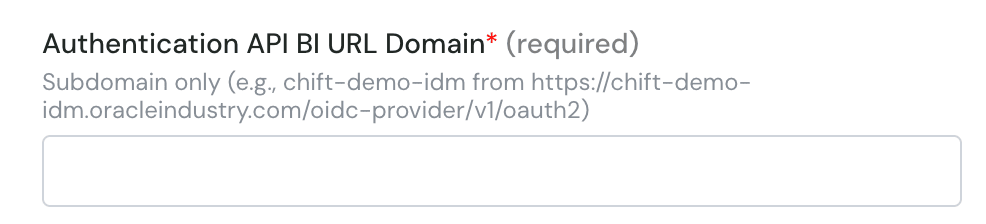
- Authentication API BI URL Domain (URL with .oracleindustry.com/oidc-provider/v1/oauth2)
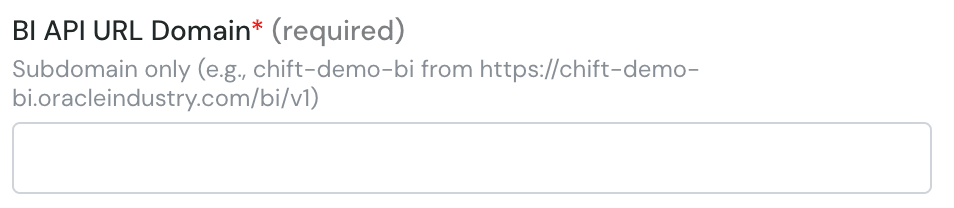
- BI API URL Domain (URL with /bi/v1)
- Client ID
- API username
- API password
- Enterprise Short Name (OPN by default)
CONNEXION
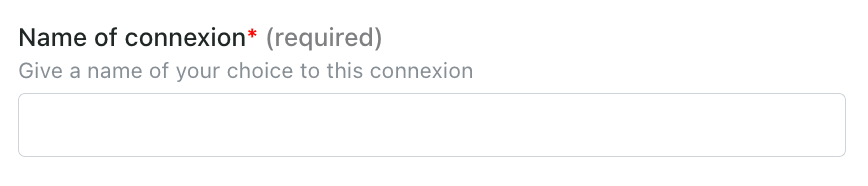
Step 1: Choose a name for your connection.