

PREREQUISITES
- The integration is compatible with version 5.5 and higher (last 5.9) of Sage 50.
-
You need to install a program on the same server where Sage 50 is installed. To ensure the connector works on the server, please make sure before installation that:
-
You have admin access to the server where Sage 50 is installed in order to proceed with the installation
- Be aware that the server/computer must be permanently accessible with internet access (24 hours a day). Otherwise, the data will not be synchronized
- You know your Sage 50 username and password
- The .NET Framework 4.8 are installed on the server
-
You have admin access to the server where Sage 50 is installed in order to proceed with the installation
PREPARATION
There are two things to do to enable the connection with Sage 50:- Retrieve the data path to Sage 50 to fill out the connection form.
- Authorise access in Sage 50 to allow the connection to work.
-
Steps to retrieve the data path to Sage 50:
-
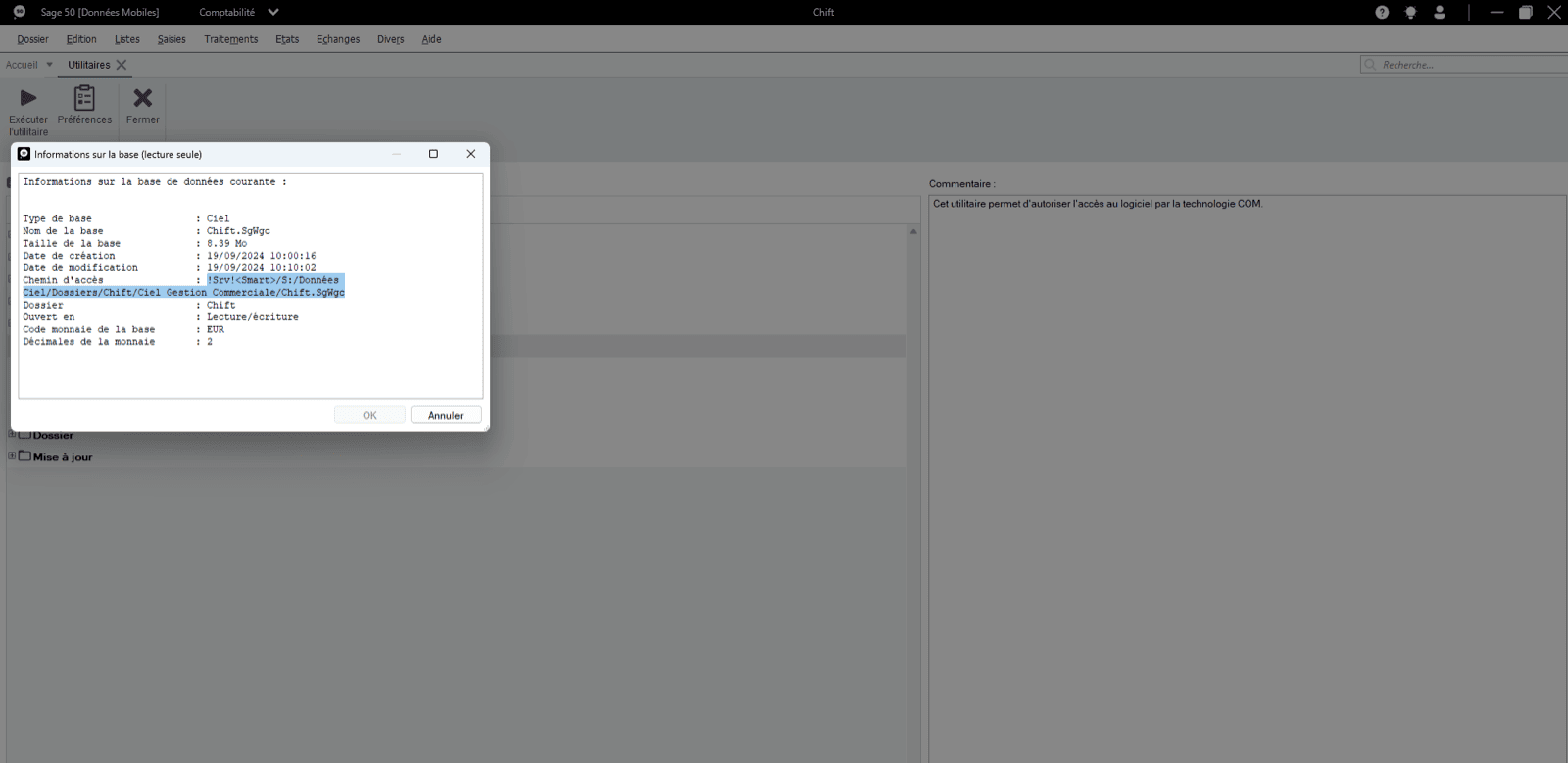
From the Sage 50 menu → File → Options → Information

-
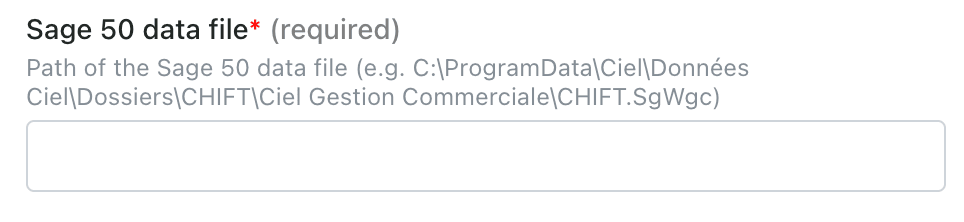
Copy and save the data path to enter it in the connection form
-
From the Sage 50 menu → File → Options → Information
-
Steps to authorise access in Sage 50
-
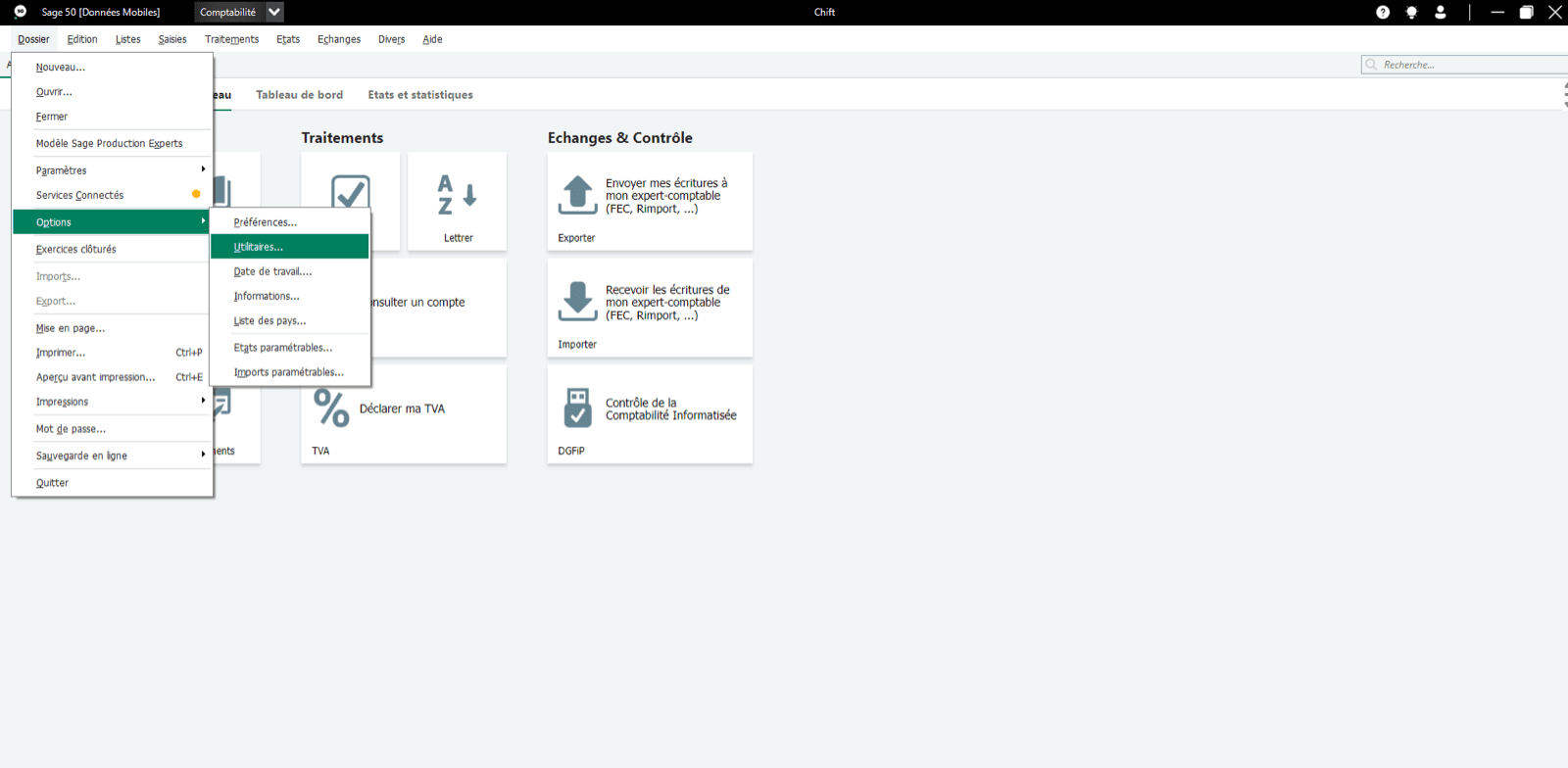
From the Sage 50 menu → File → Options → Utilities
-
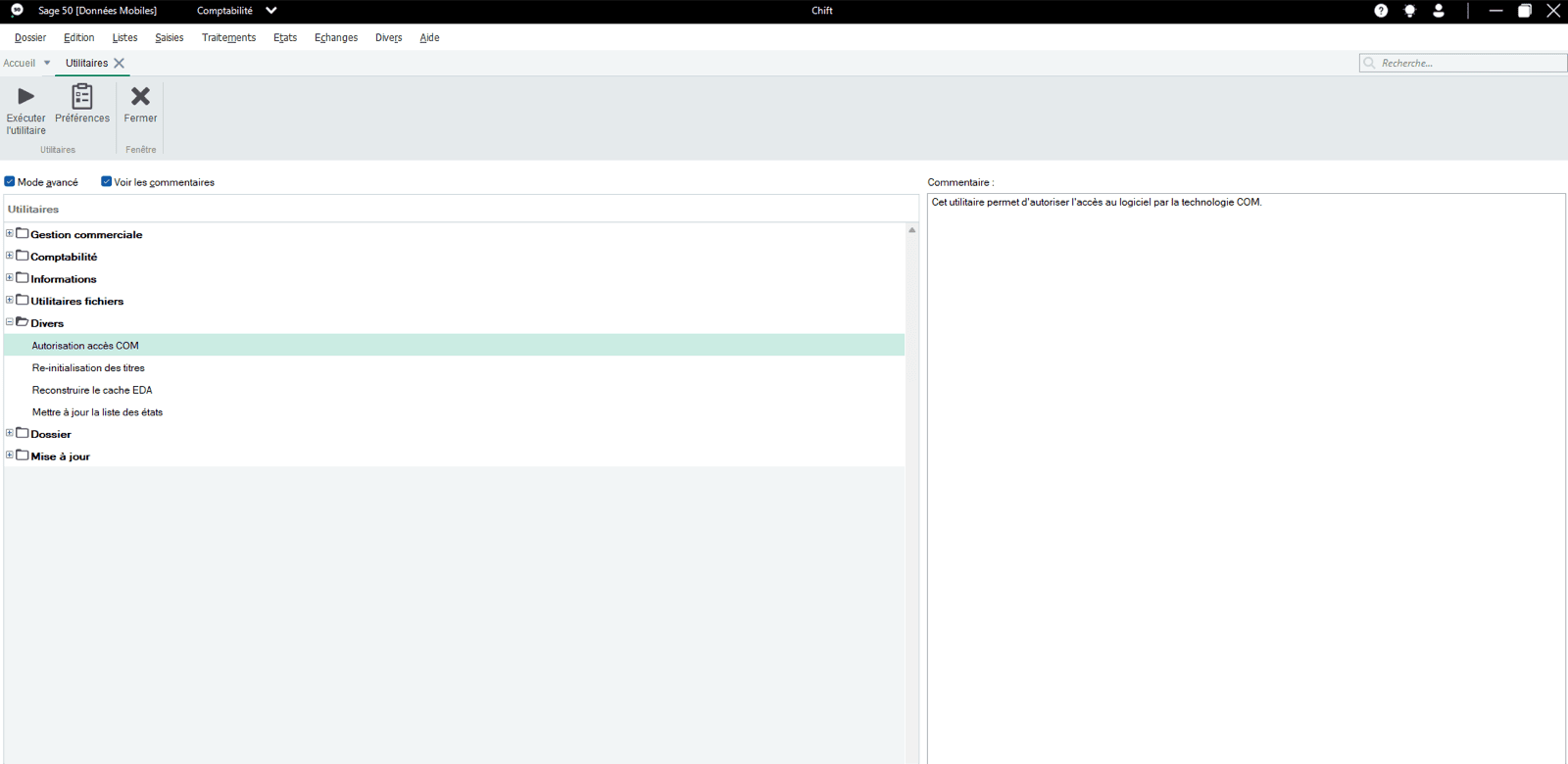
In Miscellaneous → COM Access Authorisation
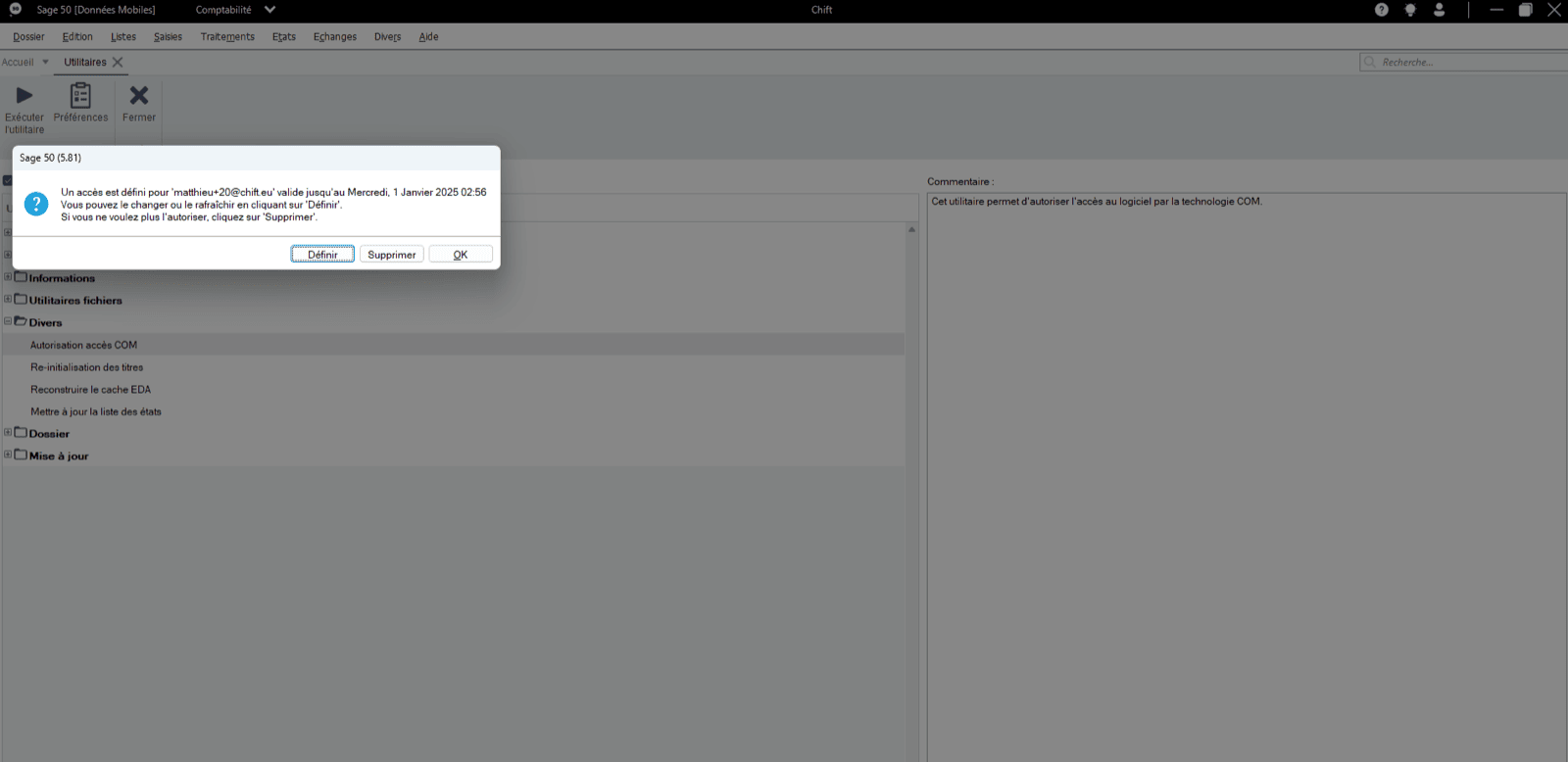
- Click “Set” to authorise access to Sage 50.
-
From the Sage 50 menu → File → Options → Utilities
CONNECTION
Step 1: Choose a name for your connection.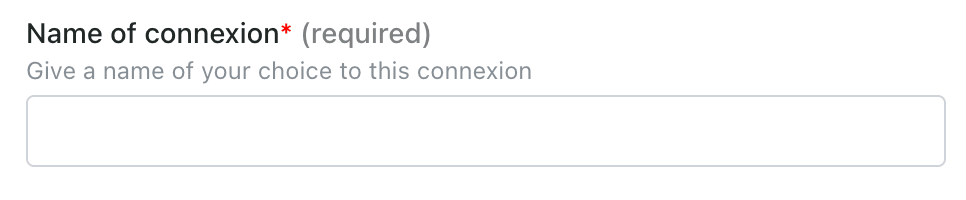

DOWNLOAD OF THE LOCAL AGENT
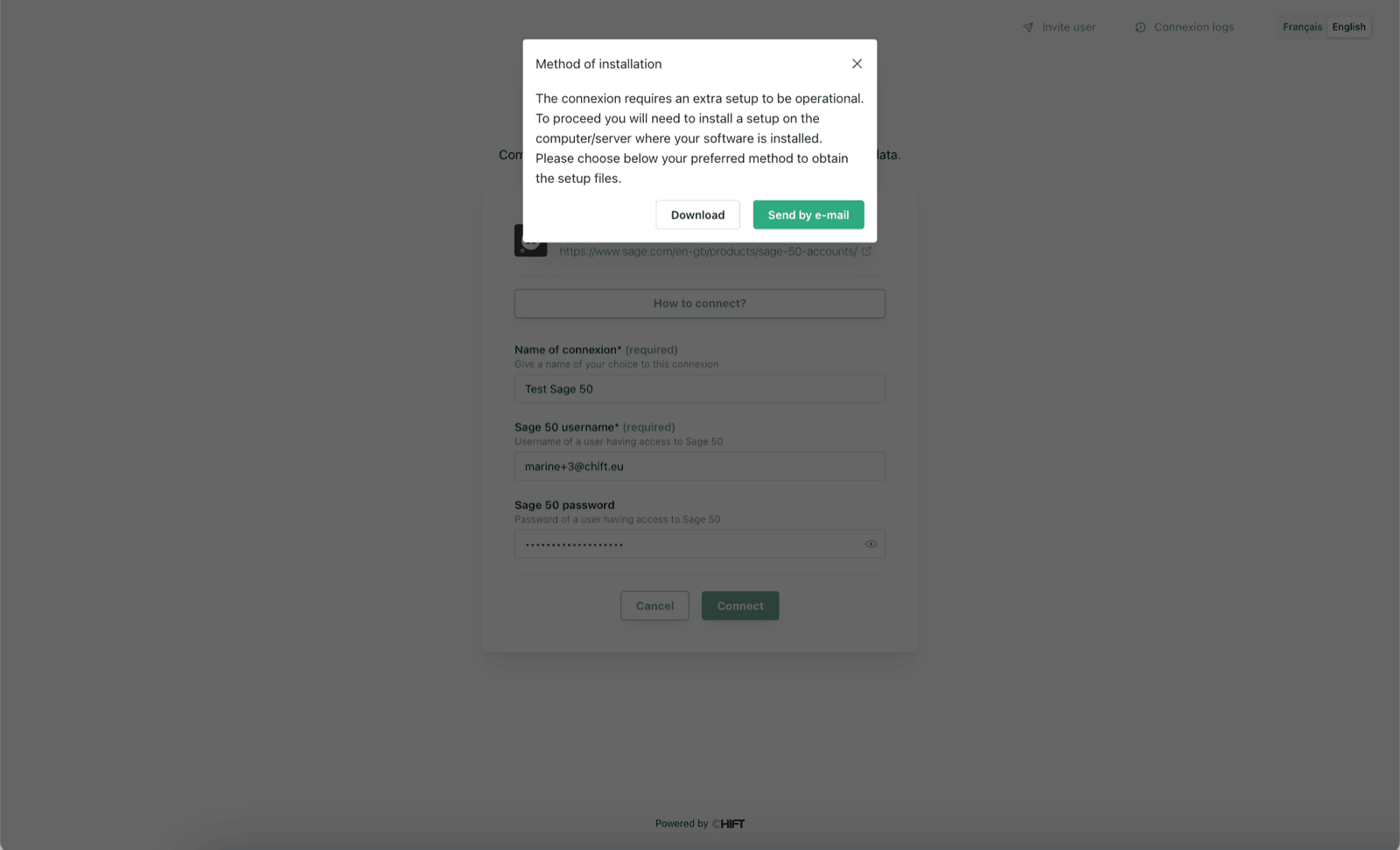
Sage 50 is installed on a server. To enable data sharing, it is necessary to download a program (local agent) that will allow data transmission with Sage 50. After the connection step, you will have two options to download and install the local agent on the same server as your Sage 50 instance:- If Sage 50 is hosted on your computer, you can directly download the program by clicking on Download.
- If Sage 50 is hosted on another server, you have the option to send the program via email to the person or company hosting Sage 50 so they can download and install it.
Specificities associated to the 6.3 version:
Latest update brings a major change in the way the local agent interacts with the COM, forcing us to abandon the Windows Service setup and replace it by a Task Scheduler setup. As a consequence, the installer has been updated:- Version: 6.3 ⇒ we align the agent version with the software version
- It is mandatory to configure the user used to run the task
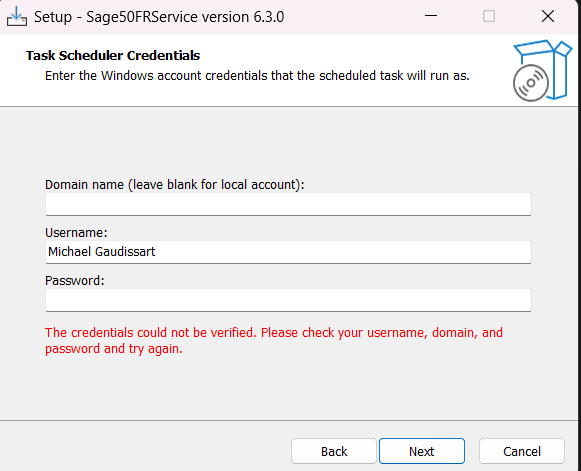
- The password is only used to validate the user’s credentials (that the user exists)
- The remaining installer steps remain the same
- The installer creates a new Task (Task Scheduler) under the Chift folder
- The task is configured to start at log on of the user configured in the installer

- If the task fails, the Task Scheduler will try to restart it (5 attempts, every 3 minutes).
- Search for Sage50FRService and uninstall
- It deletes the task and the files
- Use the latest SAGE 50 FR version (6.3)
- Supports local and remote mode
- Add a 5-seconds-sleep to start the COM