PREPARATION
There are two possible configurations depending on whether your software vendor is available on Zelty’s Marketplace.Case 1: Your software vendor is available on the Marketplace
-
Go to Zelty’s Marketplace.

- Find your software vendor’s application and open its card.
-
If the application is not yet active, click Activate.
If it is already active, the status will be Activated.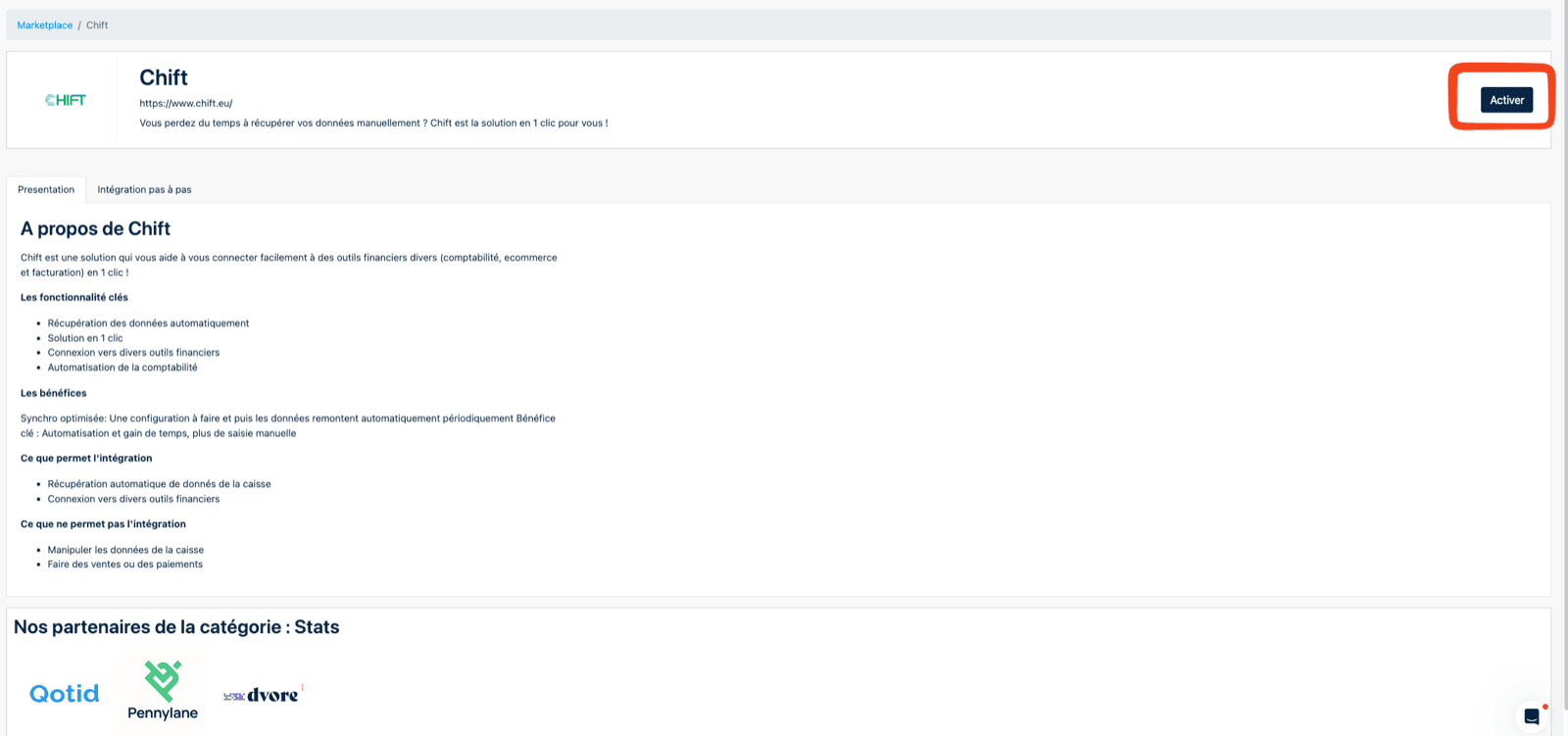
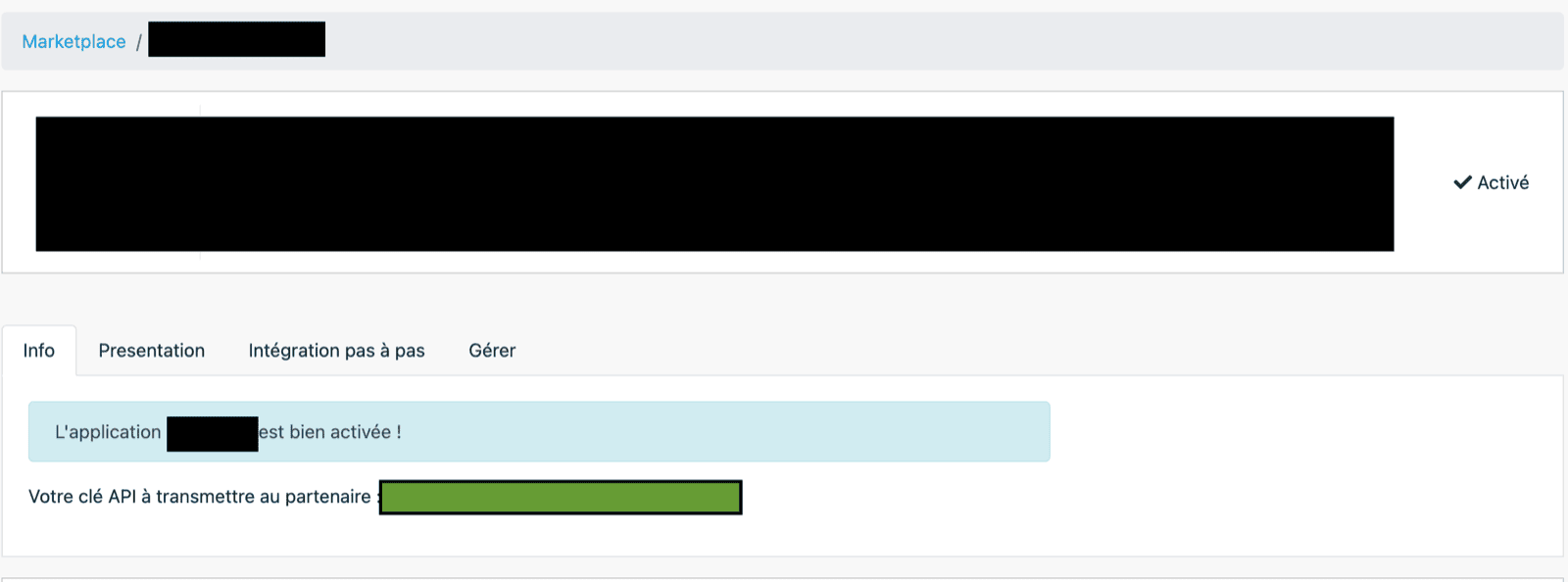
- Once activated, copy the API key displayed.
MTY123******IHA=).This is not the full API key. It is only shown to help you identify it.
Case 2: Your software vendor is not available on the Marketplace
If your vendor does not appear on Zelty’s Marketplace:-
Open CHIFT’s application card instead.
- Follow the steps described in “Case 1” to activate the application if it is not already activated.
- Copy the generated API key.
Lost API key
If you have lost your API key and only see a masked version:- Go to the Manage tab of the application.
- Deactivate the application.
- Reactivate it.
Be aware that this will invalidate all existing integrations using the previous key.
CONNECTION
Step 1: Choose a name for your connection.