📋 Overview
This integration connects with two DATEV components:- DATEV Rechnungswesen – On-premise accounting software (main data source)
- DATEV Unternehmen Online (DUO) – Cloud portal used only for sending attachments such as documents, invoices, or receipts If you don’t plan to send attachments, DUO is not required.
👉 You will need to contact your DATEV IT service provider or integrator and request that they expose the DATEV API URL (fully detailed in the Network & Server Access subsection of the Prerequisites). If they agree, this step usually takes only about 2 minutes 😉.2 minutes to retrieve and complete the activation page. (Make sure your system meets all the conditions listed in the Prerequisites section below.)
🚨 Prerequisites
1. Licenses
How to confirm licenses:
- In DATEV Arbeitsplatz, go to Licence Management (Lizenzverwaltung) to view installed licences.
- Or request confirmation from your DATEV administrator, accountant (Steuerberater), or DATEV service partner.
2. Network & server access
For this part, it requires involving your DATEV IT service provider or DATEV integrator. To allow Chift to communicate with DATEV via the DATEVconnect API, the DATEV server must be reachable externally through a secure HTTPS endpoint. You can achieve this in two different ways:1. Expose the DATEVconnect API URL
Your DATEV administrator or IT provider must configure an external HTTPS endpoint that routes traffic to your DATEVconnect service. Typical internal endpoints:https://<local-server>:58452
The exposed endpoint must be reachable from Chift systems remotely via HTTPS.
Required network configuration
- Open and forward external access to ports 58452
- Configure NAT/firewall rules to route incoming HTTPS traffic to the internal DATEV server
- Ideally restrict access with a dedicated request header (Chift)
User account requirements
You must provide the Windows username and password of a Windows user account that is linked to a DATEV user with the following permissions: ✔ Access to the relevant mandate/company in DATEV Rechnungswesen✔ Rights to use the DATEVConnect service
✔ Sufficient rights to read/write accounting data (depending on integration scope) DATEV requires that API authentication is conducted using a Windows login that is mapped to a DATEV user account. This mapping is configured in DATEV Benutzerverwaltung (User Management).
2. Use Riecken Cloud Gateway
Riecken offers a Cloud Gateway to externally access your local DATEVconnect API. To use this service you need to contact Riecken and contract with them directly. More information about this possibility is explained here: https://cloudgateway.riecken.io/index.html⚡️ Connection


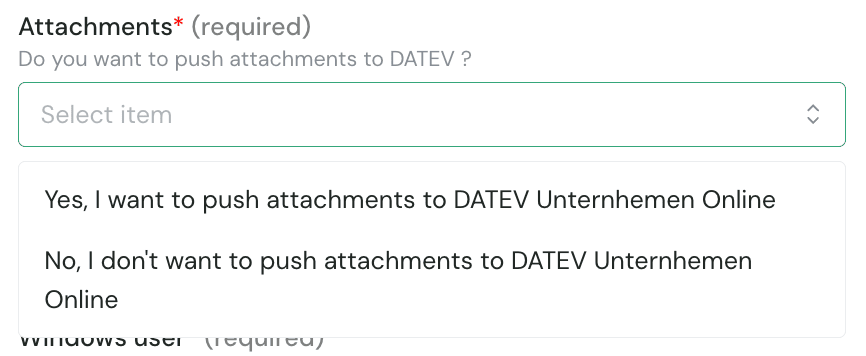
- If your integration needs to send PDF invoices, receipts, or supporting documents to DATEV, select Yes to enable attachments.
- This requires a valid DATEV Unternehmen Online licence (see above in prerequisites section)

- Go to DUO sign-in page
- Click Show document overview
-
The numbers are shown on the right, below Settings:
- First number = Consultant Number (5696507 in the example)
- Second number = Client Number (55003 in the example)



- Client ID: this information can be filled in the Windows user field
- Client Secret: this information can be filled in the Password of the Windows user field

✅ Authentication
Only if you enabled attachments or selected DUO. You will be redirected to the login page of DUO to authenticate yourself and authorise the connection. You can log in using your SmartLogin or your SmartCard/mIDentity.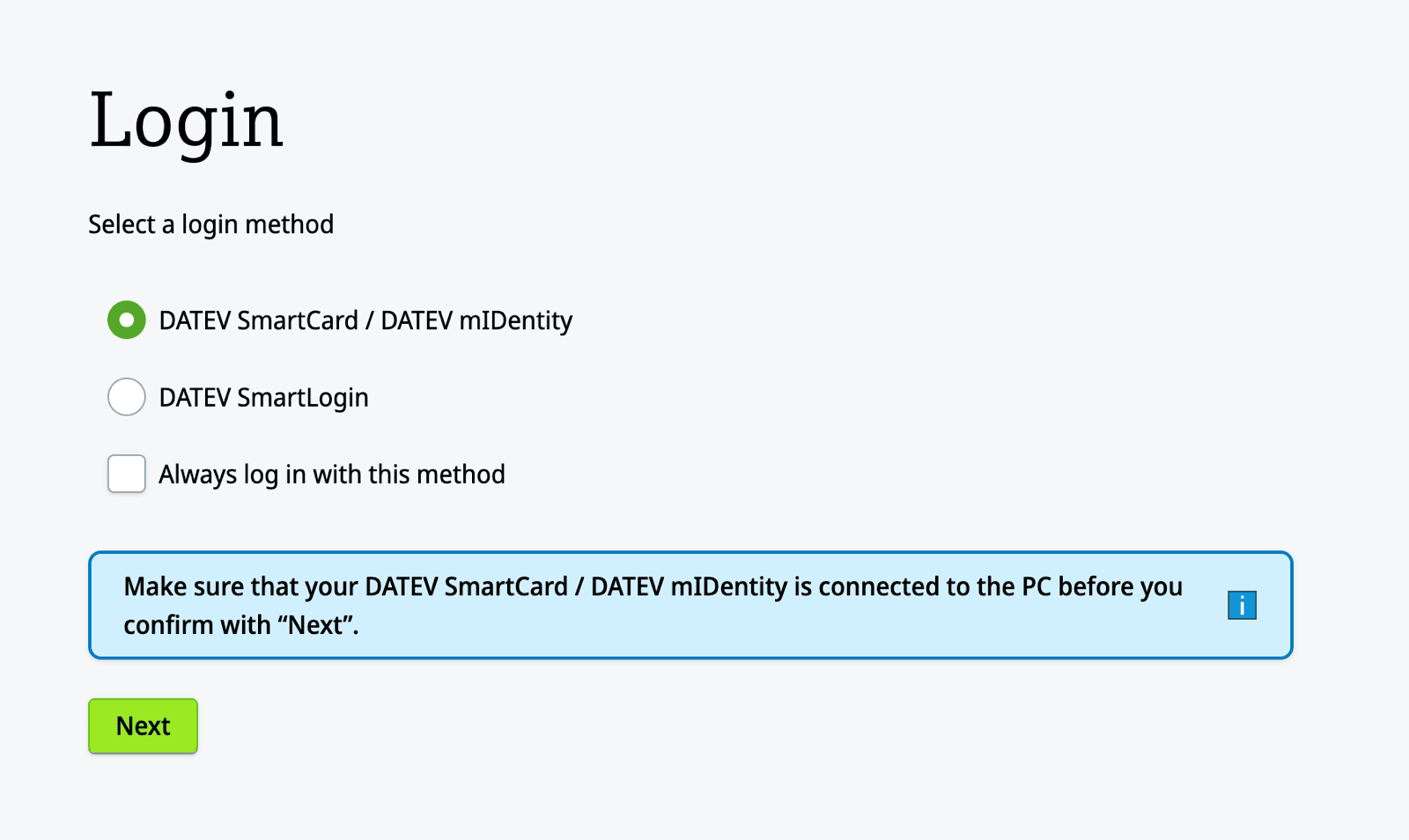
Configure