CONNEXION
Step 1: Choose a name for your connection.
AUTHORISATION
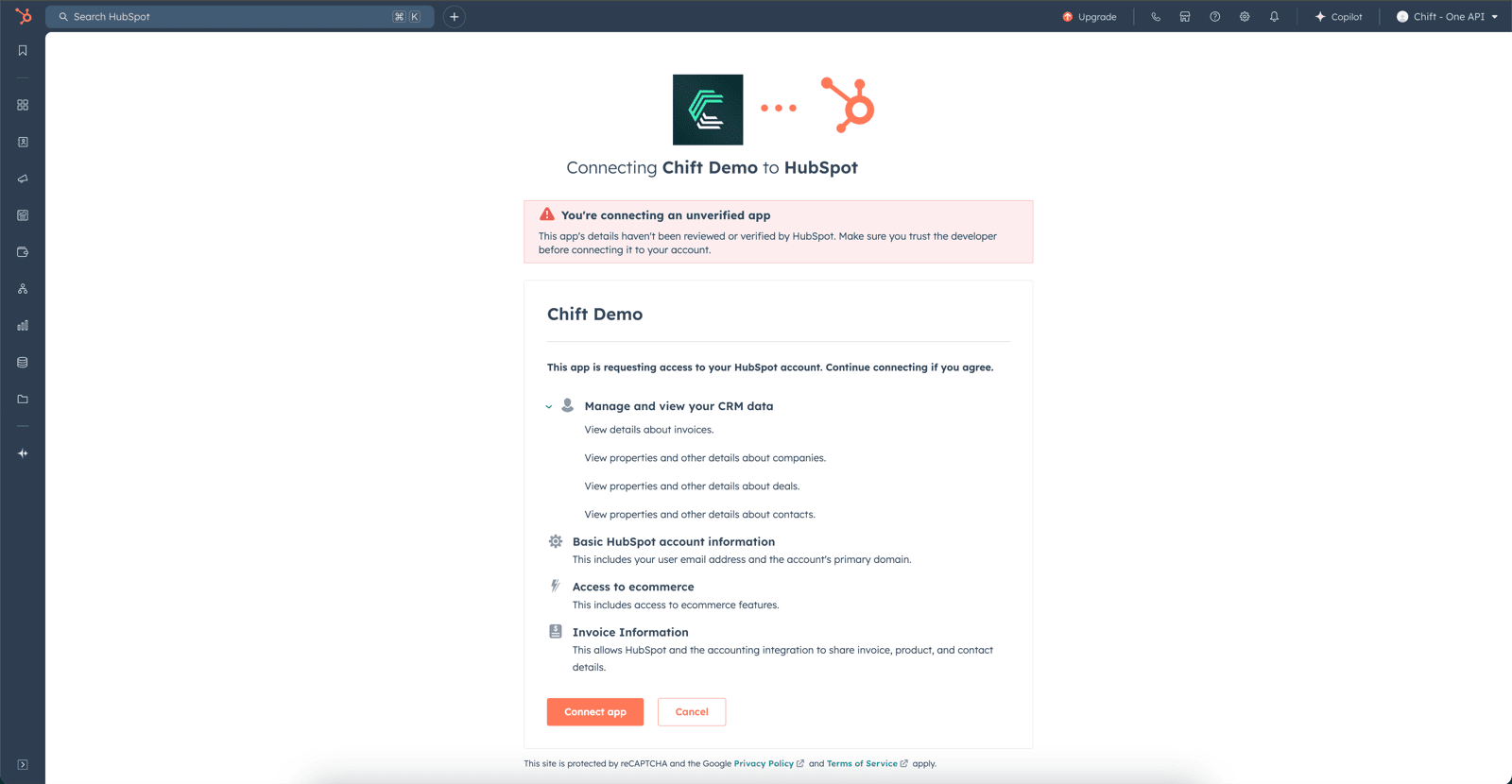
You will need to log in to your Hubspot account and grant permissions to allow data sharing with Hubspot. Step 1: Log in to your account.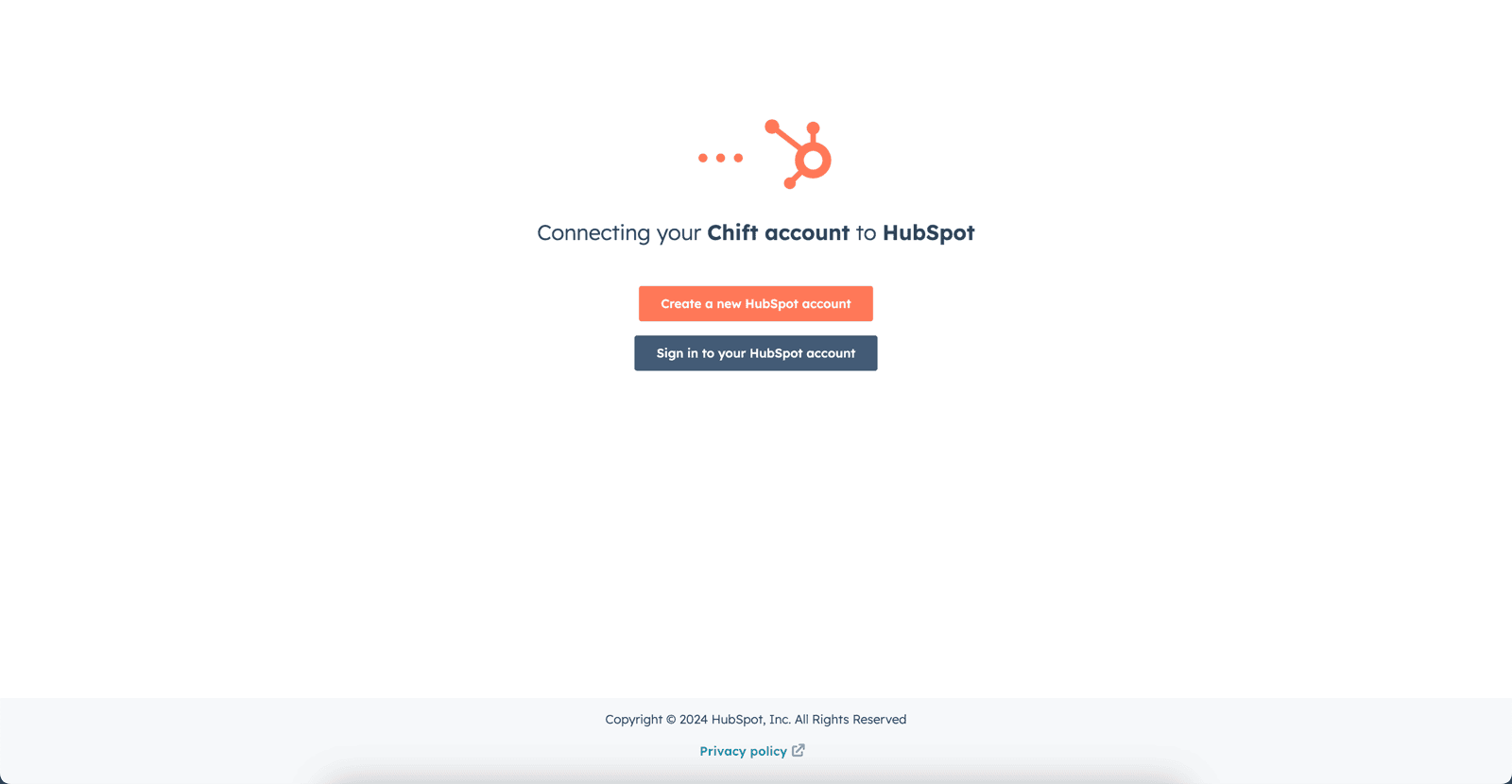

FREQUENT ERRORS
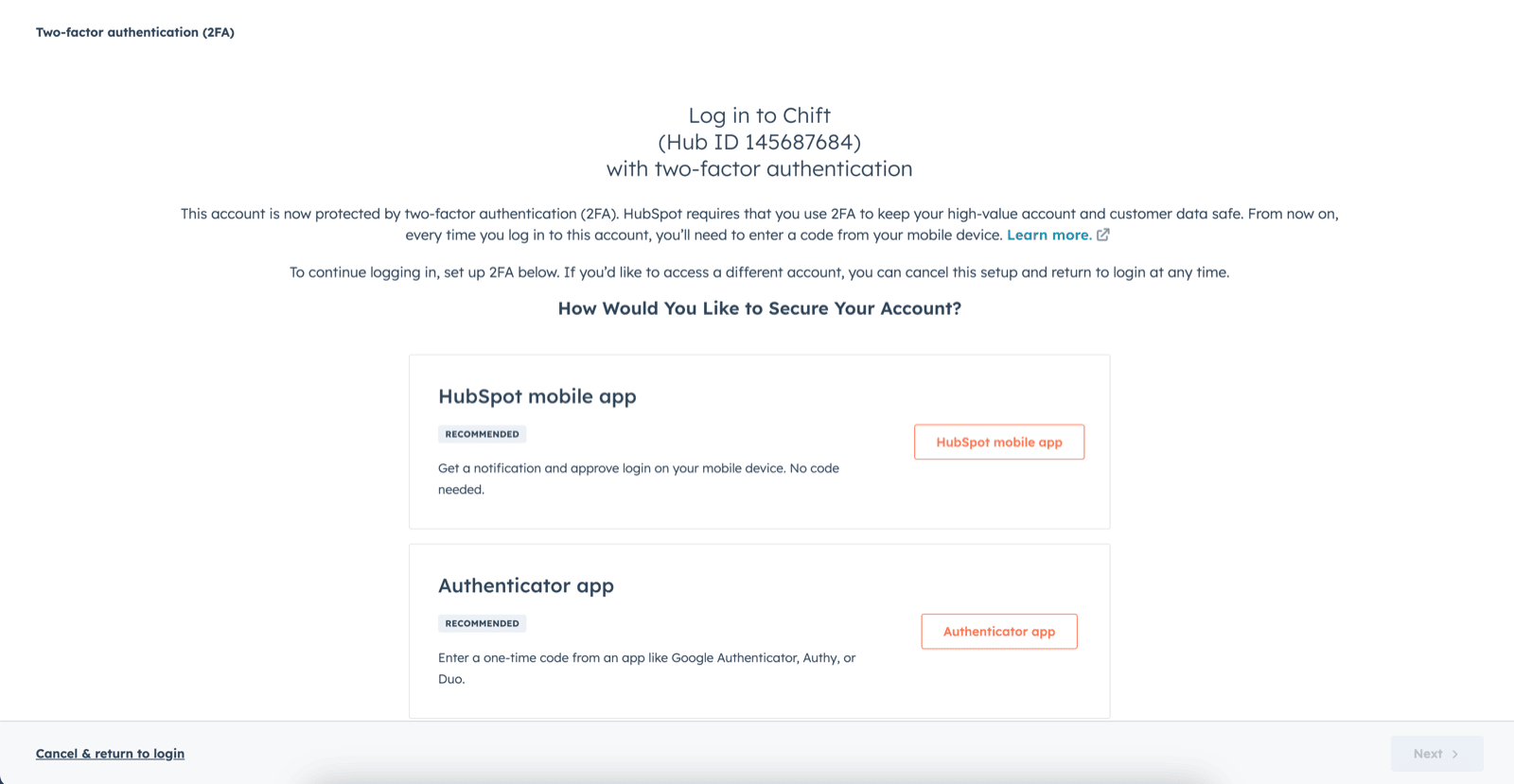
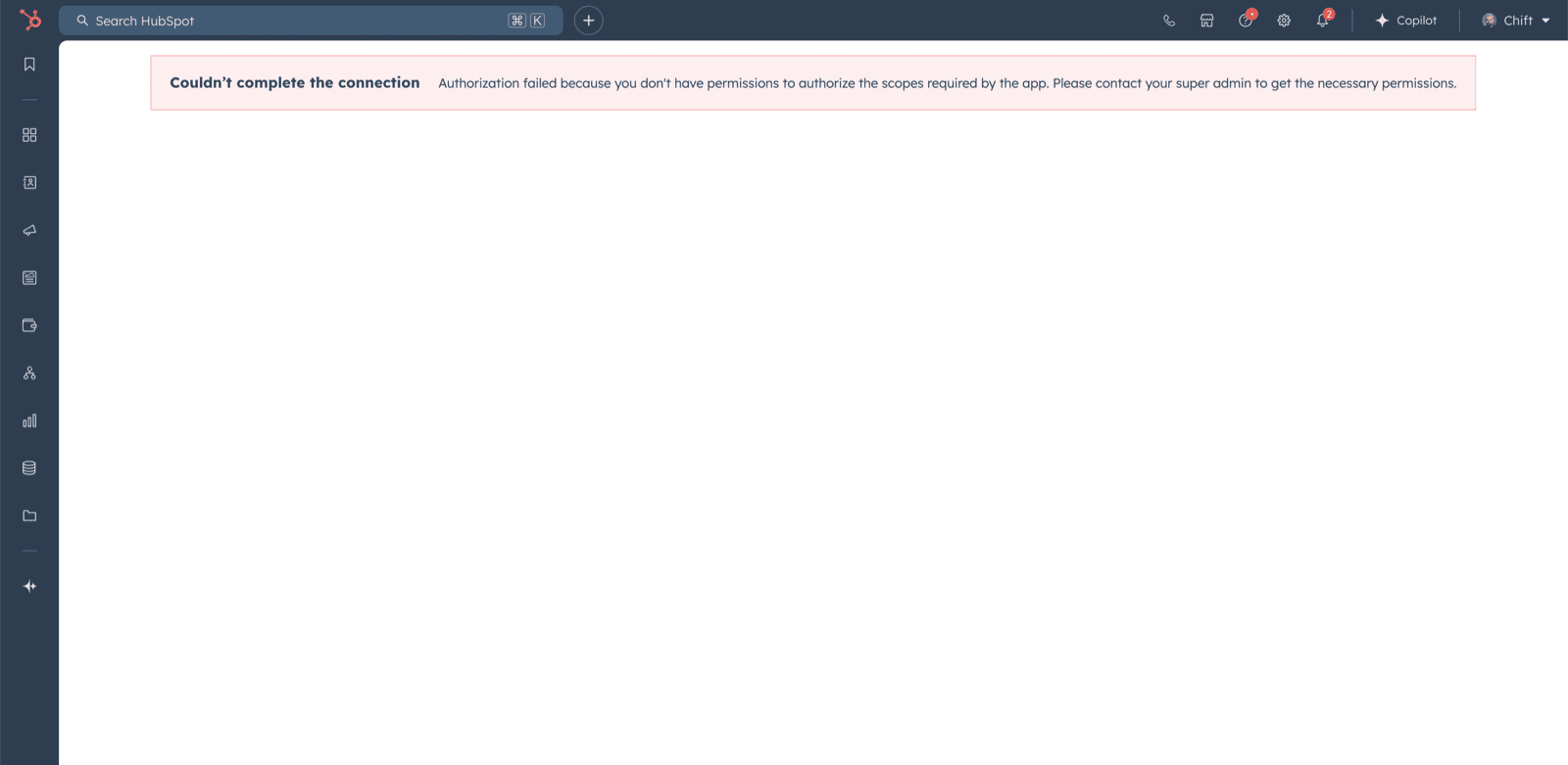
- In case of a permissions error: “Couldn’t complete the connection due to permissions.” You will need to go into your account settings to enable two-factor authentication.
- oauth
- accounting
- e-commerce
- crm.objects.companies.read
- crm.objects.deals.read
- crm.objects.invoices.read
- crm.objects.contacts.read