

Overview Legend 🧭
Overview Legend 🧭
Introduction
Fortnox is a Swedish cloud accounting and ERP platform, one of the largest in the Nordics. Small and medium-sized businesses and their accounting firms use it for bookkeeping, invoicing and financial reporting.Activate Fortnox
Partner keys
You can use Chift’s app, or register your own with Fortnox.Use Chift's app
Reach out to your Chift point of contact. They provide the client ID and client secret of Chift’s Fortnox app and configure them on your Chift platform. No developer account needed on your end.
Use your own app
Register as a Fortnox developer and create your own integration. Moving to production requires choosing between a Private App and a Public Marketplace App, described below.
Moving your own app to production means choosing between two options. Developing and testing is free either way.For up-to-date pricing and partner conditions, see the Fortnox Developer program.
Private App
Can be used with external production accounts, with no additional requirement. It won’t be listed on the Fortnox Marketplace.It can only be activated externally: you distribute and activate it directly for your own customers.
Public Marketplace App
Listed on the Fortnox Marketplace, discoverable by all Fortnox users. Requires an App Partner agreement and Fortnox’s certification of your app: functionality, landing page, pricing and terms.Fortnox operates a revenue-share model on Marketplace apps. The partner receives 75%.
1
Register as a Fortnox developer
Register at fortnox.se/developer. This gives you access to the Developer Portal, where you create your integration and receive your Client ID and Client Secret.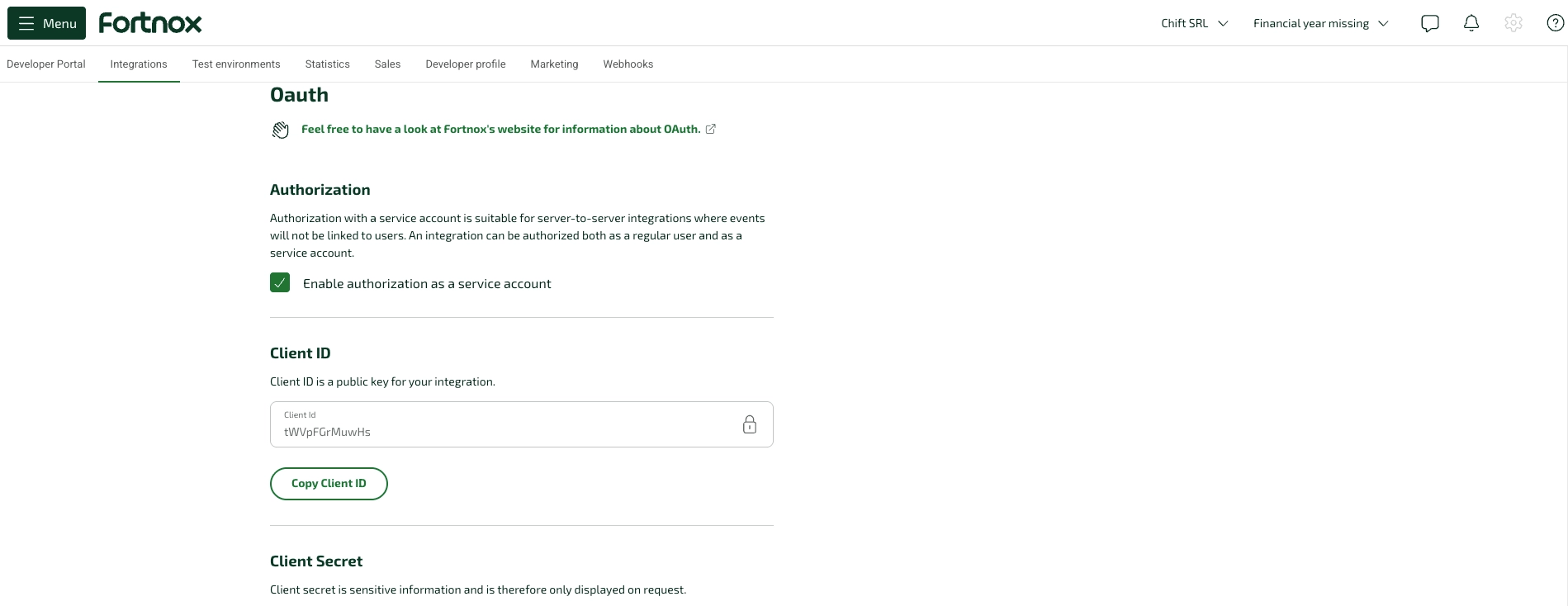
2
Create your integration
Configure your redirect URI, define your requested scopes, and optionally submit for a Fortnox Marketplace listing.Set the redirect URI to: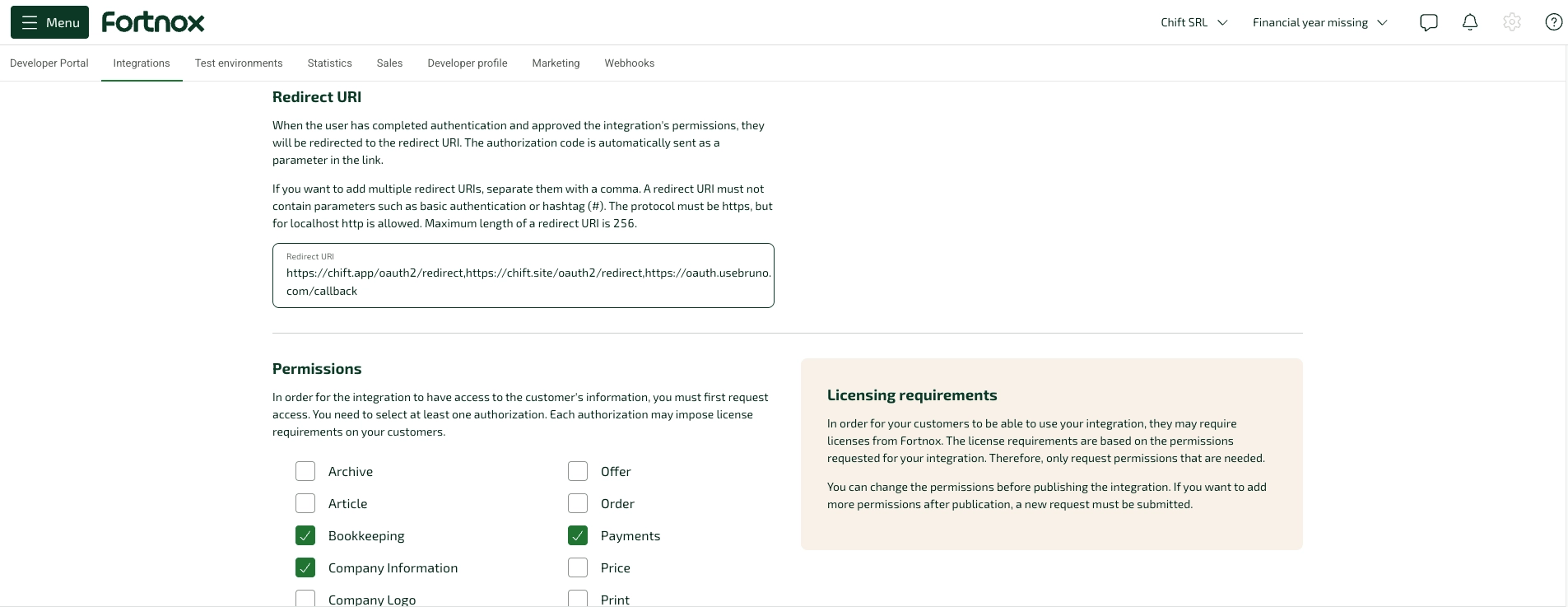
companyinformation, invoice, supplierinvoice, customer, supplier, bookkeeping, payment, settings, costcenter, project, inbox, connectfileCreate a developer account & sandbox
Create a developer account & sandbox
This walkthrough covers the full Fortnox developer registration flow. The path is the same for Swedish and non-Swedish companies, with two differences:
- Companies registered outside Sweden must tick the My company is registered outside of Sweden box on the registration form (step 3), which removes the Swedish organization number field.
- Users without BankID or Freja eID+ (typically foreign citizens) cannot obtain their Fortnox ID automatically and must call Fortnox support to verify their identity at the end of the flow (step 10).
1
Start the registration
Go to fortnox.se/developer and click Register now.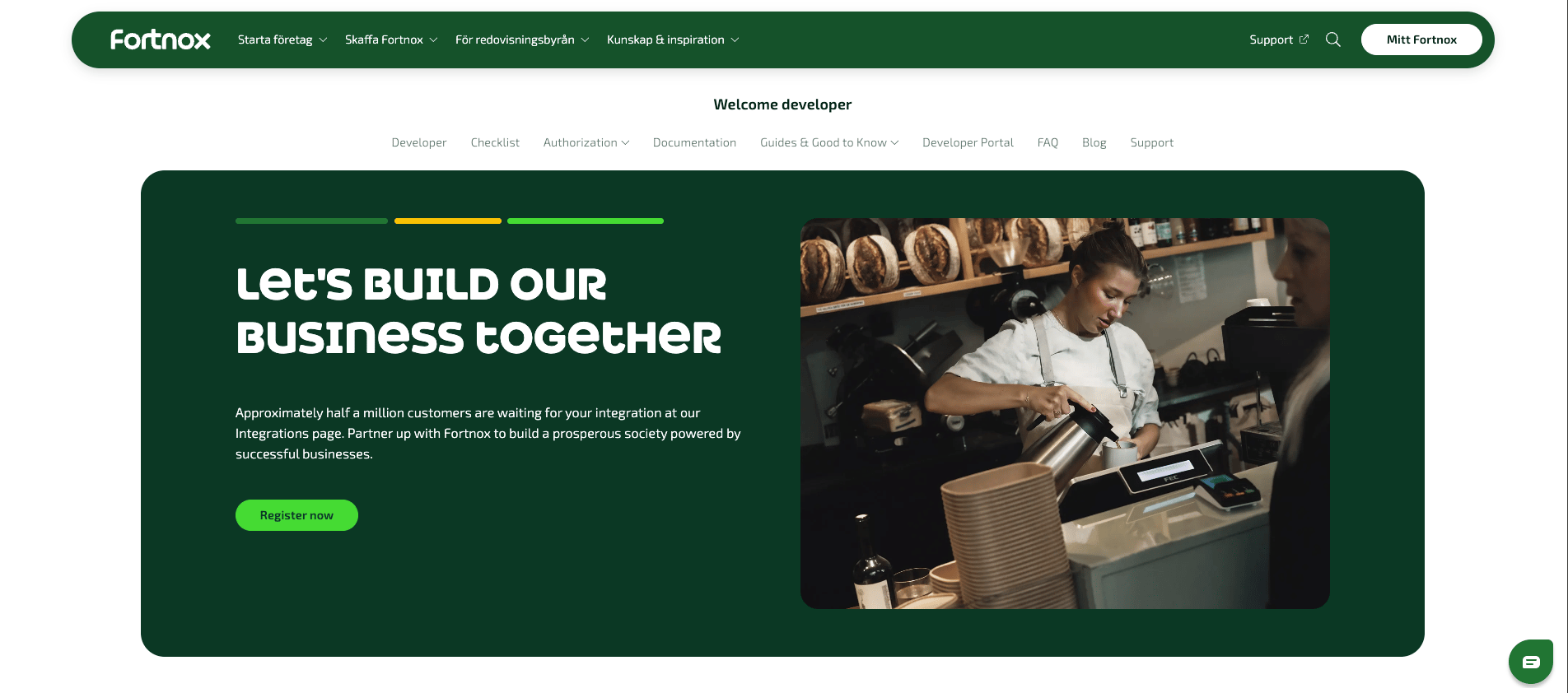
2
Indicate you are not yet a customer
On the “Are you already a Fortnox customer?” screen, click No, I do not have a company in Fortnox.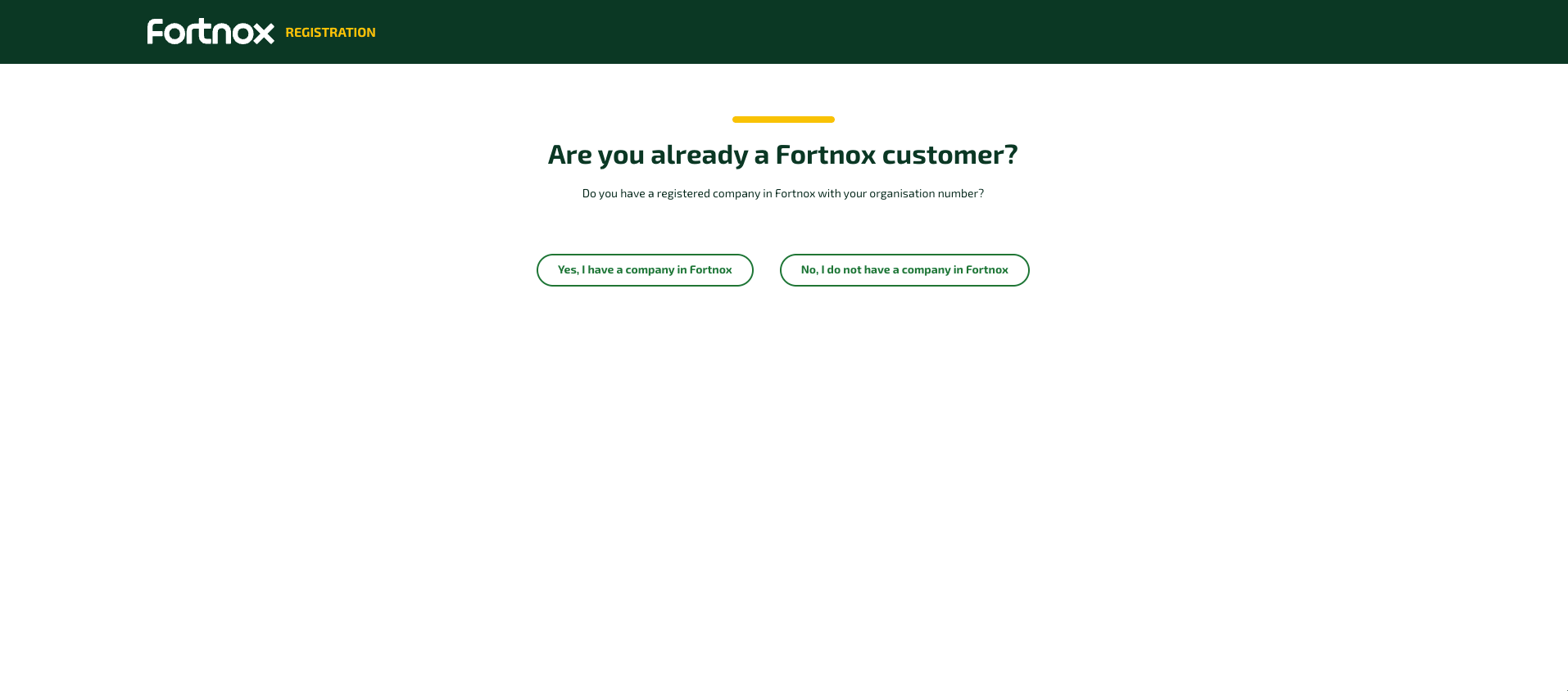
3
Fill in the developer account form
On the Create a developer account form, keep the Business tab selected. If your company is registered outside Sweden, tick My company is registered outside of Sweden — this removes the Organization number field. Swedish companies leave the box unchecked and fill in their Swedish organization number.Fill in your company name, contact details, and email, confirm the “I am human” check, then click Create account.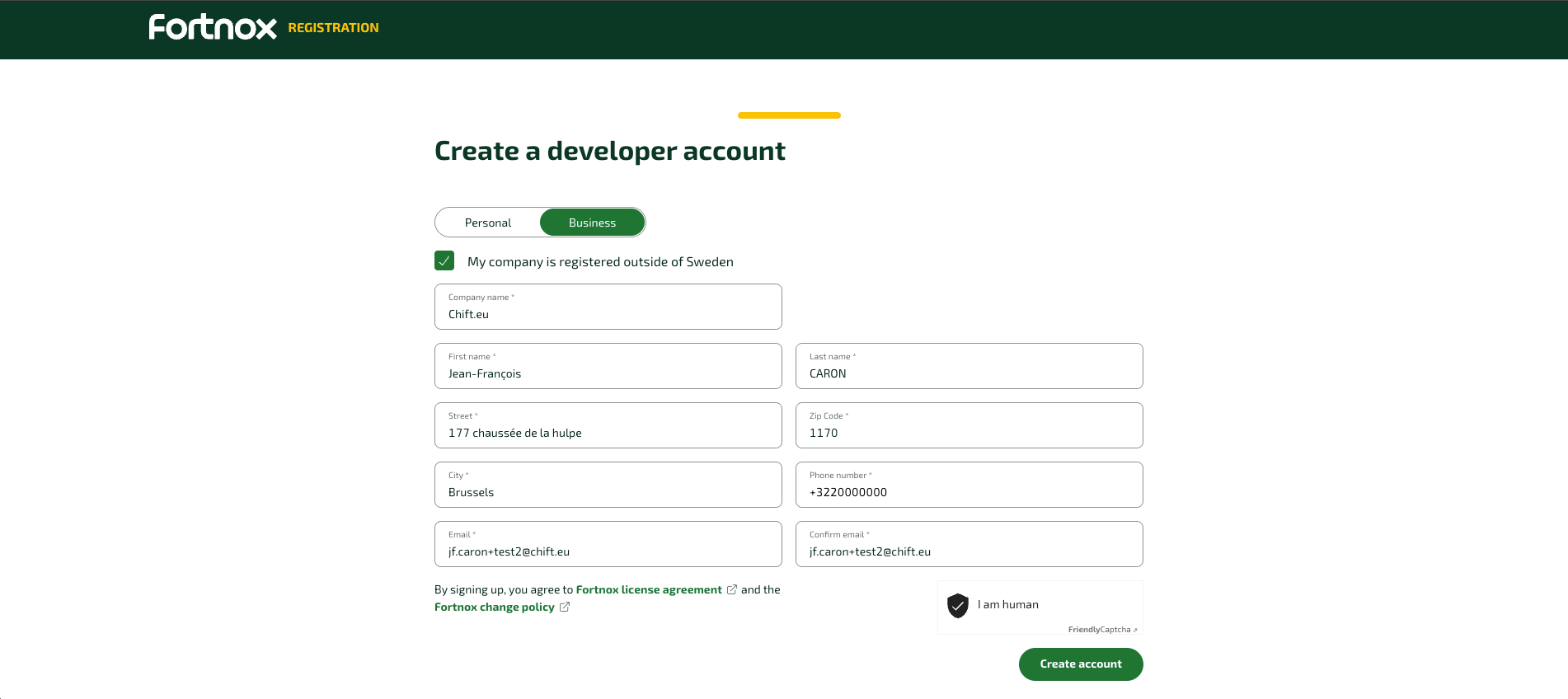
4
Confirm your email
You land on a Thank you for your registration page asking you to confirm your email address.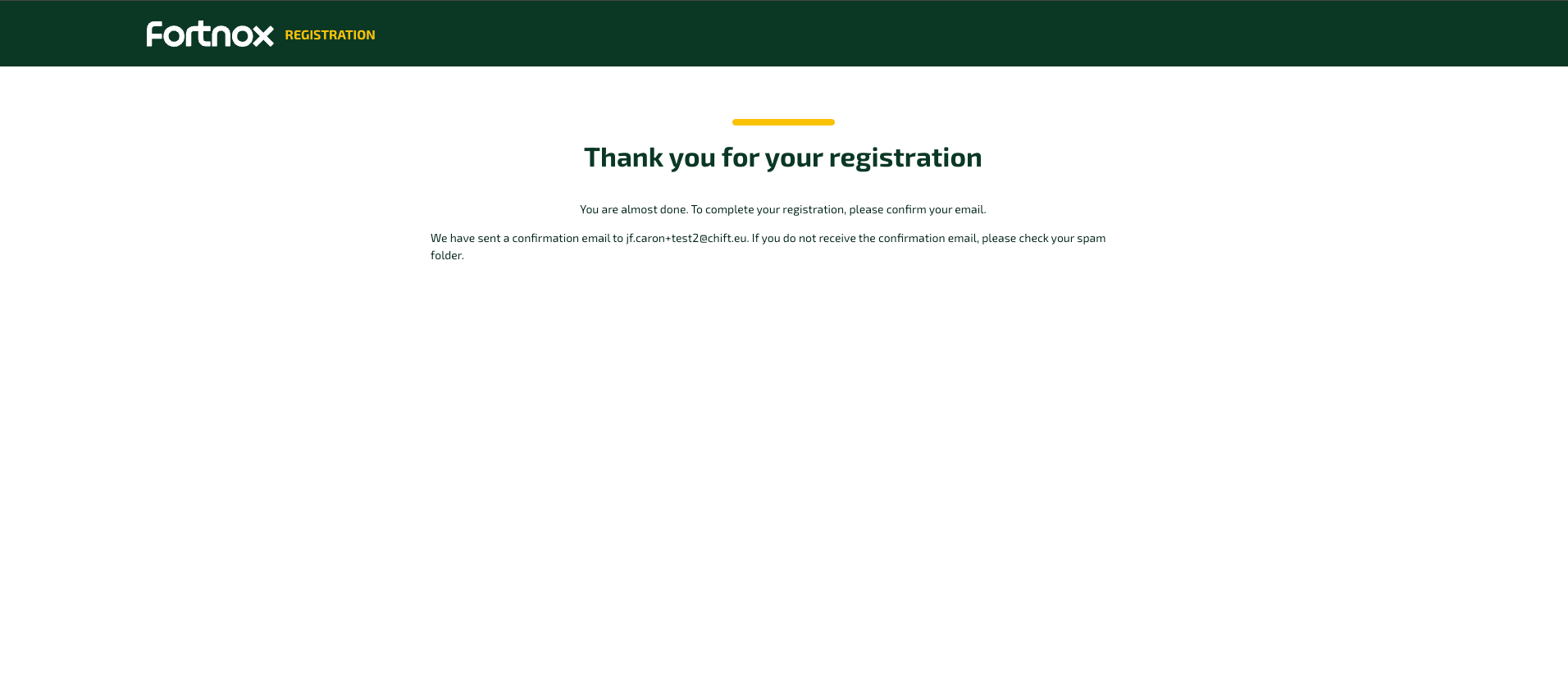
5
Click the confirmation link
Open the confirmation email from Fortnox and click the confirmation link.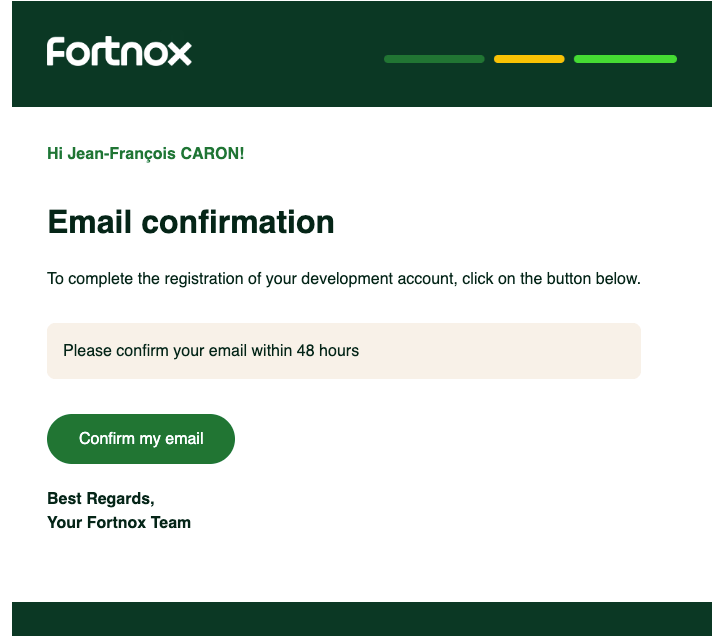
6
Registration is finalized manually (non-Swedish companies only)
For a company registered outside Sweden, the confirmation page explains that Fortnox support finalizes the registration manually — there is no self-service “create your Fortnox ID” step at this stage. Swedish companies proceed directly to the next step.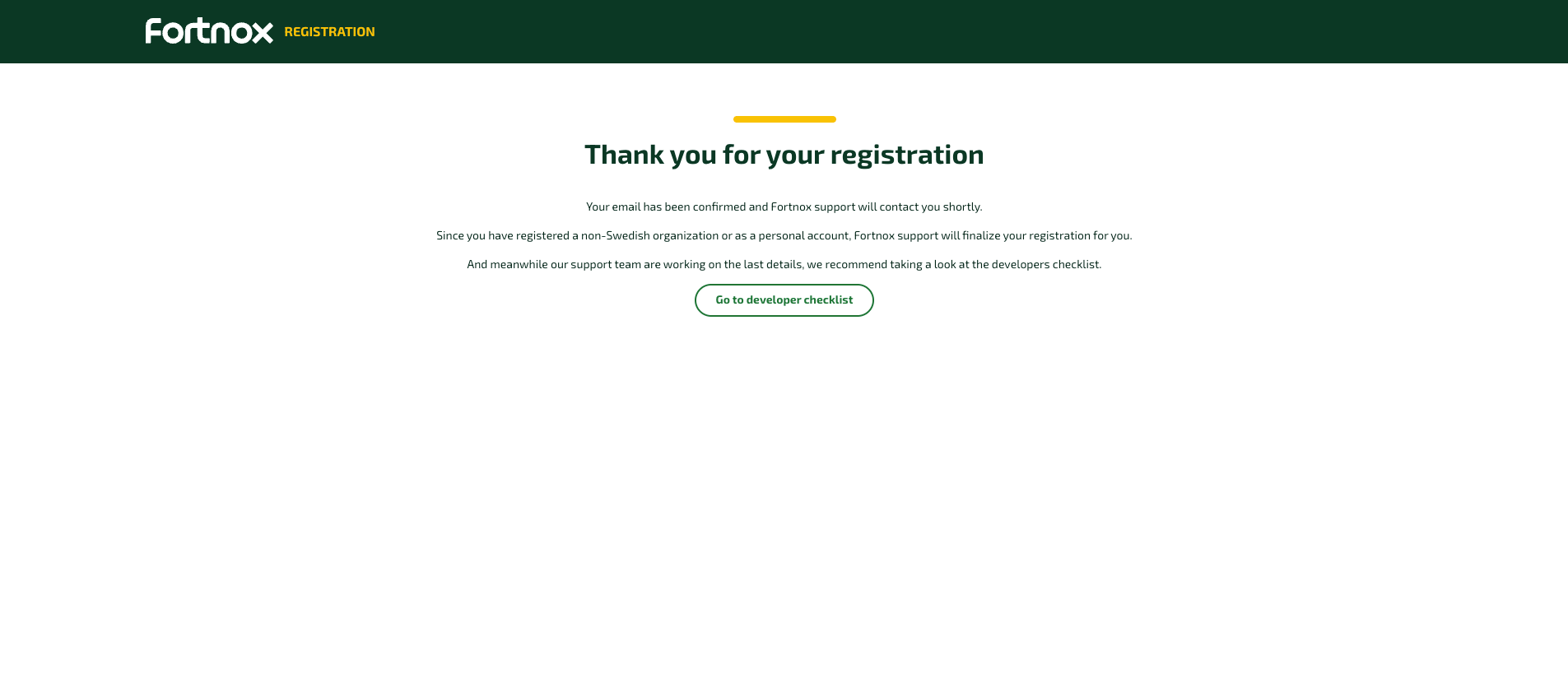
7
Expect a manual-handling email (non-Swedish companies only)
Shortly after, non-Swedish companies receive an automated email stating that their order is being handled manually. This is expected, not an error — no action is required at this point.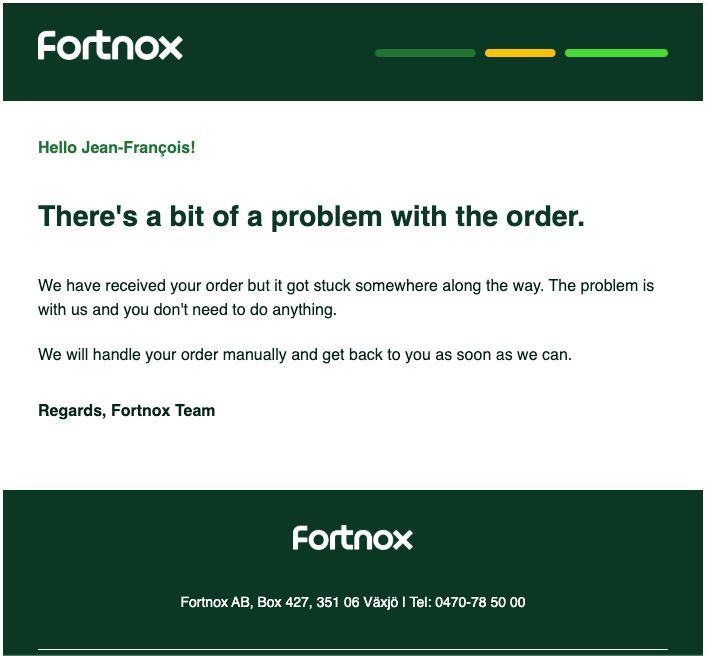
8
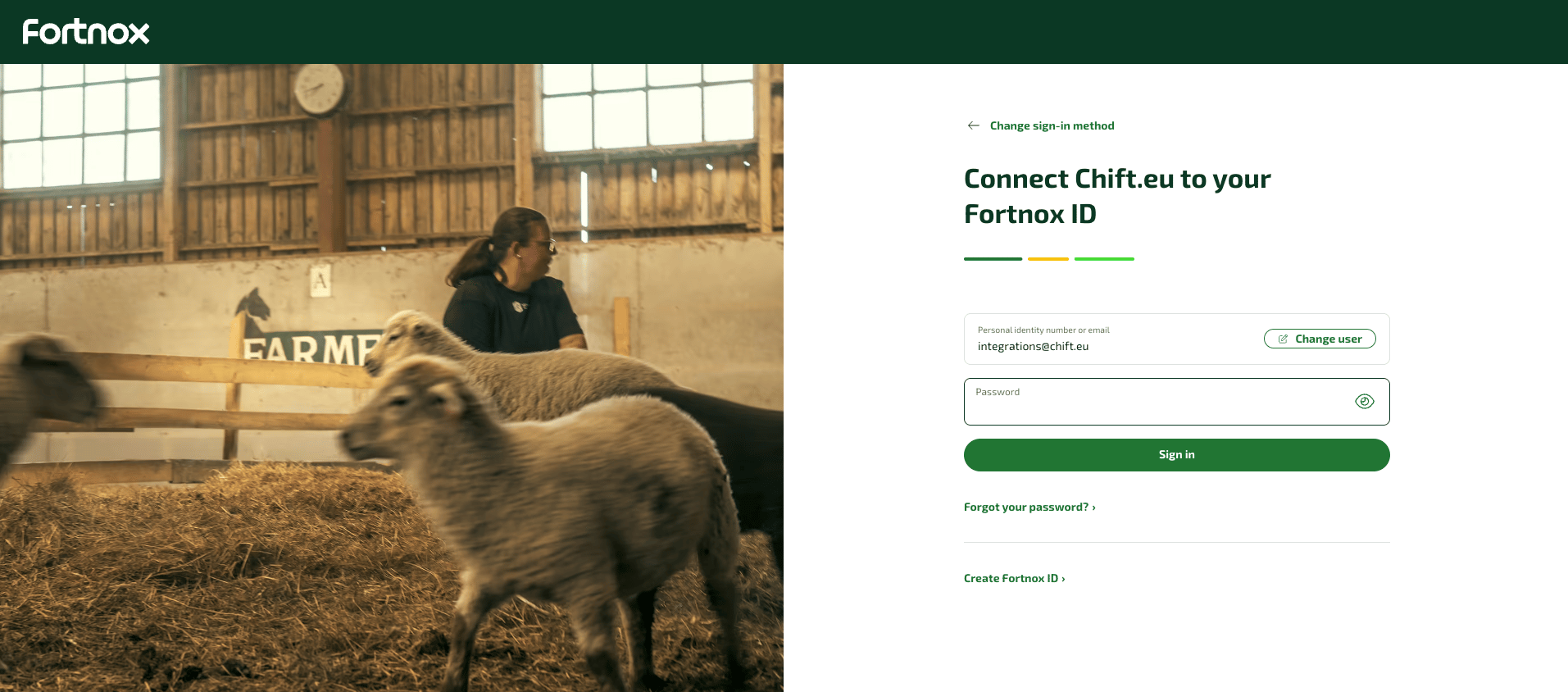
Start creating your Fortnox ID
When you receive the activation email, click Activate. You land on Connect … to your Fortnox ID. If you do not already have a Fortnox ID, click Create Fortnox ID › instead of signing in.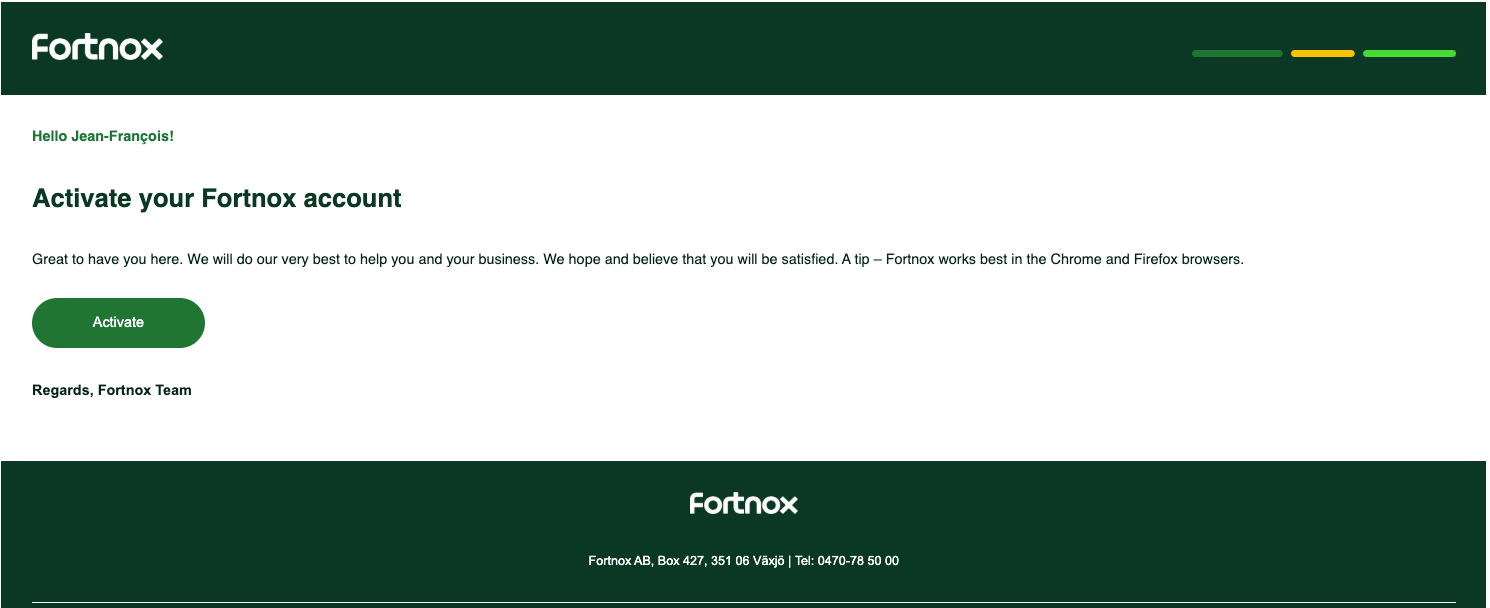
9
Verify your identity
Fortnox offers two e-identification methods: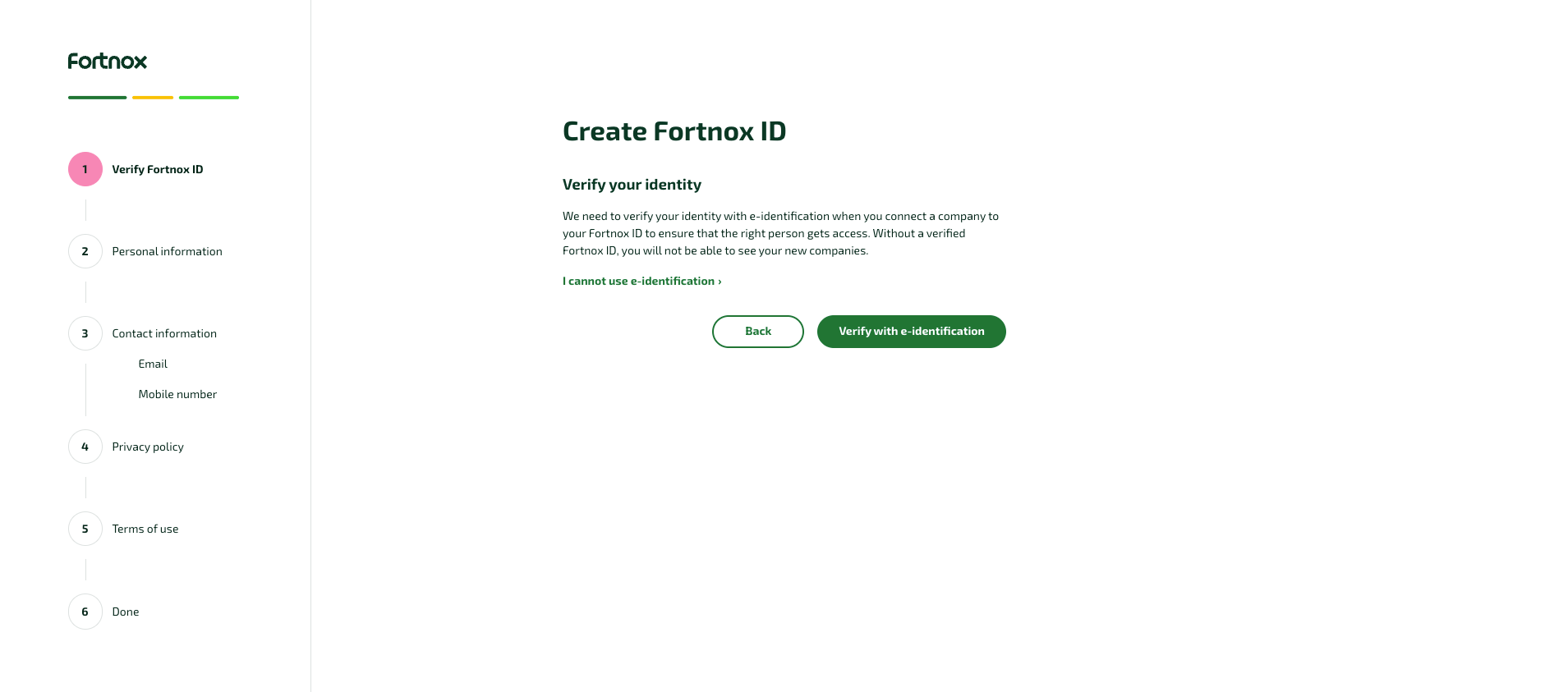
- BankID: requires a Swedish personal identity number.
- Freja eID+: accepts foreign nationals via passport, but needs a separate app.
10
Enter your personal information
Set a password (12+ characters) and choose your Fortnox UI language, then continue.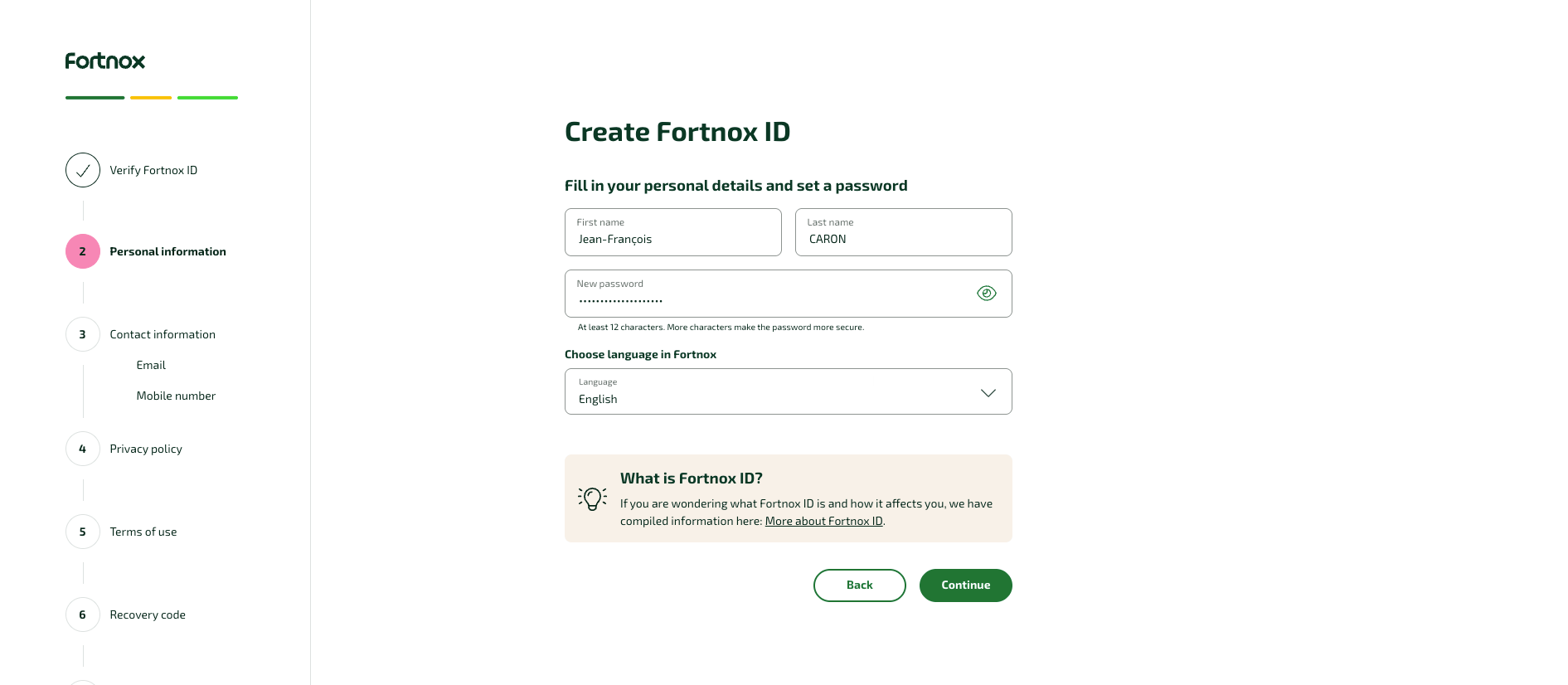
11
Confirm your email address
Confirm the email address used for your Fortnox ID, then continue. You can change it here.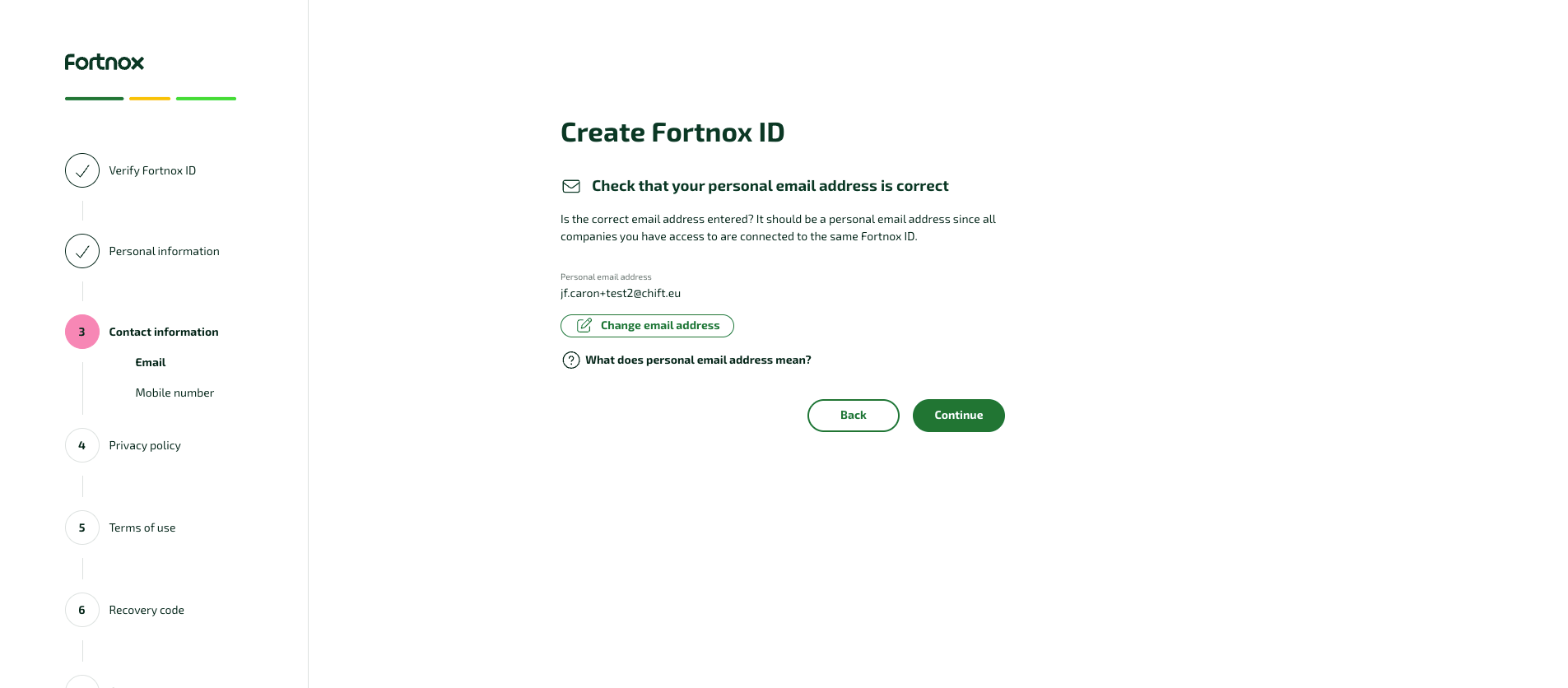
12
Add your mobile number
Enter a real mobile number. Fortnox sends a one-time SMS verification code, valid for 20 minutes.Non-Swedish numbers are supported with the country code, for example 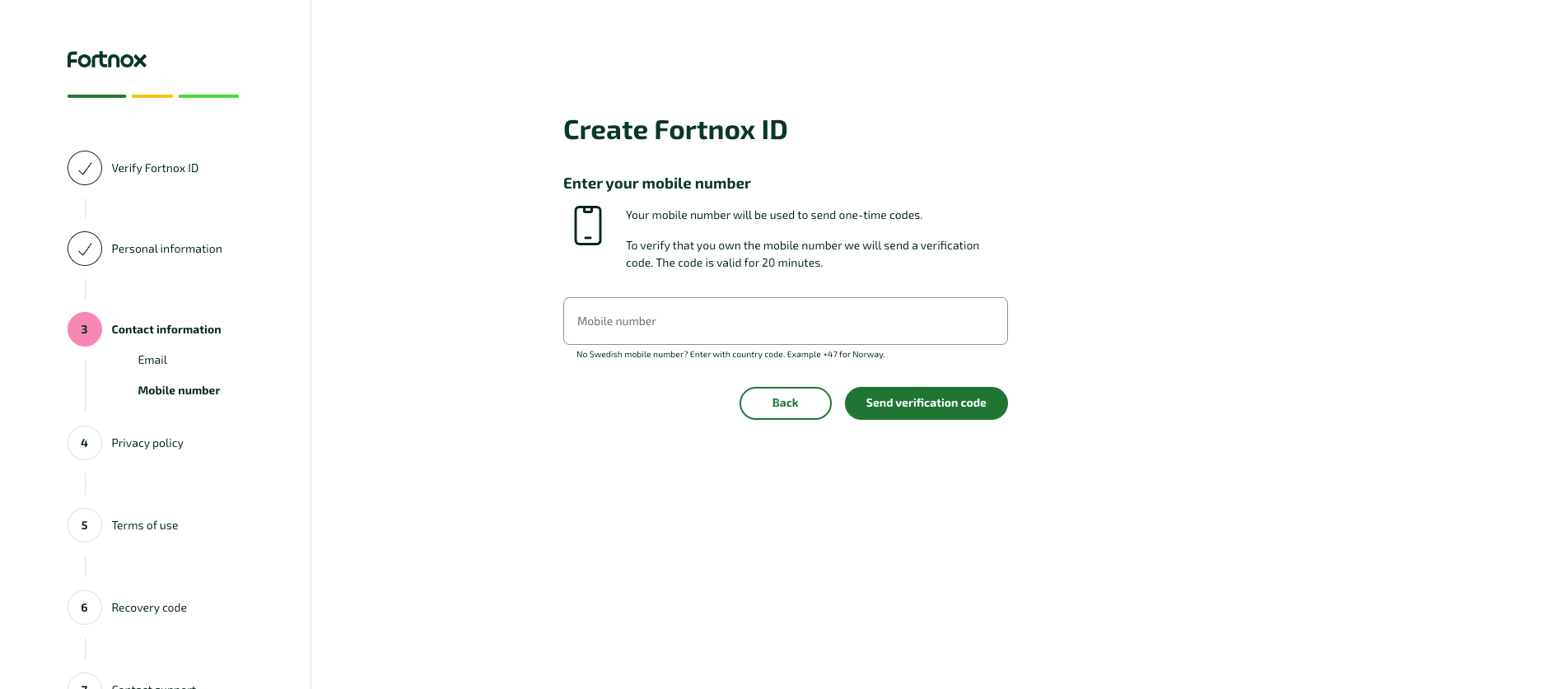
+32 for Belgium.13
Review the privacy policy
This step is informational — continue.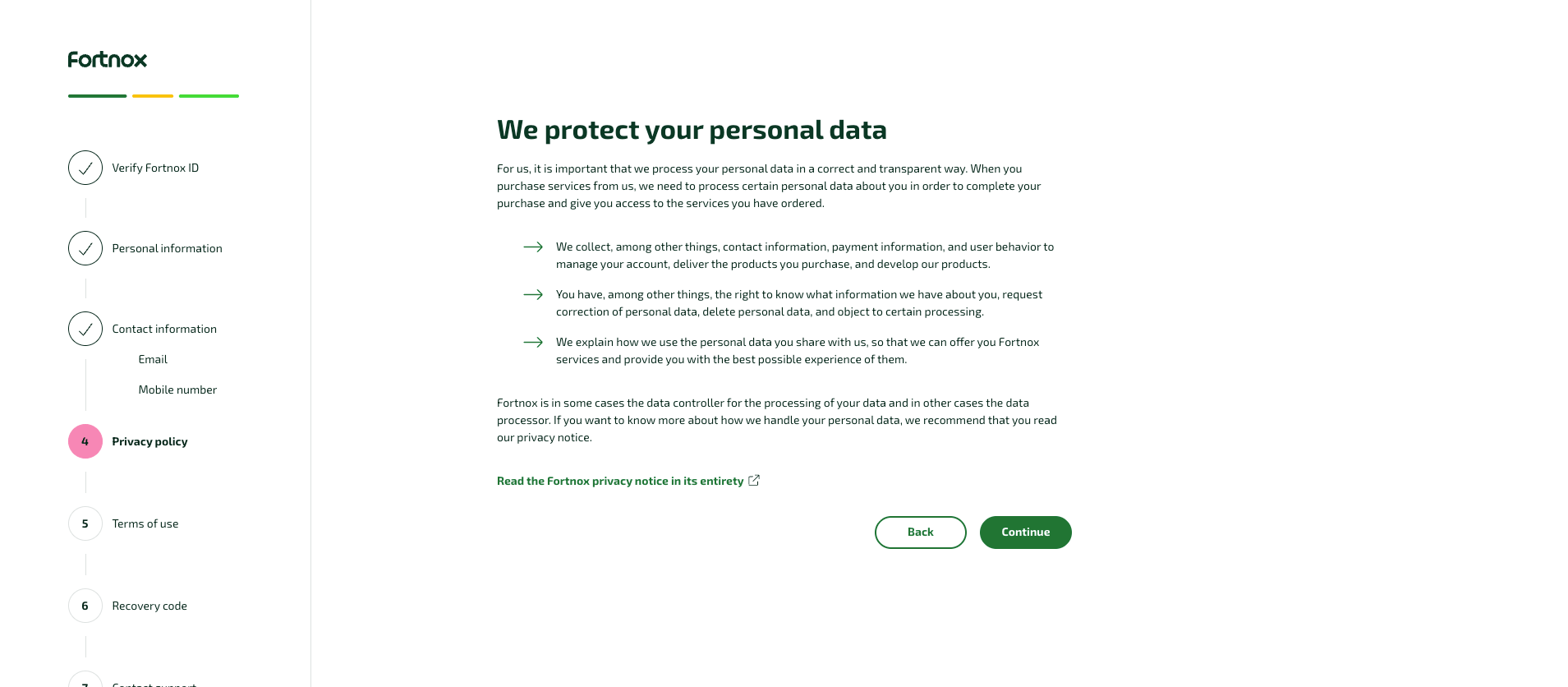
14
Accept the terms of use
Review the Terms of use for Fortnox ID and click Accept.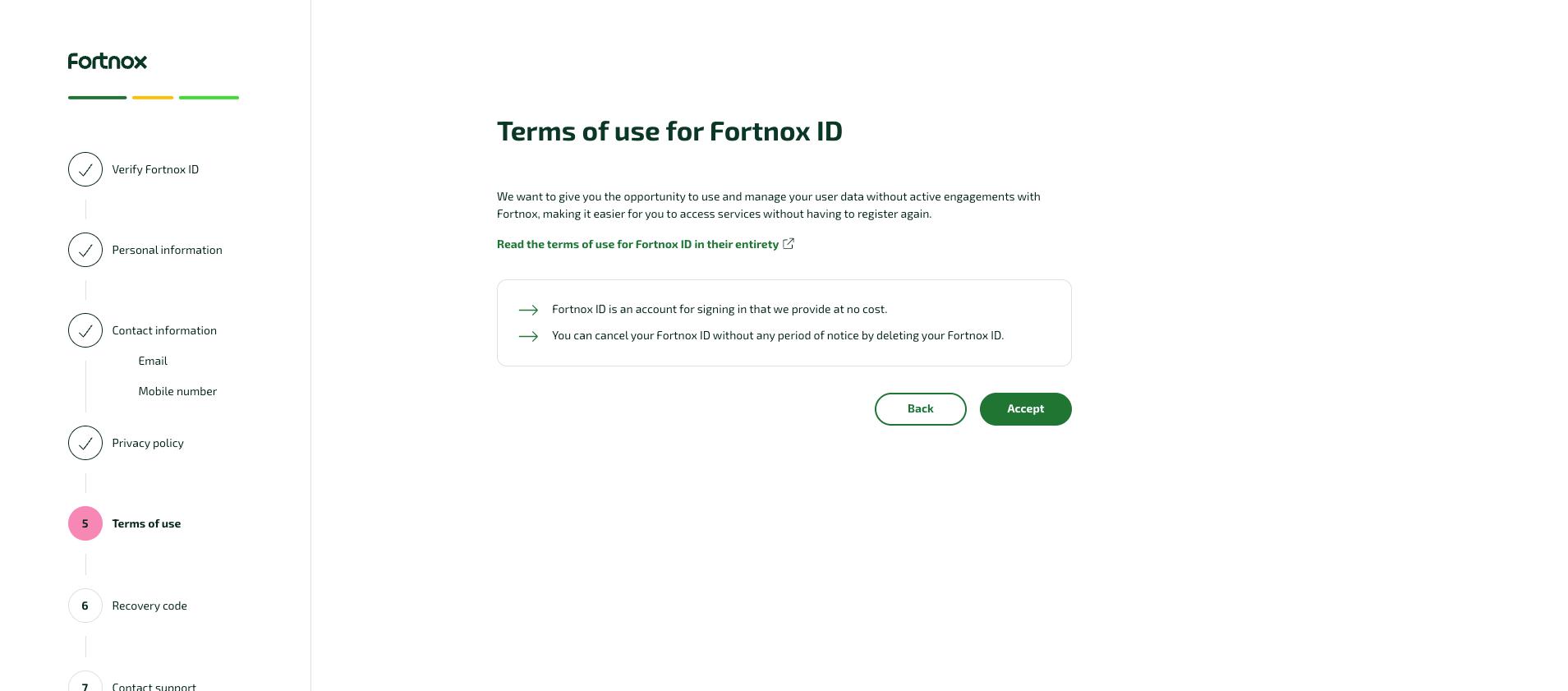
15
Save your recovery code
Fortnox generates a one-time account-recovery code, used to regain access if you lose your mobile number. Treat it as a sensitive credential: store it in a password manager, never in shared documentation.Check the confirmation box and continue.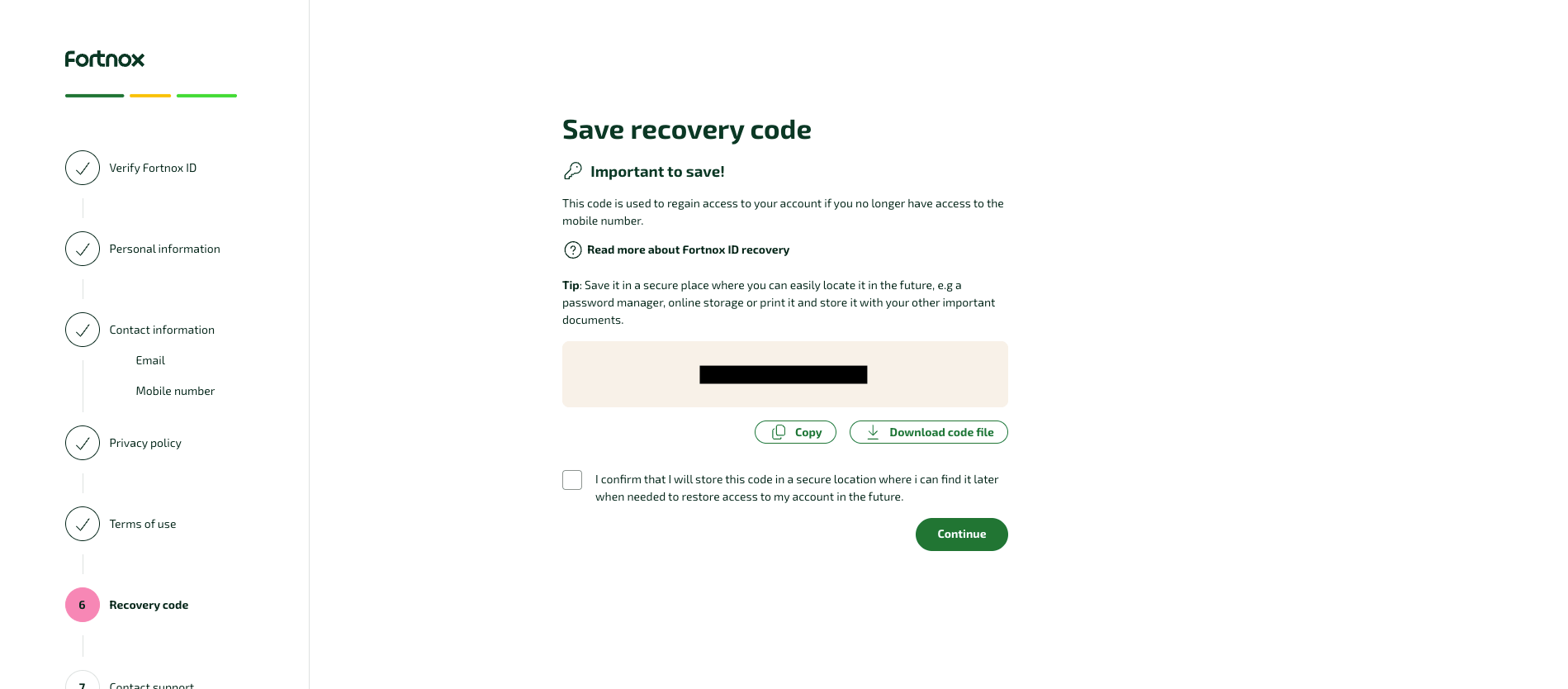
16
Contact Fortnox support to verify your ID
This step appears only if you skipped e-identification. Call Fortnox support, Monday–Friday 09:00–16:00, and ask them to verify your Fortnox ID: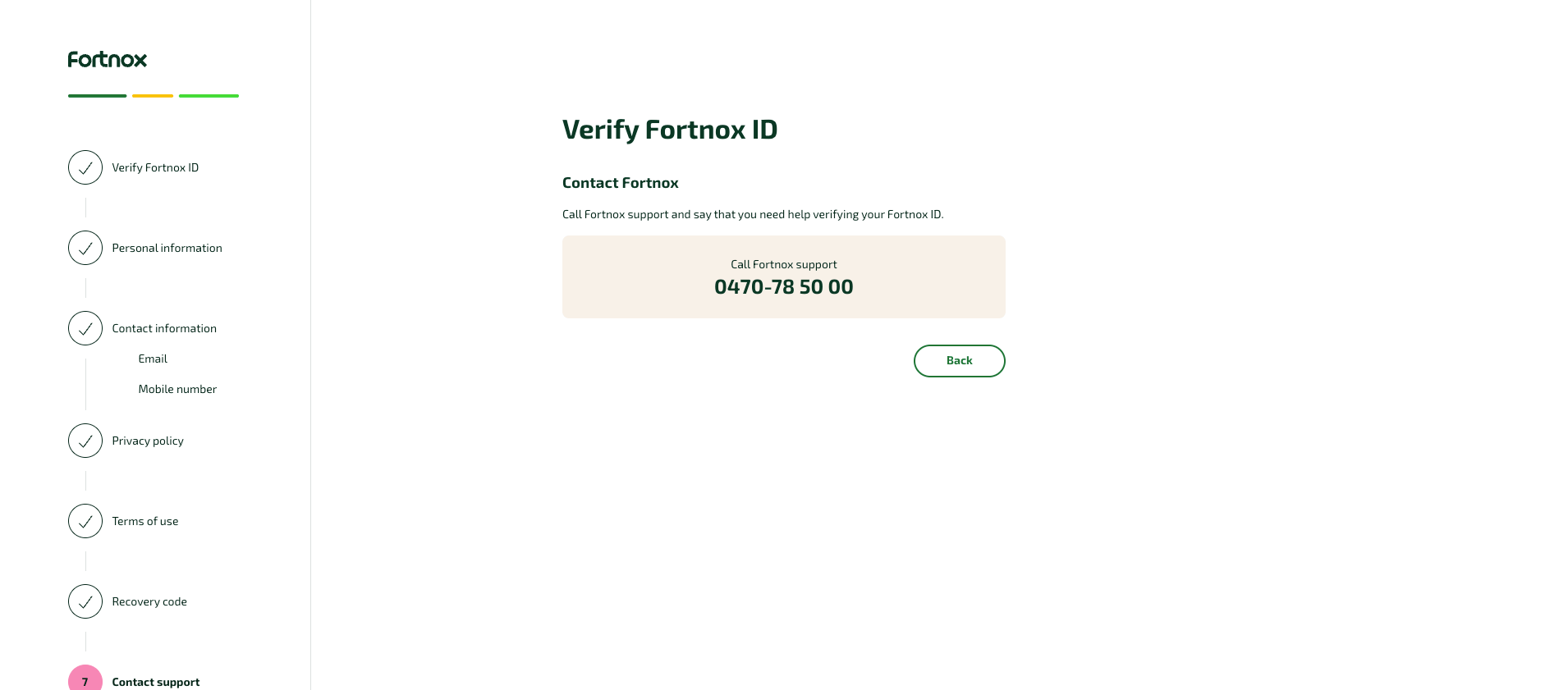
- from Sweden: 0470-78 50 00
- from outside Sweden: +46 470 78 50 00
17
Return to the activation email
Once your Fortnox ID is created and verified, go back to the original activation email and continue from there. This links your new Fortnox ID and finishes the sandbox registration.
Activate Fortnox in your Chift account
In Connectors, enter your Client ID and Client Secret. End users are then redirected to Fortnox to authorize access via OAuth2.
Connector settings
No connector-specific settings.Test Fortnox
Vendor fees
Software editor (you)
No fees. Developing and testing against the Fortnox API is free.
End user
Fortnox is sold as a modular subscription: a small monthly base fee plus the modules the end user needs, such as Bookkeeping, Invoicing or Supplier invoices.Connecting any integration also requires the Integration add-on: 189 kr/month, unlimited integrations.
- Bokföring: chart of accounts, journals and journal entries, as well as supplier invoices and suppliers.
- Kundfaktura or Order: customer invoices and customers.
Connect Fortnox
Fortnox setup guide for end users
The full step-by-step, with screenshots.
- an active Fortnox subscription covering the licences your integration uses (Bokföring, and Kundfaktura or Order for customer invoicing)
- the Integration add-on (189 kr/month)
- a system administrator role in Fortnox, or a system administrator to enable the integration for them
- sign in with their Fortnox account and authorize the connection
Rate limits
Fortnox applies a sliding-window limit: 300 requests per minute, enforced over a 5-second window, that is 25 requests per 5 seconds. The limit applies per Client ID and tenant. Each connected Fortnox company has its own access token, and therefore its own budget. When the limit is exceeded, Fortnox returns HTTP429 Too Many Requests. Bursts are throttled until the average falls back under the limit.
Chift automatically manages these limits to optimize performance and prevent interruptions. However, once the API rate limit is reached, Chift cannot bypass these limitations.
See Fortnox’s rate limit documentation.
Limitations & specificities
Chart of accounts & VAT
Chart of accounts & VAT
Single company currency — SEK. Fortnox accounts have no per-account currency.Format constraints. Ledger account number: numeric,
1000–9999.Journal entries
Journal entries
Account & journal types are derived, not stored. The journal type and the ledger account type are derived from BAS number ranges and predefined series. A type sent on create, such as
journal_type, is ignored.Third-party accounts on entries. This covers customer, supplier and employee accounts. Fortnox has no native journal-to-account link, and supplier objects carry no dedicated ledger account.Third-party lines must therefore specify force_general_account. Otherwise, a “not supported” error is returned.Currency. An entry in a currency different from the company currency requires a currency_exchange_rate. Without it, Fortnox returns ERROR_CURRENCY_NOT_ALLOWED.Amounts are converted to the company currency. This also applies to financial entries.Entries are always posted. Fortnox posts vouchers immediately, so posted is always true. The posted input has no effect.Financial entries
Financial entries
How a financial entry is built:
- Items contain only the counterpart lines, each with a signed amount: positive into the bank, negative out of it.
- The bank ledger account is passed in the mandatory query parameter
financial_counterpart_account. - The connector adds the balancing bank line, net of the amounts.
currency_exchange_rate. See Currency under Journal entries above.Multi-folder
Multi-folder
One Chift connection maps to a single Fortnox company. Each connected company has its own access token, as noted in Rate limits above.