📋 Overview
This integration connects with the following DATEV component: DATEV Unternehmen online (DUO) – Web-based DATEV application. The integration only allows you to PUSH invoices (invoice data and their documents) to DATEV Unternehmen online. You cannot use this integration to pull accounting data from DATEV.🚨 Prerequisites
1. Licenses
DATEV Rechnungsdatenservice 1.0 - activation process:
To be able to send invoices to DATEV Unternehmen online it is mandatory to activate the DATEV Rechnungsdatenservice 1.0 on the company you want to send the invoices to. This service is not ordered in the DATEV shop: your tax consultant (Steuerberater) orders it for your company in MyDATEV Mandantenregistrierung. This activation process is described on the following pages:
- https://www.datev.de/web/de/berufsgruppenuebergreifend/mydatev/datenservices/rechnungsdatenservice-1_0-einrichten
- https://apps.datev.de/help-center/documents/1037210
- DATEV Belege online uses the processing form Extended (erweitert), with at least one fiscal year.
- The invoice ledgers (Rechnungsbücher) you send to are enabled for the current fiscal year: receivables, payables, or both, depending on the integration scope of your connection.
- In DATEV Arbeitsplatz, go to Licence Management (Lizenzverwaltung) to view installed licences.
- Or request confirmation from your DATEV administrator, tax consultant (Steuerberater), or DATEV service partner.
2. Information to provide
Verify that you are able to provide all information listed in the “Connection” section below. Contact the needed persons before the activation process if you miss some information.⚡️ Connection
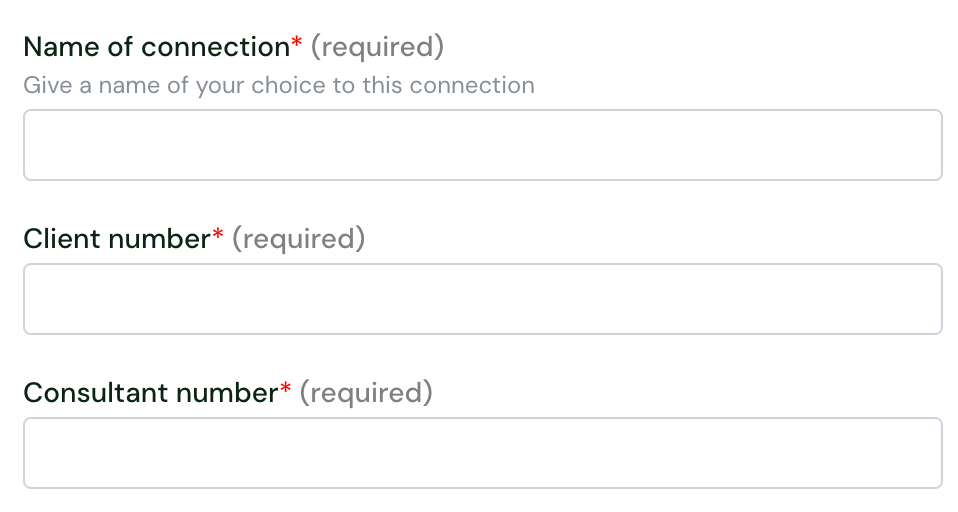

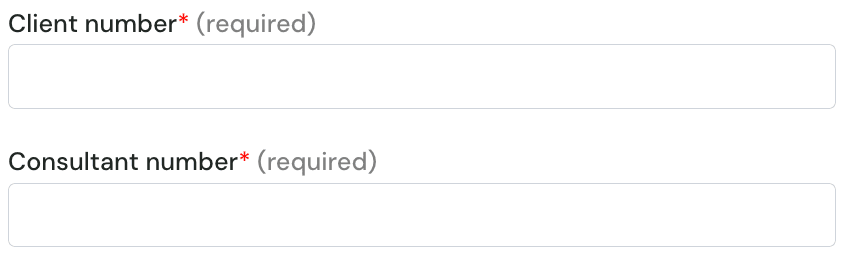
- Go to DUO sign-in page
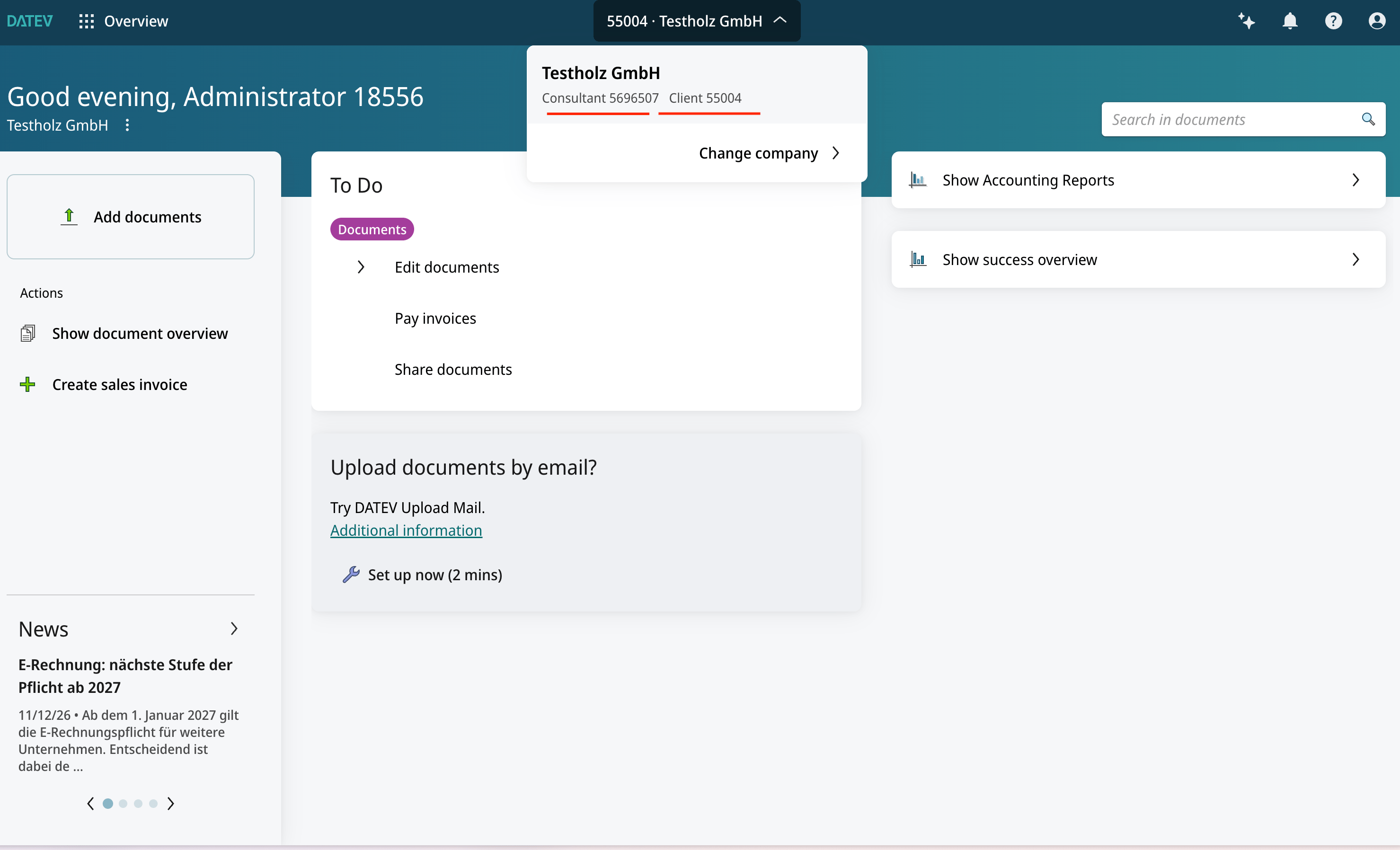
- Select your company (if asked)
- The numbers are shown on the top bar:
✅ Authentication
You will be redirected to the login page of DUO to authenticate yourself and authorise the connection. You can log in using your SmartLogin or your SmartCard/mIDentity.