📋 Overview
This integration connects with the following DATEV component: DATEV Rechnungswesen – On-premise accounting software. The integration only allows to PULL data from DATEV Rechnungswesen. You cannot use this integration to push data into DATEV Rechnungswesen.🚨 Prerequisites
1. Licenses
DATEV Datenservice Export Rechnungswesen - activation process:
To be able to pull data from DATEV Rechnungswesen it is mandatory to activate the DATEV Datenservice Export Rechnungswesen licence on the company you want to pull the data from. This activation process is described on the following pages:
- https://wissensplattform.apps.datev.de/help/document/1039548
- https://www.datev.de/web/de/shop/produkt-details/datev-datenservice-export-rechnungswesen-92913
- In DATEV Arbeitsplatz, go to Licence Management (Lizenzverwaltung) to view installed licences.
- Or request confirmation from your DATEV administrator, tax consultant (Steuerberater), or DATEV service partner.
2. Information to provide
Verify that you are able to provide all information listed in the “Connection” section below. Contact the needed persons before the activation process if you miss some information.⚡️ Connection
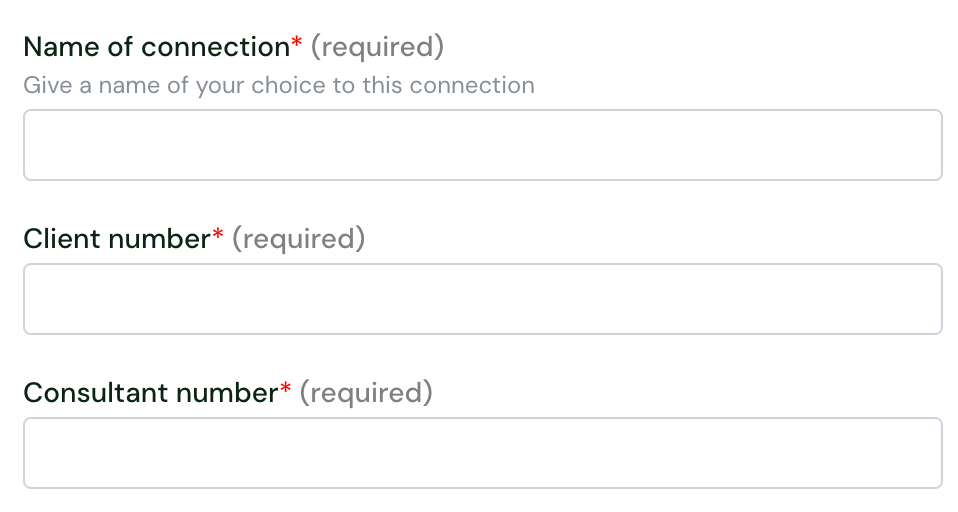

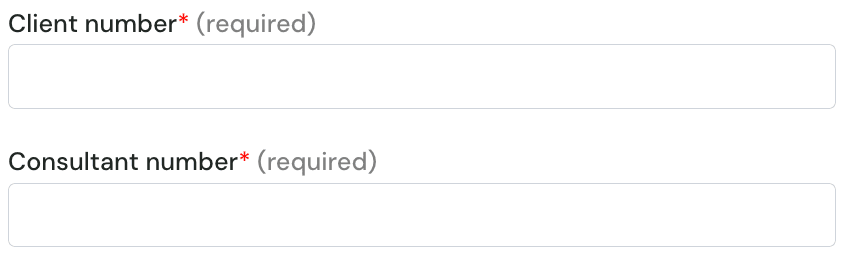
- Go to DUO sign-in page
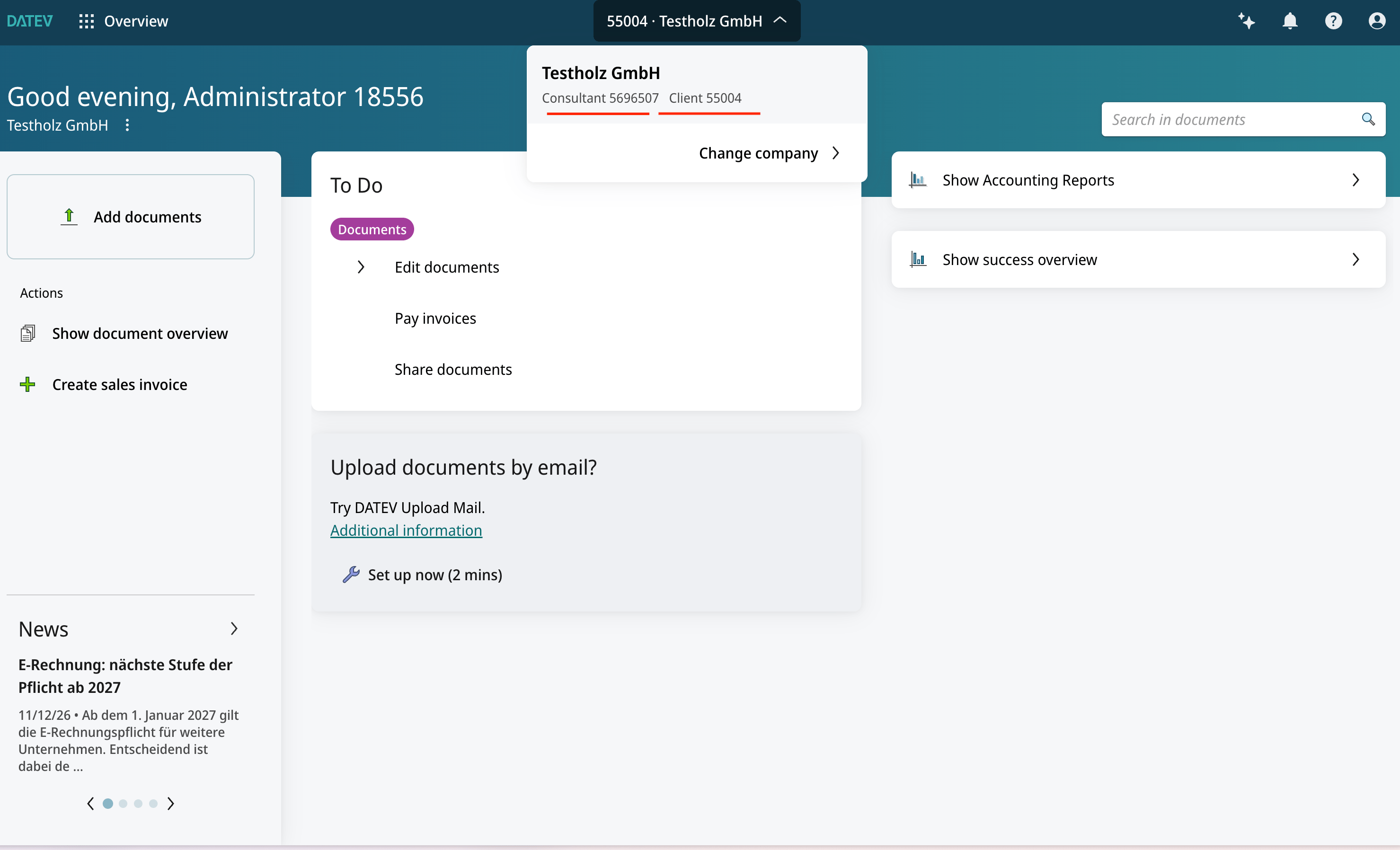
- Select your company (if asked)
- The numbers are shown on the top bar:
✅ Authentication
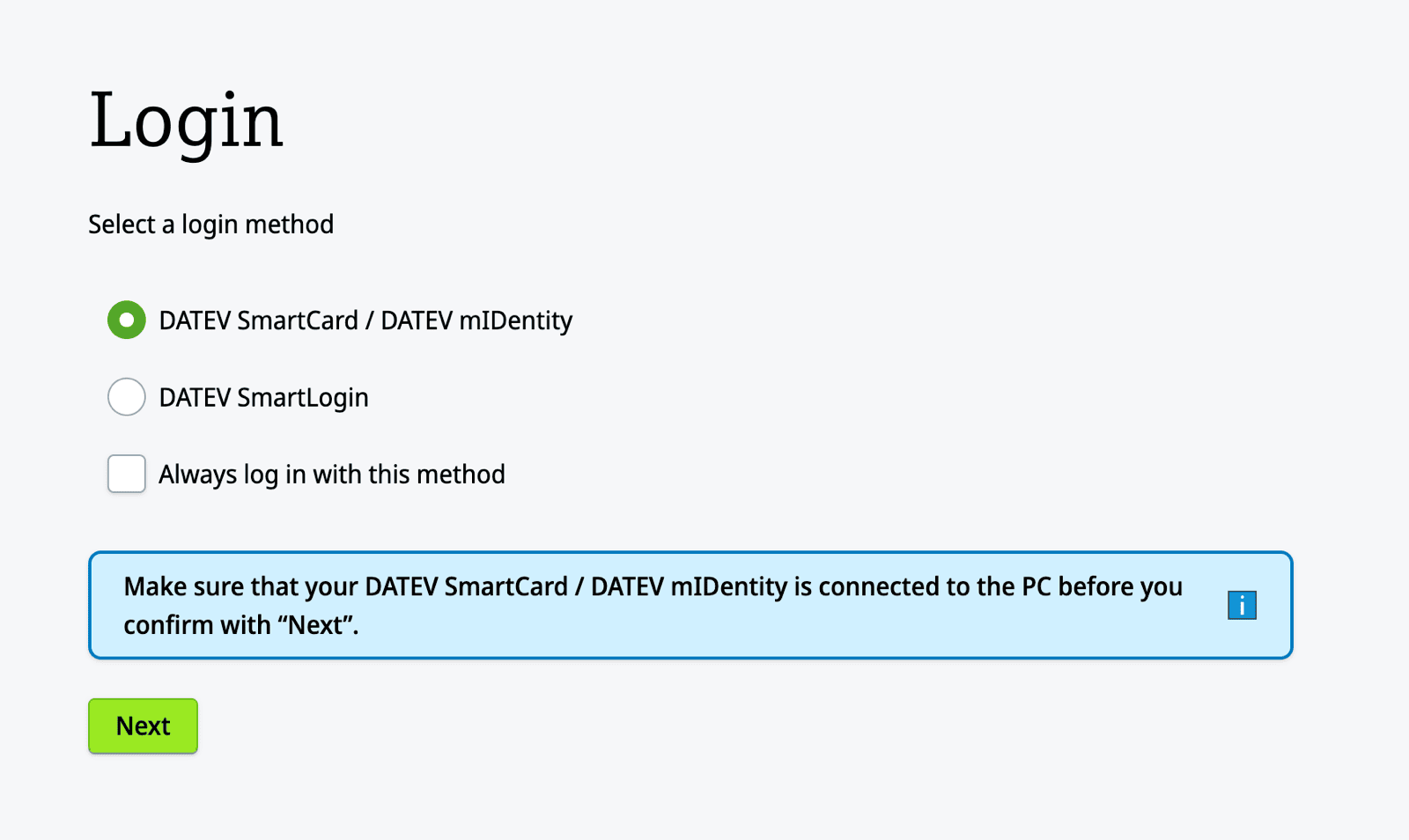
You will be redirected to the login page of DUO to authenticate yourself and authorise the connection. You can log in using your SmartLogin or your SmartCard/mIDentity.