

Chifty is a premium AI-powered feature, currently in beta. During the beta, it is free for all accounts. Share your feedback to help shape what comes next.
Where to find me?
Open me from the button at the bottom of the platform sidebar. Conversations are saved per user and your history is yours alone: start a new chat anytime and pick up previous ones from the history.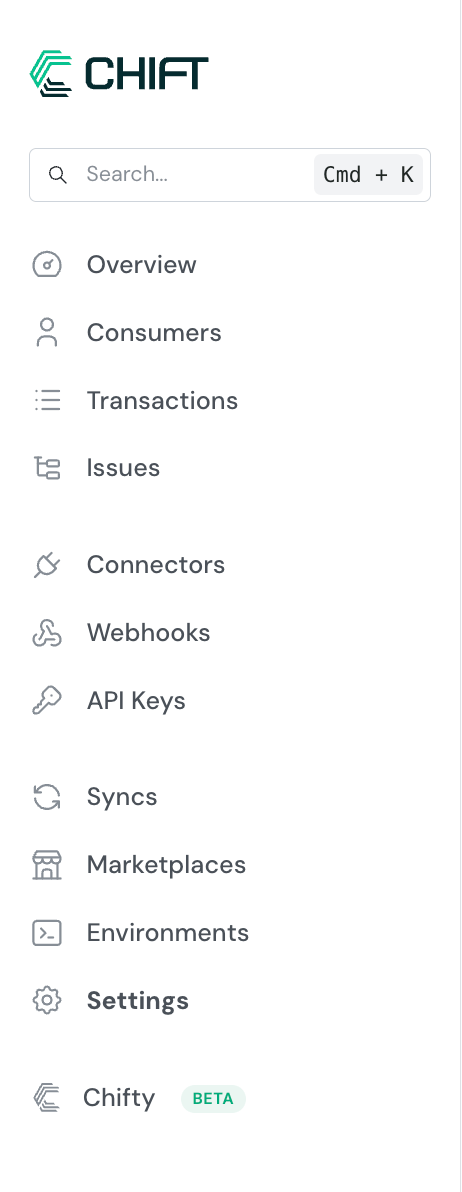
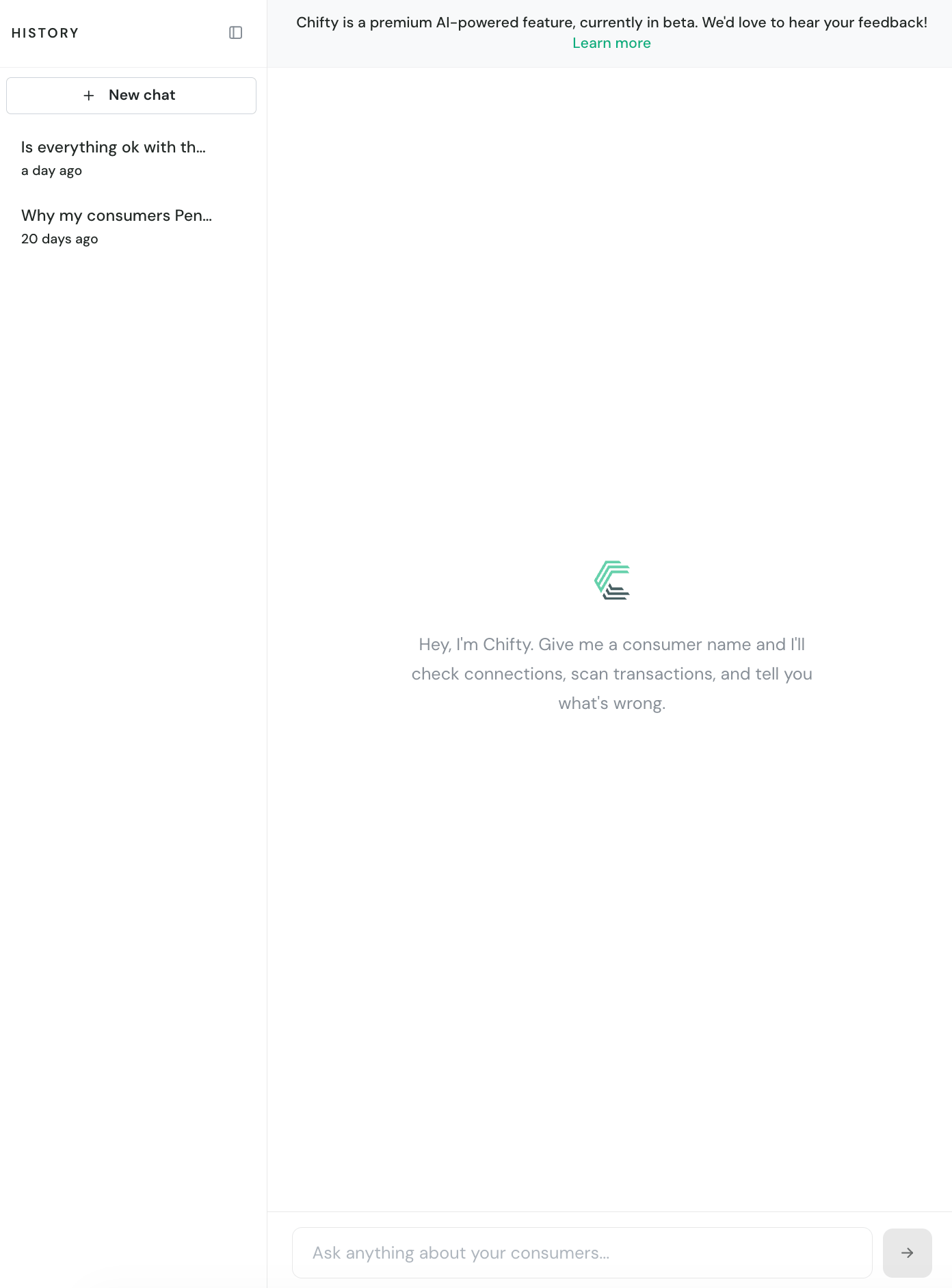
What I can do
While I work, I show each step I take, so you always know where an answer comes from. Here is what each of those steps means:- Searching consumers: I find a consumer by name, identifier, reference or email, and check the state of every connection: active, waiting for an OAuth login, failed during setup. For on-premise connectors, I also check whether the local agent is up and read its recent errors.
- Searching transactions: I read the recent API activity, successes and errors, to tell live problems apart from ones that already resolved themselves, and see which routes fail since when.
- Inspecting a transaction: I open a failing API call and read the actual response of the third-party system. That error message is usually the answer.
- Checking syncs: I check your sync automations: which flows are currently failing, for which consumers, and whether one outage is hitting many consumers at once.
- Searching synced data: I search the data your syncs recorded, to answer “was this invoice synced?” or find the error trace a sync left behind for a specific element.
- Reading the documentation: I know the Chift connector support documentation (setup steps, prerequisites, known errors) and use it to give precise, connector-aware guidance. This documentation site, the one you are reading right now, is next on my reading list.
You use the Unified API
Broken connections, failing API calls, third-party errors: I find out why a consumer stopped working.
You run Syncs
Failing flows, missing invoices, error traces: I find out why an automation stopped delivering.
For Unified API accounts
Your consumers connect once through the Unified API, and when one stops working the question is always the same: is it the connection, the calls, or the third-party system? (Between us: it is very often an expired token.) That is my home turf. I check the state of every connection (active, waiting for an OAuth login, failed during setup), scan the recent API activity to separate live problems from resolved ones, and when a call fails I read the actual error the third-party returned. Sometimes the answer hides deeper: here, a connection that shows Active while nothing ever flowed, and a consumer ID is all I needed: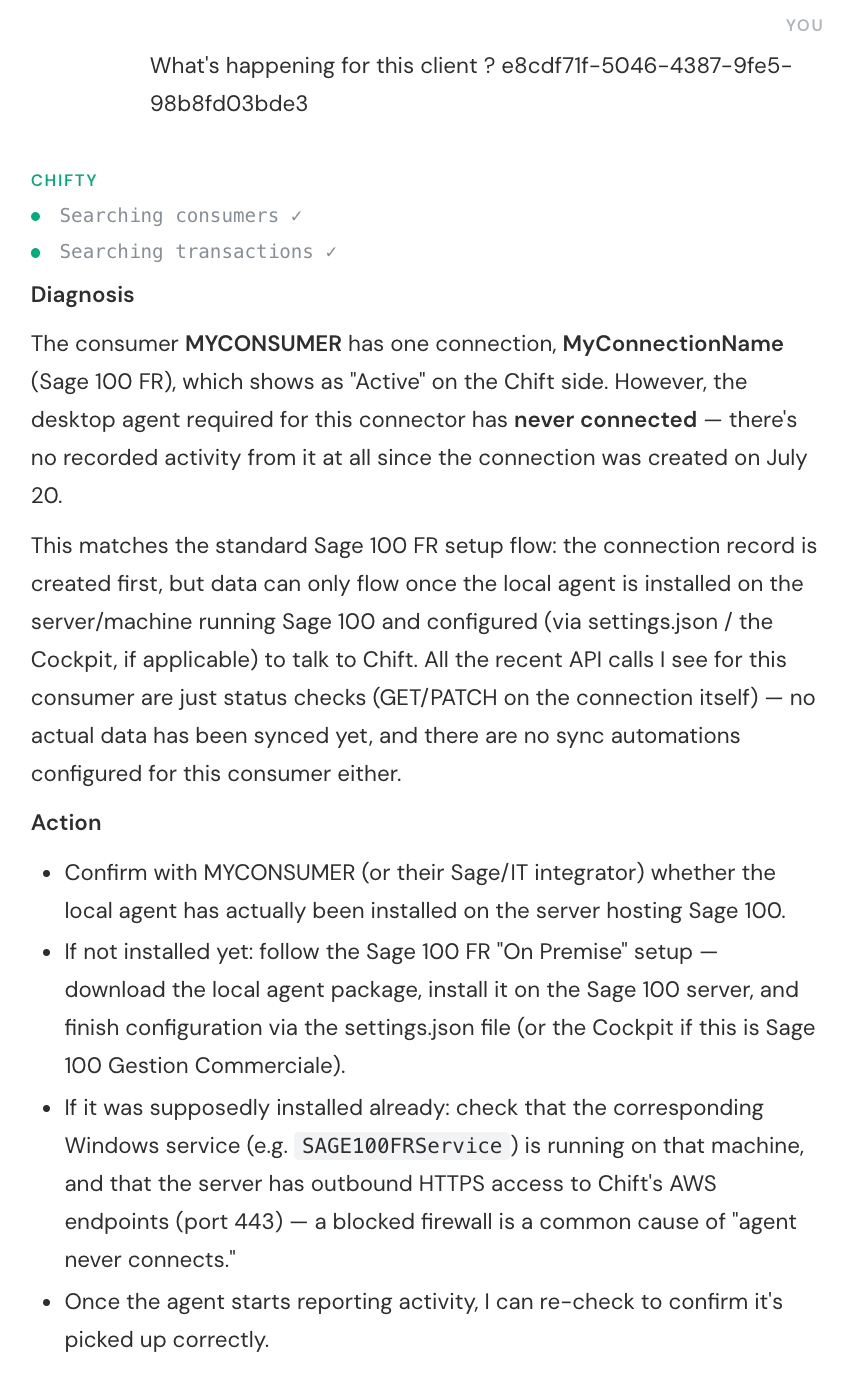
- Diagnosis: what is really going on, beyond the status. Here the Sage 100 FR connection shows Active, but I spotted that its local agent never connected: zero activity since the connection was created, and the recent API calls are only status checks.
- Action: the concrete next steps. Here, install the local agent on the Sage 100 server, and if it is supposedly installed already, check the Windows service and the firewall. Once the agent reports, I re-check.
- “What’s going on with Acme Corp?”
- “Is the local agent of Acme Corp connected?”
- “How do I set up an Exact Online connection?”
All set with the Unified API?
Skip the next section and jump straight to my usage tips.
For Syncs accounts
Your consumers run sync automations, and when data stops flowing the question is different: which flow is failing, since when, for whom, and what happened to that one invoice? (There is always that one invoice.) I check your syncs on my own, before you even mention them: which flows are failing and for which consumers, whether one outage is hitting many consumers at once (often a connector-side incident), and what your syncs actually recorded, down to a single invoice and the error trace it left behind. Here is a real diagnosis, step by step: I find the consumer, read its documentation, scan the API calls of the failing run, check the flows, then search the synced data for the error traces: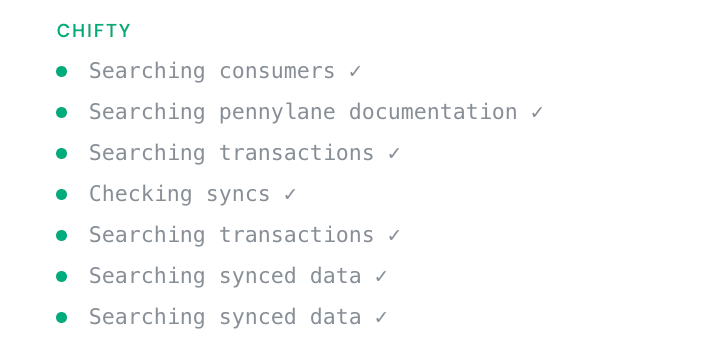
- “Why is the Pennylane sync failing?”
- “Was invoice INV-2041 synced?”
- “Is my customer’s data up to date?”
How to get the best out of me <3
- Name the consumer precisely: the name as it appears in the platform, an identifier, a reference or an email all work.
- Paste full identifiers: for an invoice or order number, give me the complete value, or at least how it starts. I match values from their very first characters.
- Give me a timeframe when it matters: “since Monday” or “after yesterday’s run” helps me separate the live problem from old noise.
Good to know
- I work read-only: your consumers, connections and configuration stay exactly as they are. I can tell you what broke, never be what broke it.
- I see the platform exactly as you do: same account, same environment, same permissions. When a check needs a permission you are missing, your workspace admin can grant it.
- I only report what I actually verified, and I tell you plainly when something was out of my reach.
- Ask in your own words, in your own language: I answer in yours.
- I stick to your integrations. Ask me for movie recommendations and I will politely bring us back to your connections.
What’s coming next?
I keep learning. Here is what my team is working on:- Sync run logs: reading the execution logs the sync engine writes, so I can quote the exact reason a run failed straight from the source.
- Issues awareness: connecting to the Issues module, so I speak the same language as your Issues page and know what was already resolved.
- Sync configuration checks: looking at how a sync is configured (mappings, parameters), to catch setup problems before they become failed runs.
- Full documentation access: learning this very documentation site, API reference and guides included, on top of the connector support docs I already know.
- Onboarding help: guiding you through your first steps on the platform, from creating a connection to your first successful call or sync.
That’s me! Next time an integration acts up, ask me first and let me do the digging. See you in the platform 👋