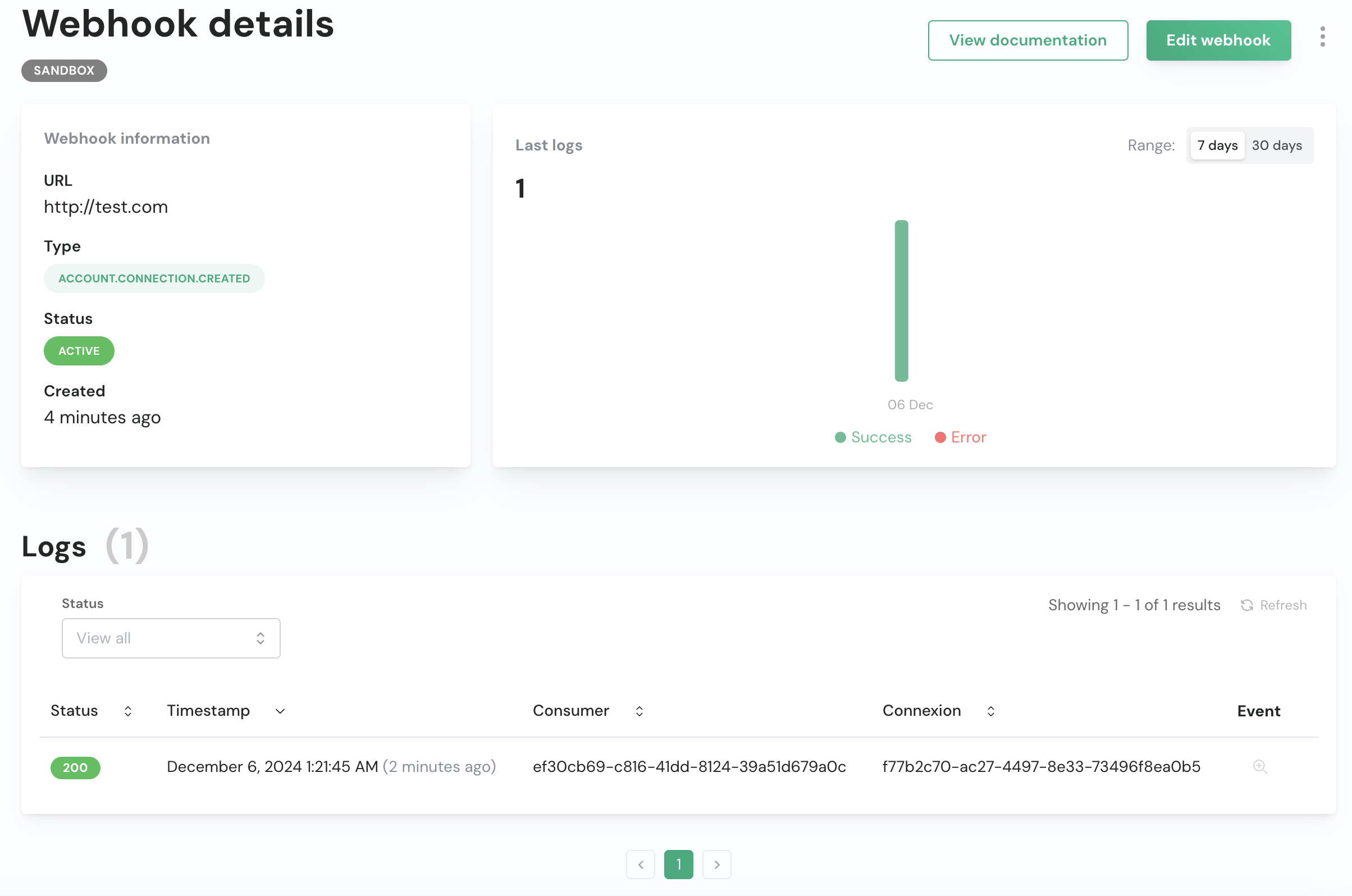
You can use them to build fully embedded workflows and keep your systems in sync with changes happening in Chift. See this guide for more information about how webhooks work. This guide only covers how to create and manage webhooks in the Chift platform.
Create a webhook
- Go to the webhooks page.
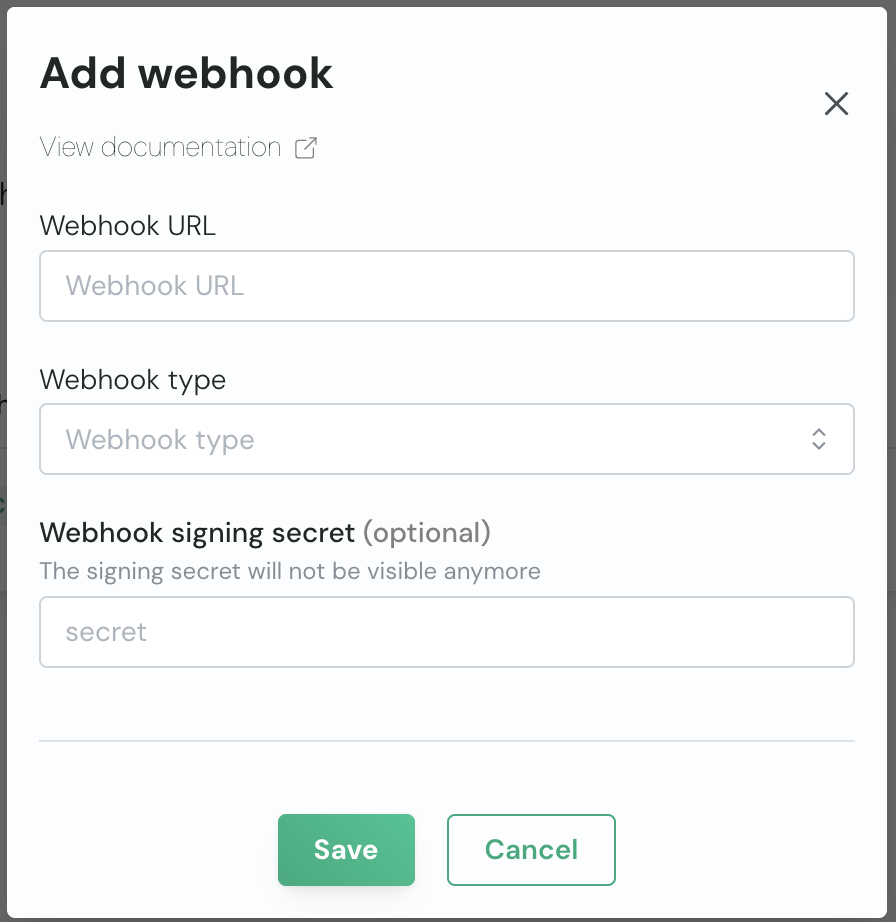
- Click “Add webhook”.
- Fill in the required fields:
- Click “Save”.
Manage webhooks
- Go to the webhooks page.
- Open a webhook from the list.
- View the details of the webhook and edit or delete it.
- In the section below, you can see the recent webhook requests and their status.