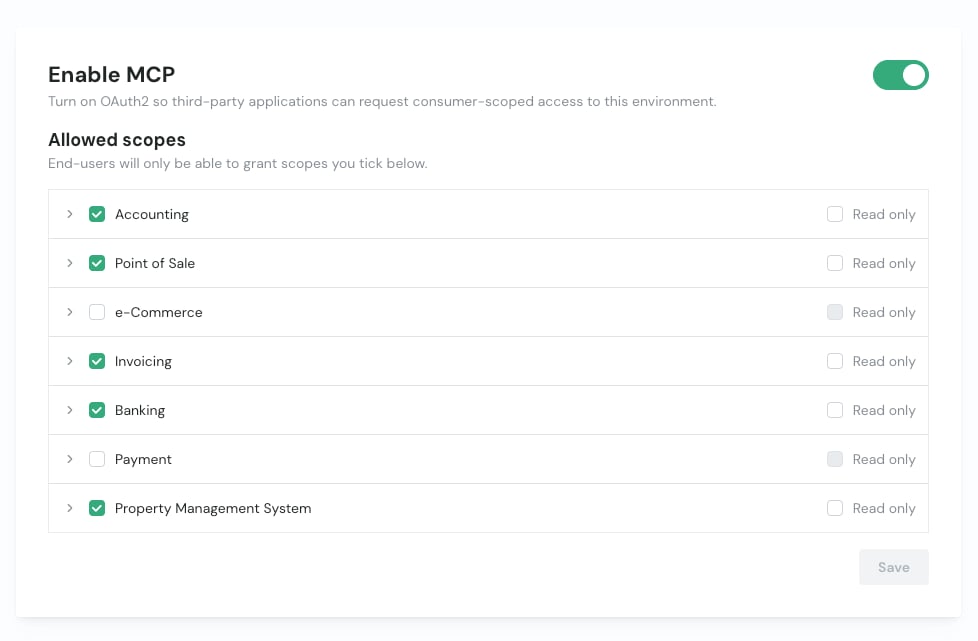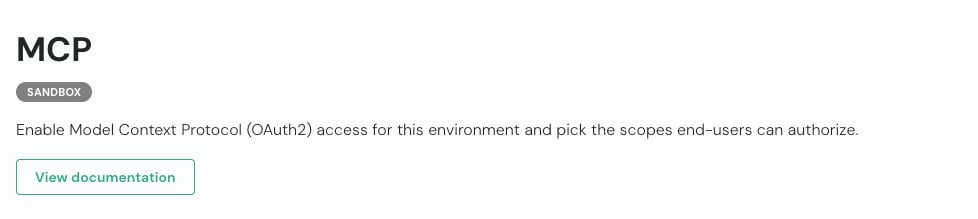
- Enable MCP – toggle the switch on to turn on OAuth 2.0 access for the selected environment. This allows third-party applications to request consumer-scoped access.
- Pick the allowed scopes – under Allowed scopes, tick the verticals your end-users are allowed to authorize. Expand a vertical to select individual entities, or tick Read only to restrict a vertical to read access. End-users will only ever be able to grant the scopes you tick here.
- Save – click Save to apply your scope selection.