

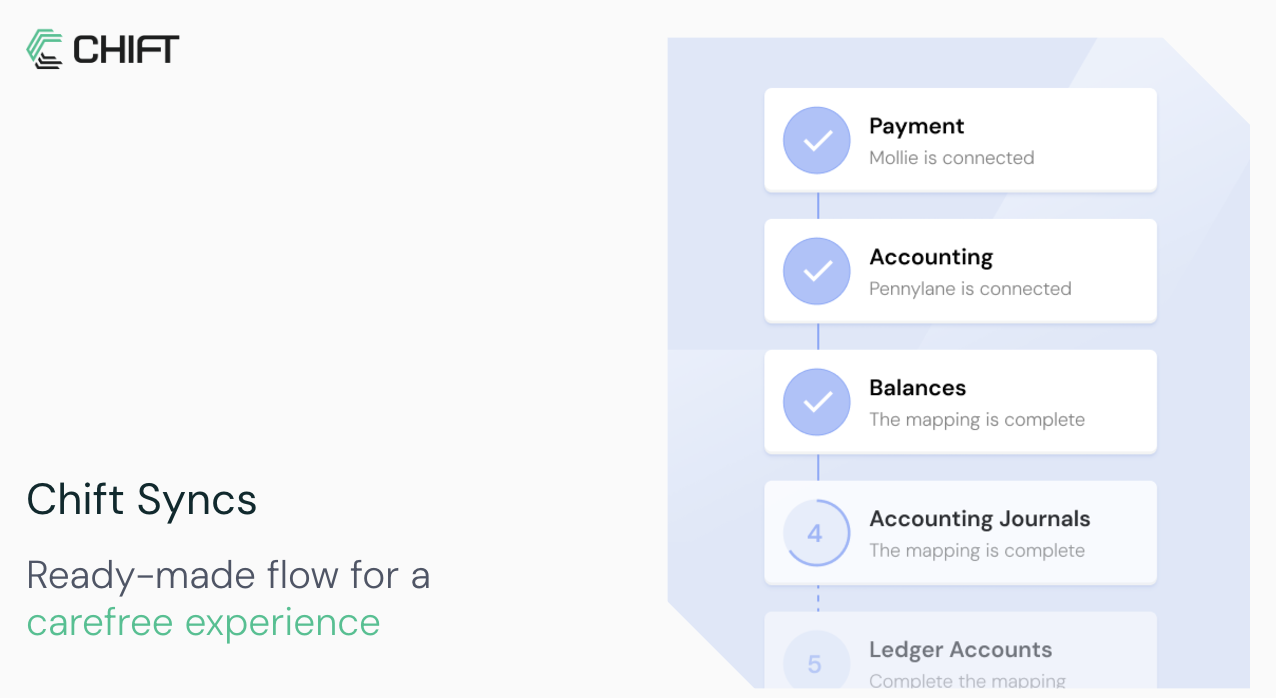
How a sync works
A sync is a synchronization between two of Chift’s APIs. Chift builds and maintains it. A sync contains one or more flows. An event or a timer triggers each flow, for example every night at 4 AM. Each flow runs a process for every consumer linked to the sync, such as get invoices and inject them into accounting. A sync can include mappings. A mapping is a correspondence your end-user fills during onboarding. For example, the end-user matches tax rates between their POS and their accounting software.Requirements
- Your software exposes an API.
- You want to connect your software to one of Chift’s Unified APIs.
Who does what
- You expose the sync to your end-users. How much you build depends on the expose model. In the embedded model, you create the consumer, create the sync activation link, and redirect your end-user to it. In the pre-OAuth2 and marketplace models, you redirect your end-user to a static URL and Chift handles the rest. You can also read the sync status and trigger runs from your backend.
- Your end-user connects their own software on a Chift-hosted page. The end-user then confirms the mappings the flow needs. The other side of the sync is your software, fixed for all your end-users.
- Chift builds the flows, stores and refreshes the credentials, and runs each flow on its trigger for every linked consumer.
What you store
- In the embedded model, store the
consumeridon your end-user record and pass it to every sync call for that end-user. You also need thesyncidof the sync Chift built for you. Get it from Get syncs. - In the pre-OAuth2 and marketplace models, Chift creates and manages the consumers. You do not need to store or pass a
consumerid.
The build path
1
Scope the sync with Chift
Chift builds the sync and its flows with you. Chift also defines the triggers. Contact us to scope a sync for your use case.
2
Set up in the Platform
Activate the connectors you need and create an API key in the Platform. See Activate a connector and Create an API key.
3
Choose how to expose the sync
Pick the expose model that matches how much you want to build. This choice decides whether you write any code at all. See How to expose syncs to end-users.
4
Activate the sync for an end-user
In the embedded model, authenticate, create a consumer, create the sync activation link, and redirect your end-user to it. See Activating a sync. In the other models, redirect your end-user to the static URL.
5
Confirm and monitor
Confirm the setup is complete. Then monitor the executions. See Monitor sync executions.
Ready-to-use syncs
Chift maintains pre-built syncs you can use as a starting point. Each page describes the default scope and the mappings your end-user fills.Invoices sync
Invoices from invoicing software to accounting software.
E-commerce sync
E-commerce orders and payments to accounting software.
POS sync
POS orders and payments to accounting software.
PMS sync
PMS orders and payments to accounting software.
Payment sync
Payments, refunds, and payouts to accounting software.
Sync endpoints
Syncs use the same consumer and connection routes as the Unified APIs. On top of those, the endpoints below are specific to syncs.
You can also trigger a run from the Platform. See Manual execution of a sync.
In this section
Expose syncs to end-users
The three models: embedded, pre-OAuth2, and marketplace. Start here.
Activating a sync
The embedded flow, from creating a consumer to the Chift-hosted sync page.
Activation links & redirects
The sync activation link, connector pre-selection, and the redirect afterwards.
Monitor sync executions
Confirm setup, list executions, read statuses, and trigger a run.