

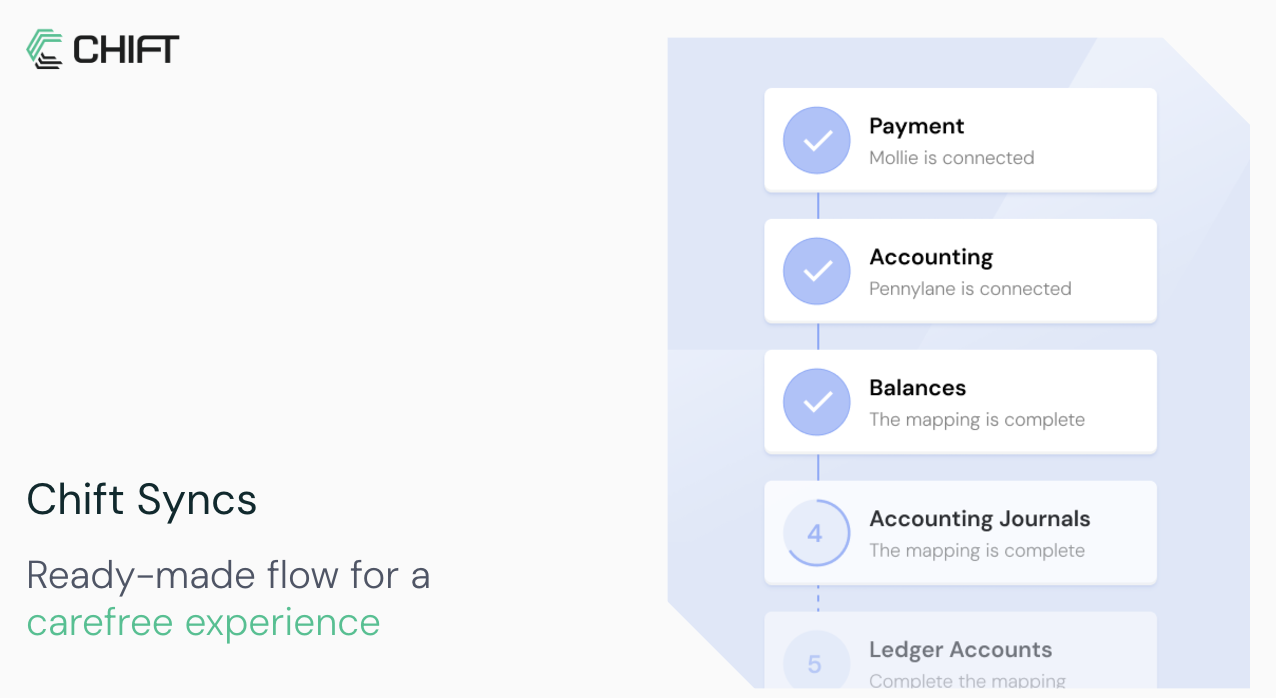
How a sync works
A sync is a synchronisation between two of Chift’s APIs. Chift builds and maintains it. A sync contains one or more flows. An event or a timer triggers each flow, for example every night at 4 AM. Each flow runs a process for every consumer linked to the sync, such as get invoices and inject them into accounting. A sync can include mappings. A mapping is a correspondence your end-user fills during onboarding. For example, the end-user matches tax rates between their POS and their accounting software.Who does what
- You create the consumer, create the sync activation link, and redirect your end-user to it. You can also read the sync status and trigger runs from your backend.
- Your end-user opens the link and connects their own software on a Chift-hosted page. The end-user then confirms the mappings the flow needs. The other side of the sync is your software, fixed for all your end-users.
- Chift builds the flows, stores and refreshes the credentials, and runs each flow on its trigger for every linked consumer.
What you store
Store theconsumerid on your end-user record. Pass it to every sync call for that end-user. You also need the syncid of the sync Chift built for you. Get it from Get syncs.
The build path
1
Scope the sync with Chift
Chift builds the sync and its flows with you. Chift also defines the triggers. Contact us to scope a sync for your use case.
2
Authenticate
Exchange your API key for a bearer token. See Authenticate with Chift API.
3
Activate the sync for an end-user
Create a consumer, create the sync activation link, and redirect your end-user to it. See Activating a sync.
4
Confirm and monitor
Confirm the setup is complete. Then monitor the executions. See Monitor sync executions.
In this section
Activating a sync
The full flow, from creating a consumer to the Chift-hosted sync page.
Activation links & redirects
The sync activation link, connector pre-selection, and the redirect afterwards.
Monitor sync executions
Confirm setup, list executions, read statuses, and trigger a run.
Learn more
The Syncs product documentation describes building syncs, exposing them to end-users, and the ready-to-use syncs:How syncs work
Requirements, how Chift builds a sync with you, and the dedicated endpoints.
Syncs overview
The full Syncs section, including ready-to-use syncs.
Chift builds each sync with you. Contact us to scope a sync for your use case.