

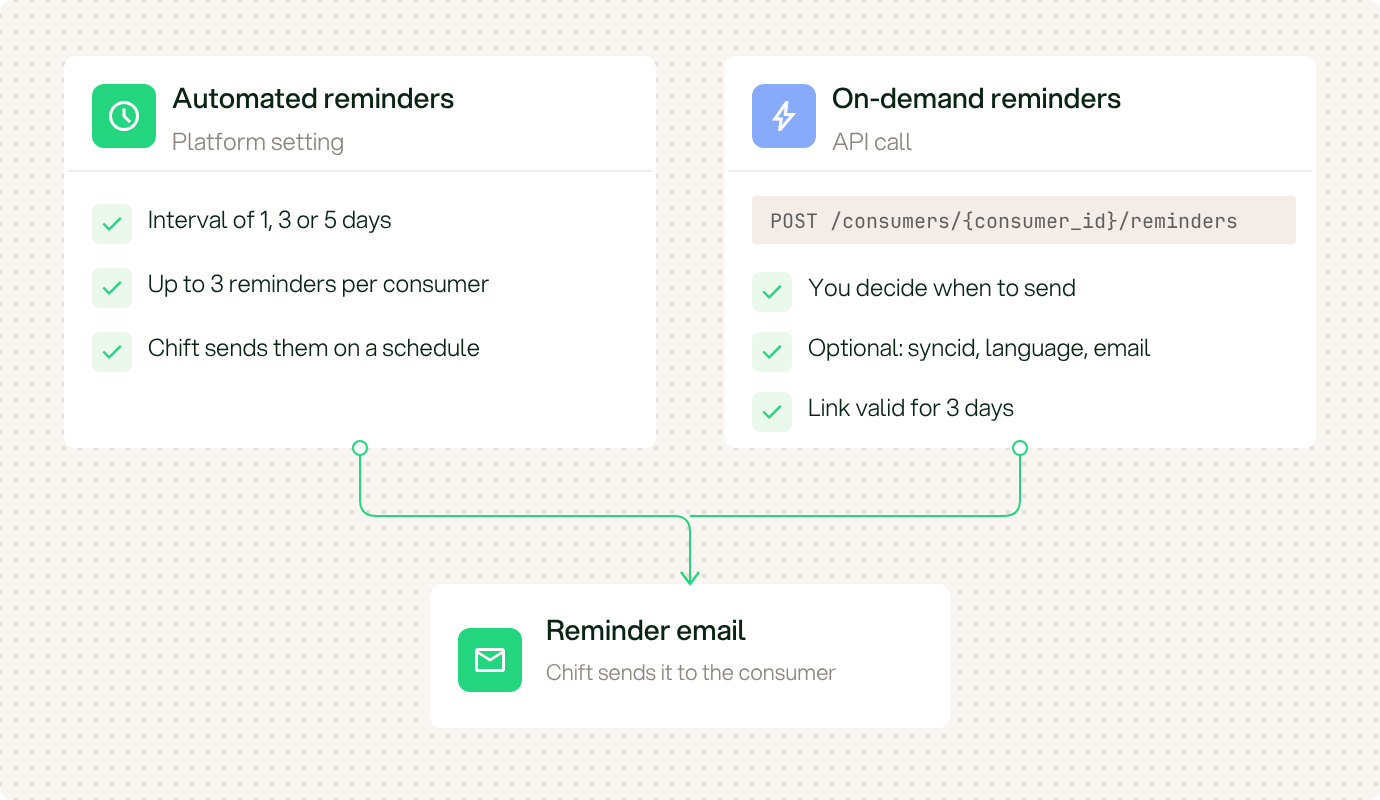
Two ways to send a reminder email.
Automated reminders
Enable automated reminders in the Platform. Chift then sends the emails on a schedule. See Email reminders.On-demand reminders
CallPOST /consumers/{consumer_id}/reminders to send a reminder when you decide. Chift sends the reminder email of your account to the consumer. The link in the email is valid for 3 days.
- Pass
syncidto remind the consumer to complete a sync. Without it, the email asks the consumer to activate the connection. - Chift sends the email to the consumer’s email address. If the consumer has none, Chift uses the
emailfield of the request. - Use
languageto choose the language of the email. The default is the public page language of your account. - The call returns HTTP
204. It returns HTTP422if no email address is available or if the consumer has nothing left to complete.