

Product
API Explorer v2
The API Explorer has been completely redesigned to provide a more powerful and intuitive experience when testing and validating Chift’s API endpoints.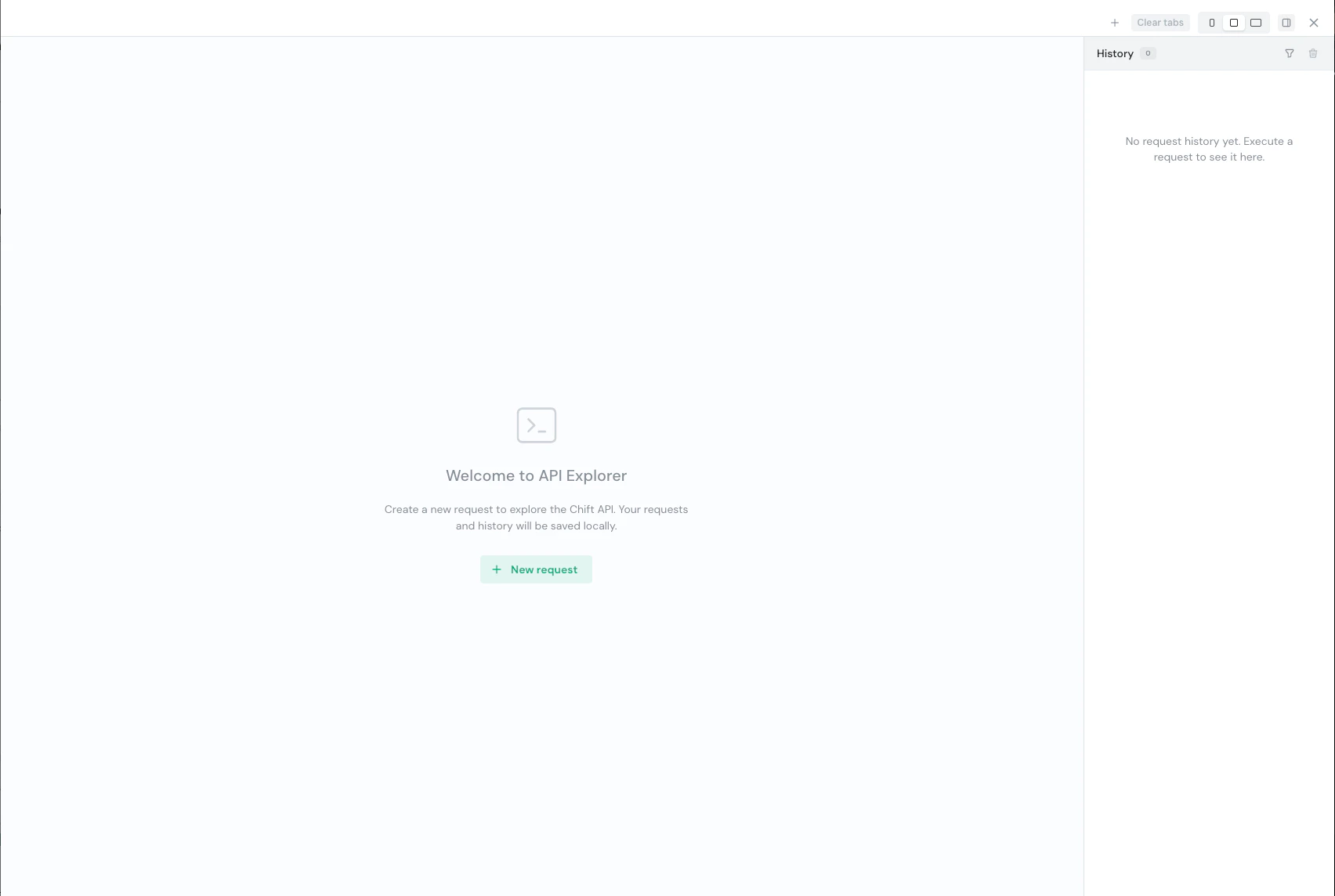
The new API Explorer welcome screen
- Global access — Now accessible from the sidebar, without navigating to a specific consumer first. When opened from a consumer’s page, the consumer and connection are automatically pre-filled.
- Improved request panel — Operations grouped by tags, searchable by name/path/tag, with a direct link to the API documentation for each endpoint. The connection dropdown lets you switch between connectors when multiple connections are available.
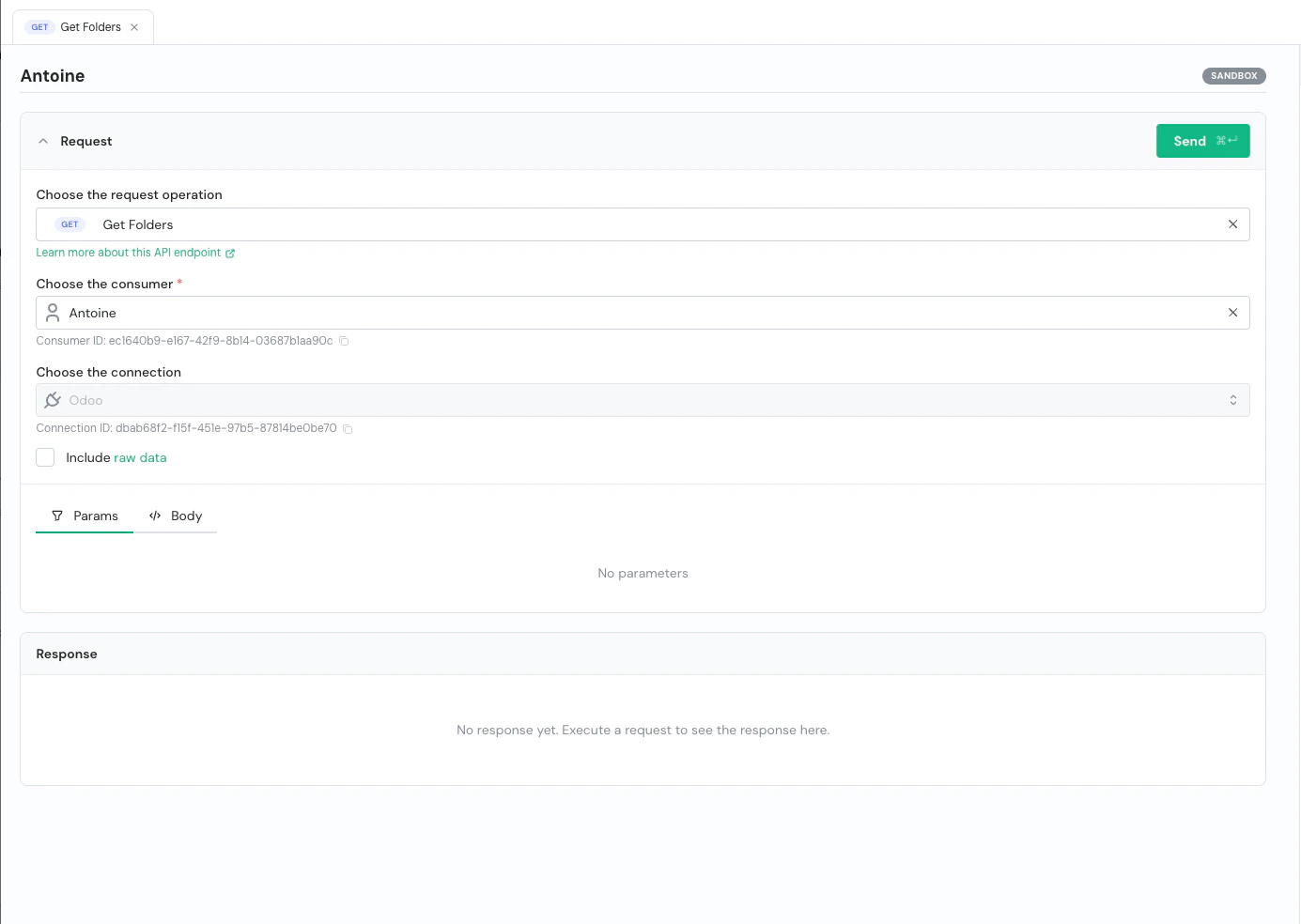
Request panel with operation, consumer and connection selected
- Response panel — Status code, execution duration, and full JSON body with syntax highlighting. Download, copy, or expand to fullscreen.
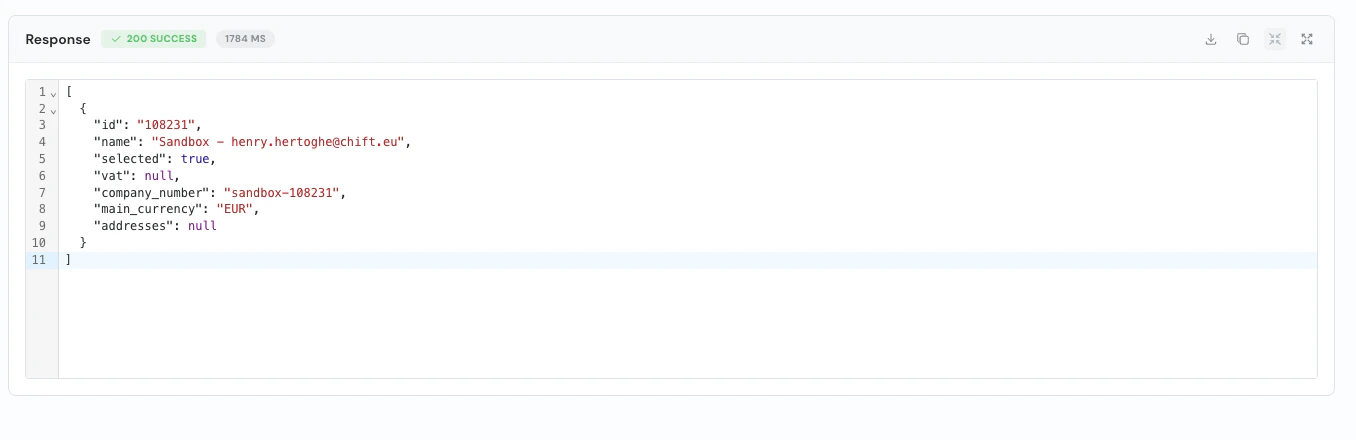
Response panel showing a 200 SUCCESS result
- Transaction replay — Re-run any past transaction via the “Open in Explorer” button. All parameters are pre-filled, including connector-specific query parameters.
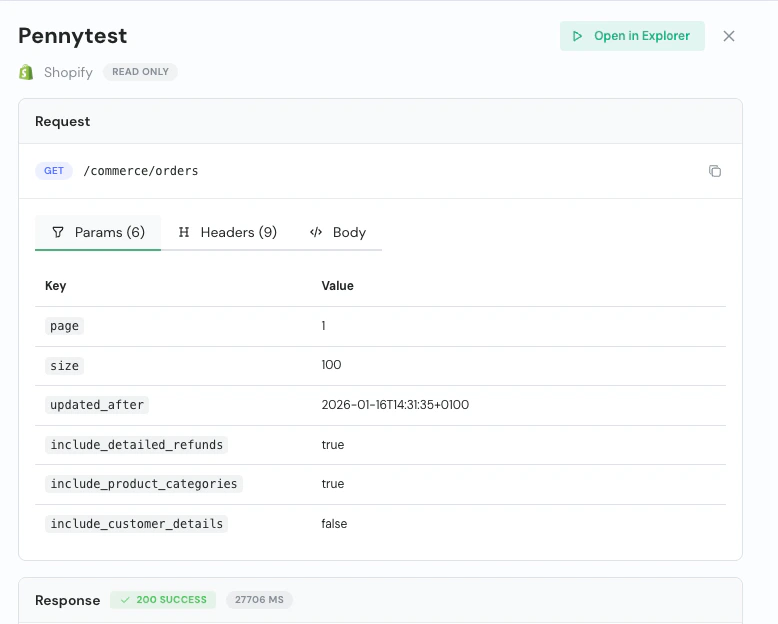
Opening a transaction in the API Explorer
- Multi-tab support — Open multiple request tabs to compare responses or work on different endpoints. Tabs persist across sessions.

Multiple tabs open in the API Explorer
- Request history — Every request is saved in the history sidebar with method, status, consumer, environment, and timestamp. Filter by method, status category, consumer, or search by name.
- Raw data toggle — Include raw connector response data alongside the unified response (GET endpoints only).
- Body editor — JSON editor with syntax highlighting. Sample payloads are auto-populated from the API schema.
- Keyboard shortcut — Execute requests with Cmd+Enter (Mac) or Ctrl+Enter (Windows).
- Resizable drawer — Compact, default (80%), or fullscreen. Preference saved automatically.