

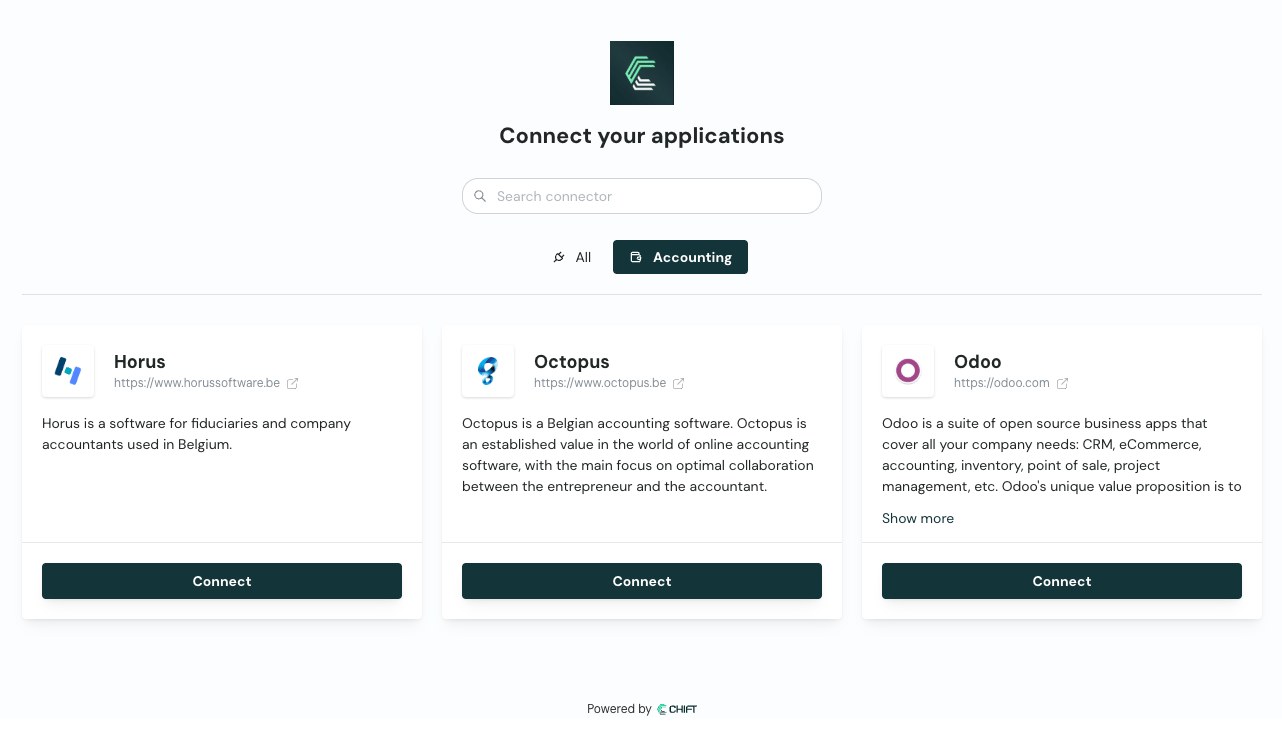
Chift connector-picker: your end-user picks their software on a Chift-hosted page.
1
Create the consumer
Create one consumer per end-user. Store the returned API reference: Create new consumer ↗
consumerid on your end-user record. You reuse it for every connection that end-user makes.Already have a
consumerid for this end-user? Skip this step.2
Create the connection
Create the connection without API reference: Add new connection ↗
integrationid:The call returns a single field:
url.A consumer can have only one connection per connector. If the connection already exists, for example to refresh expired credentials, update it instead. See Update an existing connection ↗.
3
Send the end-user to the link
Redirect your end-user to the returned
url, or email it to them.Your end-user picks their software, then connects it. What they see depends on the connector: an OAuth2 consent screen, a credentials form, or instructions to install the local agent. Some connectors then ask follow-up questions, such as which accounting folder or which POS location. See Post-connections.4
Check the connection
When the end-user finishes, reload the consumer’s connections and confirm the connection is Do not rely on the redirect alone. An end-user who abandons the flow never triggers it. See Monitoring & updating connections for the webhook, polling, and redirect-parameter options.API reference: Get connections ↗
active. Then you can call the Unified API for that consumer.