

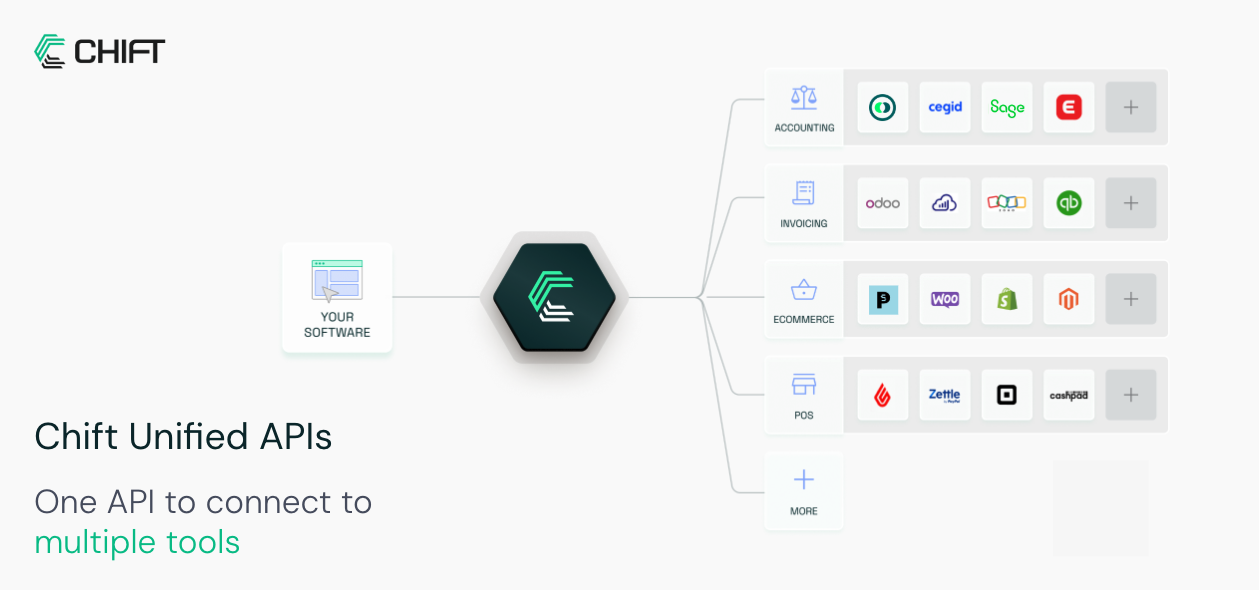
Who does what
- You create the consumer, create the connection, and hand the resulting activation link to your end-user. Afterwards you make the Unified API calls.
- Your end-user opens that link and authorizes access to their software. Depending on the connector, they sign in via OAuth2, enter API credentials, or install the local agent. Some connectors then ask follow-up questions, such as which accounting folder or which POS location to use.
- Chift stores and refreshes the credentials, and exposes the data through one Unified API shape regardless of which connector is behind it.

What you store
Just theconsumerid. Keep it on your end-user record: it is the key you pass to every Unified API call to say whose data you want.
You do not need to store connection IDs for normal use. Chift resolves the right connection from the consumer and the API you are calling.
The build path
1
Set up in the Platform
Activate the connectors you need and create an API key in the Platform. See Activate a connector and Create an API key.
2
Authenticate
Exchange your API key for a bearer token. See Authenticate with Chift API.
3
Connect an end-user
Create a consumer, create a connection, and send your end-user the activation link. See Create a connection.
4
Confirm and maintain the connection
Verify activation, then keep the connection healthy over time. See Monitoring & updating connections.
5
Call the Unified API
Read and write data for the consumer through the relevant Unified API. Browse endpoints in the API reference.
In this section
Create a connection
The full flow, from consumer to active connection.
Activation links & redirects
Control where your end-user lands after activation.
Monitor connections
Confirm activation and keep connections alive.
Multiple connections per consumer
Two connectors serving the same Unified API.