> ## Documentation Index
> Fetch the complete documentation index at: https://docs.chift.eu/llms.txt
> Use this file to discover all available pages before exploring further.
# Payment sync
This sync will allow you to sync payments from payment software (e.g. Mollie, Stripe, Paypal, etc.) with accounting software.
 Default scope:
* Retrieve transactions by balance (each balance is linked to transactions in a specific currency). Transactions include:
* Payments, including the fees charged by the payment provider
* Refunds, including the fees charged by the payment provider
* Payouts (outgoing transfers to the merchant's bank account)
* These transactions can be synchronised with the accounting system in 2 different ways:
* One accounting entry per transaction
* One accounting entry grouped by transaction type and period
The sync can be triggered daily, weekly or monthly.
### Configuration of the sync & mappings
Mappings are the way to map the data from the payment software to the accounting software.
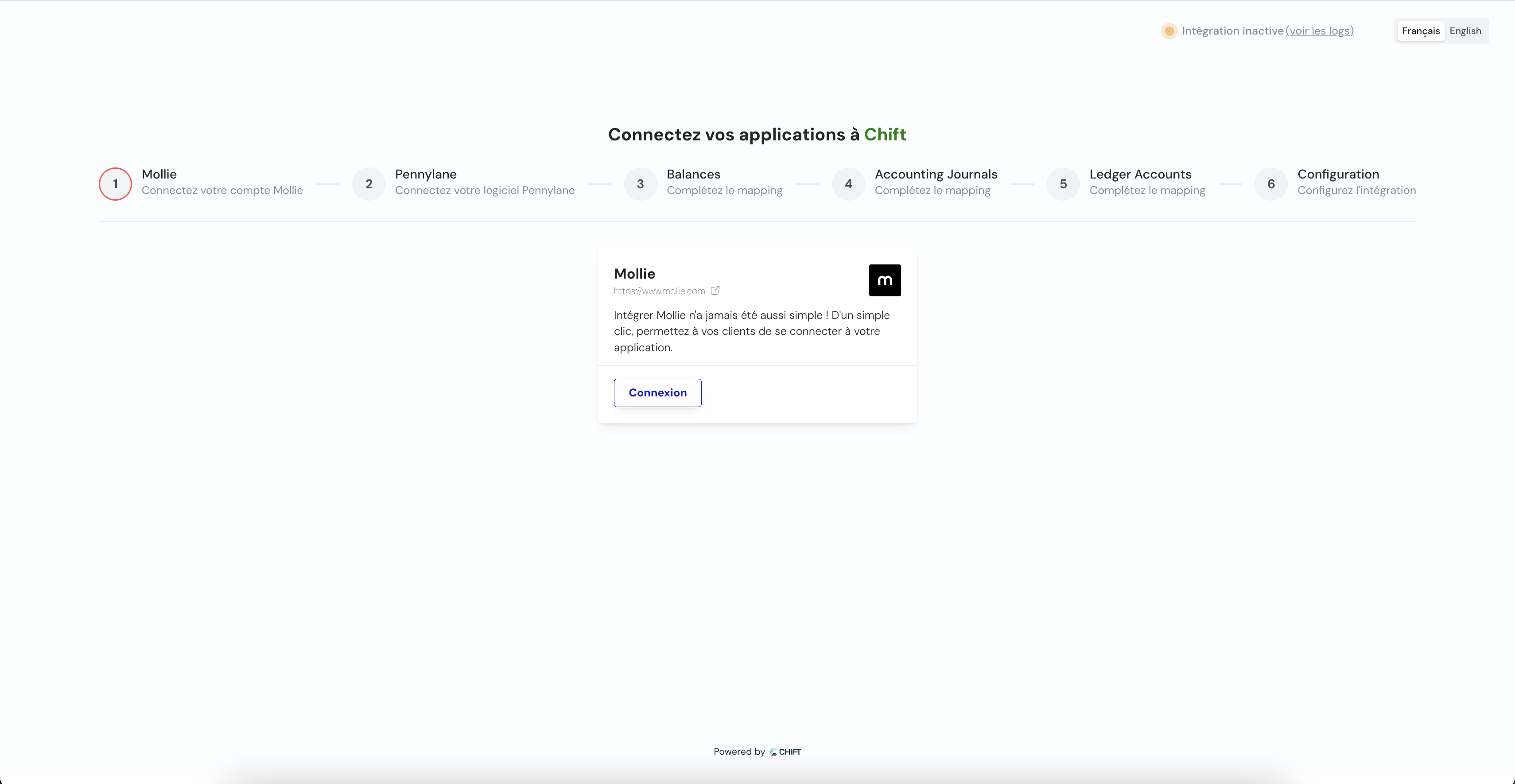
This step allows user to connect its payment tool through api key, credentials or oauth2.
This step allows user to connect its accounting tool through api key, credentials or oauth2.
This step allows you to specify which balances you want to synchronise.
Default scope:
* Retrieve transactions by balance (each balance is linked to transactions in a specific currency). Transactions include:
* Payments, including the fees charged by the payment provider
* Refunds, including the fees charged by the payment provider
* Payouts (outgoing transfers to the merchant's bank account)
* These transactions can be synchronised with the accounting system in 2 different ways:
* One accounting entry per transaction
* One accounting entry grouped by transaction type and period
The sync can be triggered daily, weekly or monthly.
### Configuration of the sync & mappings
Mappings are the way to map the data from the payment software to the accounting software.
This step allows user to connect its payment tool through api key, credentials or oauth2.
This step allows user to connect its accounting tool through api key, credentials or oauth2.
This step allows you to specify which balances you want to synchronise.
*Reproduce this step by using the following API call(s) :*
GET Retrieve all balances
Here you are going to select your accounting journals for the synchronisation.
*Reproduce this step by using the following API call(s) :*
GET journals
Here you are going to select default accounting accounts (client account, bank account, expense account, ...) for the synchronisation.
*Reproduce this step by using the following API call(s) :*
GET chart of accounts
### Configuration
1. This final step allows you to specify the synchronization start date: choice of the date from which payments will be synchronized.
Synchronization starts automatically but you can choose:
* Each night (at 1 AM)
* Each Monday (at 1 AM)
* Each first day of the month (at 1 AM)
2. Choose between one aggregated entry per period or one entry per invoice