> ## Documentation Index
> Fetch the complete documentation index at: https://docs.chift.eu/llms.txt
> Use this file to discover all available pages before exploring further.
# Overview
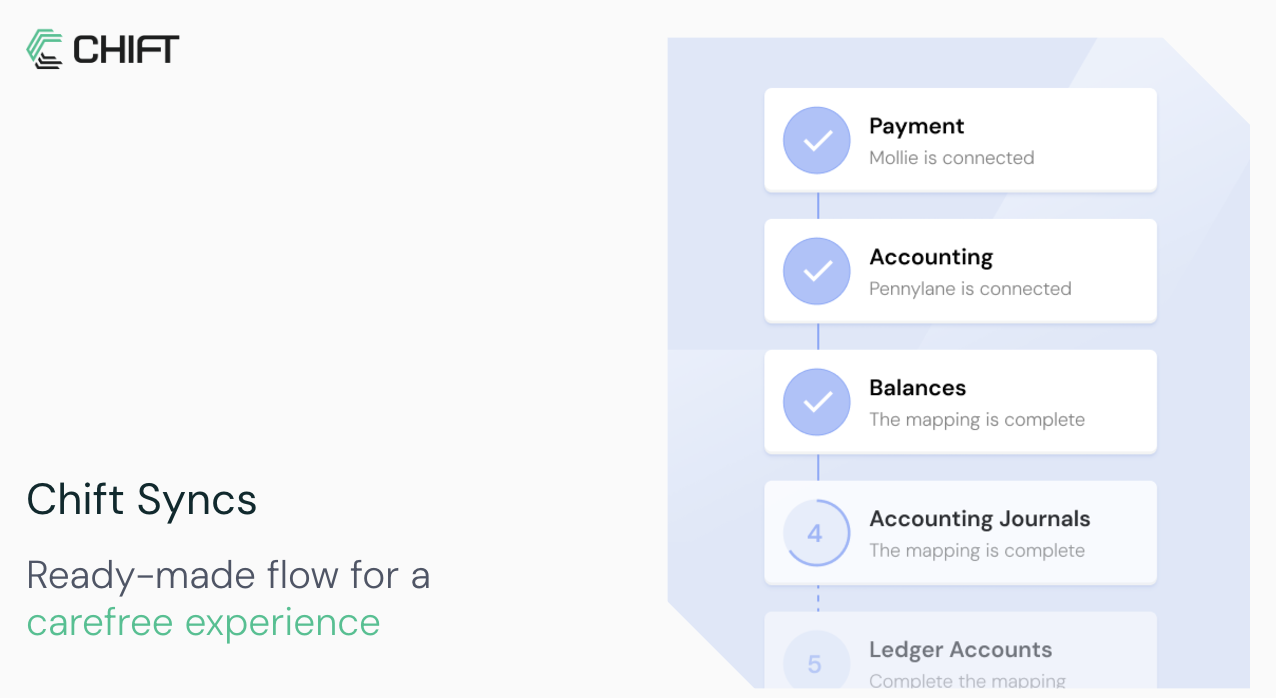
Syncs can be used to create easy and scalable automations between two or more of Chift's unified APIs.\
It can for example be used to create an automation workflow between the Invoicing API (or one specific connector inside the Invoicing API) and the Accounting API (or one specific connector inside the Accounting API).\
Through the sync, the end-users can select their invoicing and accounting software and can activate the workflow(s).\
As you can imagine, it creates a multitude of automation opportunities without you having to worry about connectivity, monitoring, scalability, maintenance, etc.
 Main features and benefits offered by our Unified APIs:
* Full to semi-embedded & native experience with white labeling for your customers
* You don't need to develop anything; we do everything for you. No roadmap issues anymore.
* Connectors can be activated in one-click from your account (see [activate connector](/back-office/getting-started/activate-connector))
* Advanced user onboarding and support (see [user onboarding](/back-office/user-onboarding/overview) and [support](/back-office/support/overview))
* Advanced features to scale your integrations (see our documentation)
* Different ways to trigger the sync (event-based or timer-based)
* [Different ways to expose syncs to end-users](/syncs/expose-overview)
## Explore our ready-to-use syncs
Explore our Invoices Sync
Explore our E-commerce Sync
Explore our POS Sync
Explore our PMS Sync
Explore our Payments Sync
## Explore other possibilities
Through our Unified APIs, we can also create other types of syncs for you, e.g.:
* Sync of expenses to accounting
* Sync of transactions to accounting
* Sync of pos data to ERP
* ...
Do not hesitate to [contact us](https://chift.eu/contact) if you need help with that.
Main features and benefits offered by our Unified APIs:
* Full to semi-embedded & native experience with white labeling for your customers
* You don't need to develop anything; we do everything for you. No roadmap issues anymore.
* Connectors can be activated in one-click from your account (see [activate connector](/back-office/getting-started/activate-connector))
* Advanced user onboarding and support (see [user onboarding](/back-office/user-onboarding/overview) and [support](/back-office/support/overview))
* Advanced features to scale your integrations (see our documentation)
* Different ways to trigger the sync (event-based or timer-based)
* [Different ways to expose syncs to end-users](/syncs/expose-overview)
## Explore our ready-to-use syncs
Explore our Invoices Sync
Explore our E-commerce Sync
Explore our POS Sync
Explore our PMS Sync
Explore our Payments Sync
## Explore other possibilities
Through our Unified APIs, we can also create other types of syncs for you, e.g.:
* Sync of expenses to accounting
* Sync of transactions to accounting
* Sync of pos data to ERP
* ...
Do not hesitate to [contact us](https://chift.eu/contact) if you need help with that.