> ## Documentation Index
> Fetch the complete documentation index at: https://docs.chift.eu/llms.txt
> Use this file to discover all available pages before exploring further.

# Oracle Opera

# VOORBEREIDING

Neem contact op met uw Oracle Account Manager om de Oracle Opera API in te stellen en de benodigde inloggegevens te verkrijgen:

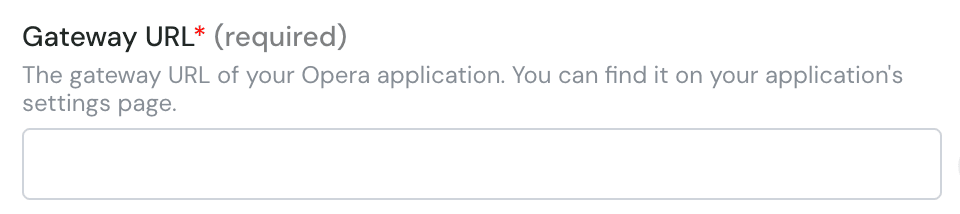
* Gateway URL
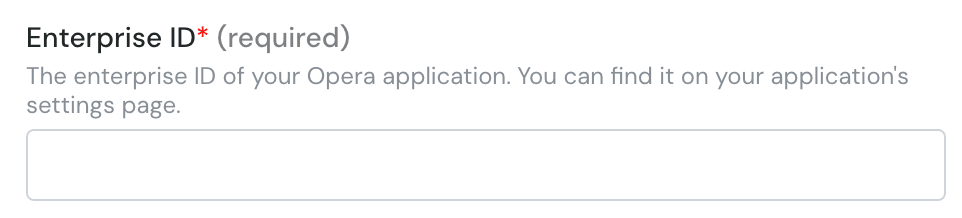
* Enterprise ID
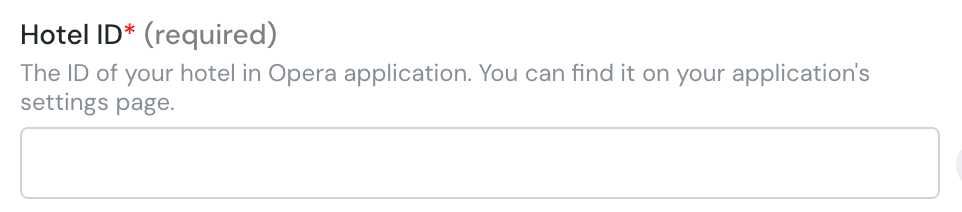
* Hotel ID
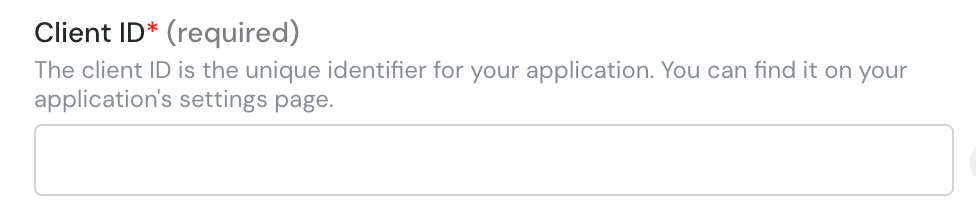
* Client ID
* Client Secret
* Application key

Dit is wat u moet invullen in het formulier.

# VERBINDING

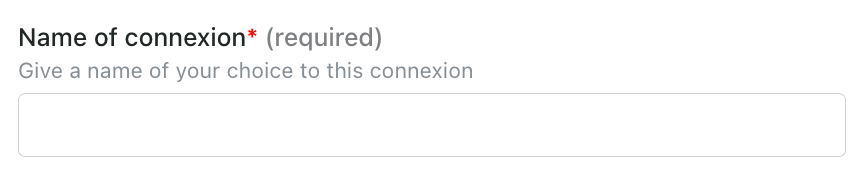
**Stap 1:** Kies een naam voor uw verbinding.
<img src="https://mintcdn.com/chift/BdpOGZbsoSOAHSl9/images/help/oracle-opera/oracle-opera-1.png?fit=max&auto=format&n=BdpOGZbsoSOAHSl9&q=85&s=78c1094c5520d06929404cca7b106c34" alt="" width="868" height="186" data-path="images/help/oracle-opera/oracle-opera-1.png" />

**Stap 2:** Voer de gateway url in

<img src="https://mintcdn.com/chift/BdpOGZbsoSOAHSl9/images/help/oracle-opera/oracle-opera-2.png?fit=max&auto=format&n=BdpOGZbsoSOAHSl9&q=85&s=b2fef18f8913f6f6b9386a678bf01a82" alt="image.png" width="960" height="214" data-path="images/help/oracle-opera/oracle-opera-2.png" />

**Stap 3:** Voer de enterprise ID in

<img src="https://mintcdn.com/chift/BdpOGZbsoSOAHSl9/images/help/oracle-opera/oracle-opera-3.png?fit=max&auto=format&n=BdpOGZbsoSOAHSl9&q=85&s=36e6456afcb2d78db97345f8e5d24a1a" alt="image.png" width="962" height="218" data-path="images/help/oracle-opera/oracle-opera-3.png" />

**Stap 4:** Voer de hotel id in

<img src="https://mintcdn.com/chift/BdpOGZbsoSOAHSl9/images/help/oracle-opera/oracle-opera-4.png?fit=max&auto=format&n=BdpOGZbsoSOAHSl9&q=85&s=b9ad6788be68c83dd106fc6fdea4447c" alt="image.png" width="962" height="212" data-path="images/help/oracle-opera/oracle-opera-4.png" />

**Stap 5:** Voer de client id in

<img src="https://mintcdn.com/chift/BdpOGZbsoSOAHSl9/images/help/oracle-opera/oracle-opera-5.png?fit=max&auto=format&n=BdpOGZbsoSOAHSl9&q=85&s=ecfb5689d8ec668e2f570717cc1a90a8" alt="image.png" width="976" height="216" data-path="images/help/oracle-opera/oracle-opera-5.png" />

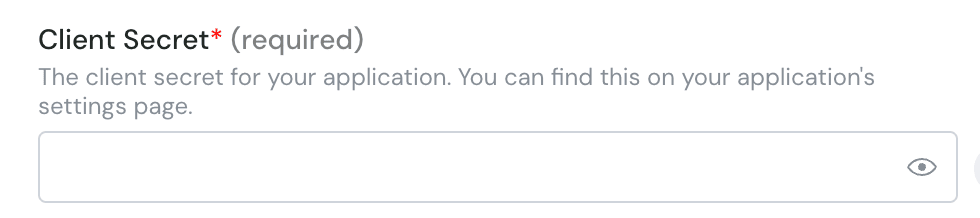
**Stap 6:** Voer de client secret in

<img src="https://mintcdn.com/chift/BdpOGZbsoSOAHSl9/images/help/oracle-opera/oracle-opera-6.png?fit=max&auto=format&n=BdpOGZbsoSOAHSl9&q=85&s=4fa19e1890fc85dcc2f84e25673e2eeb" alt="image.png" width="980" height="218" data-path="images/help/oracle-opera/oracle-opera-6.png" />

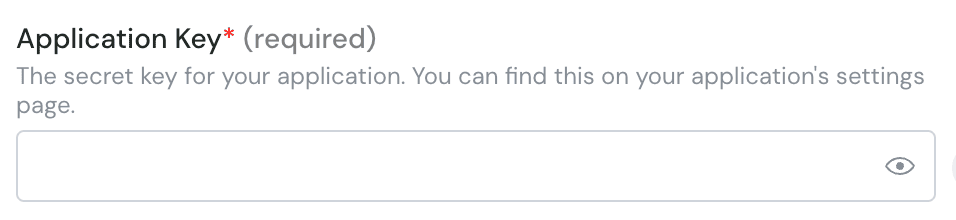
**Stap 7:** Voer de application key in
<img src="https://mintcdn.com/chift/BdpOGZbsoSOAHSl9/images/help/oracle-opera/oracle-opera-7.png?fit=max&auto=format&n=BdpOGZbsoSOAHSl9&q=85&s=95e30817d655f32dce894e184e0152e3" alt="image.png" width="956" height="220" data-path="images/help/oracle-opera/oracle-opera-7.png" />

<img src="https://mintcdn.com/chift/BdpOGZbsoSOAHSl9/images/help/oracle-opera/oracle-opera-8.png?fit=max&auto=format&n=BdpOGZbsoSOAHSl9&q=85&s=bf0c6e9d0ac36ba2db04557e2feb452a" alt="" width="110" height="47" data-path="images/help/oracle-opera/oracle-opera-8.png" />