> ## Documentation Index
> Fetch the complete documentation index at: https://docs.chift.eu/llms.txt
> Use this file to discover all available pages before exploring further.
# Noovy
## VEREISTE
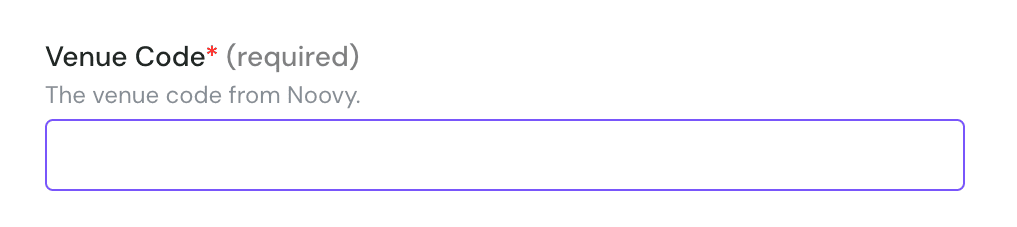
* Om een integratie met Noovy te activeren, hebt u de **PMS-code** nodig, ook wel de **Venue Code** genoemd. Dit is de unieke identificatiecode die Noovy voor elke accommodatie verstrekt.
## VERBINDING
**Stap 1:** Kies een naam voor uw verbinding
 **Stap 2:** Geef uw Noovy PMS-/Venue-code op
 **Stap 3:** Klik op "Connected" om de verbinding te voltooien