> ## Documentation Index
> Fetch the complete documentation index at: https://docs.chift.eu/llms.txt
> Use this file to discover all available pages before exploring further.
# Sage Intacct
# VEREISTEN
* Je moet beschikken over een **actieve Sage Intacct Web Services developer-licentie** (deze kan worden aangeschaft door contact op te nemen met je Intacct-accountmanager)
* Je moet beschikken over een geldige **Web Services sender ID** (deze wordt per e-mail verstuurd na aankoop van de *Sage Intacct Web Services developer-licentie*)
* Je moet beschikken over een geldig **Web Services sender-wachtwoord** (na aankoop van de *Sage Intacct Web Services developer-licentie* ontvang je een e-mail waarmee je dit wachtwoord kunt genereren)
# VOORBEREIDING
## Maak je API-applicatie aan
* Ga naar [**Sage Developer Portal**](https://developer.sage.com/intacct/)
* Klik op "View Console" en maak je organisatie aan
* Ga naar "Applications" en klik op "New application"
* Selecteer "Sage Intacct"
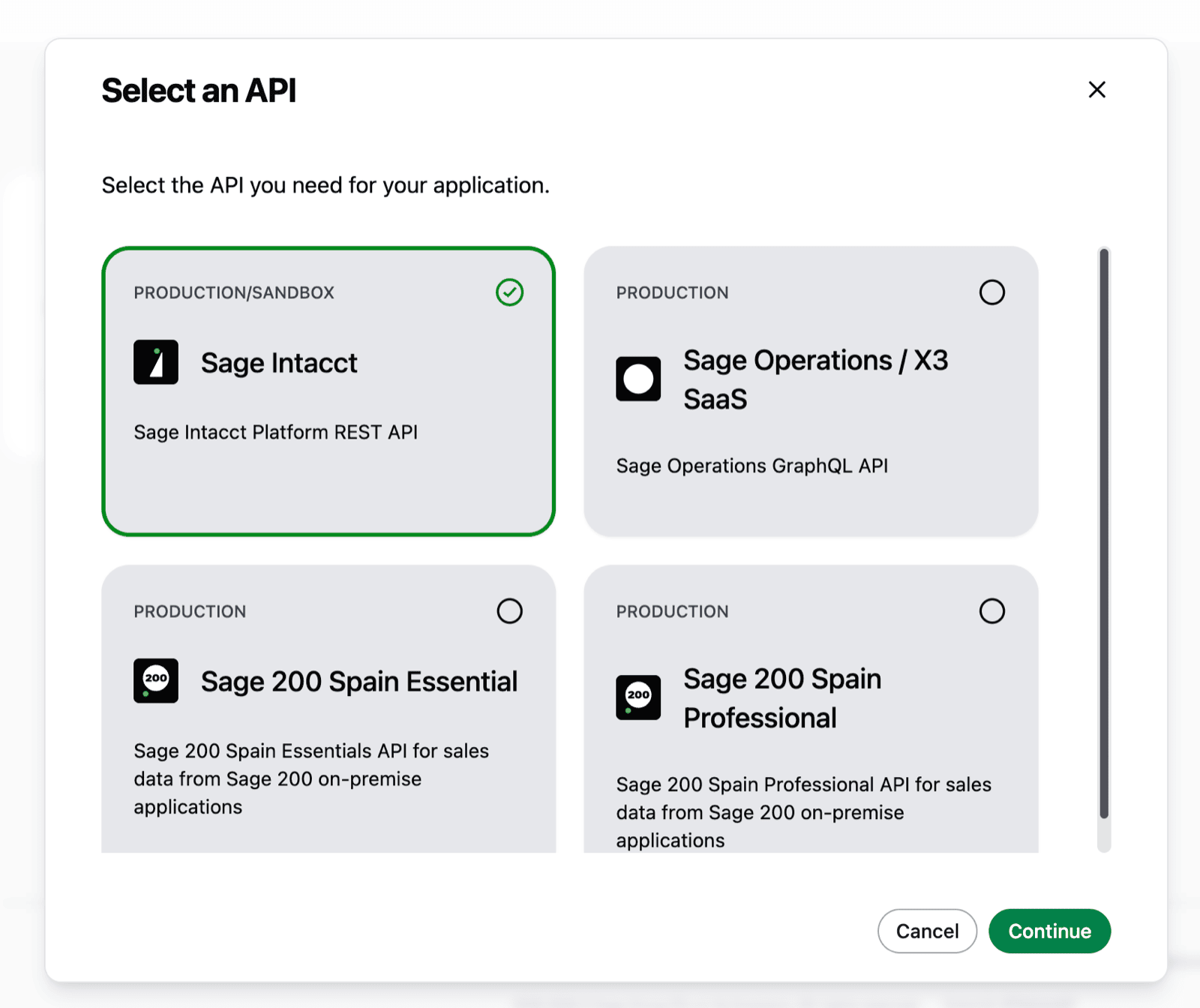 * Vul een "Application name" in en klik op continue (de applicatienaam is informatief en mag zijn wat je wilt)
 * Vul Chift's Redirect URI in met de volgende waarde: [https://chift.app/oauth2/redirect](https://chift.app/oauth2/redirect)
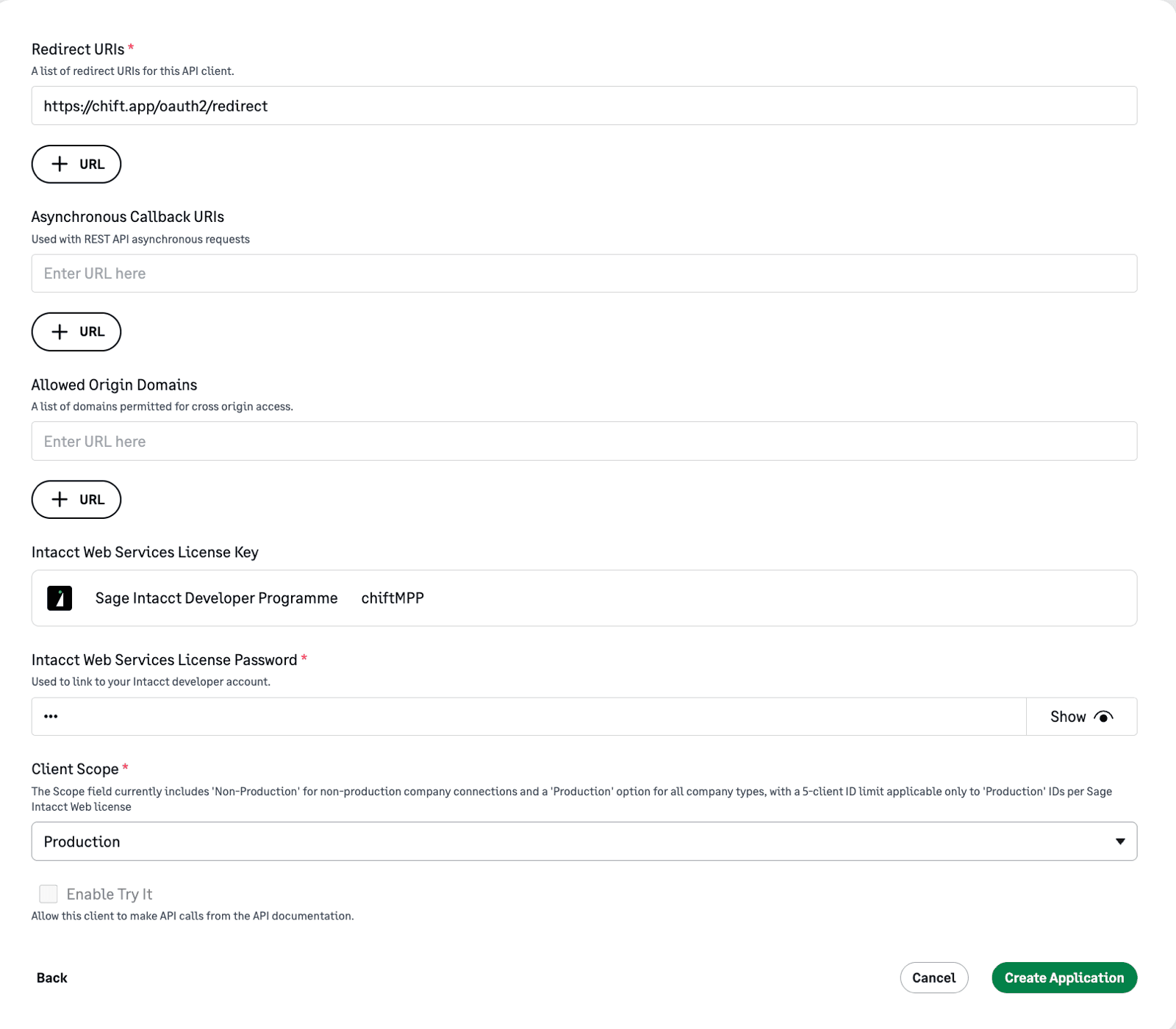 * Geef de *Web Services sender ID* uit de vereisten op als *Intacct Web Services License Key*
* Geef het *Web Services sender-wachtwoord* uit de vereisten op als *Intacct Web Services License Password*
* Selecteer "Production" als client scope
* Klik op "Create Application"
* Dit genereert een client ID en een client Secret die je nodig hebt tijdens de stap "Verbinding" hieronder
* Geef de *Web Services sender ID* uit de vereisten op als *Intacct Web Services License Key*
* Geef het *Web Services sender-wachtwoord* uit de vereisten op als *Intacct Web Services License Password*
* Selecteer "Production" als client scope
* Klik op "Create Application"
* Dit genereert een client ID en een client Secret die je nodig hebt tijdens de stap "Verbinding" hieronder
 ## Autoriseer de Webservice voor elk bedrijf dat je wilt verbinden
Daarna
* Maak verbinding met je Sage Intacct-account
* Navigeer naar **Company > Configuration > Company**
## Autoriseer de Webservice voor elk bedrijf dat je wilt verbinden
Daarna
* Maak verbinding met je Sage Intacct-account
* Navigeer naar **Company > Configuration > Company**
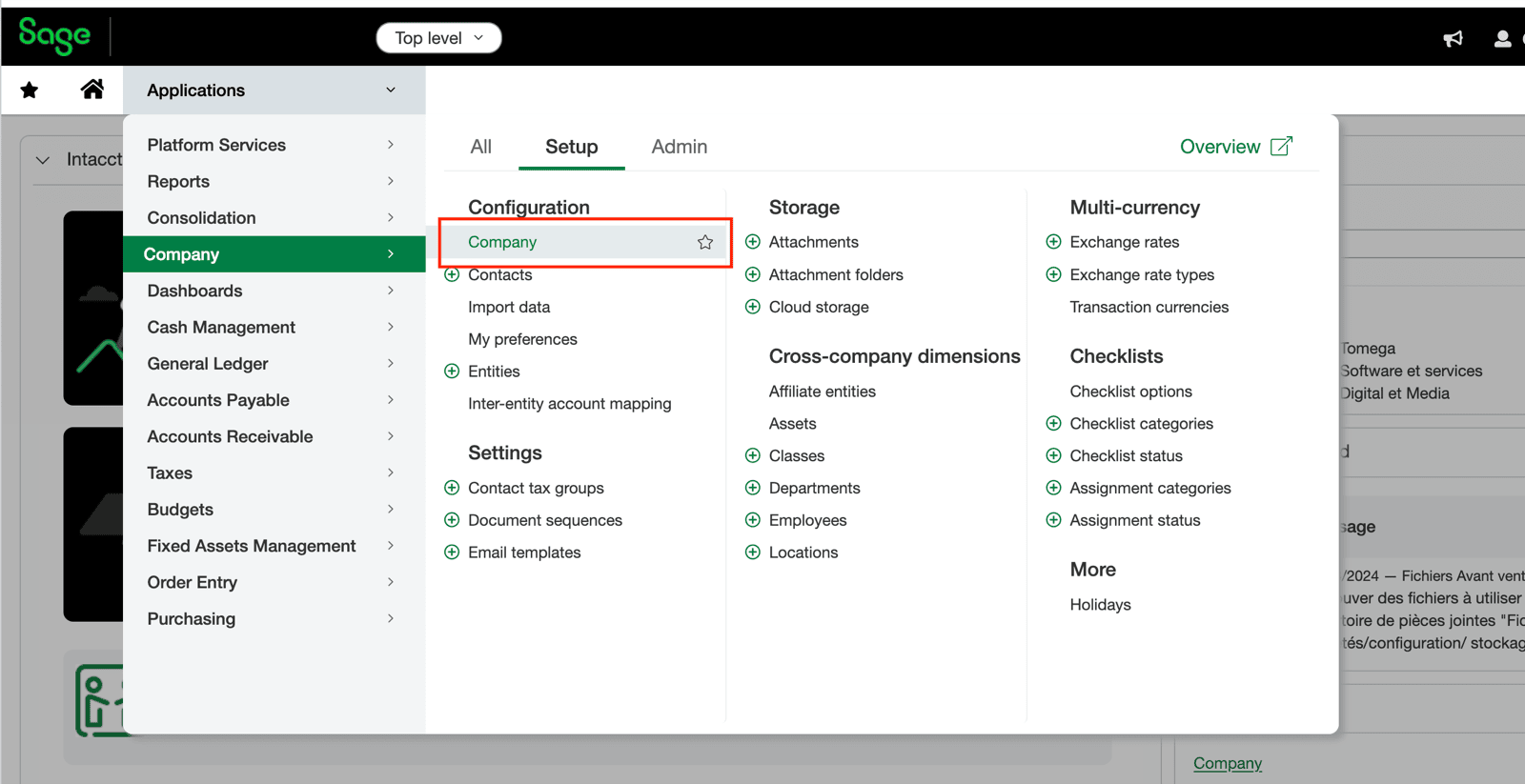 * Ga naar het tabblad **Security** en klik op "Edit"
* Scroll naar beneden naar de sectie **Web Services Authorizations** en klik op "Add"
* Ga naar het tabblad **Security** en klik op "Edit"
* Scroll naar beneden naar de sectie **Web Services Authorizations** en klik op "Add"
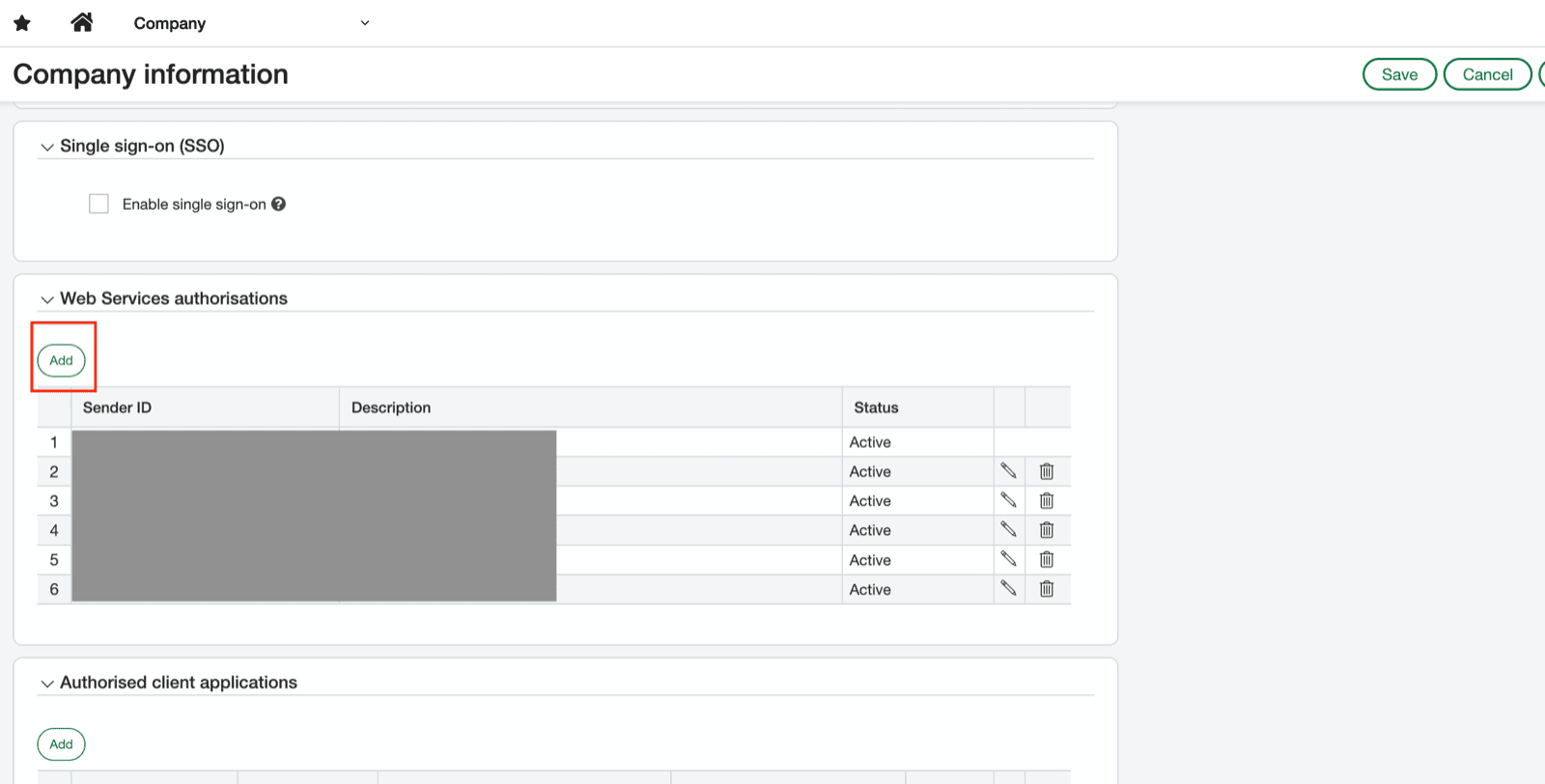 * Vul je **Web Services sender ID** uit de vereisten in
* Zet de status op "Active" en klik op "Save"
# VERBINDING
**Stap 1:** Kies een naam voor je verbinding. (Als het veld voor de verbindingsnaam niet zichtbaar is, sla deze stap dan over en ga verder.)
* Vul je **Web Services sender ID** uit de vereisten in
* Zet de status op "Active" en klik op "Save"
# VERBINDING
**Stap 1:** Kies een naam voor je verbinding. (Als het veld voor de verbindingsnaam niet zichtbaar is, sla deze stap dan over en ga verder.)
 **Stap 2:** Geef aan of je wilt dat analytische gegevens naar Sage Intacct worden gepusht en eruit worden opgehaald (bijv. locaties, afdelingen, projecten...)
 **Stap 3:** Geef de **Client ID** op die is gegenereerd na het aanmaken van de applicatie
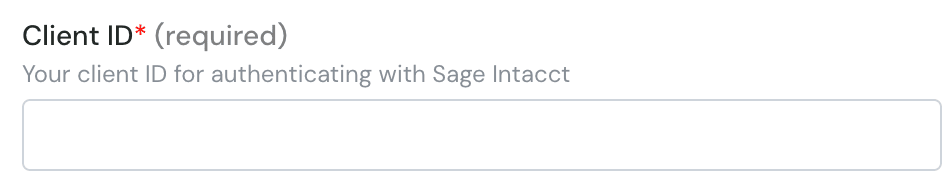 **Stap 4:** Geef je **Web Services sender ID** uit de vereisten op
 **Stap 5:** Geef de **Client Secret** op die is gegenereerd na het aanmaken van de applicatie
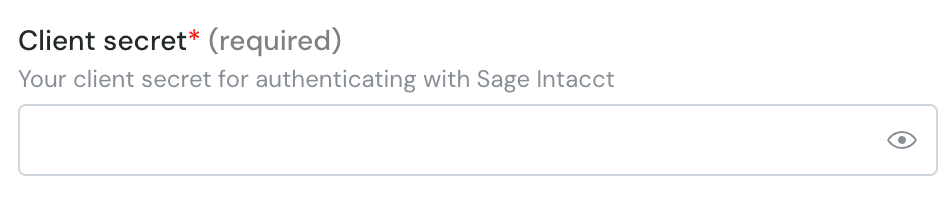 **Stap 6:** Geef je **Web Services sender-wachtwoord** uit de vereisten op
 **Stap 7:** Klik op "Autoriseren" om de verbinding af te ronden.
 # AUTHENTICATIE
Je wordt doorgestuurd naar de inlogpagina om je te authenticeren en de verbinding te autoriseren.
# AUTHENTICATIE
Je wordt doorgestuurd naar de inlogpagina om je te authenticeren en de verbinding te autoriseren.