> ## Documentation Index
> Fetch the complete documentation index at: https://docs.chift.eu/llms.txt
> Use this file to discover all available pages before exploring further.
# Hyperline
# VEREISTEN
Als er om een API-sleutel wordt gevraagd, genereer er dan een zoals beschreven: [https://docs.hyperline.co/api-reference/docs/authentication#how-to-generate-an-api-key](https://docs.hyperline.co/api-reference/docs/authentication#how-to-generate-an-api-key)
Als dat niet het geval is, hoef je niets te doen.
# VERBINDING
**Stap 1:** Kies een naam voor je verbinding.
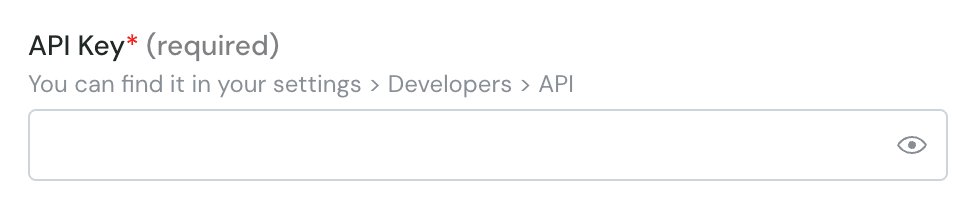
 **Stap 2:** Voer de API-sleutel in (optioneel) - Hier wordt niet altijd om gevraagd
 **Stap 3**: Klik op "Connect" of "Authorise"