> ## Documentation Index
> Fetch the complete documentation index at: https://docs.chift.eu/llms.txt
> Use this file to discover all available pages before exploring further.
# Factomos
# VERBINDING
**Stap 1:** Kies een naam voor je verbinding.
 **Stap 2:** Klik op "Authorise" om de verbinding af te ronden.
 # AUTHENTICATIE
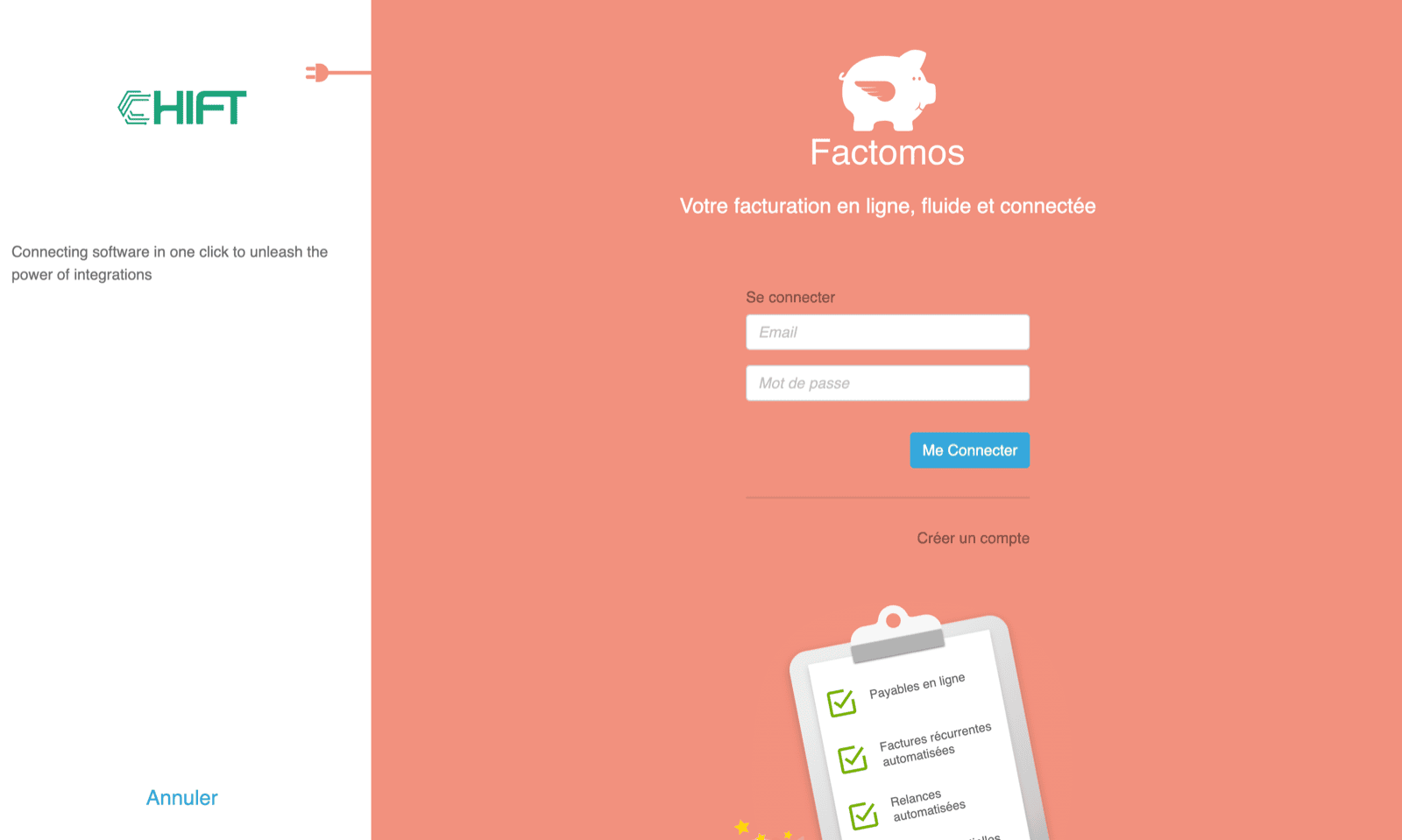
Je wordt doorgestuurd naar een inlogpagina van Factomos om je te authenticeren.
# AUTHENTICATIE
Je wordt doorgestuurd naar een inlogpagina van Factomos om je te authenticeren.
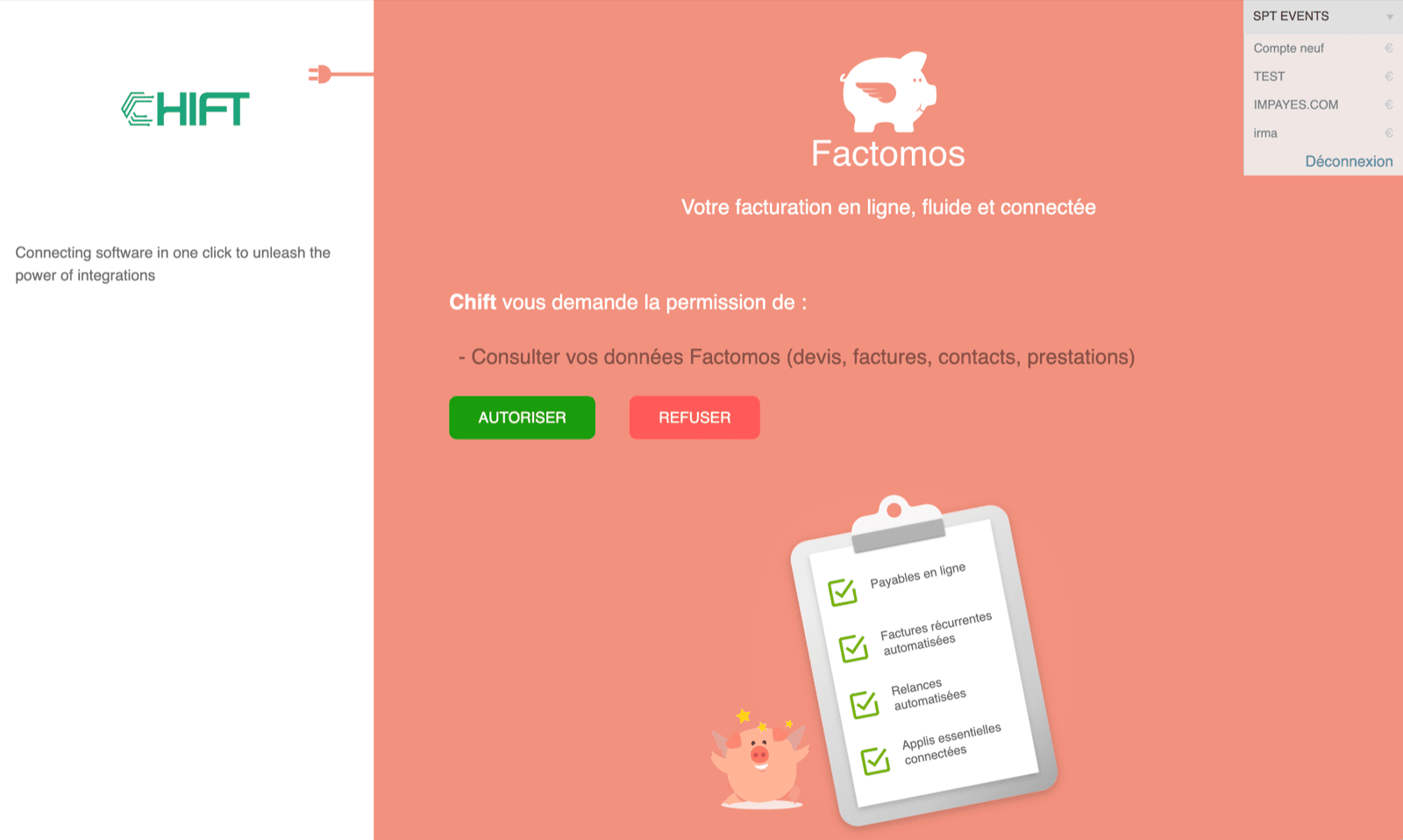
 Om de verbinding te activeren, moet je Chift toestemming geven om je gegevens in Factomos te raadplegen en in het menu rechtsboven het bedrijf selecteren waarvoor je de verbinding wil aanmaken.