> ## Documentation Index
> Fetch the complete documentation index at: https://docs.chift.eu/llms.txt
> Use this file to discover all available pages before exploring further.
# Qonto
# VERBINDING
**Stap 1:** Kies een naam voor je verbinding.
 **Stap 2:** Klik op "Authorise" om de verbinding te voltooien.
 # AUTHENTICATIE
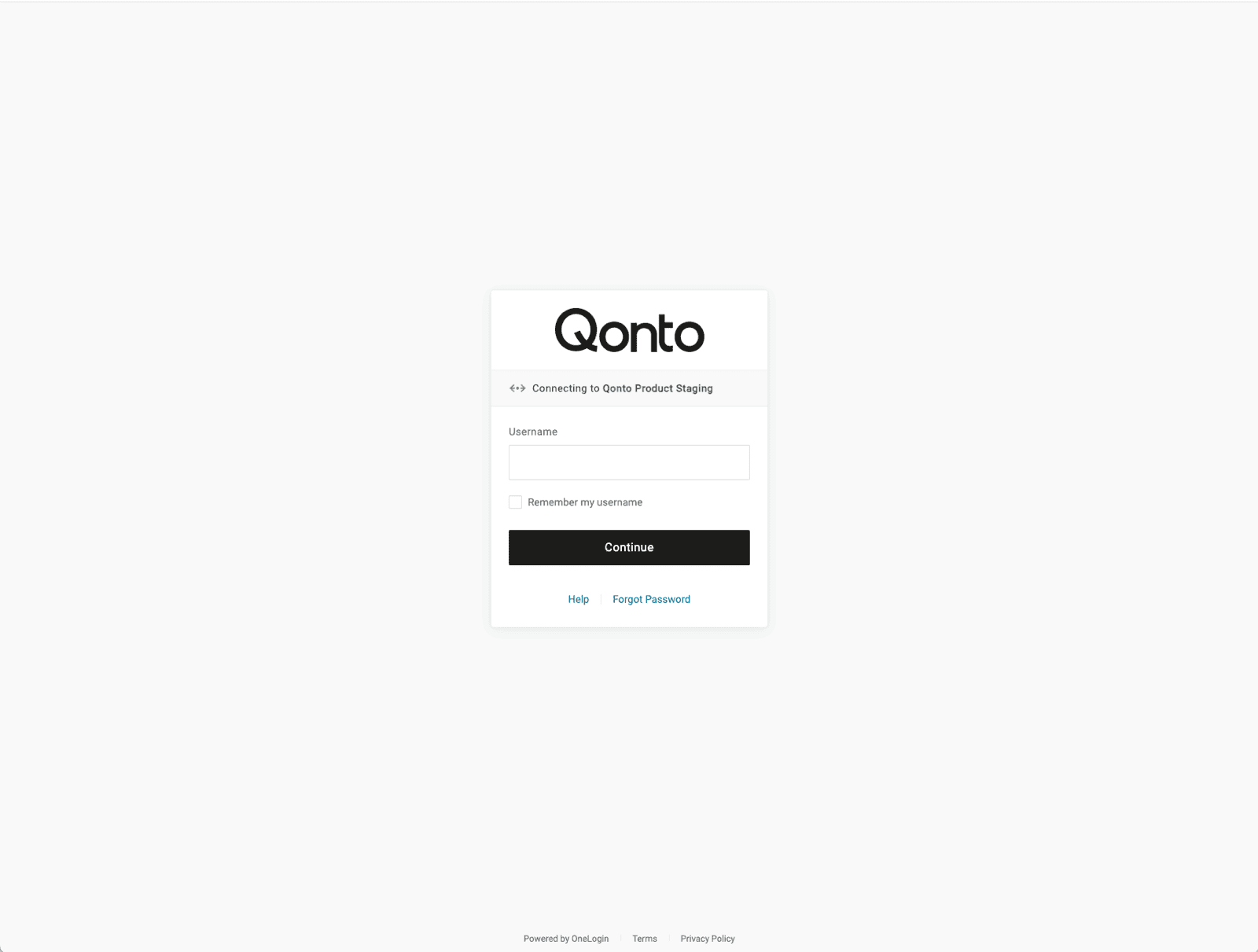
Je wordt doorgestuurd naar een Qonto-inlogpagina om je te authenticeren. Volg de stappen om je Qonto-account te authenticeren
1. Log in op je Qonto-account
# AUTHENTICATIE
Je wordt doorgestuurd naar een Qonto-inlogpagina om je te authenticeren. Volg de stappen om je Qonto-account te authenticeren
1. Log in op je Qonto-account
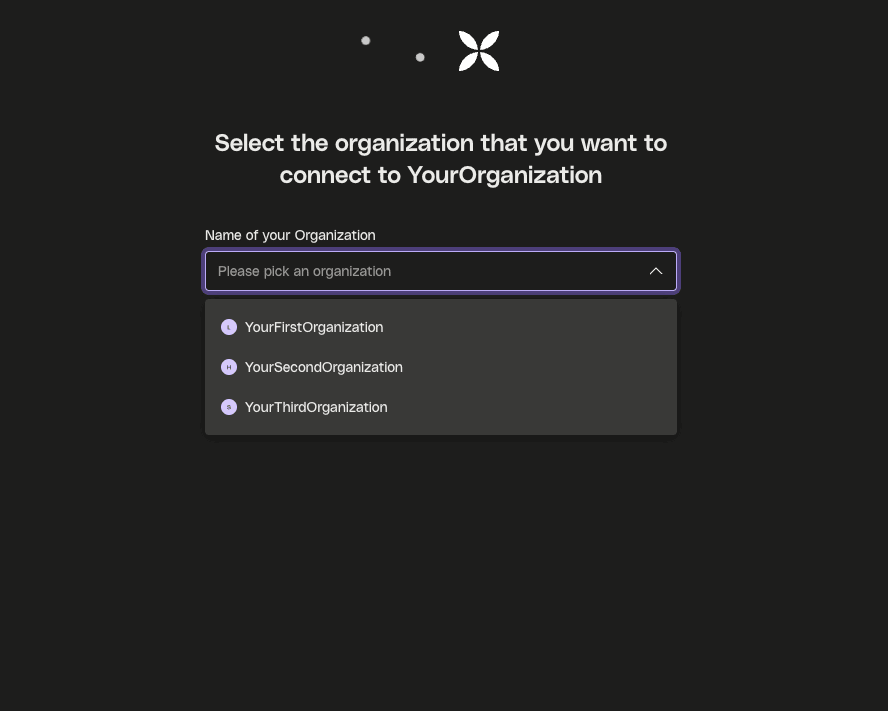
 2. Selecteer de organisatie die je wilt verbinden
 ## **🎉 Je bent nu succesvol verbonden met Qonto**