> ## Documentation Index
> Fetch the complete documentation index at: https://docs.chift.eu/llms.txt
> Use this file to discover all available pages before exploring further.
# Hubspot
# VERBINDING
**Stap 1:** Kies een naam voor je verbinding.
 **Stap 2:** Klik op "Autoriseren" om de verbinding af te ronden.
 # AUTORISATIE
Je moet inloggen op je Hubspot-account en toestemming geven om het delen van gegevens met Hubspot mogelijk te maken.
**Stap 1:** Log in op je account.
# AUTORISATIE
Je moet inloggen op je Hubspot-account en toestemming geven om het delen van gegevens met Hubspot mogelijk te maken.
**Stap 1:** Log in op je account.
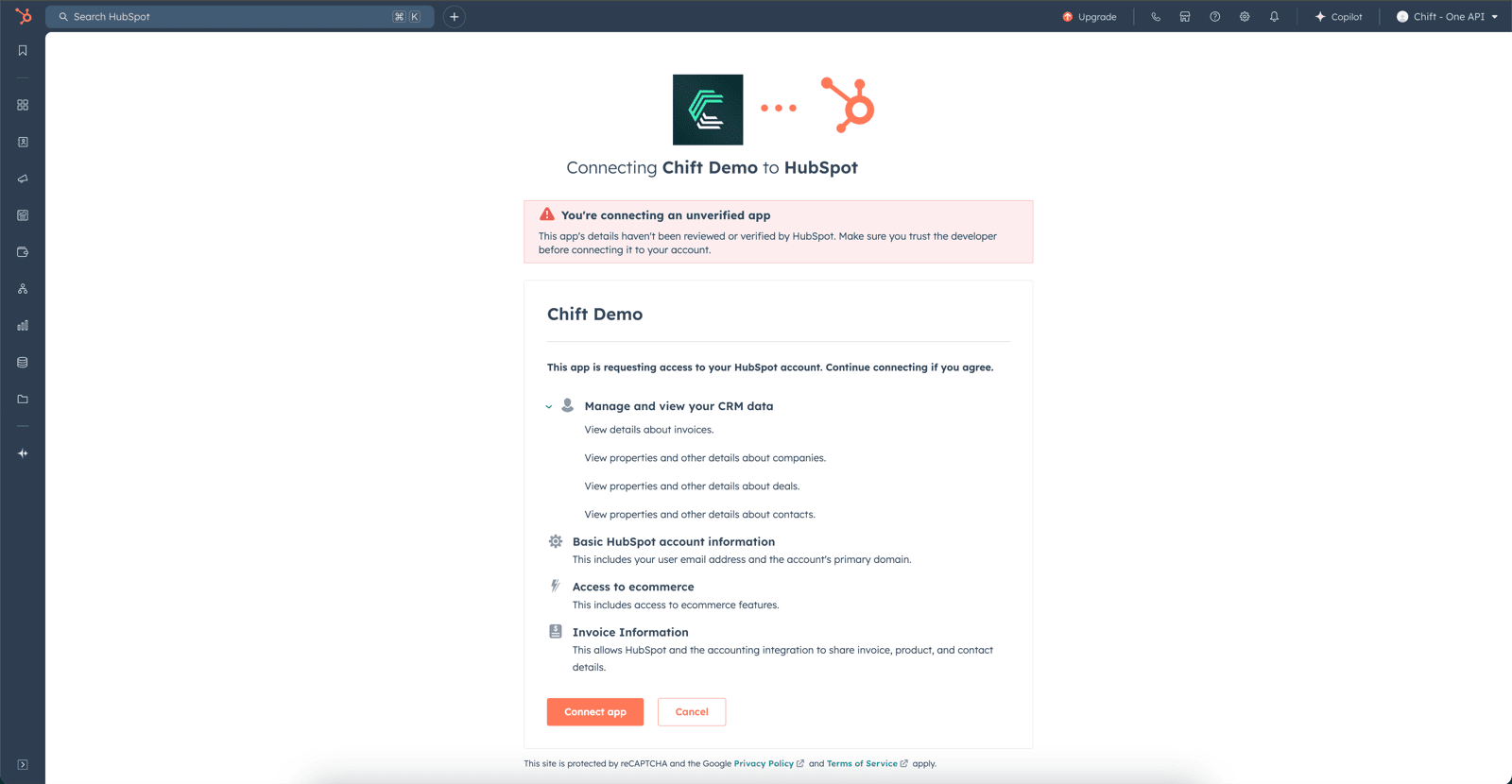
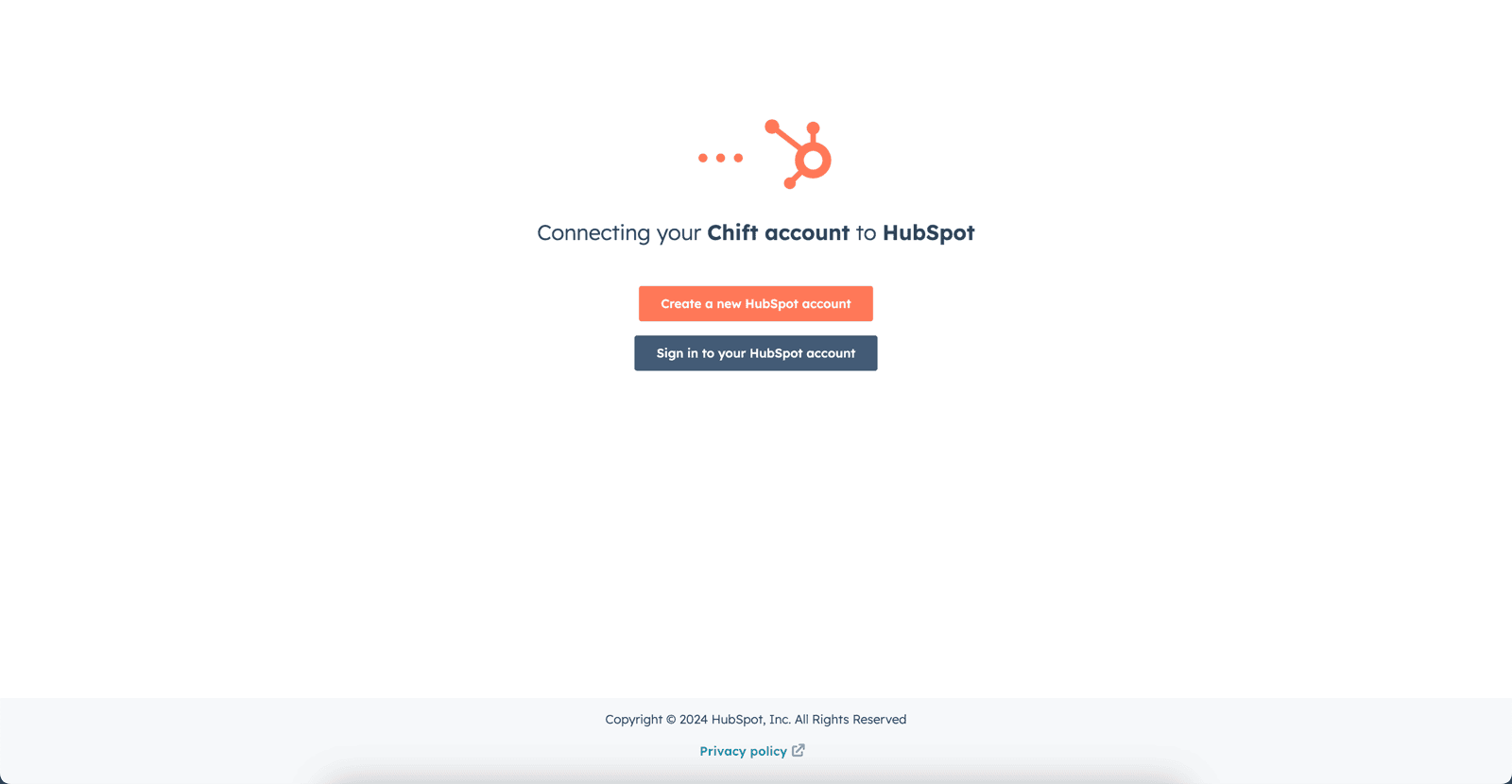 **Stap 2:** Selecteer het Hubspot-account dat je wilt verbinden.
 **Stap 3:** Geef toestemming voor het delen van gegevens met je Hubspot-account.
 # VEELVOORKOMENDE FOUTEN
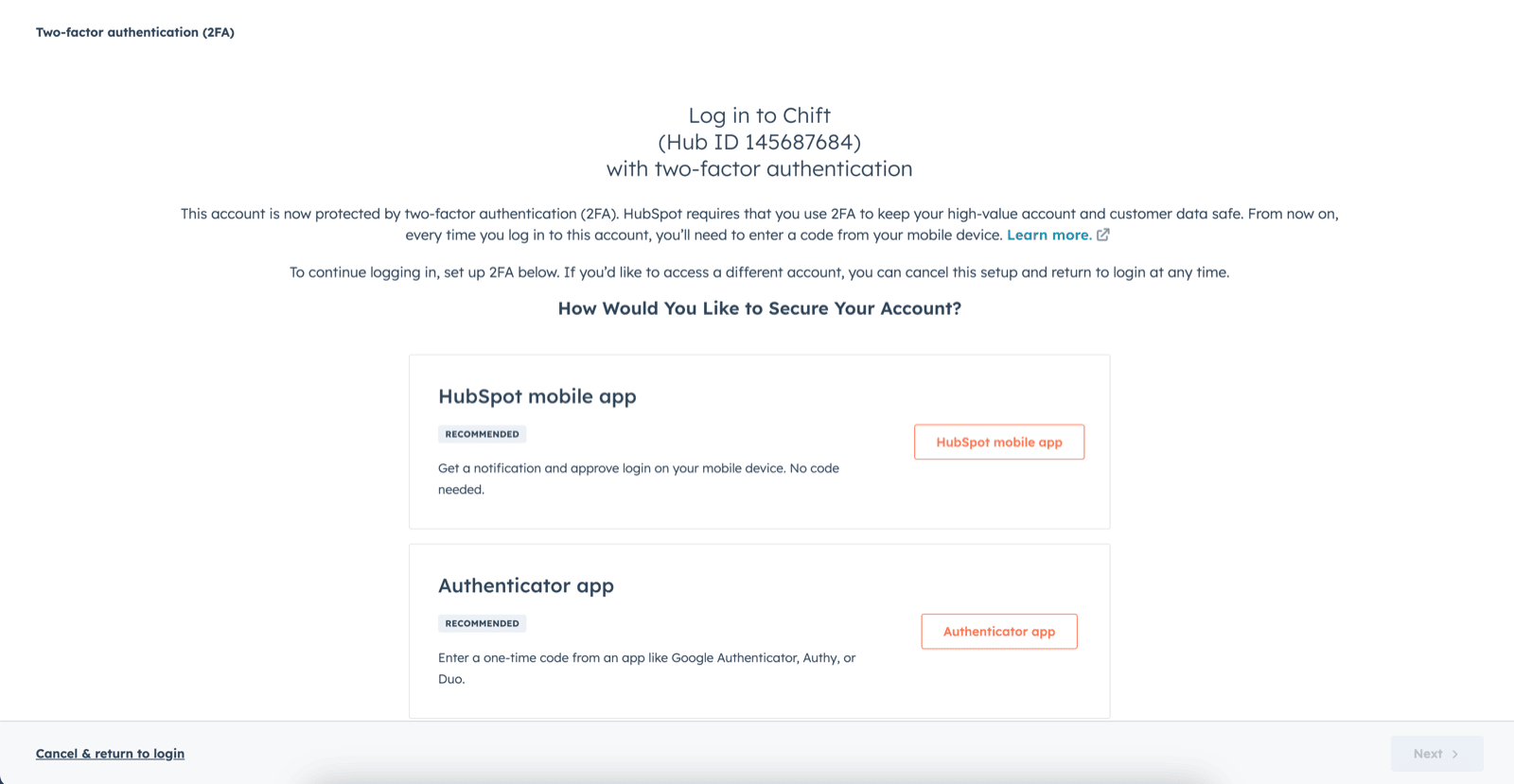
1. Bij een rechtenfout: "Couldn't complete the connection due to permissions." Je moet naar je accountinstellingen gaan om tweefactorauthenticatie in te schakelen.
# VEELVOORKOMENDE FOUTEN
1. Bij een rechtenfout: "Couldn't complete the connection due to permissions." Je moet naar je accountinstellingen gaan om tweefactorauthenticatie in te schakelen.
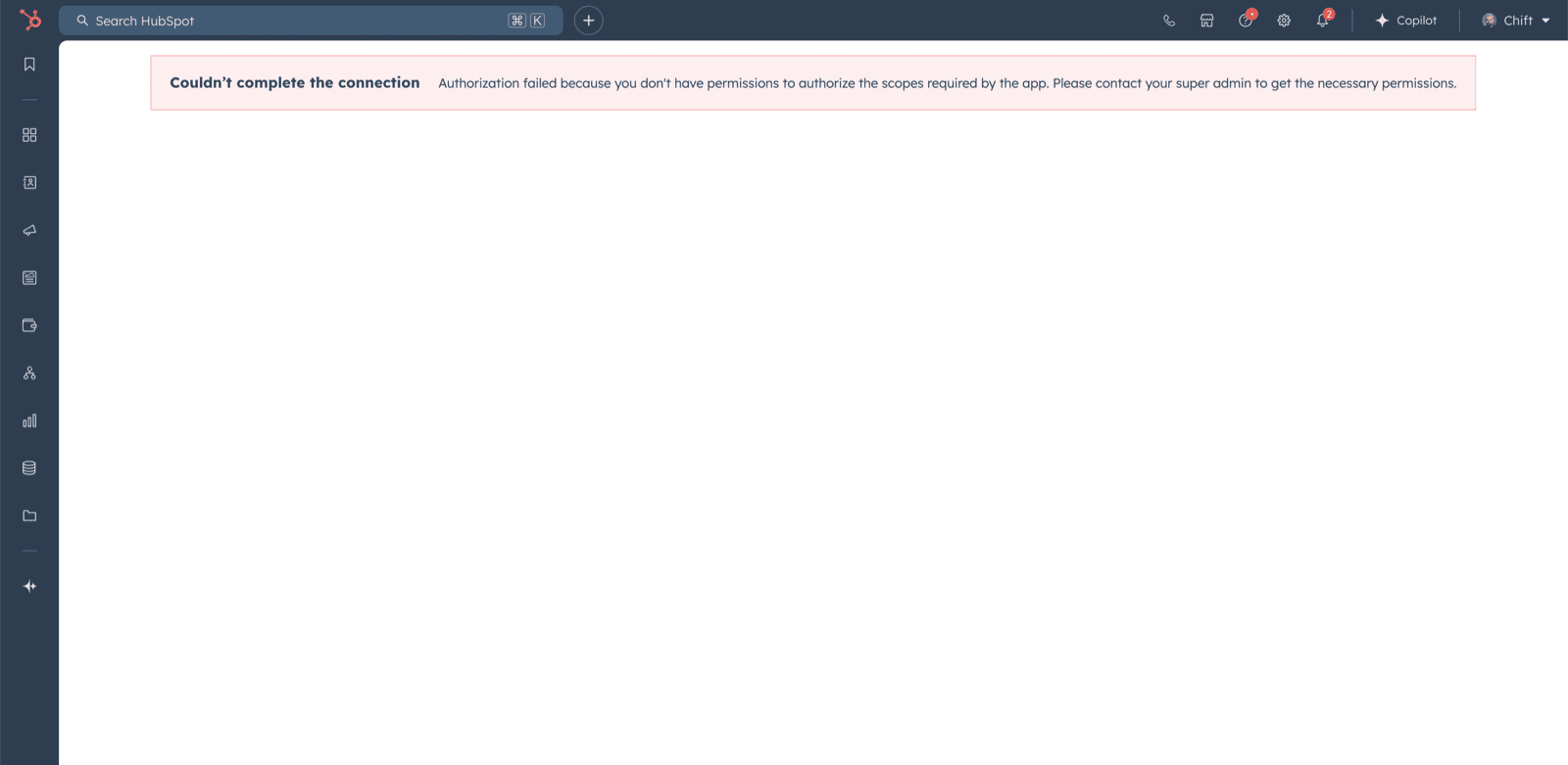 Om tweefactorauthenticatie in te schakelen, moet je naar het Hubspot-account gaan en de rechten hebben om toegang te krijgen tot de scopes:
* oauth
* accounting
* e-commerce
* crm.objects.companies.read
* crm.objects.deals.read
* crm.objects.invoices.read
* crm.objects.contacts.read
Om tweefactorauthenticatie in te schakelen, moet je naar het Hubspot-account gaan en de rechten hebben om toegang te krijgen tot de scopes:
* oauth
* accounting
* e-commerce
* crm.objects.companies.read
* crm.objects.deals.read
* crm.objects.invoices.read
* crm.objects.contacts.read