> ## Documentation Index
> Fetch the complete documentation index at: https://docs.chift.eu/llms.txt
> Use this file to discover all available pages before exploring further.
# Marketplace Activation
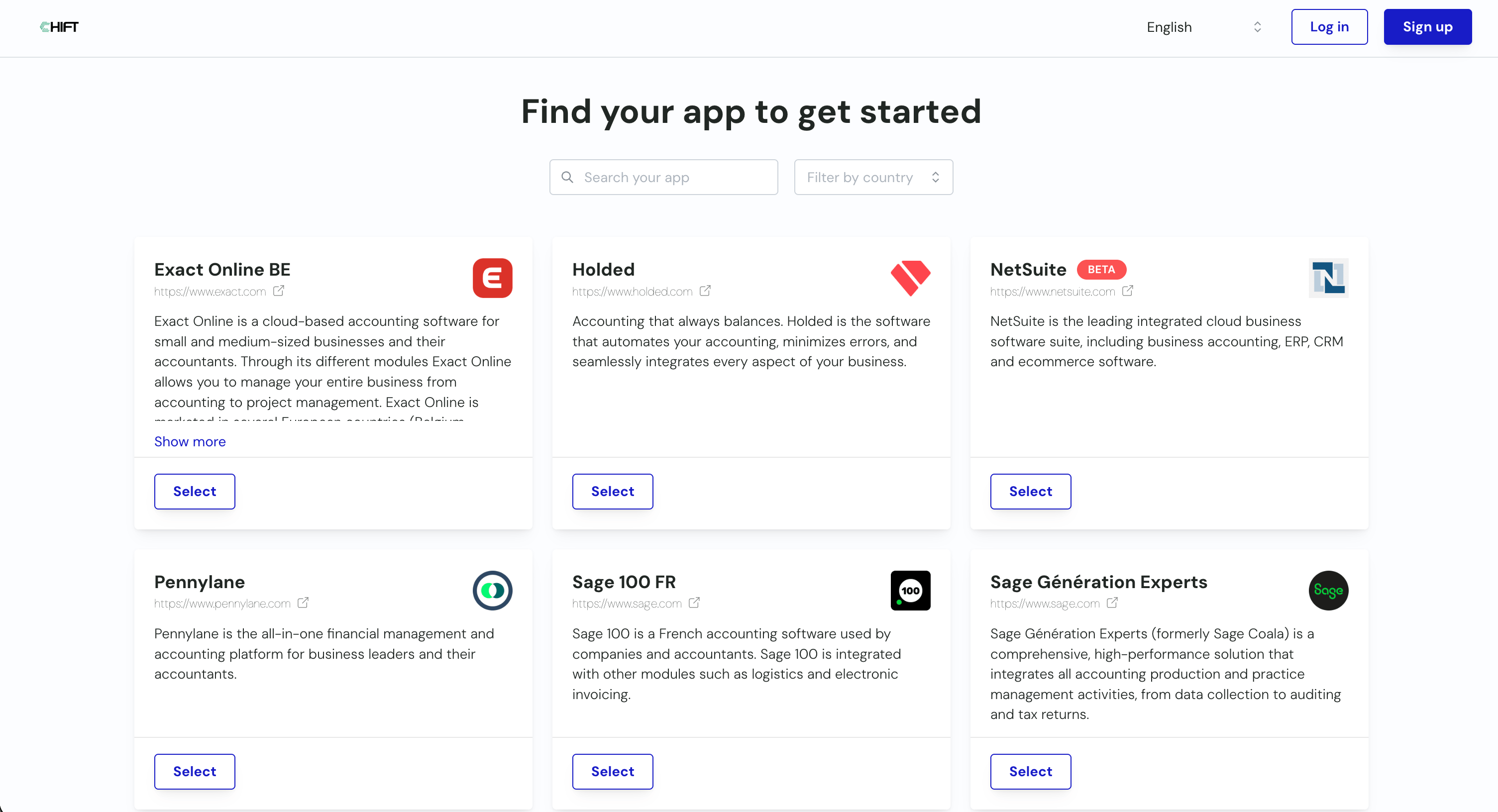
**Step 1:** Sign up or Log in
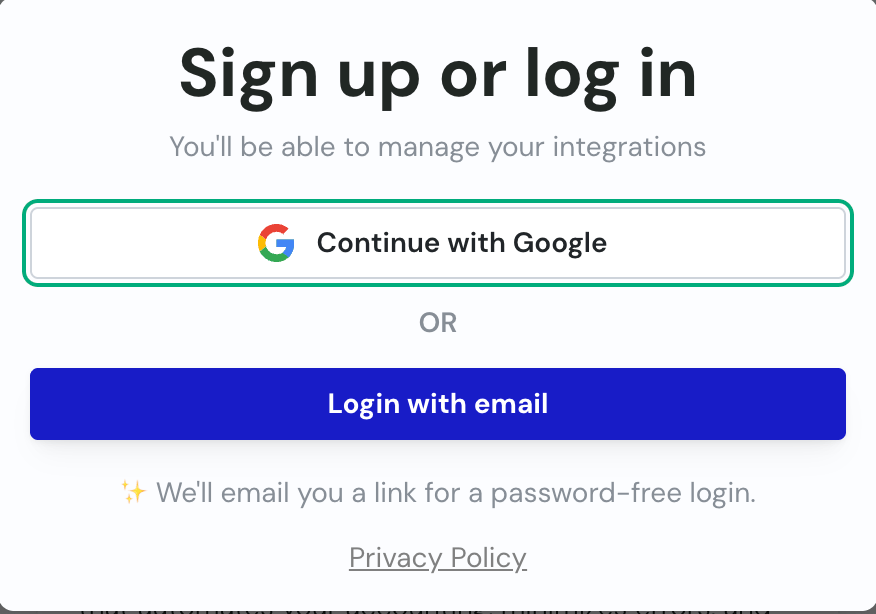
 **Step 2:** Either use your Google account to log in or use our passwordless authentication method.
 **Step 3:**
1. **Sign in with Google:** You should be authenticated and already logged in 🙌
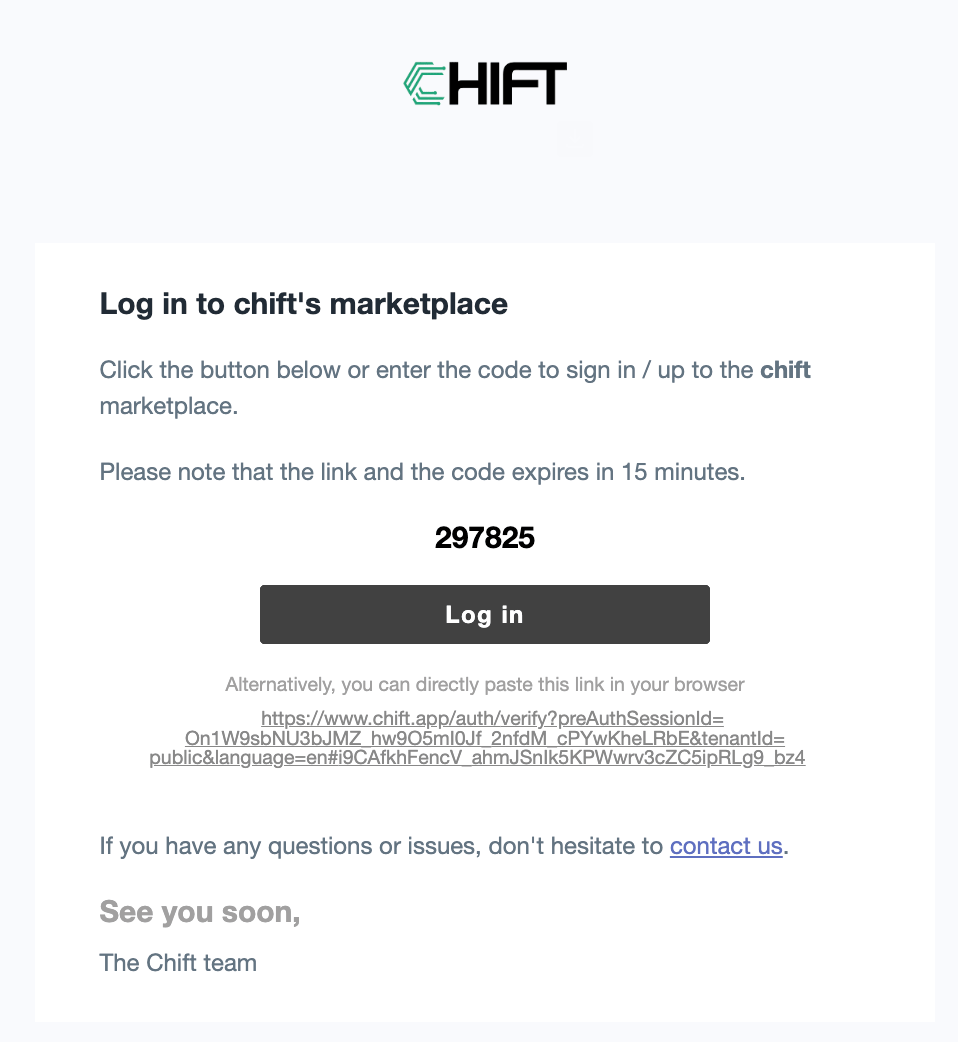
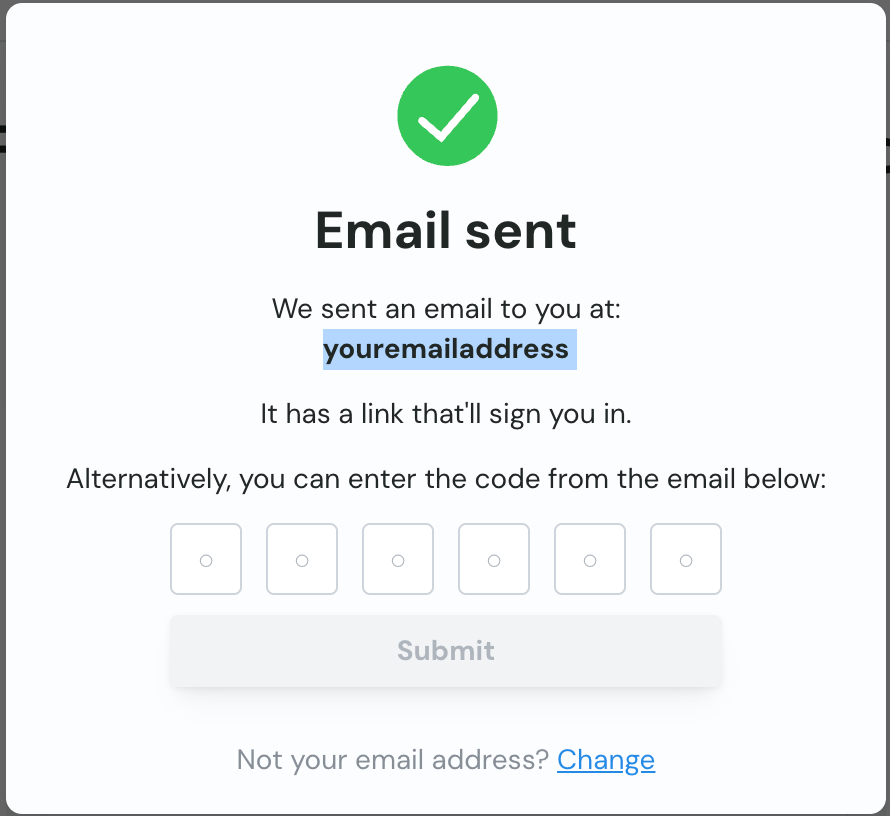
2. **Passwordless authentication:** You should have received an email with an authentication link. Click on the link to log in, otherwise, fill the 6 numbers you received in your email into our platform to log in.
**Step 3:**
1. **Sign in with Google:** You should be authenticated and already logged in 🙌
2. **Passwordless authentication:** You should have received an email with an authentication link. Click on the link to log in, otherwise, fill the 6 numbers you received in your email into our platform to log in.
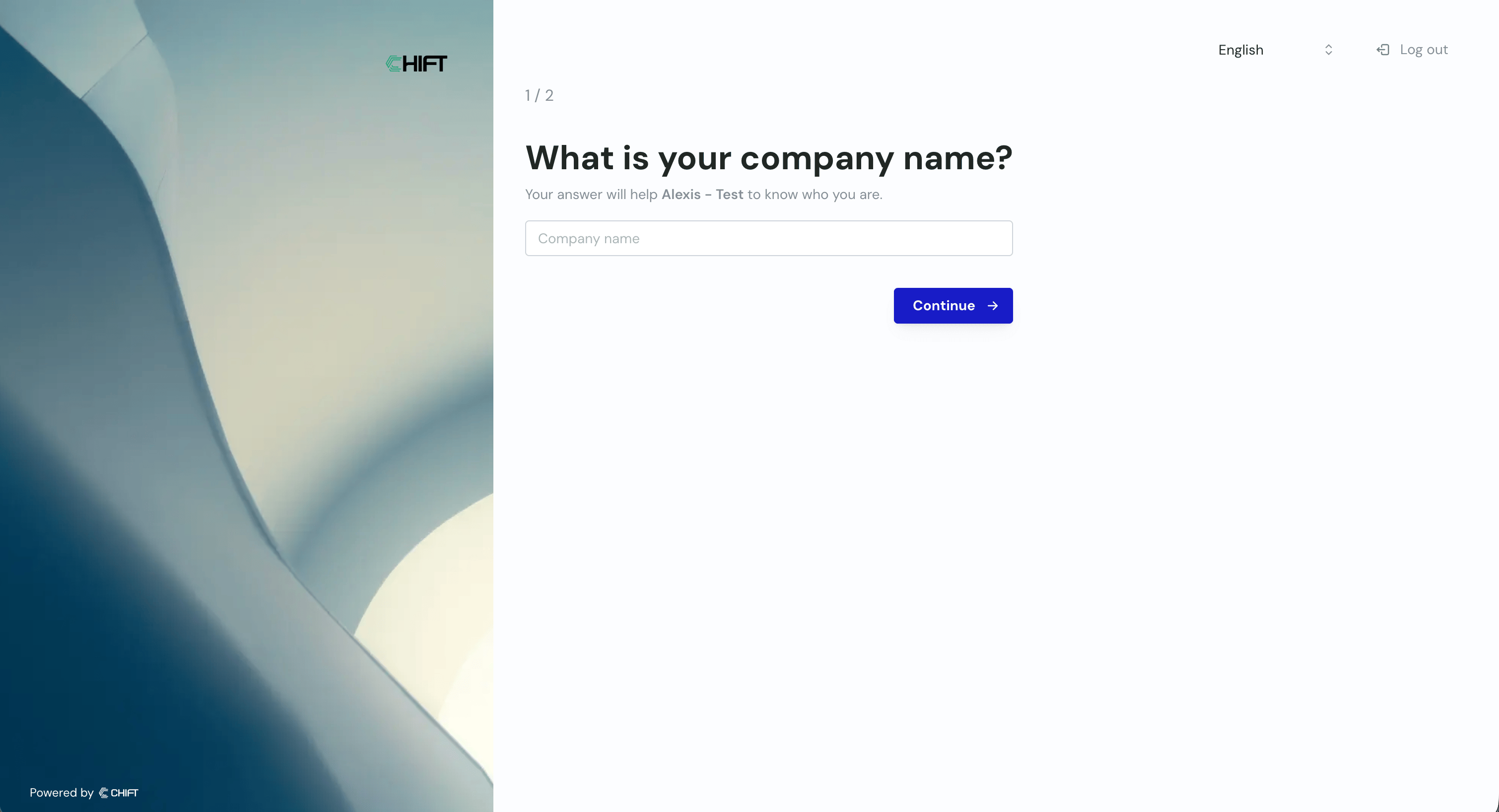
 **Step 4:** Fill the name of your company. This will be associated to a group of synchronisations so if you are planning to create multiple synchronisations we do recommend to use a more global name than the name of the client.
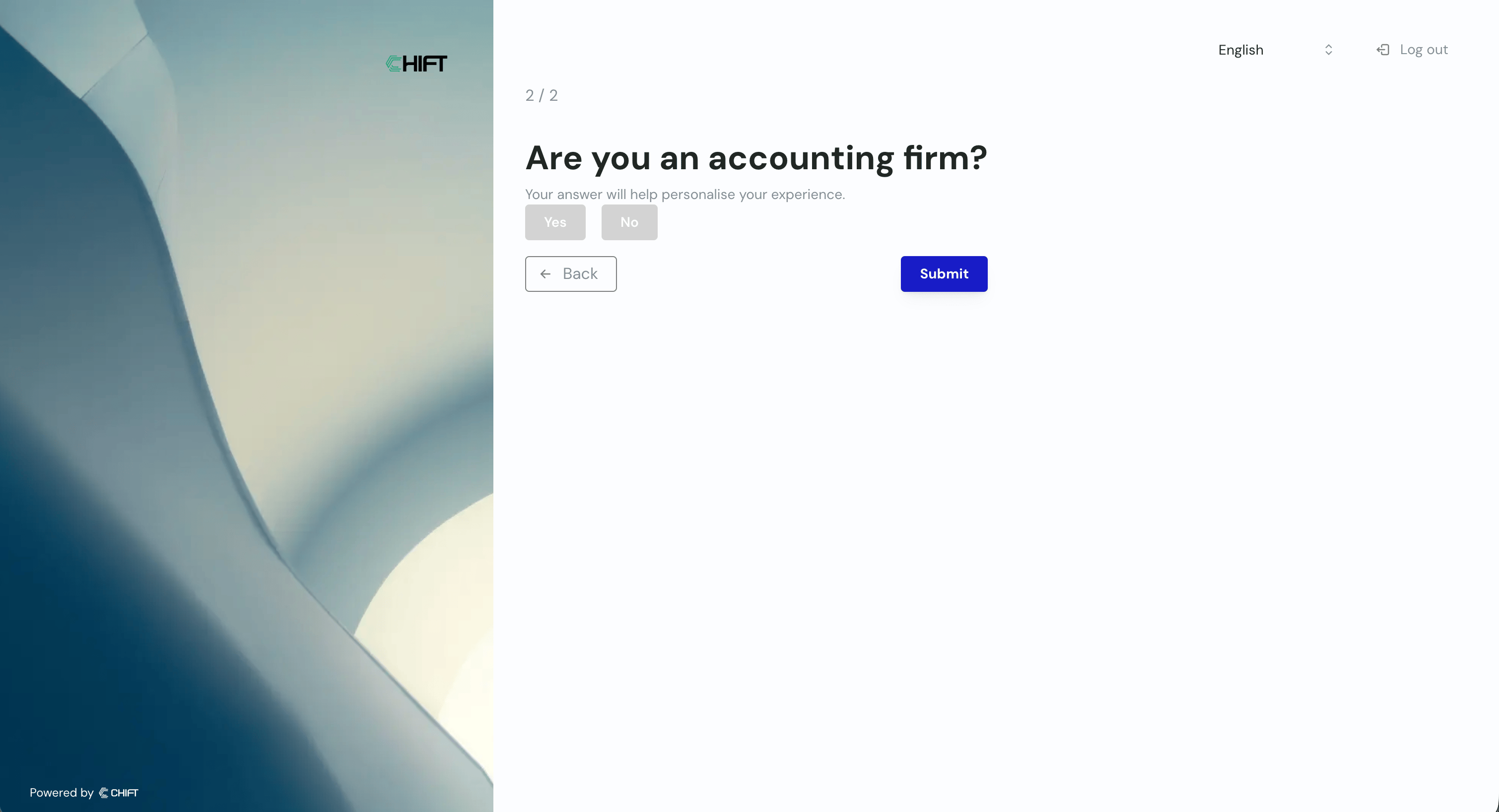
 **Step 5:** Give us more details about your company, this will allow us to personalise your experience.