> ## Documentation Index
> Fetch the complete documentation index at: https://docs.chift.eu/llms.txt
> Use this file to discover all available pages before exploring further.
# Tiller
# PREPARATION
To activate the integration with Tiller, you need to generate an API key from your Tiller account. Here are the steps to follow:
* Log in to your Tiller account → Menu → App Market → Click on **App Market**.
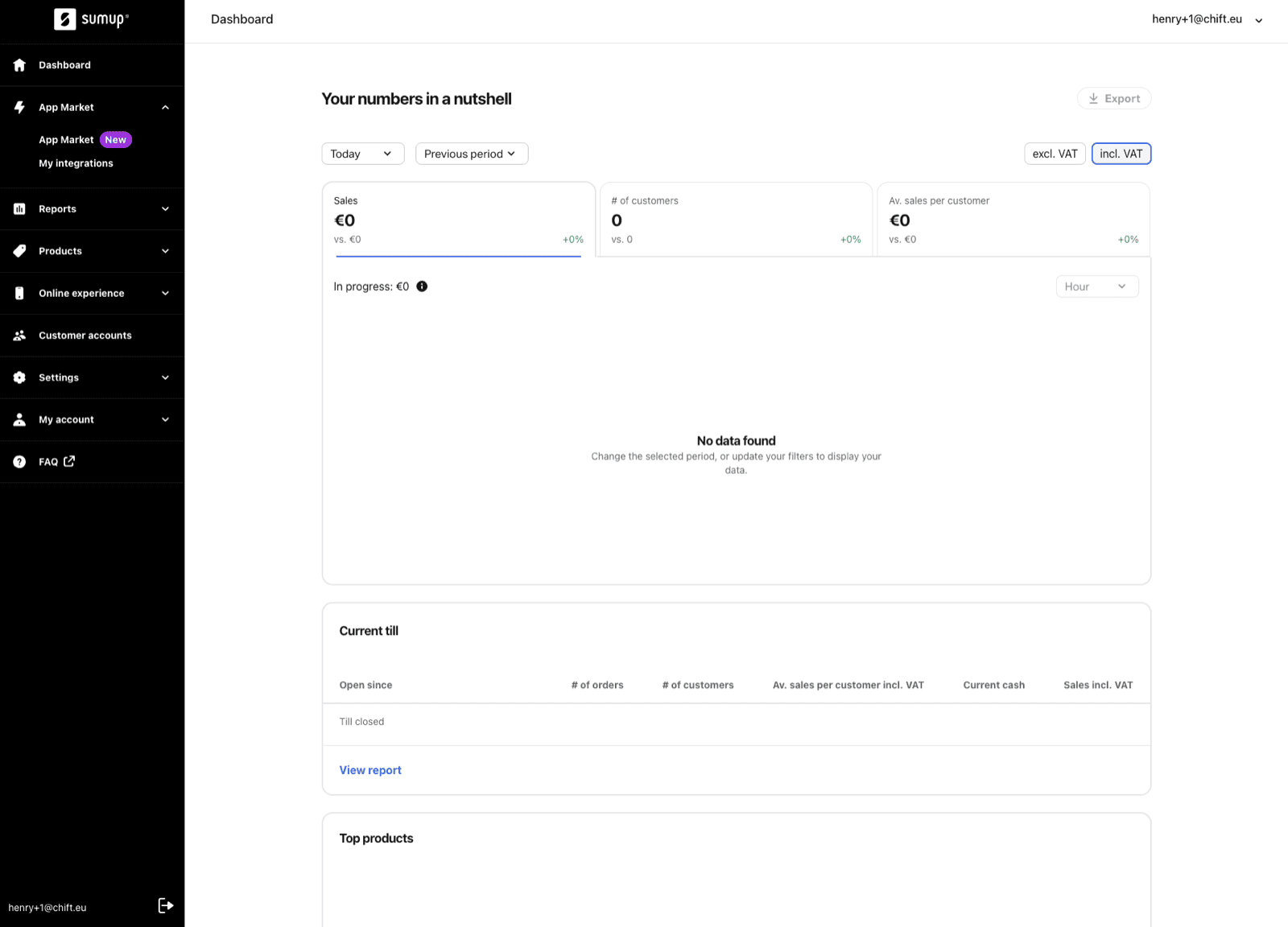 * Select the correct store on your Tiller account for which you want to set up the integration.
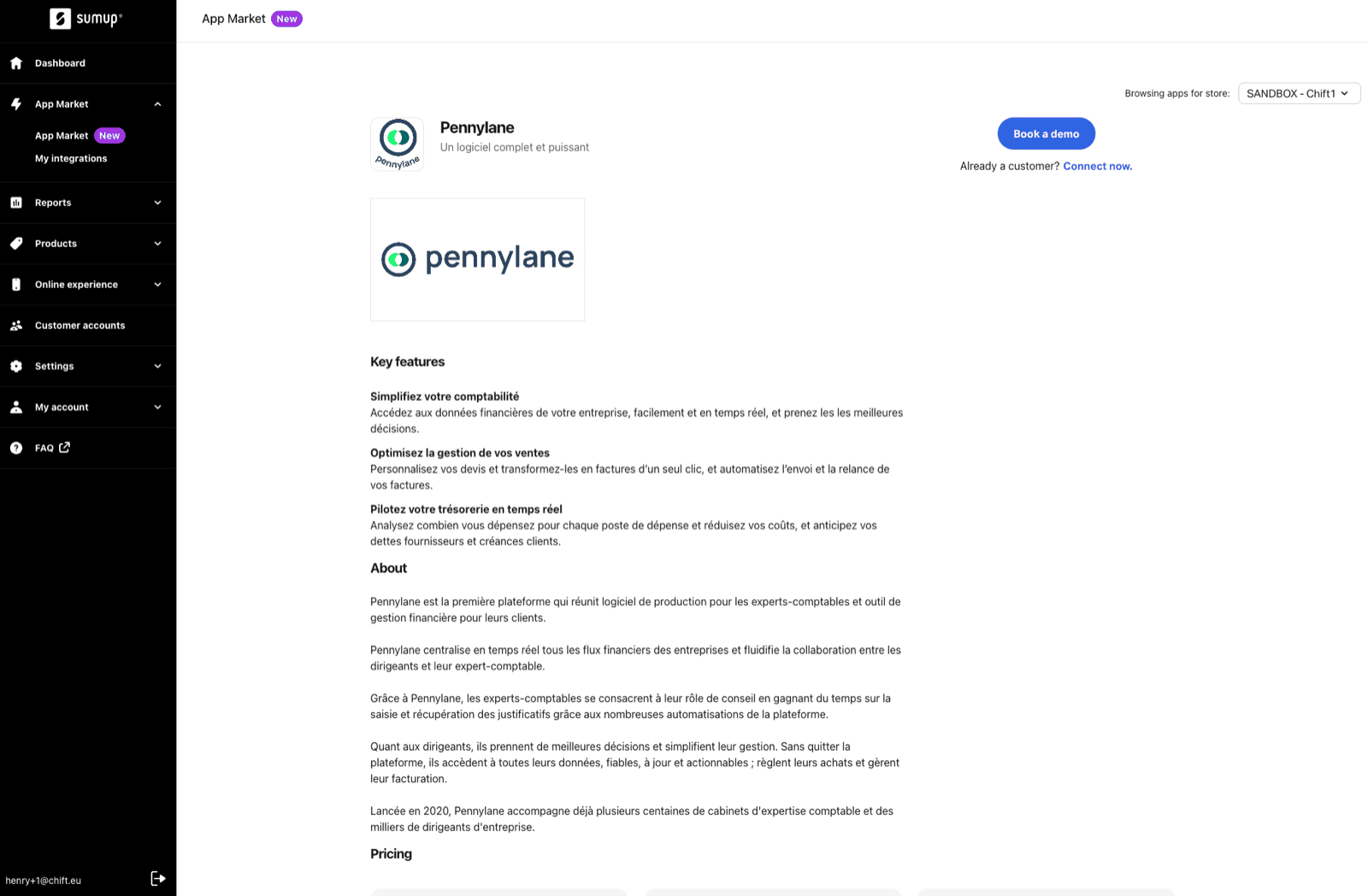
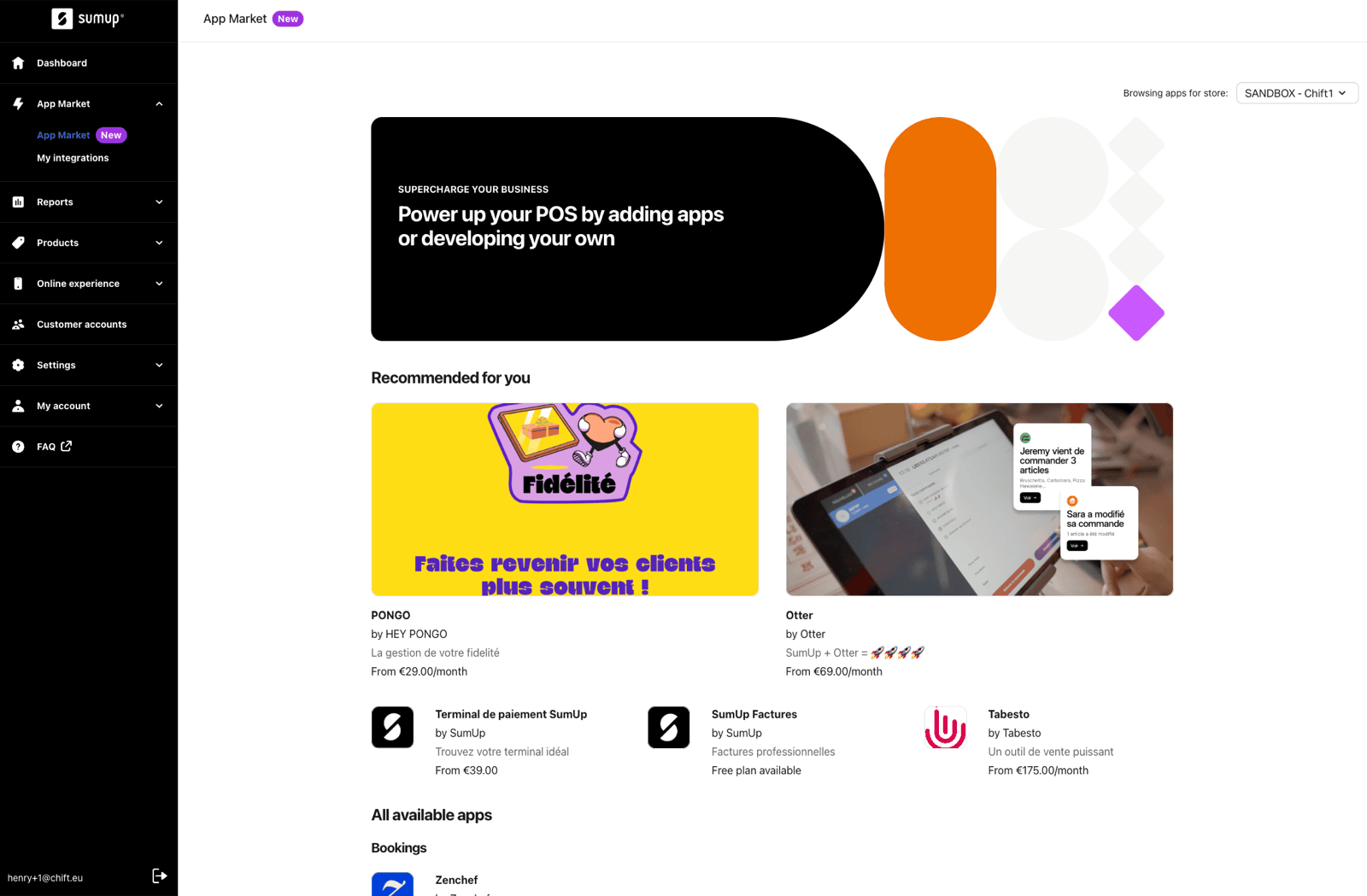 * Click on the application of the software you want to integrate with Tiller.
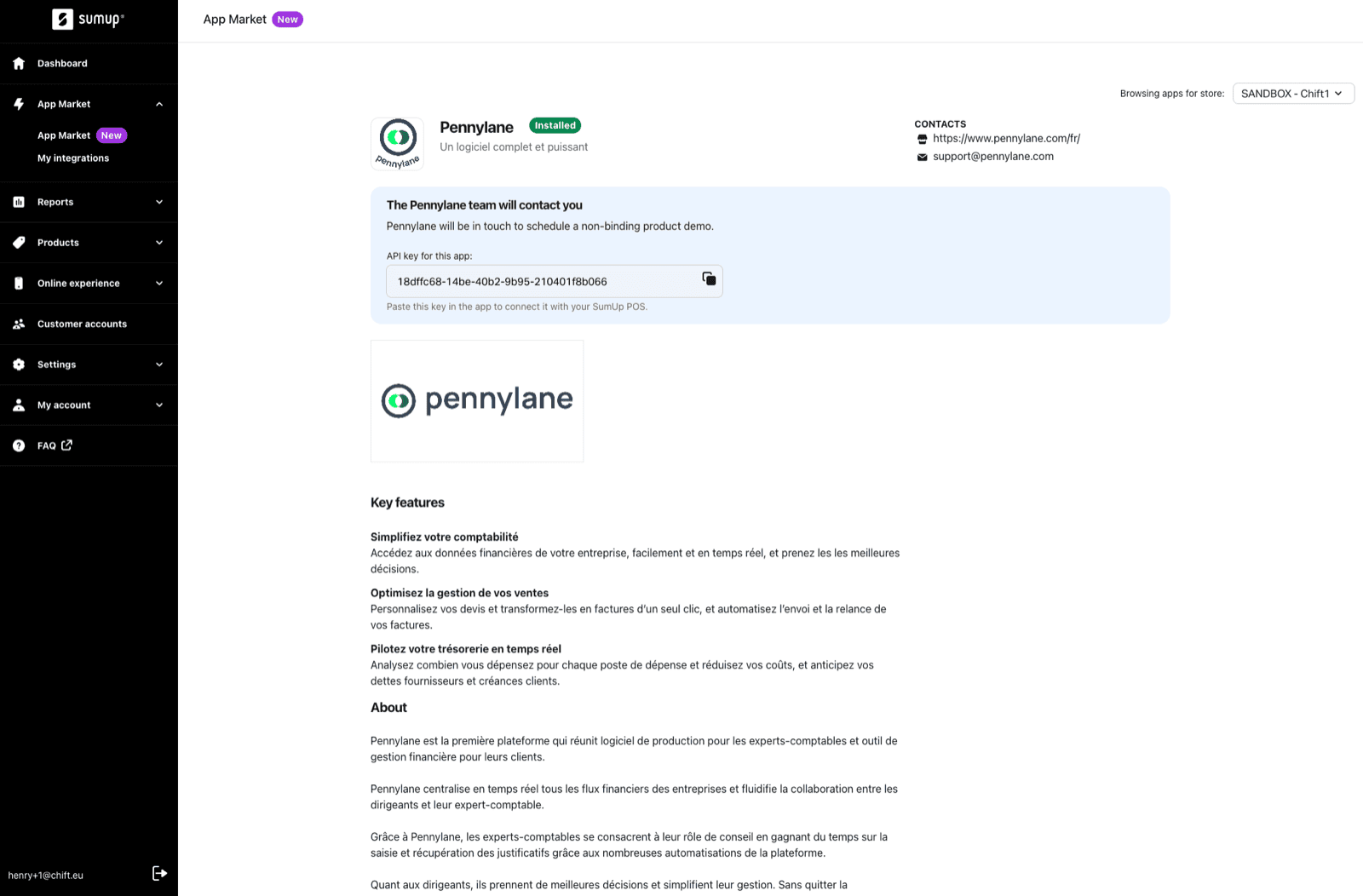
 * On the application's page (here, Pennylane, as an example), click on **"Connect Now"** below **"Book a Demo"**, then click **"Confirm"** to generate an API key.
 * **Copy the API key** generated on the application's page.
 # CONNEXION
**Step 1:** Choose a name for your connection.
# CONNEXION
**Step 1:** Choose a name for your connection.
 **Step 2:** Enter your previously generated API Token (Steps explained in the above preparation).
 **Step 3:** Click "Authorise" to finalise the connection.
