> ## Documentation Index
> Fetch the complete documentation index at: https://docs.chift.eu/llms.txt
> Use this file to discover all available pages before exploring further.
# Planity
# PREREQUISITES
The Point of Sales module should be enabled.
You should get an access key for step 2:
* Go to your Planity's account
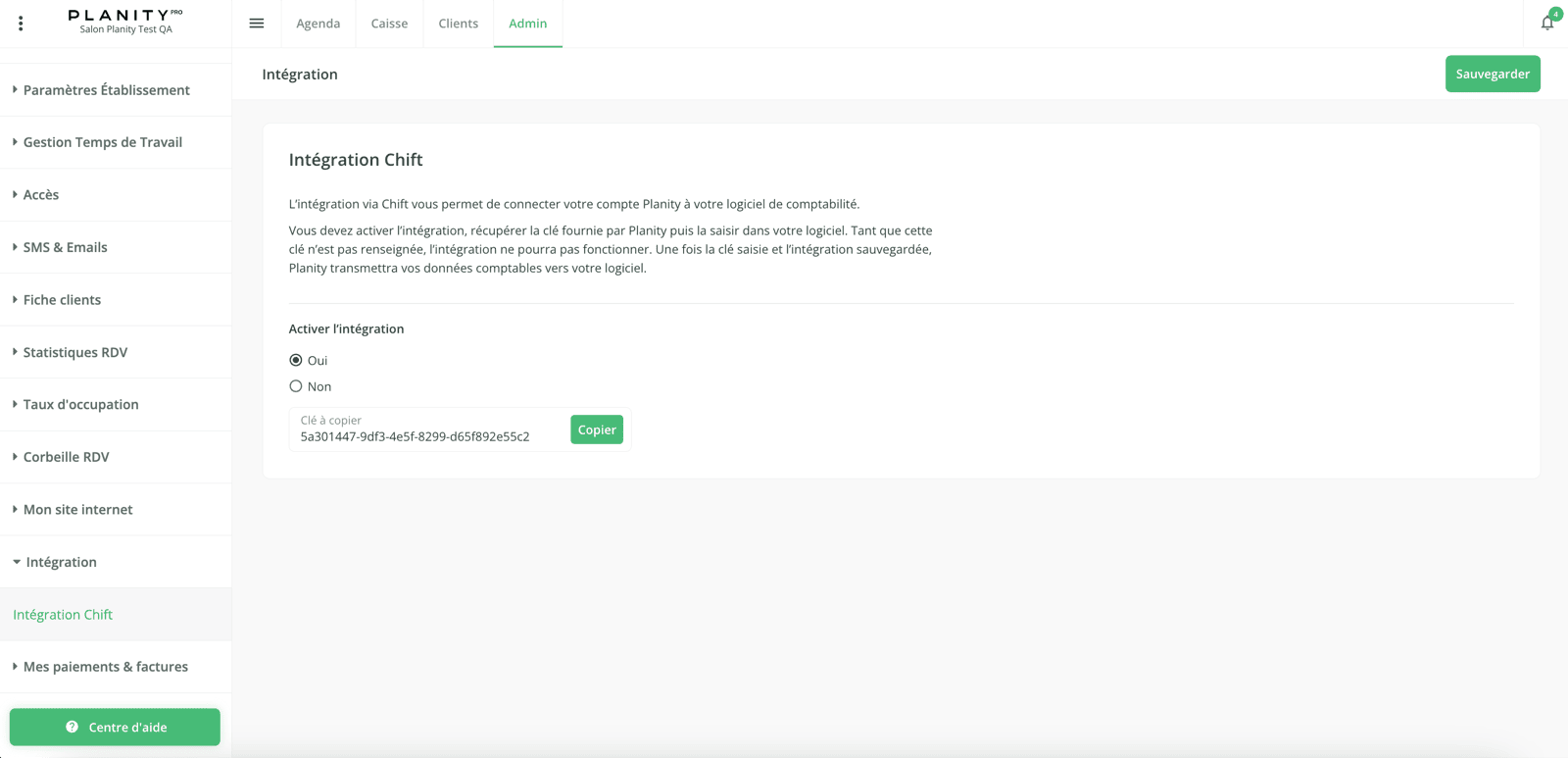
* Go to "Admin" > "Integration" > "Integration Chift" >
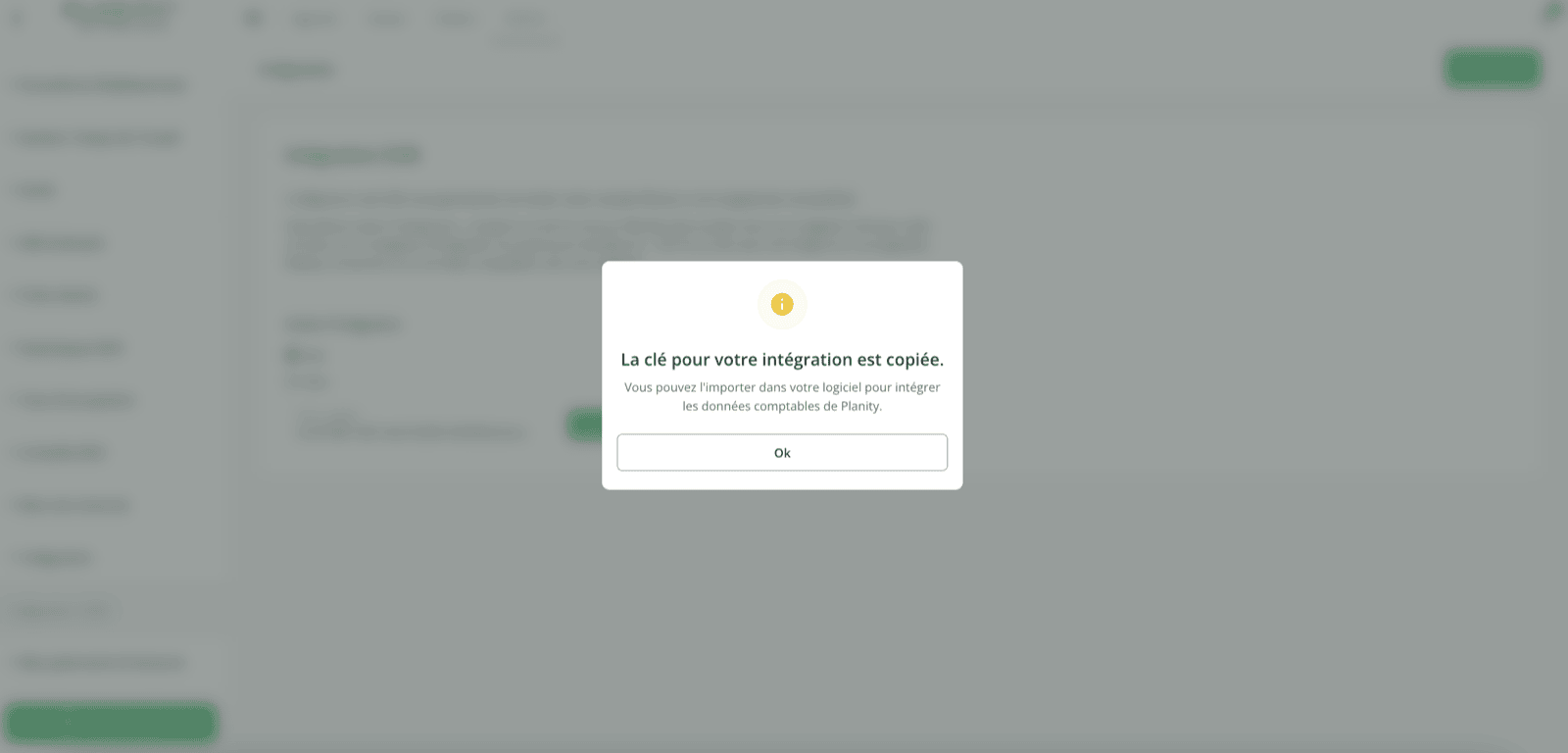
* Select "Yes" on "Activate the integration", copy the access key and click on "Save".
See as well this guide from Planity: [https://planity.helpdocs.io/l/fr/article/93uplufhol-comment-connecter-chift-et-planity](https://planity.helpdocs.io/l/fr/article/93uplufhol-comment-connecter-chift-et-planity)
 # CONNEXION
**Step 1:** Choose a name for your connection.
# CONNEXION
**Step 1:** Choose a name for your connection.
 **Step 2:** Enter your access key.
 After generating the API key on Planity, **it may take up to 10 minutes for the key to become active.**\
If the connection fails on the first attempt with the error message *“Provided access key is invalid or connection is not configured yet”* , simply wait a few minutes and try again.
**Step 3:** Click "Connect" to finalise the connection.
After generating the API key on Planity, **it may take up to 10 minutes for the key to become active.**\
If the connection fails on the first attempt with the error message *“Provided access key is invalid or connection is not configured yet”* , simply wait a few minutes and try again.
**Step 3:** Click "Connect" to finalise the connection.
 Note that the export of data once activated on Planity might take a few minutes. If you have an unexpected error here, please try again.