> ## Documentation Index
> Fetch the complete documentation index at: https://docs.chift.eu/llms.txt
> Use this file to discover all available pages before exploring further.
# Cashpad
# **PREPARATION**
Send an email to Cashpad's support team: [support@cashpad.fr](mailto:support@cashpad.fr) or see directly with your reseller.
Inform them that you are enabling the API connection via **Chift** and request them for the following information about your account:
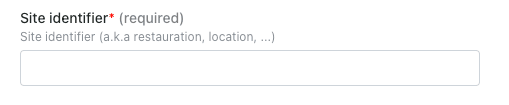
* Installation ID (your site unique identifier)
# CONNEXION
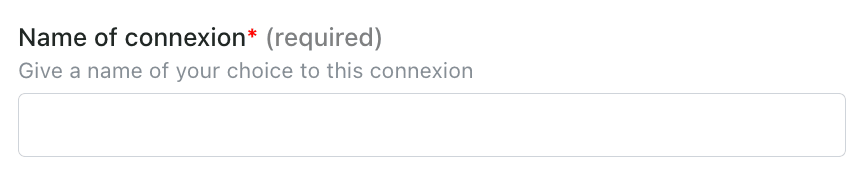
**Step 1:** Choose a name for your connection.
 **Step 2:** Enter the site identifier (installation ID) provided by Cashpad.
 **Step 3:** Click "Connect" to finalise the connection.