> ## Documentation Index
> Fetch the complete documentation index at: https://docs.chift.eu/llms.txt
> Use this file to discover all available pages before exploring further.
# Noovy
## PREREQUISITE
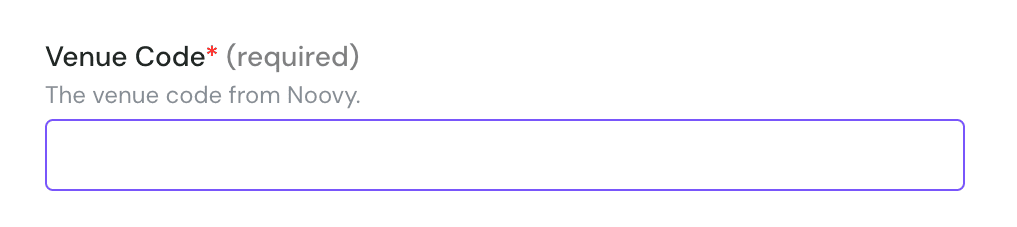
* To activate an integration with Noovy, you’ll need the **PMS code**, also called the **Venue Code,** this is the unique identifier provided by Noovy for each property.
## CONNEXION
**Step 1:** Choose a name for your connection
 **Step 2:** Provide your Noovy PMS/Venue code
 **Step 3:** Click "Connected " to finalise the connection