> ## Documentation Index
> Fetch the complete documentation index at: https://docs.chift.eu/llms.txt
> Use this file to discover all available pages before exploring further.
# Organilog
# **PREPARATION**
1. Log into your organilog account
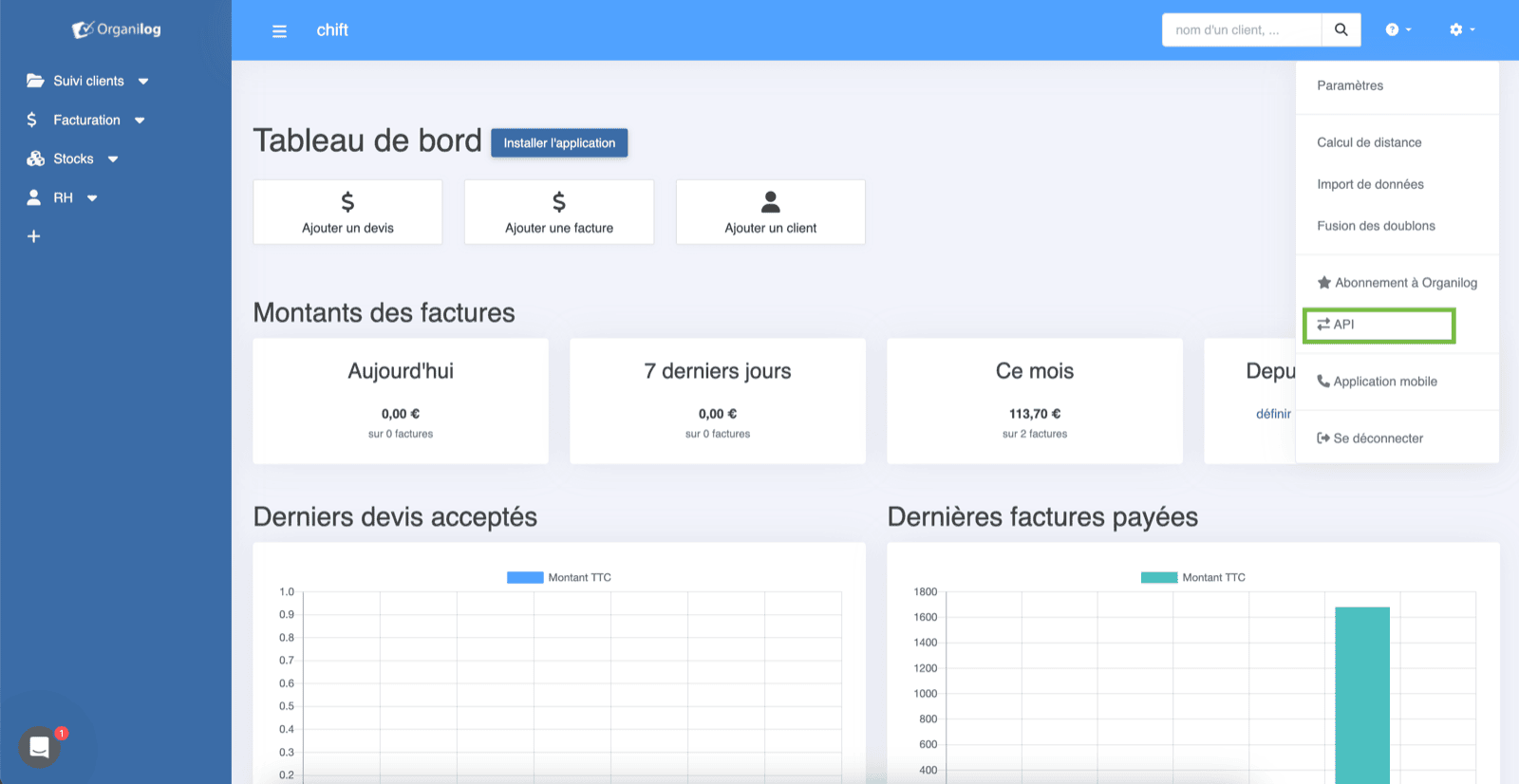
2. On the top right corner click on "API"
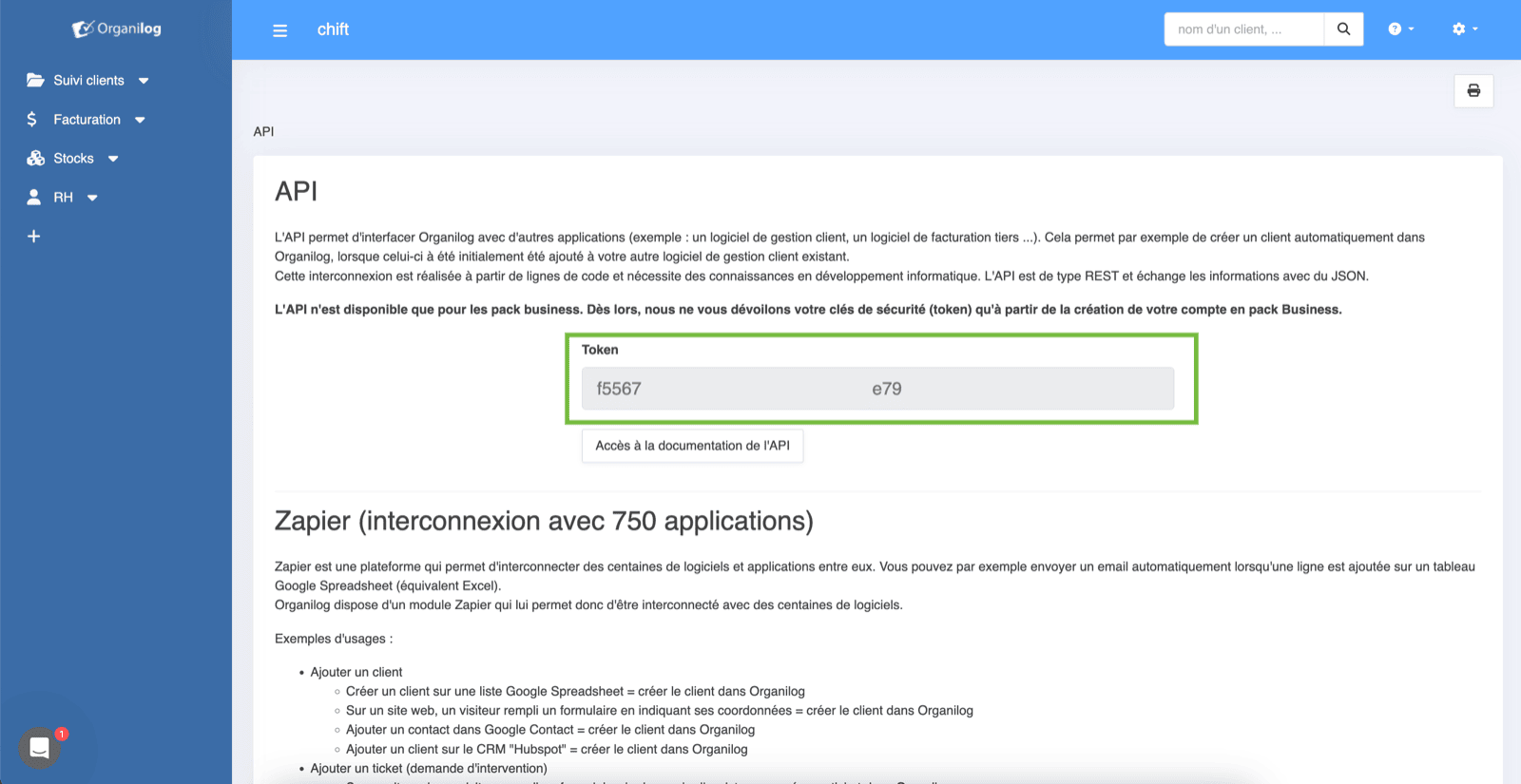
 3. Then you can copy your API key (the one you need to fill in Chift)
⚠️ Please note that you need to have a "business" plan.
**Otherwise, API key will be obfuscated and will not work.**
3. Then you can copy your API key (the one you need to fill in Chift)
⚠️ Please note that you need to have a "business" plan.
**Otherwise, API key will be obfuscated and will not work.**
 # CONNEXION
**Step 1:** Choose a name for your connection
# CONNEXION
**Step 1:** Choose a name for your connection
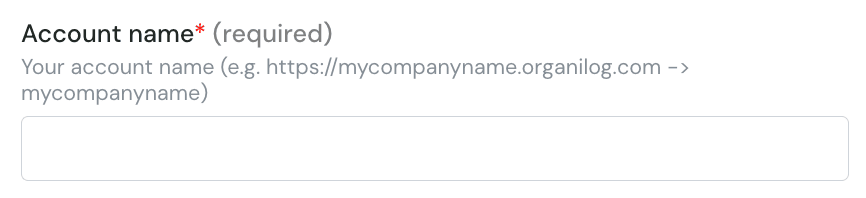
 **Step 2 :** fill in the company subdomain in organilog (without the domain and HTTPS)
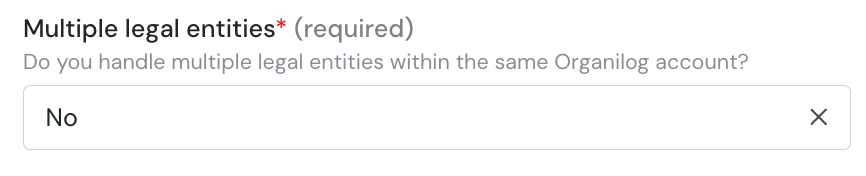
 **Step 3 :** Choose if you want to import multiple legal entities
 **Step 4:** fill in the API key you fetched from organilog.
 **Step 5:** Click "Connect" to finalise the connection.